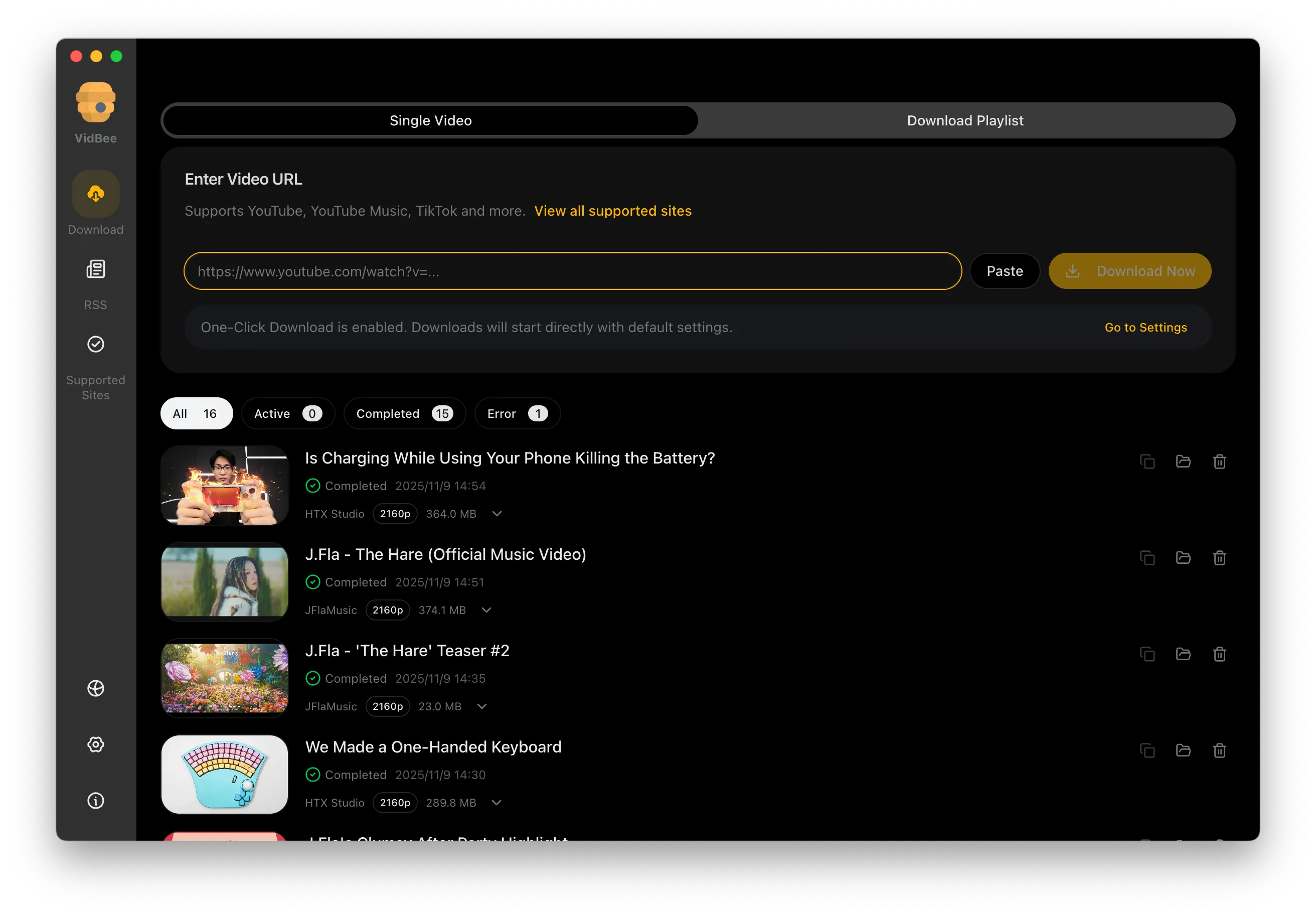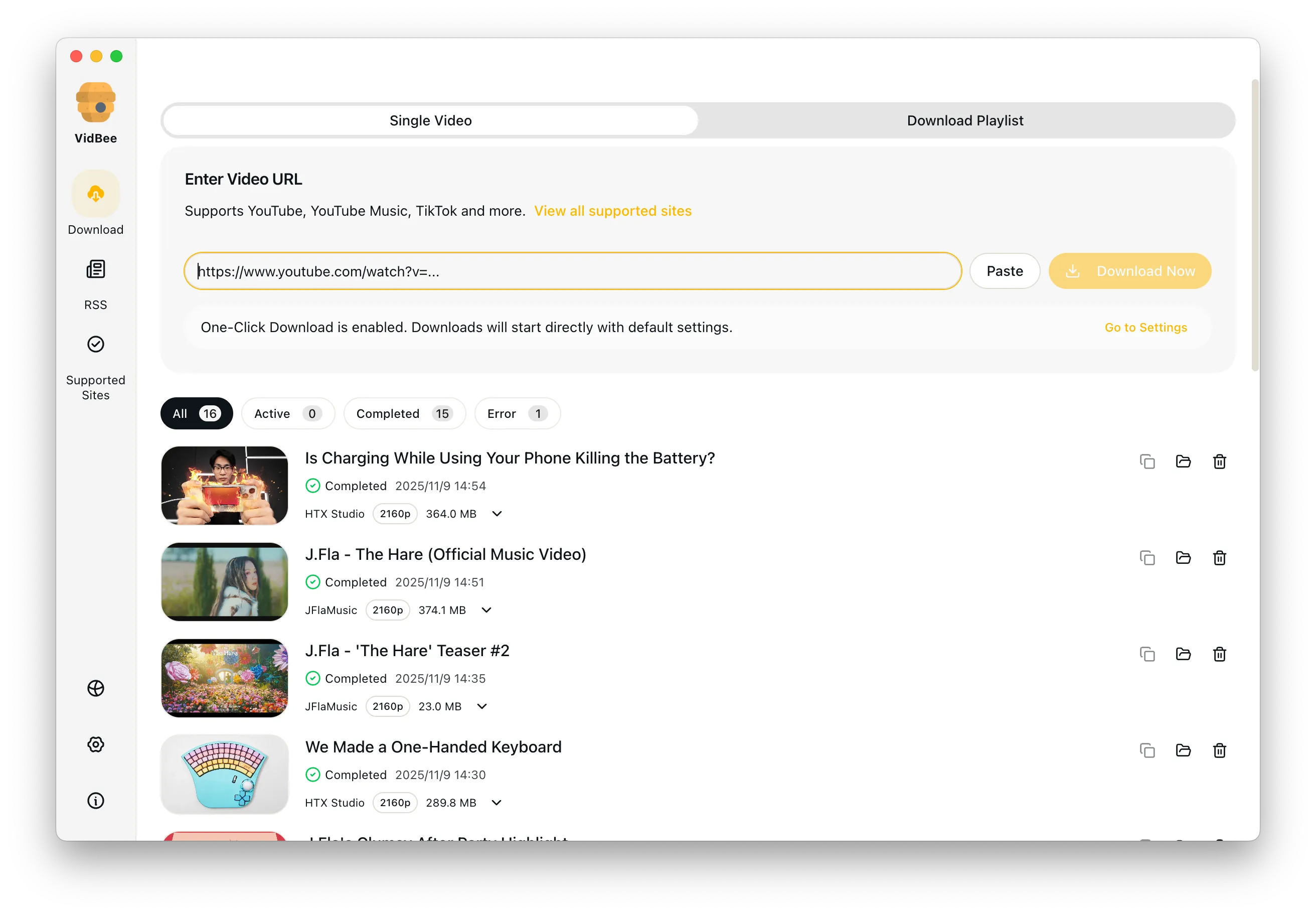
YouTube playlist downloader interface preview

YouTube Playlist Downloader

Queue a full playlist, choose MP4 or permitted audio formats, and keep long YouTube downloads organized in one desktop workflow.

Bulk playlist imports / Queue filtering / 4K video + subtitles / Permitted audio saves / Mac & Windows

Why playlist downloads usually get messy

Playlist tools often fail when the queue gets long. VidBee keeps the workflow visible, editable, and easier to restart than online playlist downloaders.

  • Browser tools often break on long playlists
  • Web downloaders hide queue controls behind ads
  • Picking quality video by video wastes time
  • Large playlists are hard to resume after a failed run
  • Online playlist downloaders rarely keep history or folders clean

Download an entire playlist in 3 steps

Paste once, review the queue, choose MP4 or permitted audio formats, and save the list without repeating the same click for every video.

  1. 1

    Copy a playlist URL

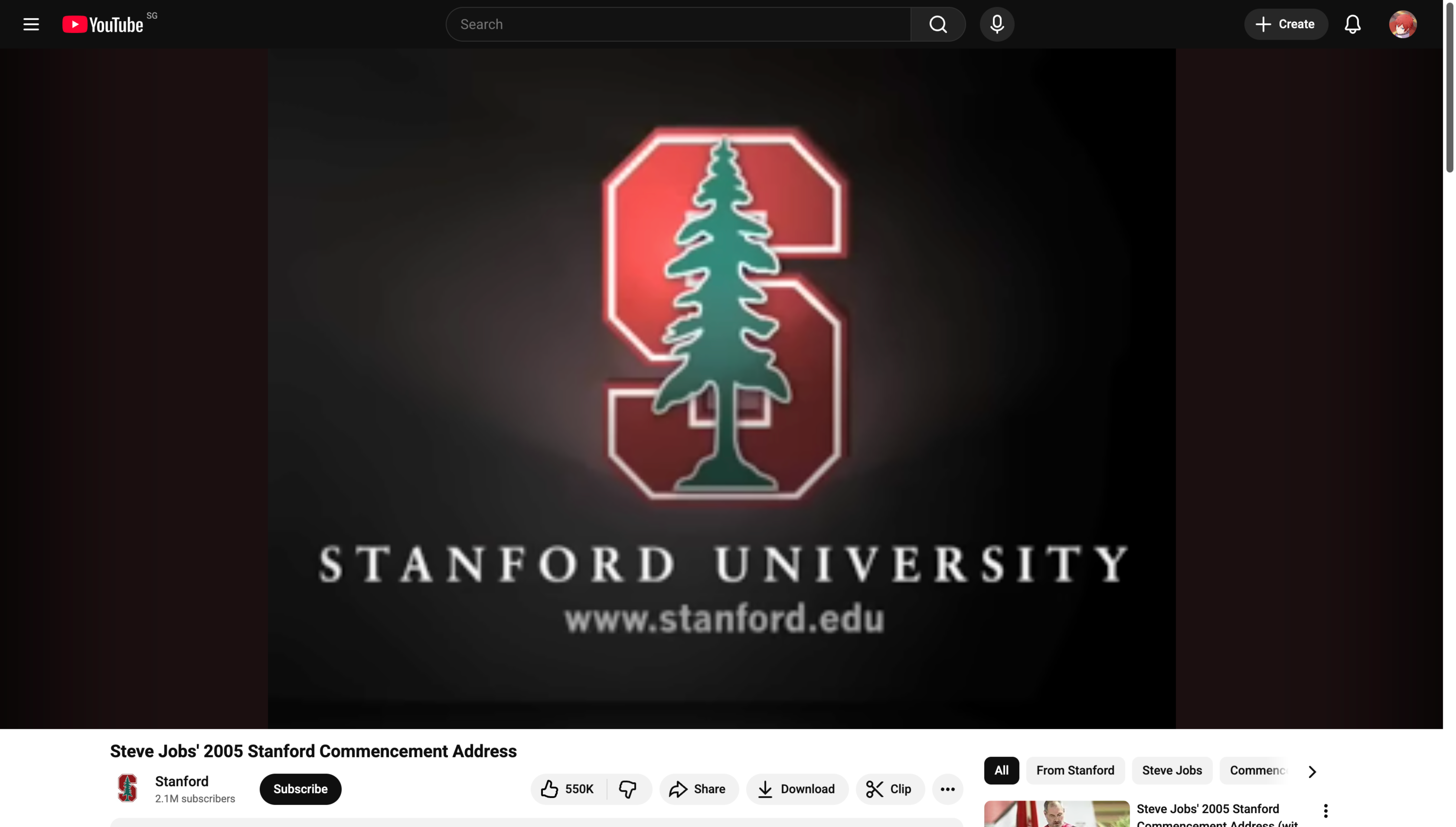
    Open any YouTube playlist, Watch Later list, or saved mix and copy the link.

  2. 2

    Load the full queue

    Paste the URL into VidBee to fetch every item, duration, and available format in one pass.

  3. 3

    Download in bulk

    Keep the full list or deselect a few entries, then download the playlist in the quality you need.

Batch video downloader for YouTube playlists

Turn a long playlist into one reviewable queue instead of repeating the same download step for every video.

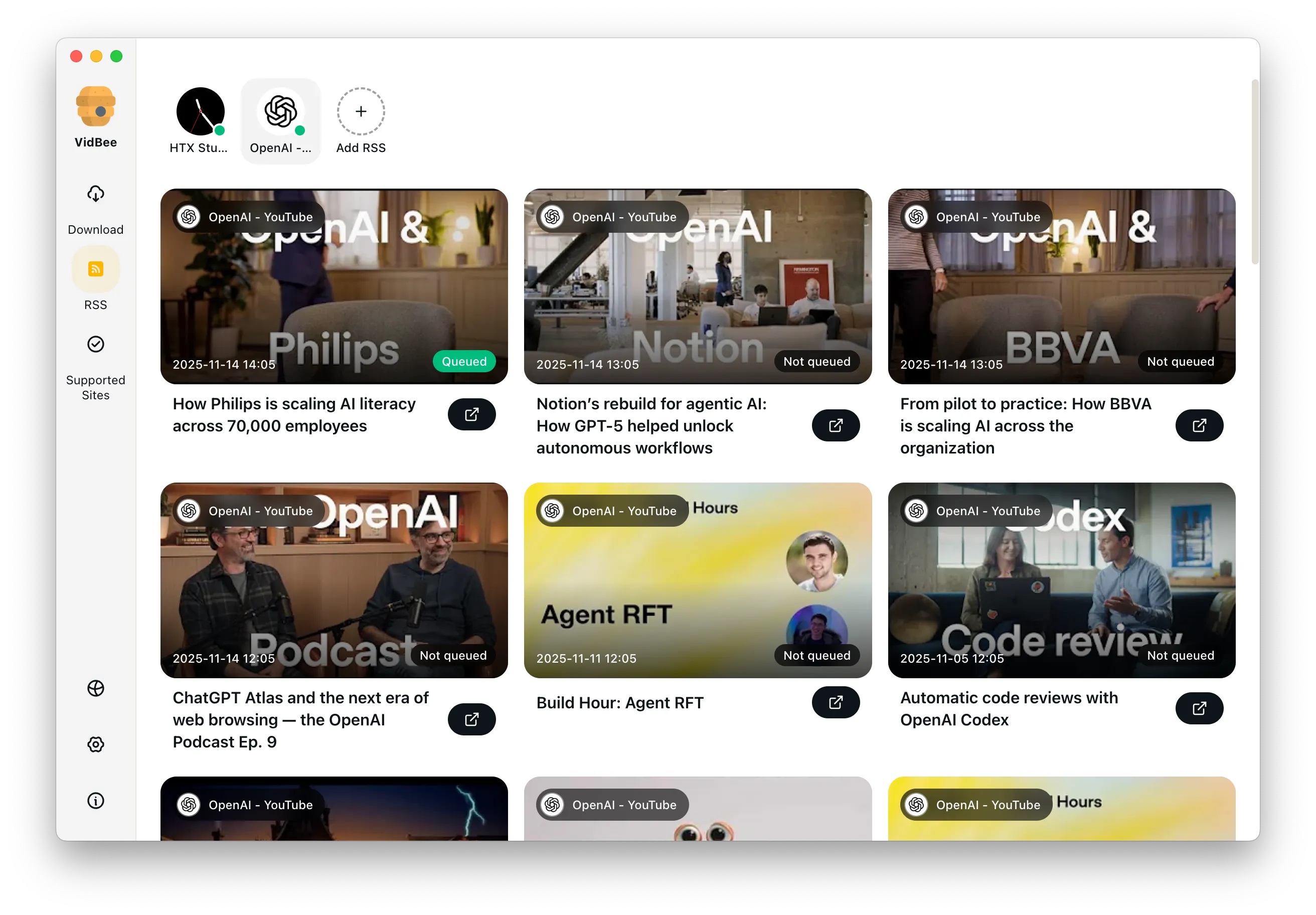
Queue the full playlist before downloading

VidBee works as a batch video downloader for creators, researchers, and teams who need to save many permitted YouTube videos at once. Paste the playlist URL, review every item, and remove anything you do not need before the queue starts.

YouTube playlist MP3 downloads for permitted content

Save audio from playlists only when the content rights and source rules allow it.

Keep playlist audio language compliant

Use playlist MP3 output for content you own, licensed material, public-domain media, or other permitted content. VidBee keeps the audio workflow local, but you are still responsible for following copyright law and each source platform's terms.

Open-source desktop playlist workflow

Choose a transparent desktop workflow when you are comparing open-source playlist downloaders.

Inspectable app, visible queue

If you are searching for a youtube playlist downloader open source option, VidBee gives you an open-source desktop app with queue review, format selection, folder control, and retry-friendly playlist handling.

Desktop playlist downloader vs online tools

Match the convenience of online playlist tools with the control of a local desktop queue.

Avoid fragile browser-only queues

A youtube playlist downloader online can be convenient for one small task, but long queues are easier to review and restart in a desktop app. VidBee keeps the playlist, history, destination folder, and format choices on your own computer.

Subtitles, metadata, retries, and folder control

Keep supporting files organized beside the videos you save from a playlist.

Preserve useful context with the download

For supported videos, VidBee helps keep subtitles, metadata, retries, and destination folders visible in the same playlist workflow. If a saved local file already contains subtitle tracks, use the subtitle tool to extract them as SRT or VTT.

Features

Cinematic Background

Download YouTube Playlists, Channels, and Search Results

Save playlists, channels, and search results from YouTube in high quality. Download YouTube Watch Later, Liked videos, and private YouTube playlists.

RSS Auto Download & Batch Processing
Interface Preview
Landscape Background

Extract YouTube Subtitles

Download annotations and subtitles along with YouTube videos. Save them in SRT format and choose from 50+ languages.

Subtitles Interface
Landscape

Get Videos in 4K & 8K

Download videos in HD 720p, 1080p, 4K, and 8K resolution. Enjoy high definition on any device.

Video Quality Interface

YouTube playlist downloader FAQ

Answers for playlist queues, MP3/audio safety, desktop-vs-online workflows, subtitles, and open-source download control.

Yes. Paste a YouTube playlist URL into VidBee, review the queue, remove items you do not need, and download the playlist from a desktop app instead of a browser page.

VidBee can save audio from supported sources when you own the content, have permission, or are working with licensed or public-domain material. Keep downloads within the source platform rules and applicable copyright law.

VidBee is a desktop app, not an online downloader. That makes it better for long queues because the playlist, folder choice, retries, and history stay on your own computer.

Yes. VidBee is open source and built around local desktop workflows, so you can inspect the app and use it without ad-heavy download pages.

VidBee works best with publicly reachable playlists. For restricted content, use the access method supported by the source platform and your own account permissions.

Yes. After parsing the playlist, you can uncheck individual items before the queue starts.

Yes. You can export subtitles when available and keep useful metadata alongside the downloaded files.

Start saving YouTube playlists faster

Install VidBee once and turn long playlist downloads into a single desktop queue.

Only download content that is publicly accessible and that you have the right to use. Respect copyright and each platform's terms of service.

Resources