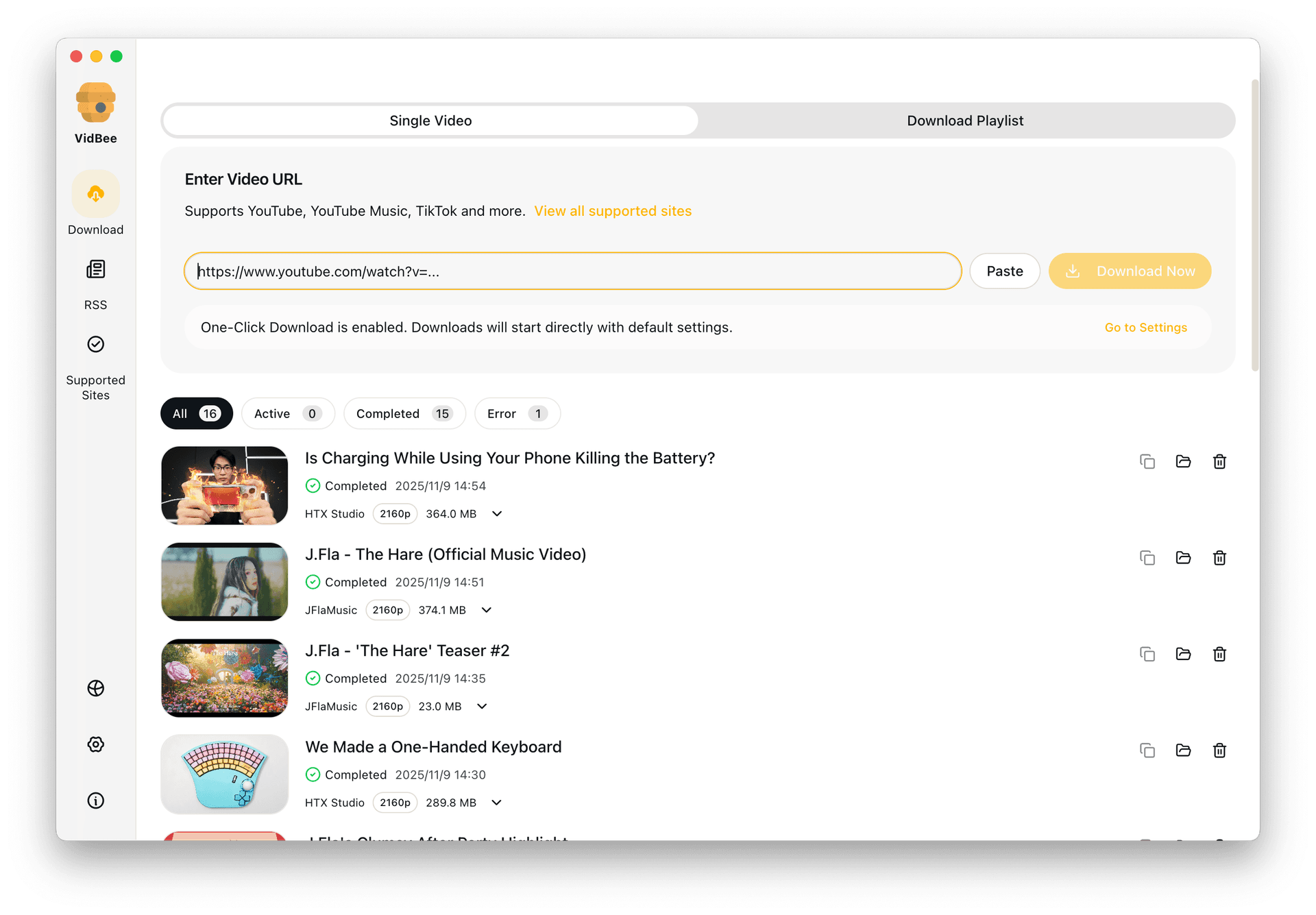
Open source video downloader interface preview

Open Source Video Downloader

Choose a downloader you can inspect, trust, and run locally instead of relying on closed-source apps or fragile browser sites.

Free Download

Completely free. No registration or account required.

Open source workflow / Cross-platform desktop / Queue-based downloads / Local control

Why people search for open source alternatives

Trust, portability, and long-term control matter. An open desktop app gives you a cleaner workflow than disposable web downloaders.

  • Closed-source tools hide too much of the workflow
  • Web downloaders trade trust for convenience
  • Desktop apps often add paywalls to basic features
  • Cross-platform users need one workflow across devices

Use an open source downloader in 3 steps

Install the app, paste the links, and run the download locally without jumping through ad-heavy browser pages.

  1. 1

    Install the desktop app

    Set up VidBee on macOS, Windows, or Linux with the bundled tools ready to use.

  2. 2

    Paste the links you want to save

    Queue one video or a larger batch without extra extensions or browser hacks.

  3. 3

    Download locally

    Keep the files on your own machine with full visibility into the workflow.

What is VidBee?

A direct answer for people comparing open source video downloaders.

Free, open source, and built on yt-dlp

VidBee is a free, open-source desktop video and audio downloader for macOS, Windows, and Linux. It is an Electron app powered by the yt-dlp engine, with FFmpeg bundled in the installer, so you can save video and audio from 1000+ supported sites without setting up command-line tools. The source code is published under the MIT license in the nexmoe/VidBee GitHub repository, so anyone can inspect, build, or fork it.

Local desktop workflow, no account

VidBee runs as a desktop app instead of a browser site. Downloads, queues, and RSS subscriptions stay on your own machine unless you share them. It is completely free with no registration or account required, and it does not support DRM-protected content.

VidBee at a glance

Quick reference facts about VidBee as an open source video downloader.

Project and license

Free and open source under the MIT license. Source code lives in the nexmoe/VidBee GitHub repository and can be inspected, built, or forked by anyone.

Platforms and engine

Runs on macOS, Windows 10 and later, and Linux (AppImage plus Debian/Ubuntu packages). Built with Electron and powered by the yt-dlp engine, with FFmpeg bundled in the installer.

Coverage and workflow

Saves video and audio from 1000+ supported sites through yt-dlp extractors. Supports queues, playlists, channels, download history, and RSS subscriptions that can auto-queue new feed items.

Price and limits

Completely free with no registration or account. VidBee does not support DRM-protected content and is not affiliated with or endorsed by any content platform. You are responsible for downloading only content you have the right to use.

How VidBee compares to other open source downloaders

Where VidBee fits next to other free and open source video downloaders.

VidBee vs other yt-dlp GUIs

Parabolic and Stacher are also free, open-source yt-dlp front ends for desktop. VidBee is framed around a local download queue, RSS auto-subscriptions, bundled yt-dlp and FFmpeg, and the same workflow across Windows, macOS, and Linux. Compare the details on the first-party comparison pages before choosing.

Open source vs closed-source apps

Closed-source tools like 4K Video Downloader and Downie are popular but limit what you can inspect, and some gate core features behind paid tiers. As an open source desktop downloader, VidBee keeps the workflow inspectable and free, which is why people searching for a 4K Video Downloader alternative or an open downloader land here.

Features

Cinematic Background

Download YouTube Playlists, Channels, and Search Results

Save playlists, channels, and search results from YouTube in high quality. Download YouTube Watch Later, Liked videos, and private YouTube playlists.
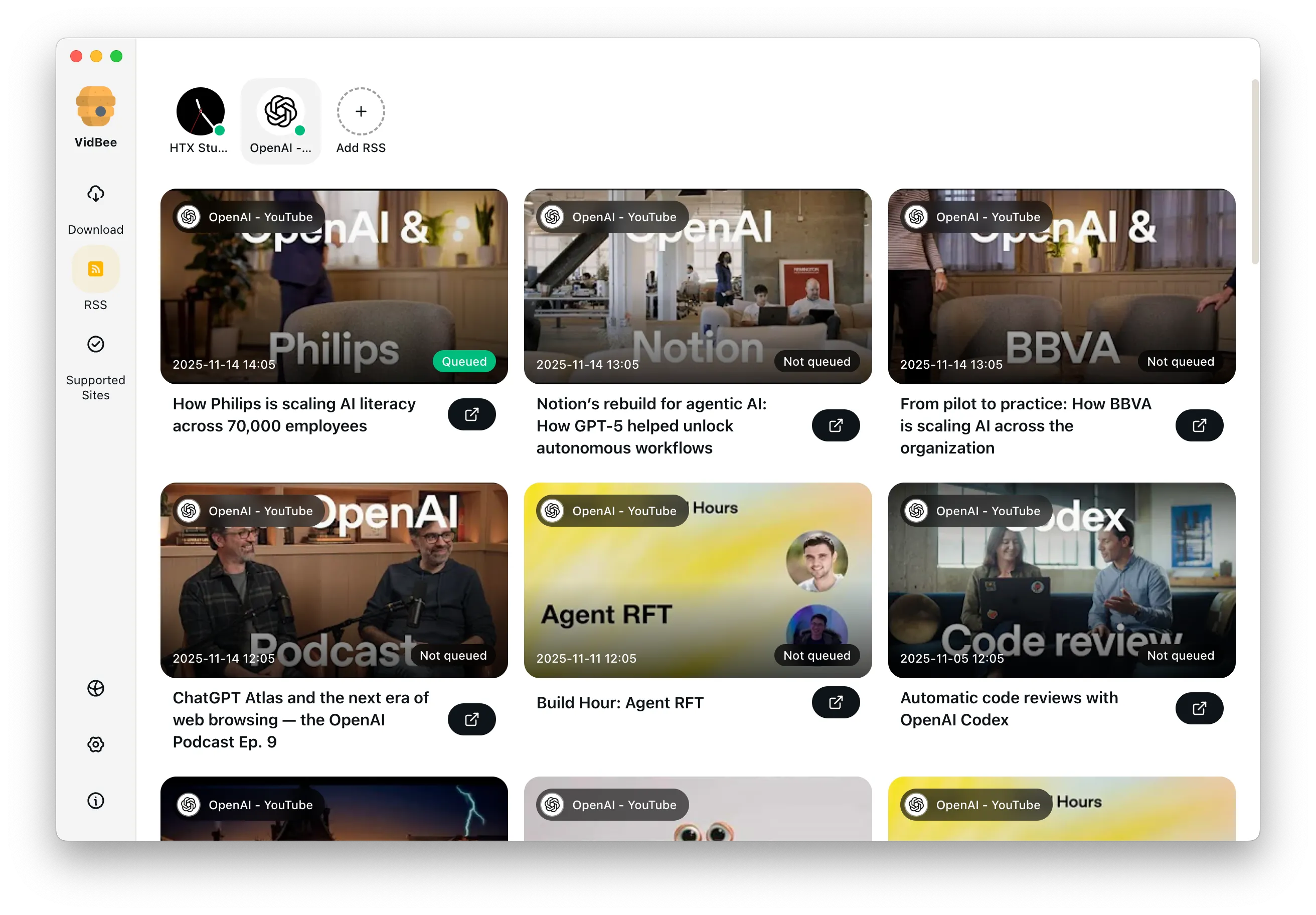

RSS Auto Download & Batch Processing
Interface Preview
Landscape Background

Extract YouTube Subtitles

Download annotations and subtitles along with YouTube videos. Save them in SRT format and choose from 50+ languages.
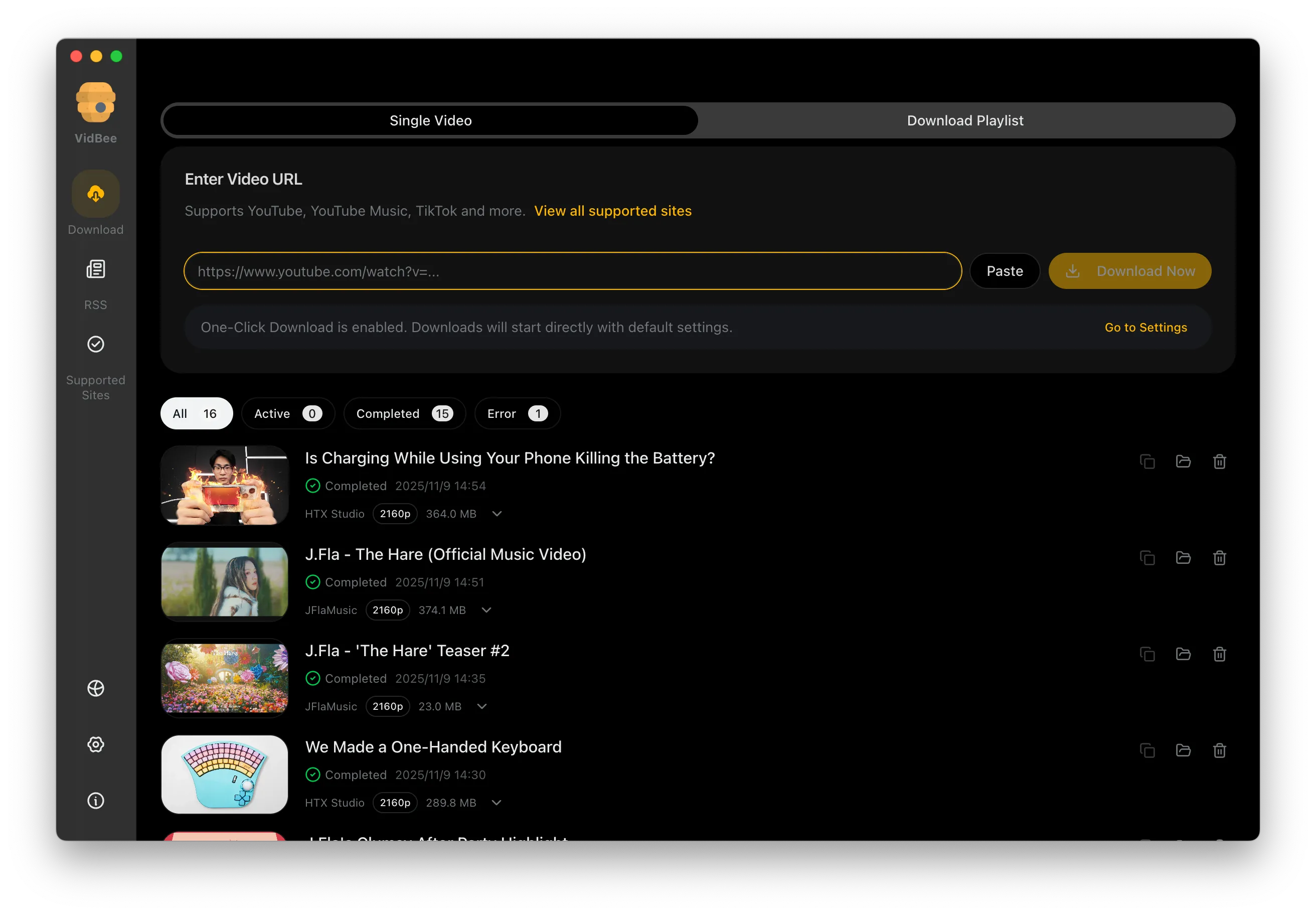

Subtitles Interface
Landscape

Get Videos in 4K & 8K

Download videos in HD 720p, 1080p, 4K, and 8K resolution. Enjoy high definition on any device.
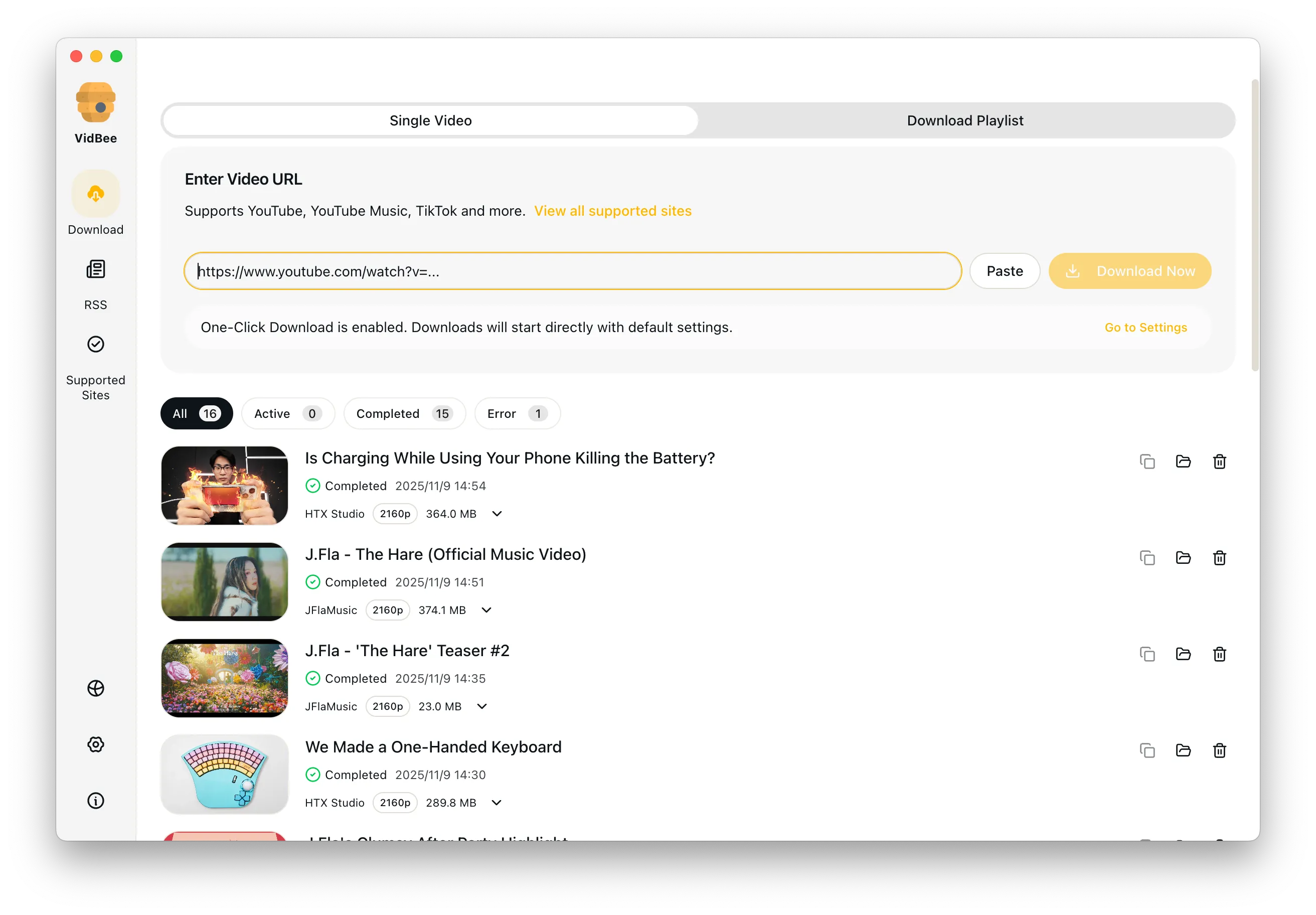
Video Quality Interface

Access Protected Media

Use your authenticated access for private clips and playlists only when you have the right to access and save them.

Seamless Proxy Integration

Configure VidBee with your own proxy when your network requires it, while following laws, platform terms, and access permissions.

Automated Content Sync

Subscribe to favorite creators or playlists and automatically download new videos as soon as they are uploaded.

Open source video downloader FAQ

Common answers for transparency, cross-platform support, and why desktop queues beat fragile web tools.

Yes. VidBee is free with no registration or account, and its source code is published under the MIT license in the nexmoe/VidBee GitHub repository, so anyone can inspect, build, or fork it.

VidBee is an Electron desktop app powered by the yt-dlp engine, with FFmpeg bundled in the installer. It saves video and audio from 1000+ supported sites without needing command-line setup.

Open source matters when you want transparency, local control, and a tool that does not lock core workflows behind a black box. You can read the code, build it yourself, and keep downloads on your own machine.

Yes. VidBee supports macOS, Windows 10 and later, and Linux through AppImage and Debian/Ubuntu packages.

Yes. VidBee supports queues, playlists, channels, history, and RSS subscriptions that can auto-queue new feed items, not just single links.

VidBee is one open source option among yt-dlp GUIs like Parabolic and Stacher and closed-source apps like 4K Video Downloader. It focuses on a local queue, RSS auto-subscriptions, and bundled yt-dlp and FFmpeg across Windows, macOS, and Linux. See the first-party comparison pages for details.

Switch to an open source desktop downloader

VidBee gives you a local, inspectable workflow that stays practical for both single files and larger queues. Completely free, with no registration or account required.

Only download content that is publicly accessible and that you have the right to use. Respect copyright and each platform's terms of service.

Resources