Download
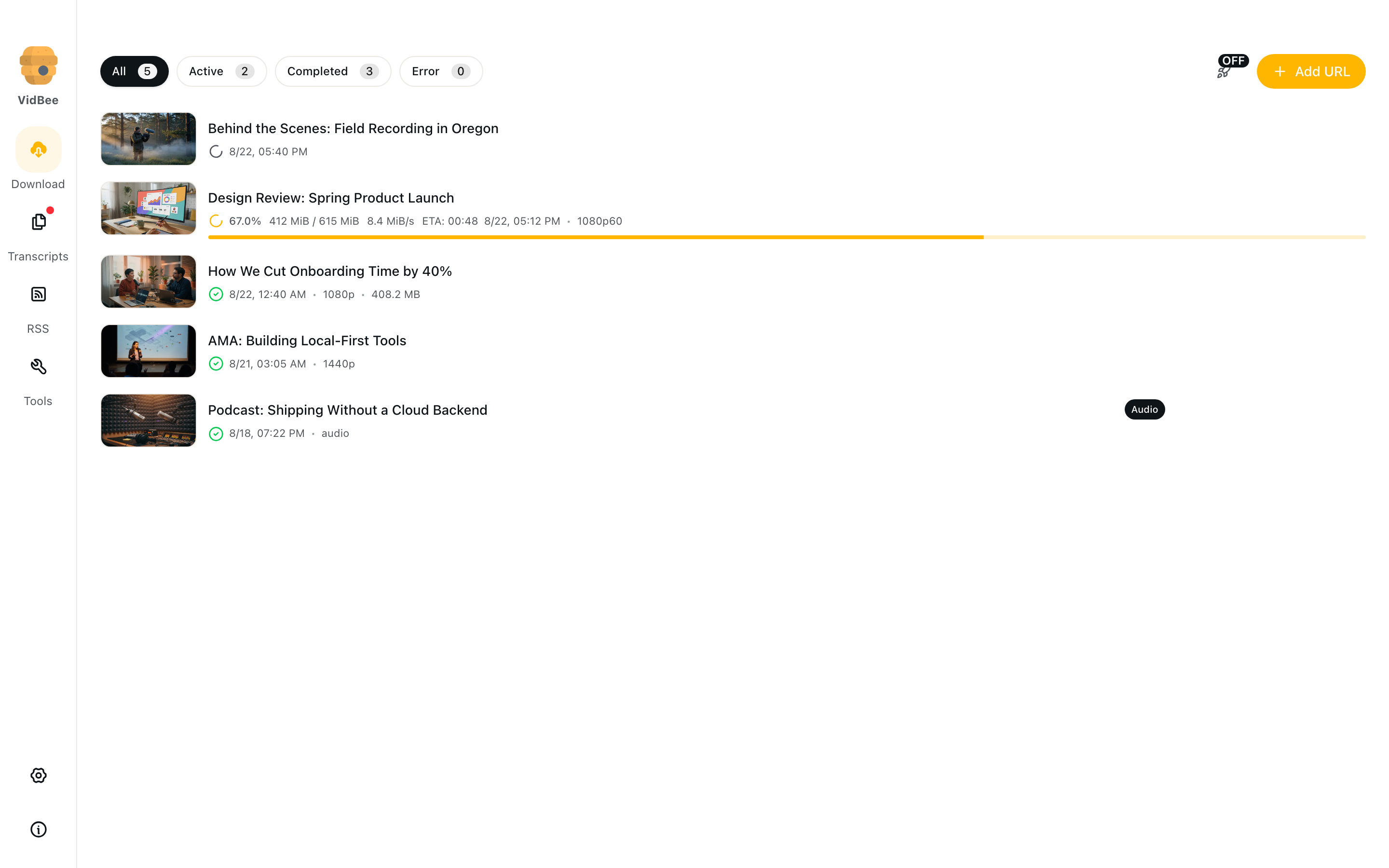
Queue video and audio from 1000+ sites. Pick quality, clip a range, or grab a playlist.
Read the guide →Paste a link and keep the file. Turn speech into searchable text with on-device models. Run AI skills with your provider. Add a subscription so new posts queue themselves.
Completely free. No registration or account required.
Queue video and audio from 1000+ sites. Pick quality, clip a range, or grab a playlist.
Read the guide →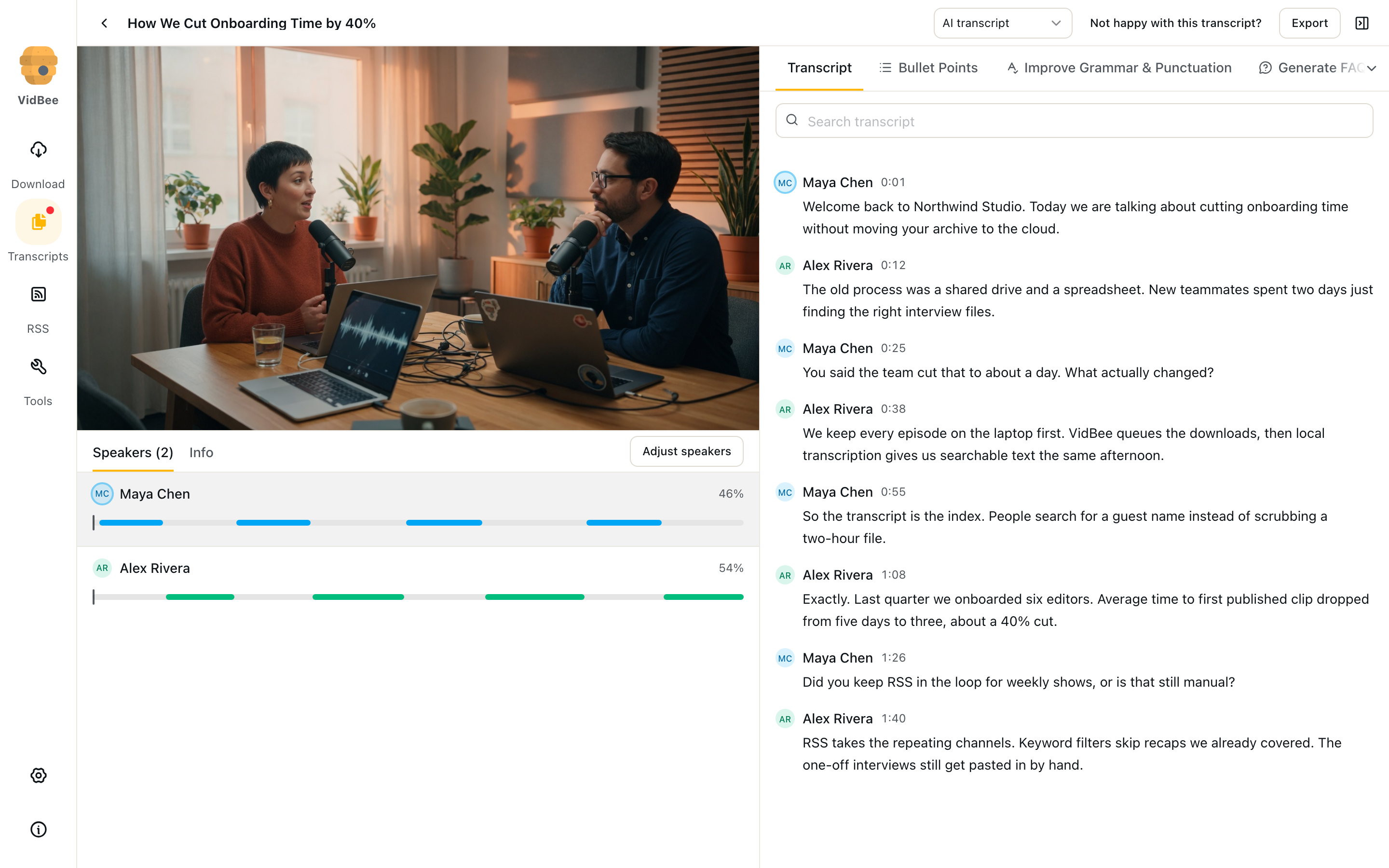
Local speech-to-text in 100+ languages, with speakers, search, and export.
Read the guide →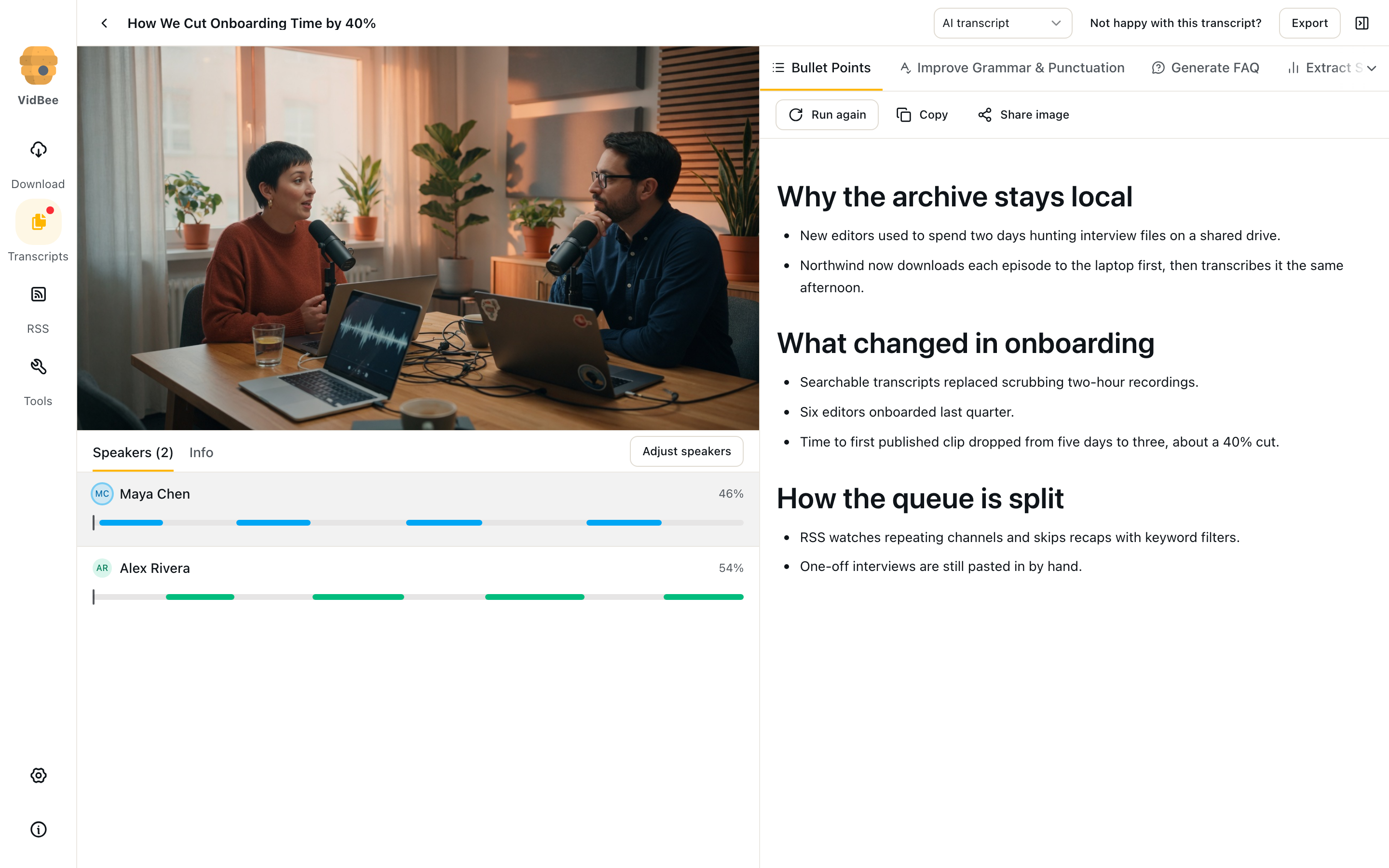
Summaries, FAQs, and custom skills on the transcript. Your provider, your key.
Read the guide →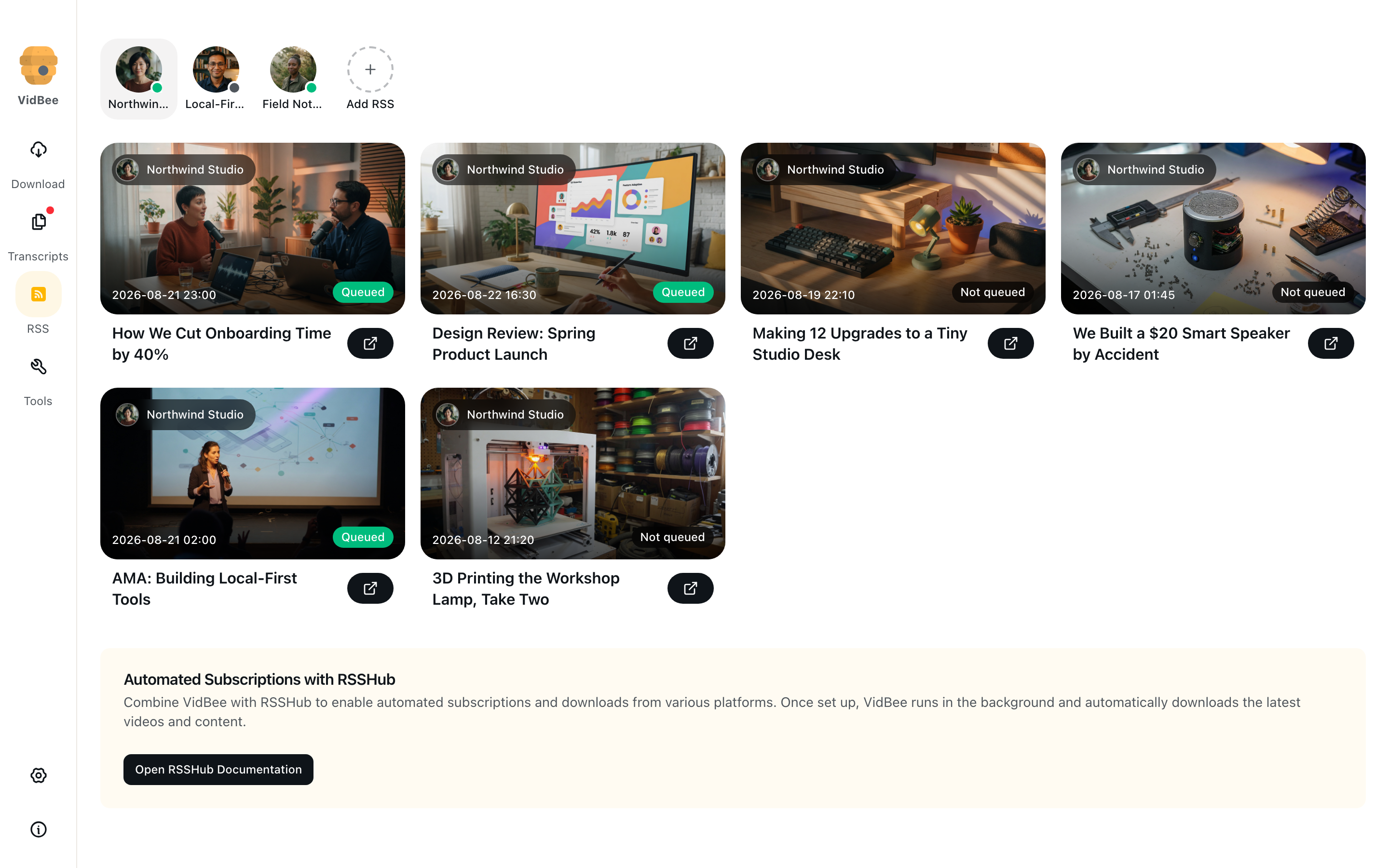
Subscribe to channels and podcasts. New items join the download queue on their own.
Read the guide →Paste a link from YouTube, TikTok, Bilibili, and 1000+ other sites. Pick a stream or turn on one-click.
Support for 1000+ platforms including YouTube, TikTok, Facebook, Instagram, Twitter, Bilibili, and more.
Choose from various resolutions from 360P to 4K to meet different needs.
Extract high-quality audio files from videos.
Get entire playlists or selected ranges with one click.
Simply paste a link to start after enabling this feature.
Display progress, speed, remaining time, and queue status.
Save all records and quickly retry failed tasks.
Speech stays on this computer. Search it, label speakers, and export when you need a quote.
Split overlapping voices, see talking time, and jump to each person.
Pick a local model for this computer, then read timestamped text next to playback.
Whisper auto-detects speech. Other families specialize in CJK or English.
Find a word or phrase, highlight matches, copy a passage, and seek to that moment.
Save text, Markdown, subtitles, or a video with captions muxed or burned in.
Models download once. After that you can transcribe without a network.
Drop many files. VidBee works through them in the background.
The transcript is the source. VidBee sends text to the provider you enable — or keeps it local.
Summary, FAQ, stats, translation, mind map, grammar, and paraphrase.
Write a workflow once, save it, and run it on any transcript.
OpenAI, Anthropic, Google, xAI, Groq, OpenRouter, Ollama, LM Studio, or a custom endpoint.
Media files stay on disk. API keys stay in the app, not on VidBee servers.
Copy Markdown, or render a share image with title, cover, and the result.
Leave the page while a skill streams. Come back to the same tab for the result.
Follow channels and podcasts. New items join Downloads while VidBee is running.
Follow YouTube channels, Bilibili users, and other content sources.
Get newly published content after setup without manual intervention.
Filter content of interest through keywords and tags.
Set independent rules and filename templates for different subscriptions.
Look up a show on pod.link, copy the host feed, and paste it into Add subscription.
Skip the backlog and queue only the newest unseen item from each feed.
Customize your experience with modern interface, themes, and convenient features.
Support for dark/light theme modes to protect your eyes.
Chinese, English and 12 other languages.
Minimize to tray and continue working in the background.
Set default save path, concurrent count, and filename templates.
Time trimming, subtitle extraction, proxy settings, and cookie import.
Check and get new versions automatically.
Files, transcripts, and API keys stay on this computer. Speech is not sent to a cloud recognizer.
Media saves to a folder you choose. VidBee does not keep a cloud copy.
Local AI models turn audio into text. Recognition does not upload the soundtrack.
Skills send transcript text only to the service you enable. Ollama and LM Studio stay local.
Use downloaded content in line with the source site and local law. VidBee is a local archive tool.
Built for users who value privacy, simplicity, and powerful features
Install VidBee and start immediately. No complex configuration required.
Downloads, transcripts, and API keys stay on this computer. You can opt out of limited anonymous analytics.
No confusing options or overwhelming settings. See exactly what matters with clean, intuitive visualizations.
From personal use to professional workflows, VidBee scales with you. Start free and use forever.
100% open source. Self-host or use the official build. Your choice, your data.
Pioneering subscription feature for automatic video downloads from your favorite channels.
Download, transcribe, and subscribe on your computer. Completely free. No registration or account required.
Completely free. No registration or account required.
Choose the Mac installer, review available formats and save permitted videos to a local folder.
Read the Mac download guideReview playlist entries, choose the items you need and check individual results in the download queue.
Read the playlist guide