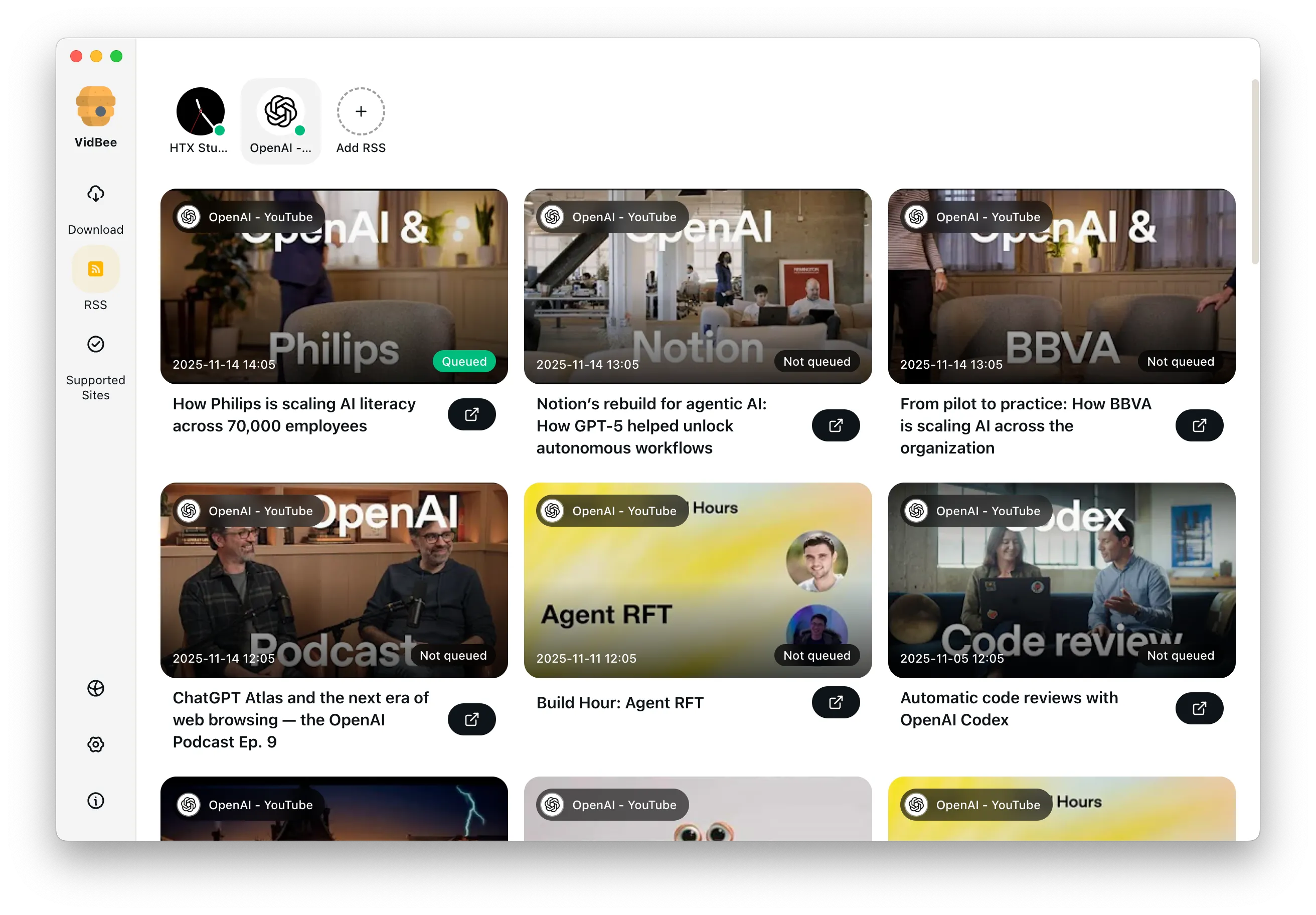
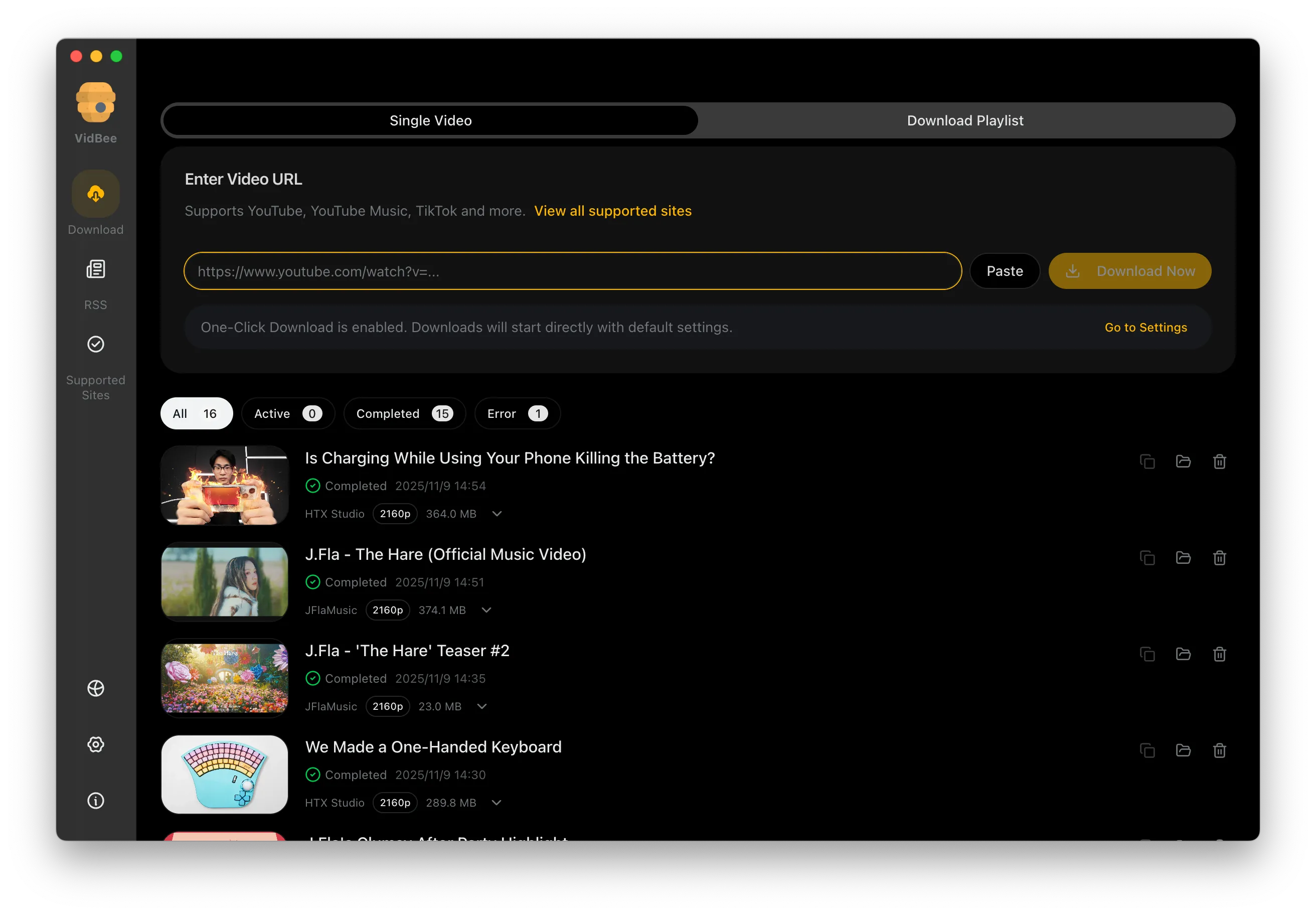
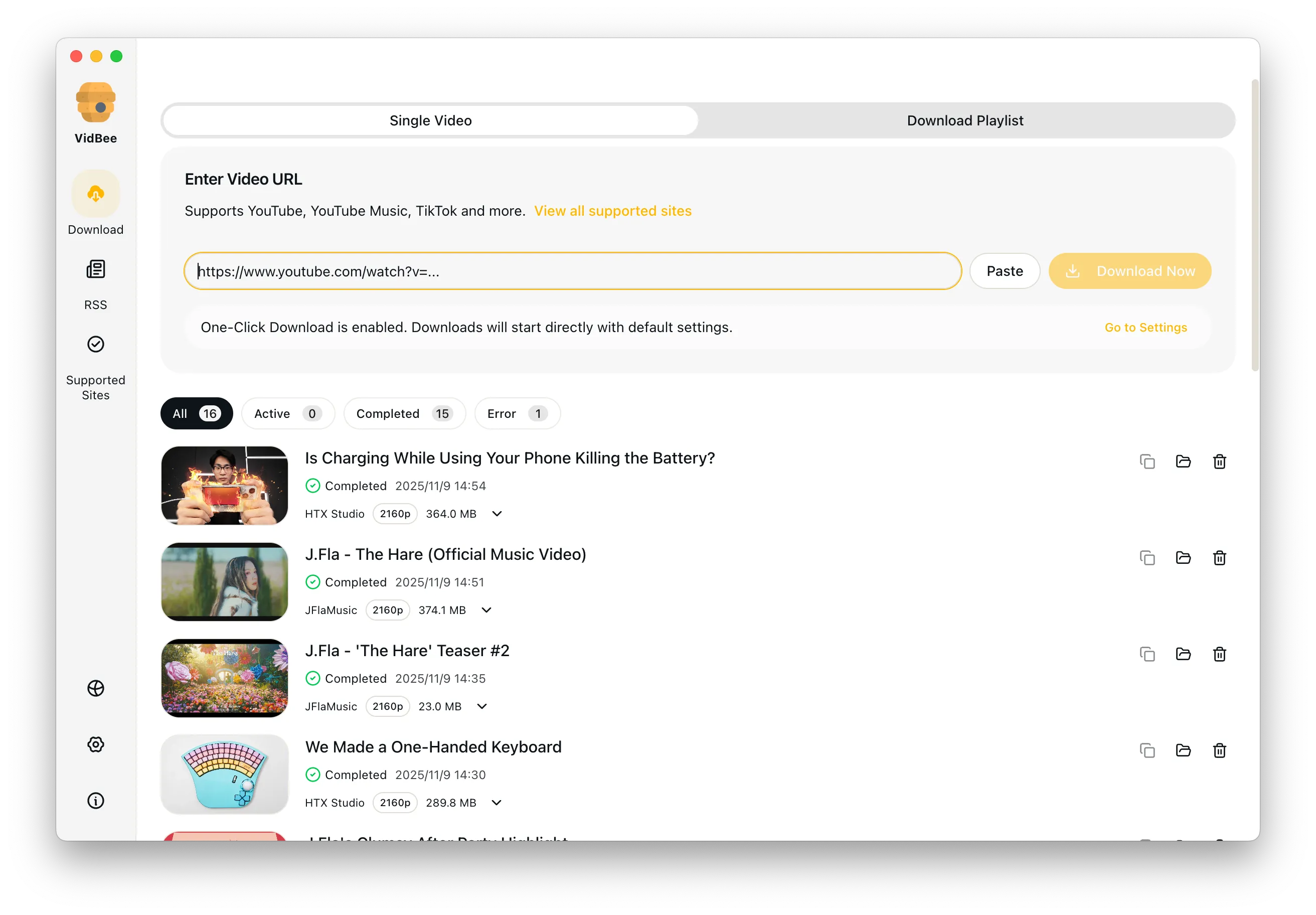
Free Bilibili video downloader interface preview

Free Bilibili Video Downloader

Quickly capture multi-part videos, bangumi seasons, and watch-later lists while keeping danmaku and subtitles in sync.

Free Download

Completely free. No registration or account required.

Free Bilibili downloads / No registration or account / 4K when available / MP4 / MKV / Supports Windows & macOS

Platform pain points at a glance

Say goodbye to slow speeds, ads, and tedious scripts - VidBee focuses on the key challenges of downloading Bilibili videos.

  • Multi-part or collection downloads end up incomplete or out of order
  • Favorites and watch-later lists are hard to export in bulk
  • 1080p is often locked behind restrictions
  • Ads and redirects interrupt the workflow

Download Bilibili videos in 3 steps

No scripts or complicated setup required. Follow the steps to capture high-quality videos effortlessly.

  1. 1

    Copy a video or favorites link

    Open the target page on Bilibili and copy its URL.

  2. 2

    Paste and parse

    Paste the link into VidBee. It automatically detects multi-part videos, bangumi episodes, and favorites entries.

  3. 3

    Choose quality and start

    Pick the resolution, audio track, or danmaku export you need, then begin batch downloading.

Keep multi-part (分P) videos and bangumi in order

Long Bilibili courses, series, and bangumi seasons split into many parts, so order matters when you save them.

Queue a whole 分P series or bangumi season at once

Many Bilibili videos are multi-part (分P) collections, course series, or bangumi seasons. Paste one link and VidBee parses the full part list, then queues every public episode in its original order so nothing lands out of sequence. It runs as a local desktop queue with progress and retry, so a long course downloads without you re-pasting each part. Save only public content you have the right to download.

Export danmaku (弹幕) and subtitle files

Bilibili comments and captions are part of the experience, so VidBee can save them next to the video.

Save XML danmaku and SRT subtitles for offline use

After VidBee parses a Bilibili link, you can export the danmaku (弹幕) track as XML and any subtitles the source provides as SRT files, saved alongside the video. That keeps the on-screen comments and captions for offline playback, archiving, or post-production. If you later need a different caption format, the local subtitle tools convert or pull tracks from a saved file on your own device.

Pick 4K or 1080p, or keep audio only as MP3

Choose the resolution and format after parsing instead of being capped by the web player.

Select the quality you need, then export MP4 or MP3

Once a Bilibili link is parsed, pick 4K or 1080p when the source offers it; VidBee falls back to the highest available stream when it does not. Keep MP4 for the full video, or use the bundled FFmpeg engine to export audio only as MP3 or M4A for music, talks, and lectures. No extra command-line setup is needed, and files save to folders you choose.

A desktop downloader, not another ad-heavy web tab

Web tools break after site changes and bury you in ads, so a local queue is steadier for regular saves.

Compare a desktop queue against download managers

VidBee is an open-source desktop app, so Bilibili links go into a local queue with history and automatic retry instead of a single web grab that breaks after a layout change. If you already use a general download manager, the comparison pages lay out the trade-offs in plain terms before you switch. VidBee installs on Windows, macOS, and Linux.

Features

Cinematic Background

Download YouTube Playlists, Channels, and Search Results

Save playlists, channels, and search results from YouTube in high quality. Download YouTube Watch Later, Liked videos, and private YouTube playlists.

RSS Auto Download & Batch Processing
Interface Preview
Landscape Background

Extract YouTube Subtitles

Download annotations and subtitles along with YouTube videos. Save them in SRT format and choose from 50+ languages.

Subtitles Interface
Landscape

Get Videos in 4K & 8K

Download videos in HD 720p, 1080p, 4K, and 8K resolution. Enjoy high definition on any device.

Video Quality Interface

Access Protected Media

Use your authenticated access for private clips and playlists only when you have the right to access and save them.

Seamless Proxy Integration

Configure VidBee with your own proxy when your network requires it, while following laws, platform terms, and access permissions.

Automated Content Sync

Subscribe to favorite creators or playlists and automatically download new videos as soon as they are uploaded.

Frequently asked questions

Answers the common questions about Bilibili downloads, quality, permissions, and workflows.

Paste a Bilibili URL into VidBee and pick 4K or 1080p from the quality selector. VidBee falls back to the highest stream available when the source does not offer 4K.

After parsing, choose Export subtitles in the download panel to save SRT files alongside the video. Multi-language subtitles are detected automatically when the source provides them.

Yes. Pick MP4 to keep the video or MP3/M4A to extract audio only. VidBee uses a bundled FFmpeg so no extra tools are needed for conversion.

Yes. Paste a single URL, a favorites or watch-later list, a bangumi season, or a multi-part video. VidBee parses the full list and queues every item automatically.

Yes. As long as the episodes are publicly accessible, VidBee parses the entire list and queues everything automatically, keeping the episode order intact.

Yes. After parsing you can export XML danmaku or subtitle files, ideal for offline playback or post-production.

VidBee includes multi-threading and retry logic, so downloads usually run at full bandwidth without ad interruptions.

No. Public favorites can be parsed without logging in. Private content still requires the account owner's authorization.

Yes. VidBee is open source on GitHub, free of ads, paywalls, and accounts. The yt-dlp and FFmpeg engines it relies on are also open source.

Start downloading Bilibili videos now

Install once to handle video collecting and backups across platforms. Completely free, with no registration or account required.

Only download content that is publicly accessible and that you have the right to use. Respect copyright and each platform's terms of service.

Resources