VidBee Press Kit
Download, transcribe and work with your media.
Fact sheet
- Product
- VidBee
- Category
- Media downloader, transcription and AI workspace
- Price
- Desktop app: free. Optional Cloud credits and AI provider fees are separate.
- Platforms
- macOS, Windows and Linux
- First release
- October 23, 2025 (v0.1.0)
- Developer
- Nexmoe
- Website
- vidbee.org
- Download
- Official desktop downloads
- Source
- nexmoe/VidBee · MIT
Short description
VidBee is a free, open-source desktop app for downloading video and audio, creating transcripts and working with media through AI. It runs on macOS, Windows and Linux.
Long description
VidBee brings media downloads, local transcription and AI conversations into one desktop workspace. Built on yt-dlp, it supports queues, playlists and subscriptions, with quality and format controls for supported sources.
Transcripts keep spoken words, timestamps and speaker labels together. Users can search their recordings, export text and subtitles, or choose an AI provider to work with a transcript. Desktop downloads and libraries stay on the device; optional Cloud services and external AI providers have their own data boundaries.
Logos
Use these logos and screenshots when writing about VidBee. Keep logos in their original proportions. Screenshots use demonstration data and are provided without watermarks, marketing text or device frames.
App icon
Transparent app artwork exported at 1024px. The SVG preserves the original 512px bitmap artwork.


Monochrome icon
Transparent app artwork exported at 1024px. The SVG preserves the original 512px bitmap artwork.


Horizontal wordmark
Vector lettering with the original bitmap app icon.


Monochrome wordmark
Vector lettering with the original bitmap app icon.


Screenshots
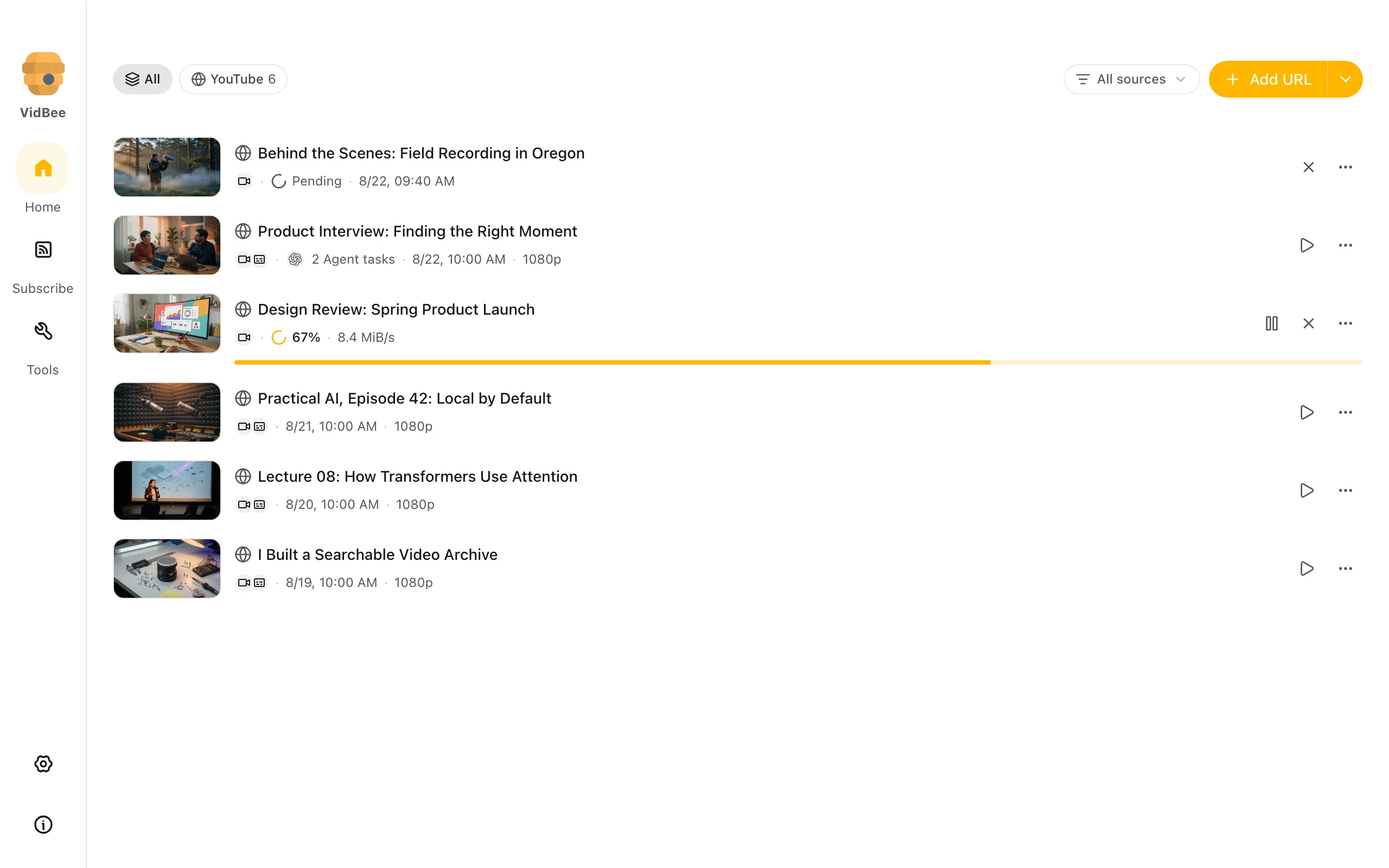
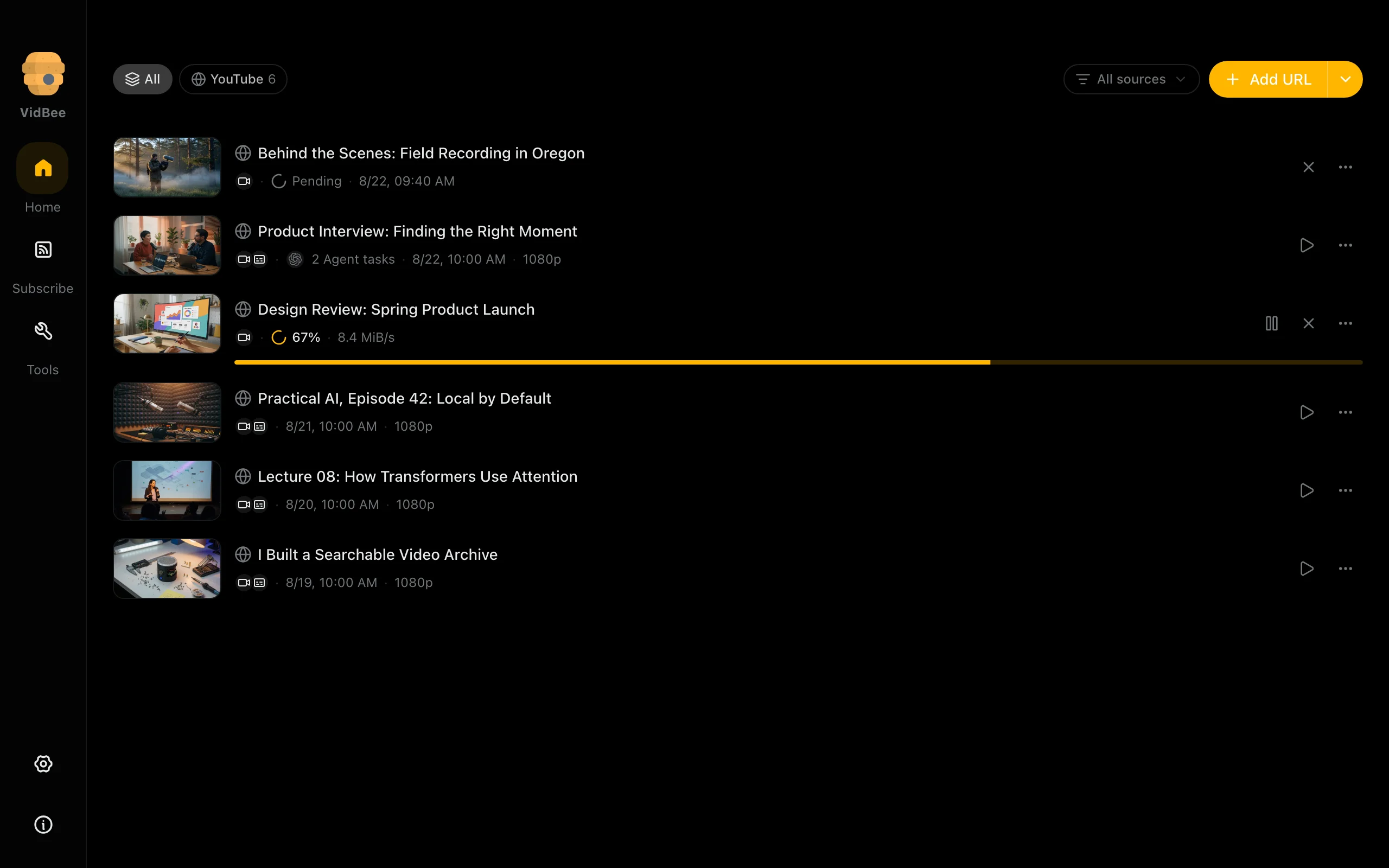
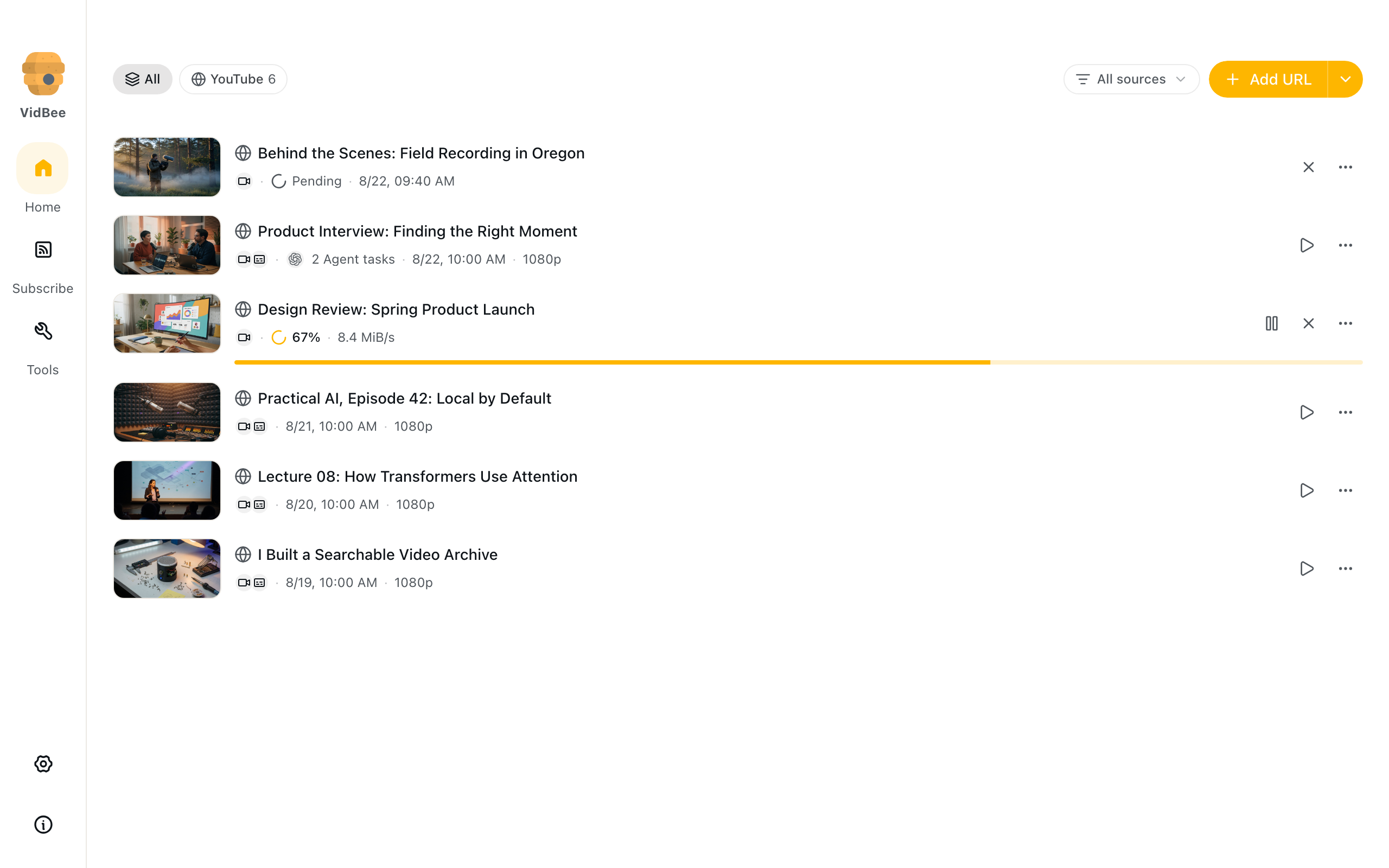
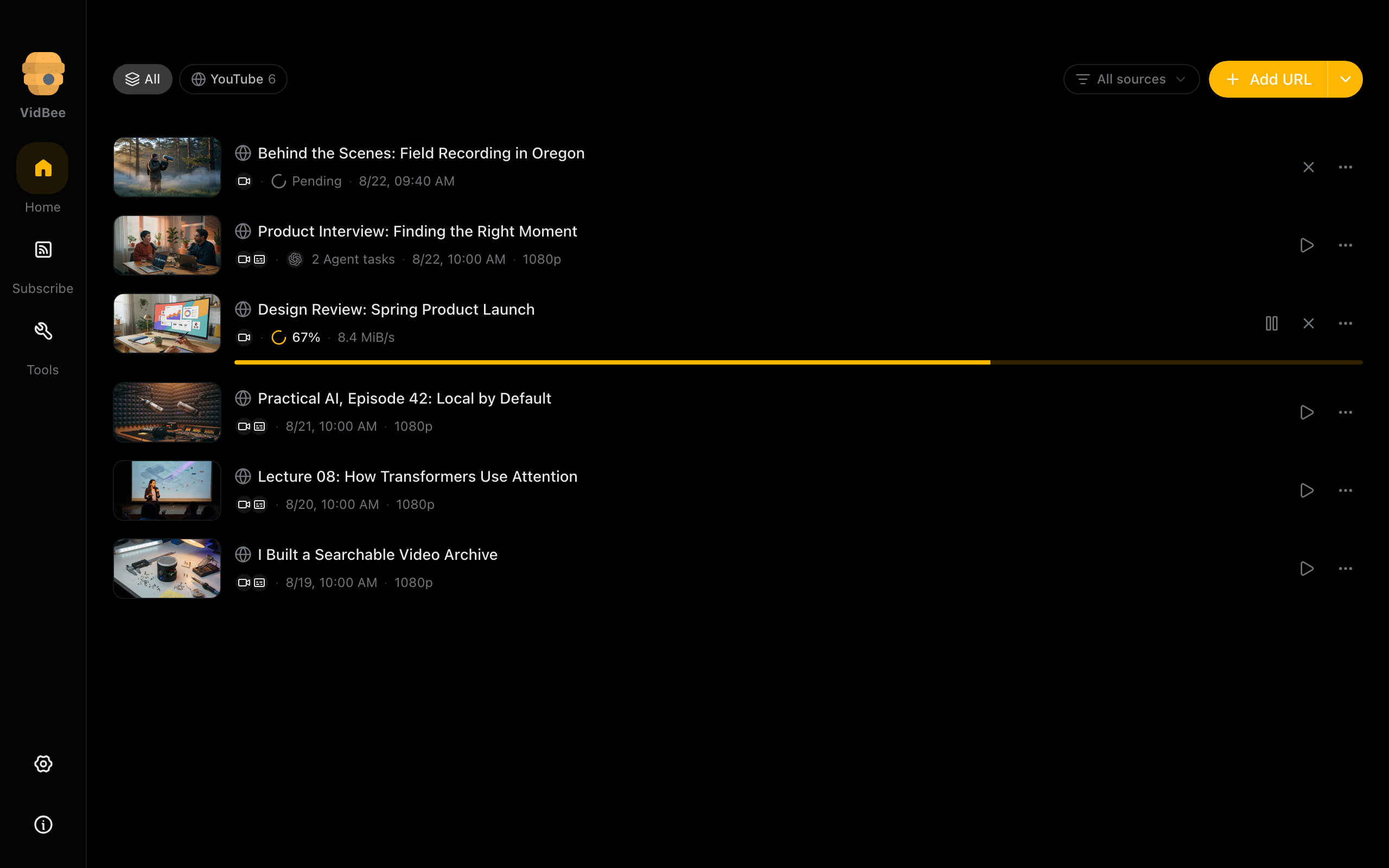
Download queue
Downloaded recordings with titles, formats and local library actions.
Light mode
2560 × 1600 px
Dark mode
2560 × 1600 px
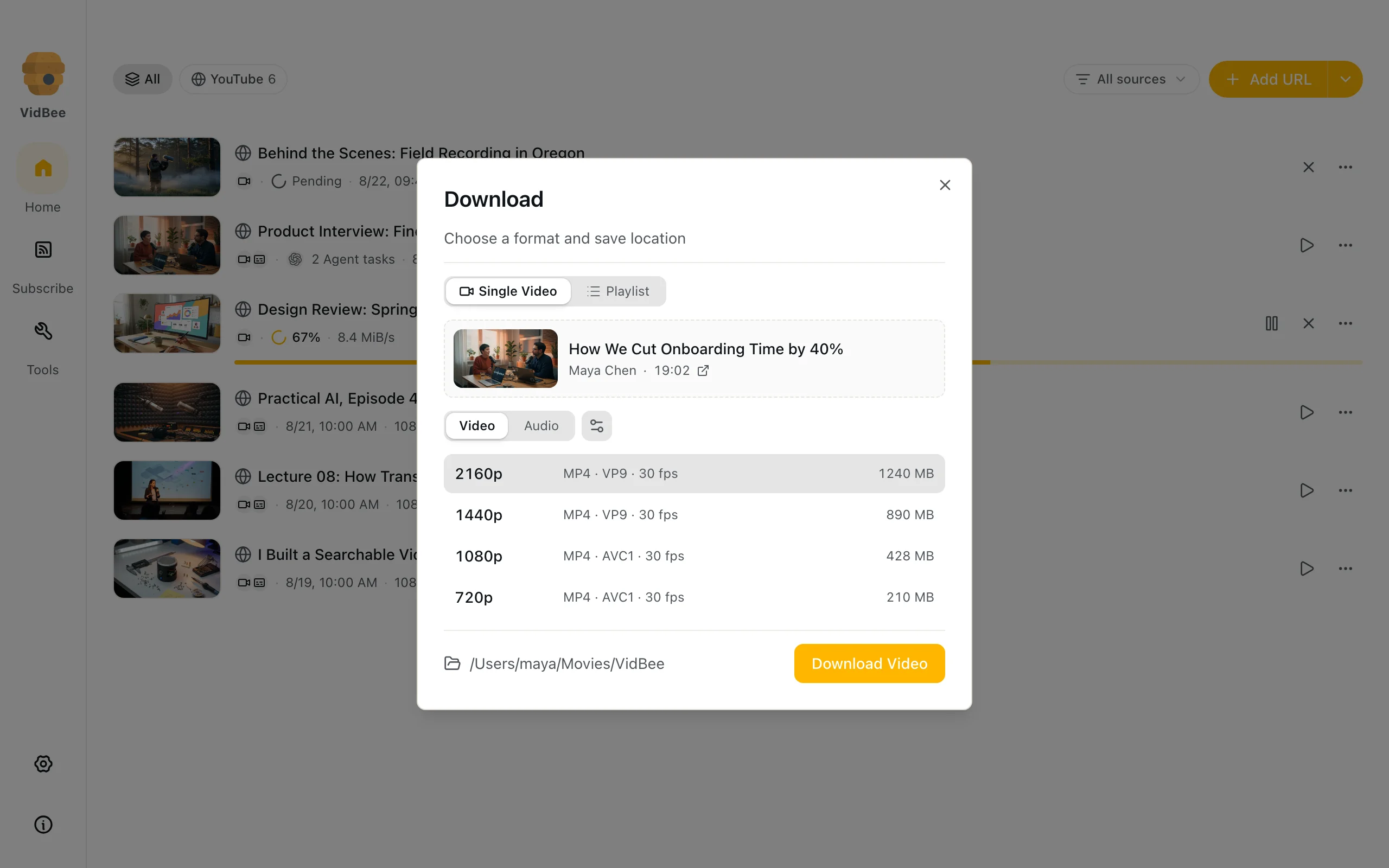
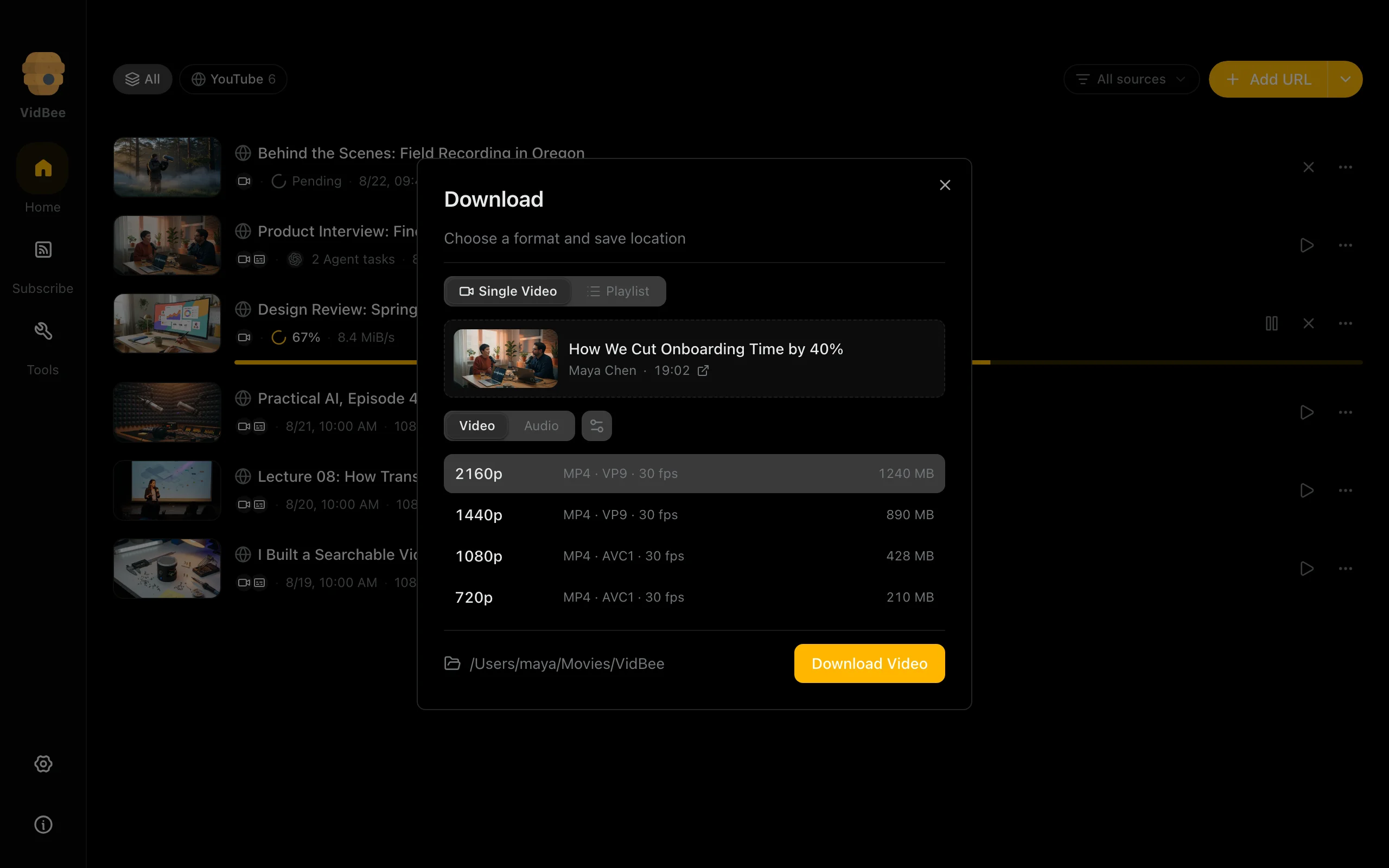
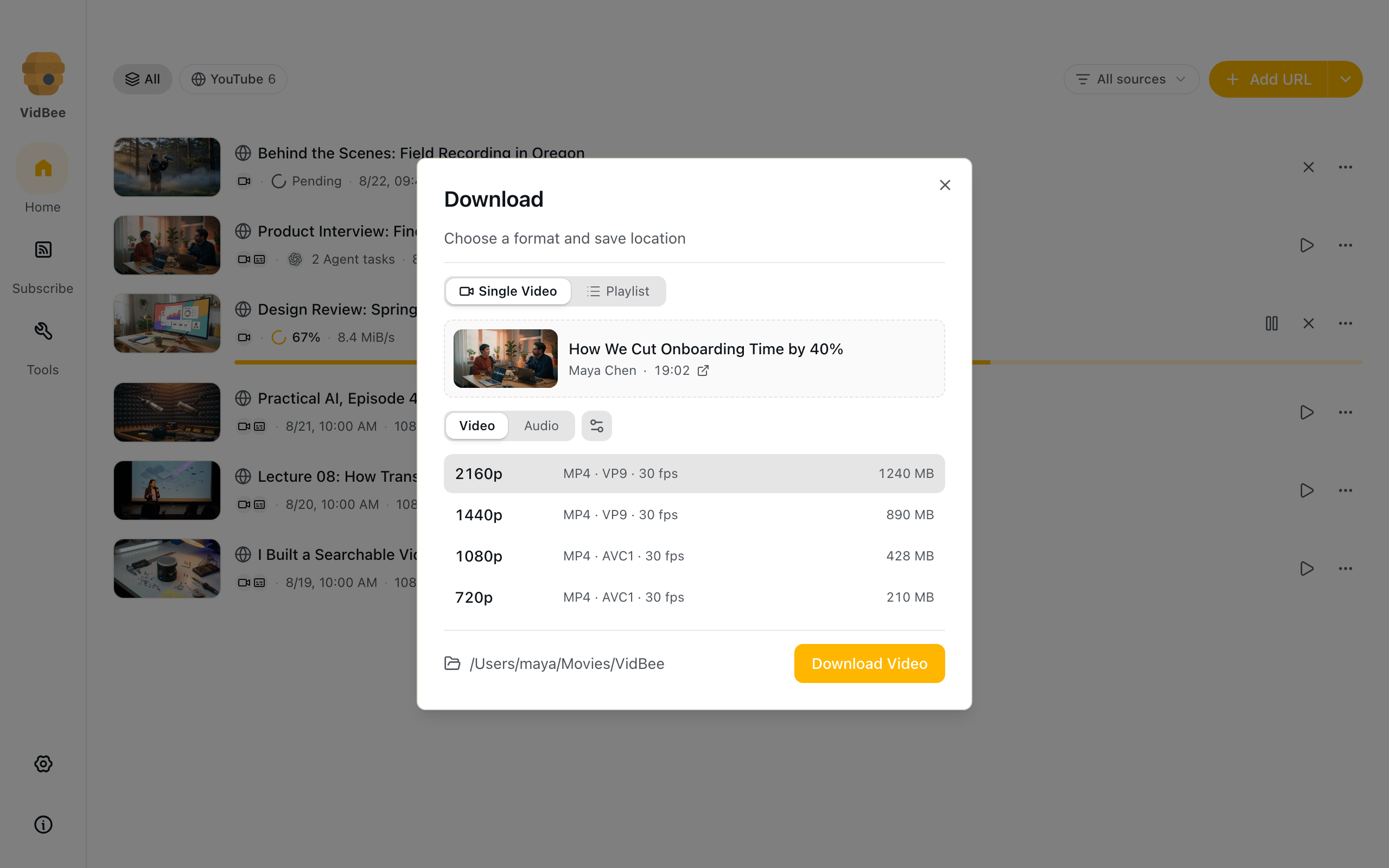
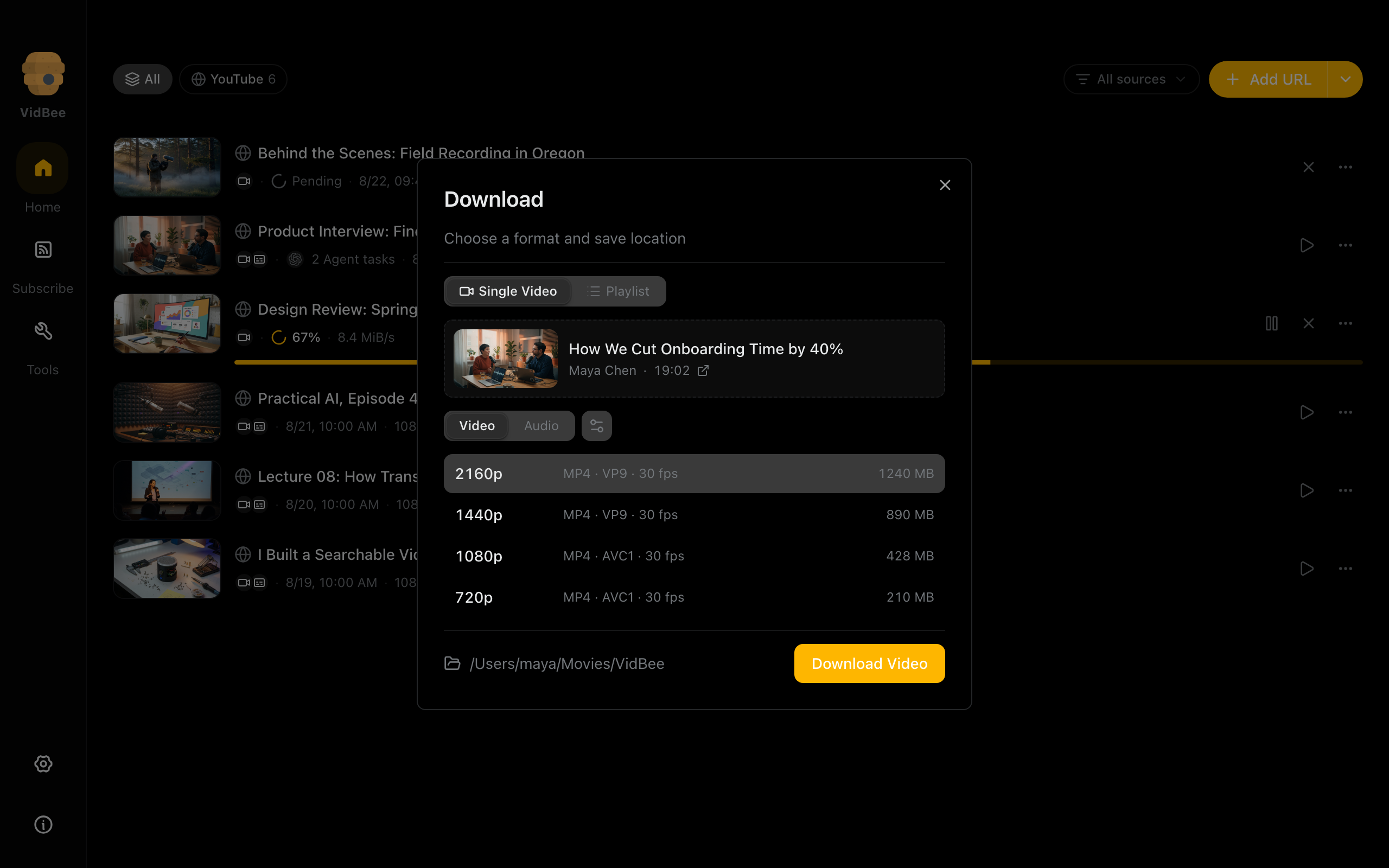
Download formats
Choose a video or audio format before saving a recording.
Light mode
2560 × 1600 px
Dark mode
2560 × 1600 px
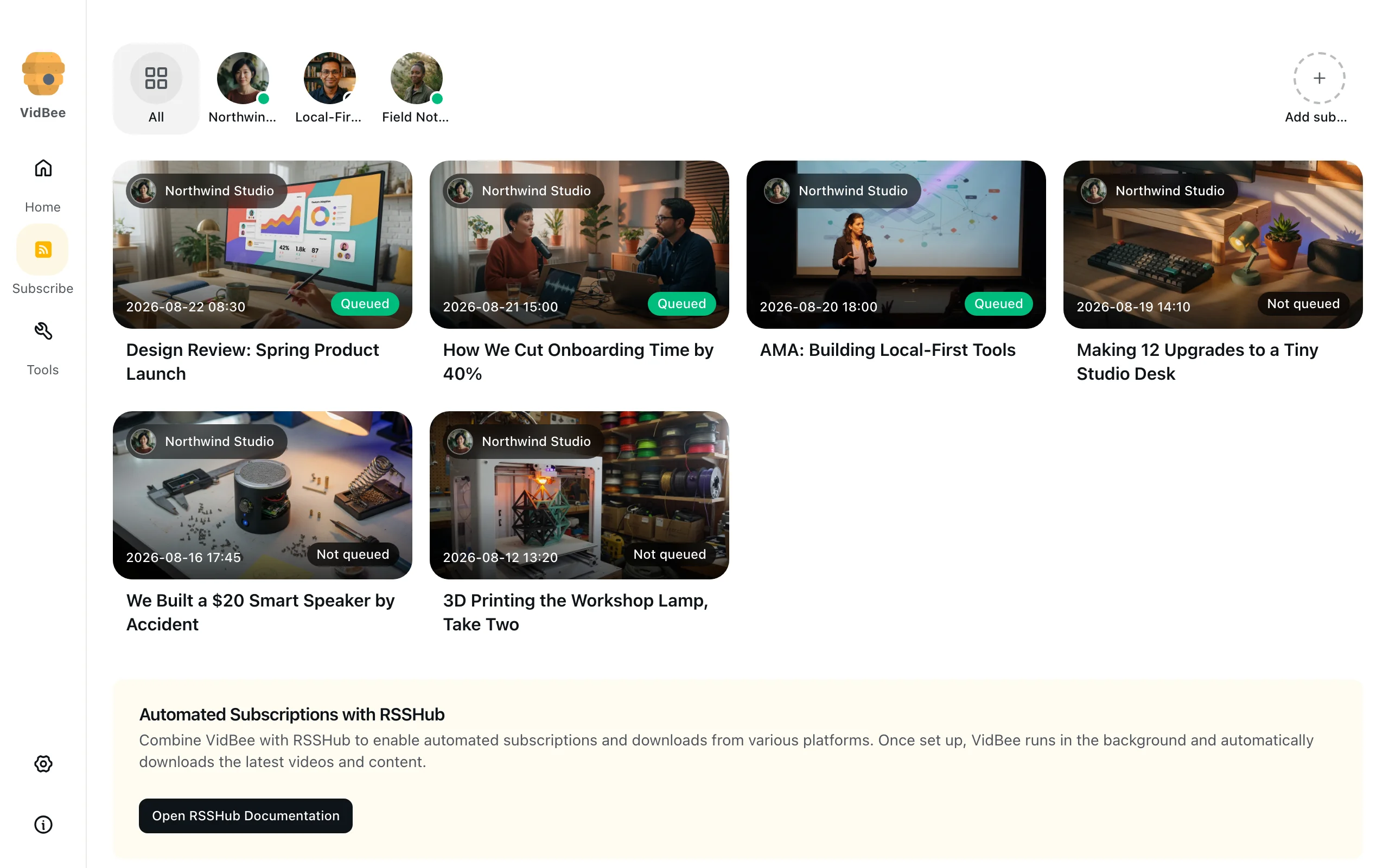
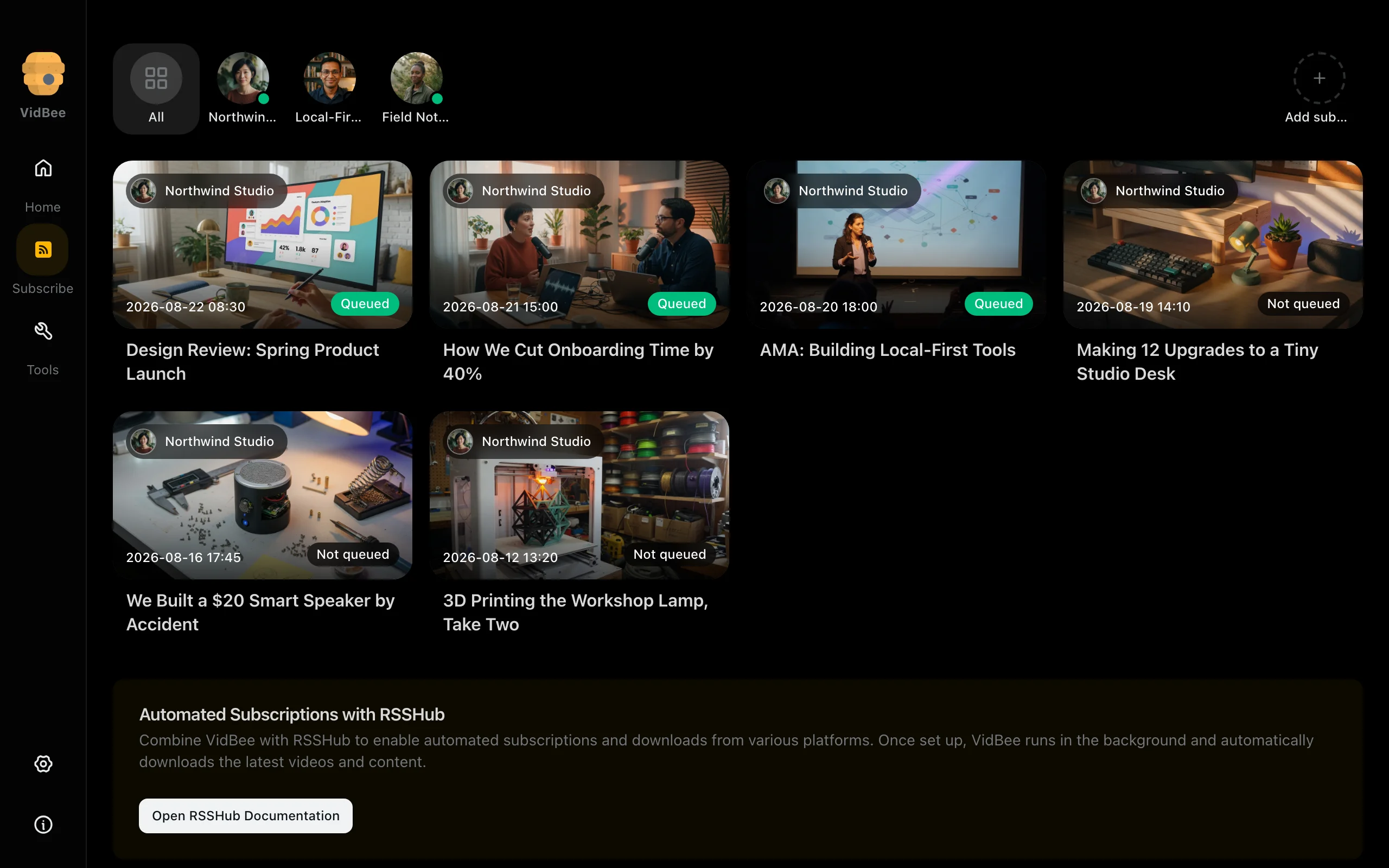
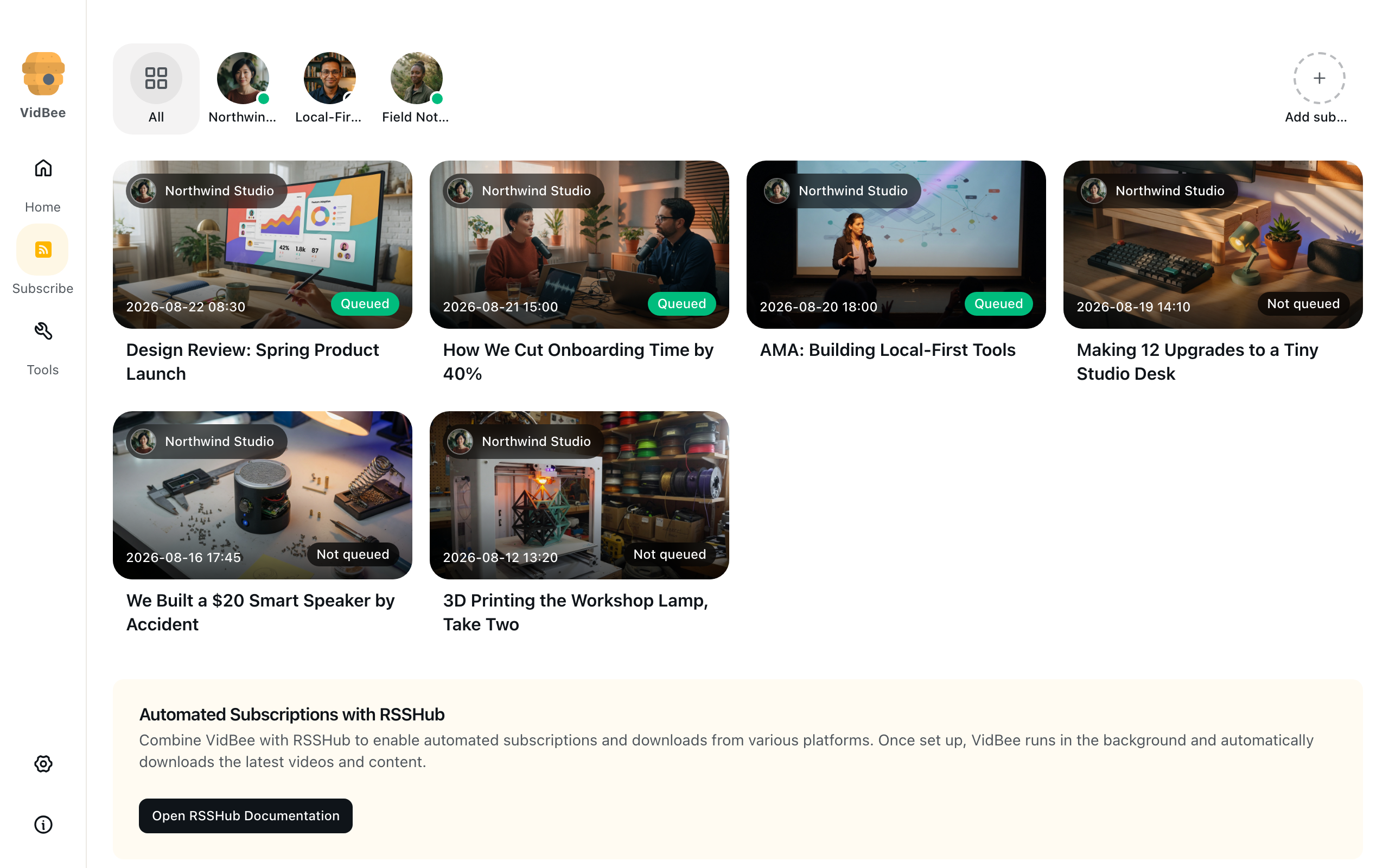
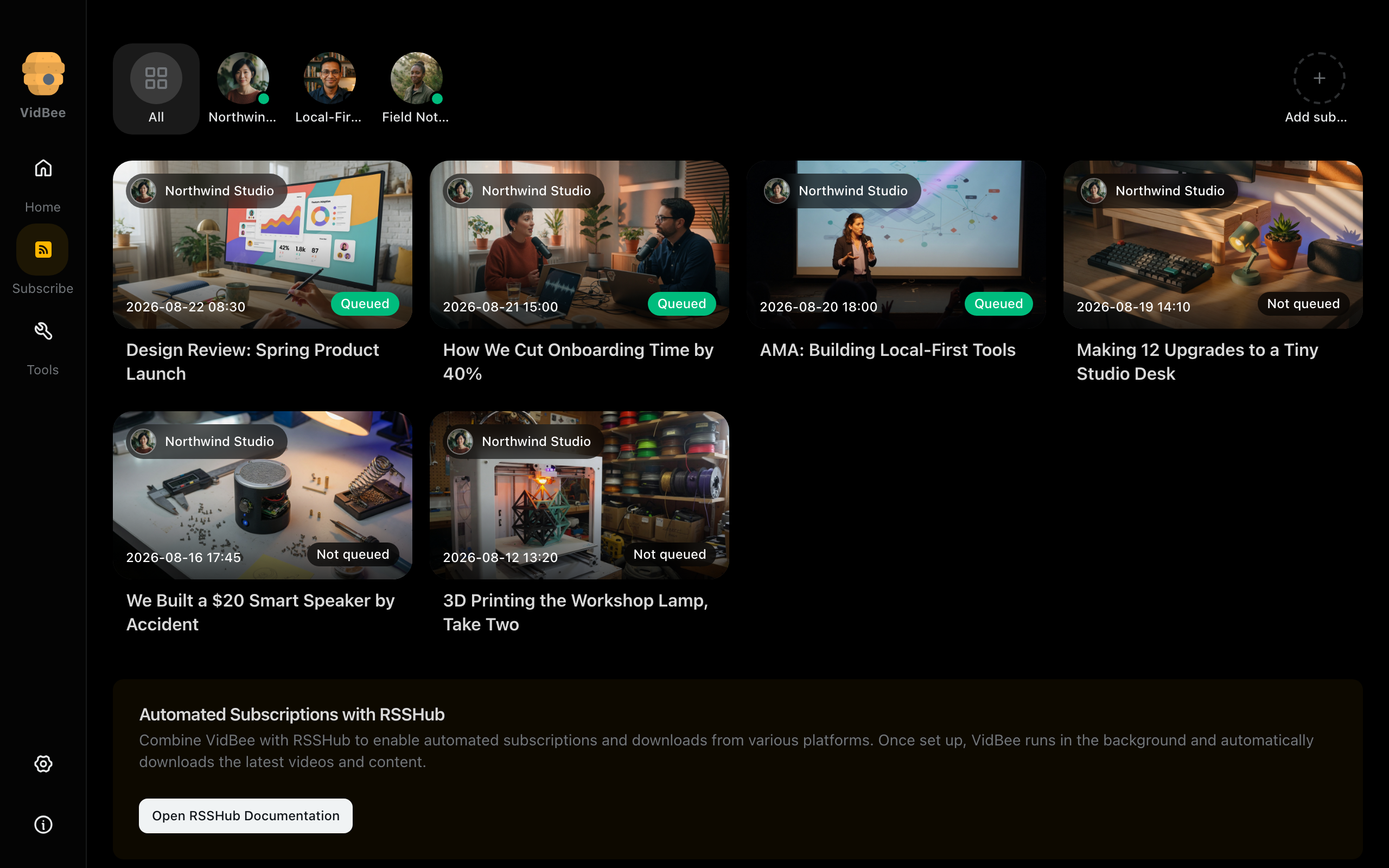
Subscriptions
Follow a channel or feed and review new episodes.
Light mode
2560 × 1600 px
Dark mode
2560 × 1600 px
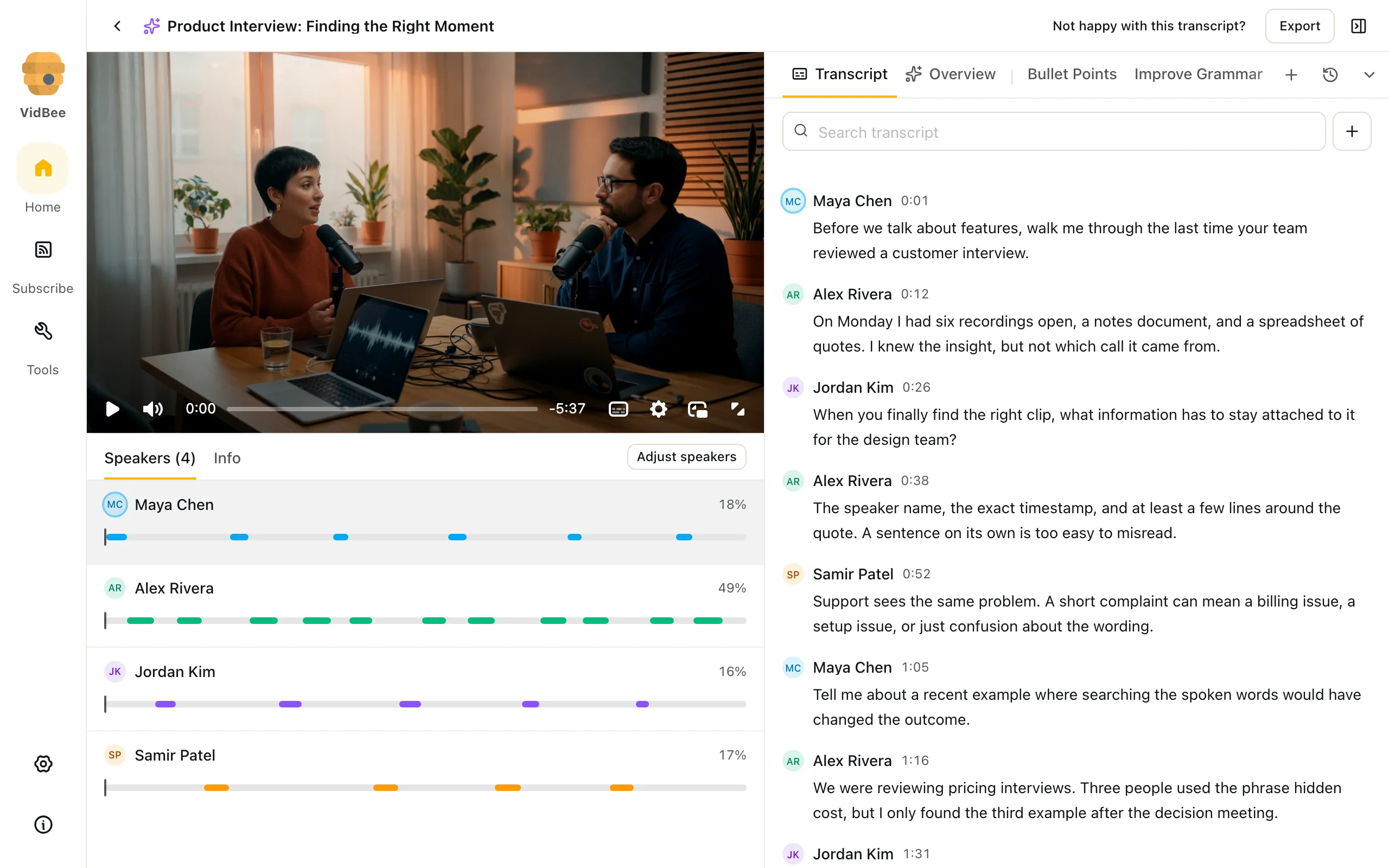
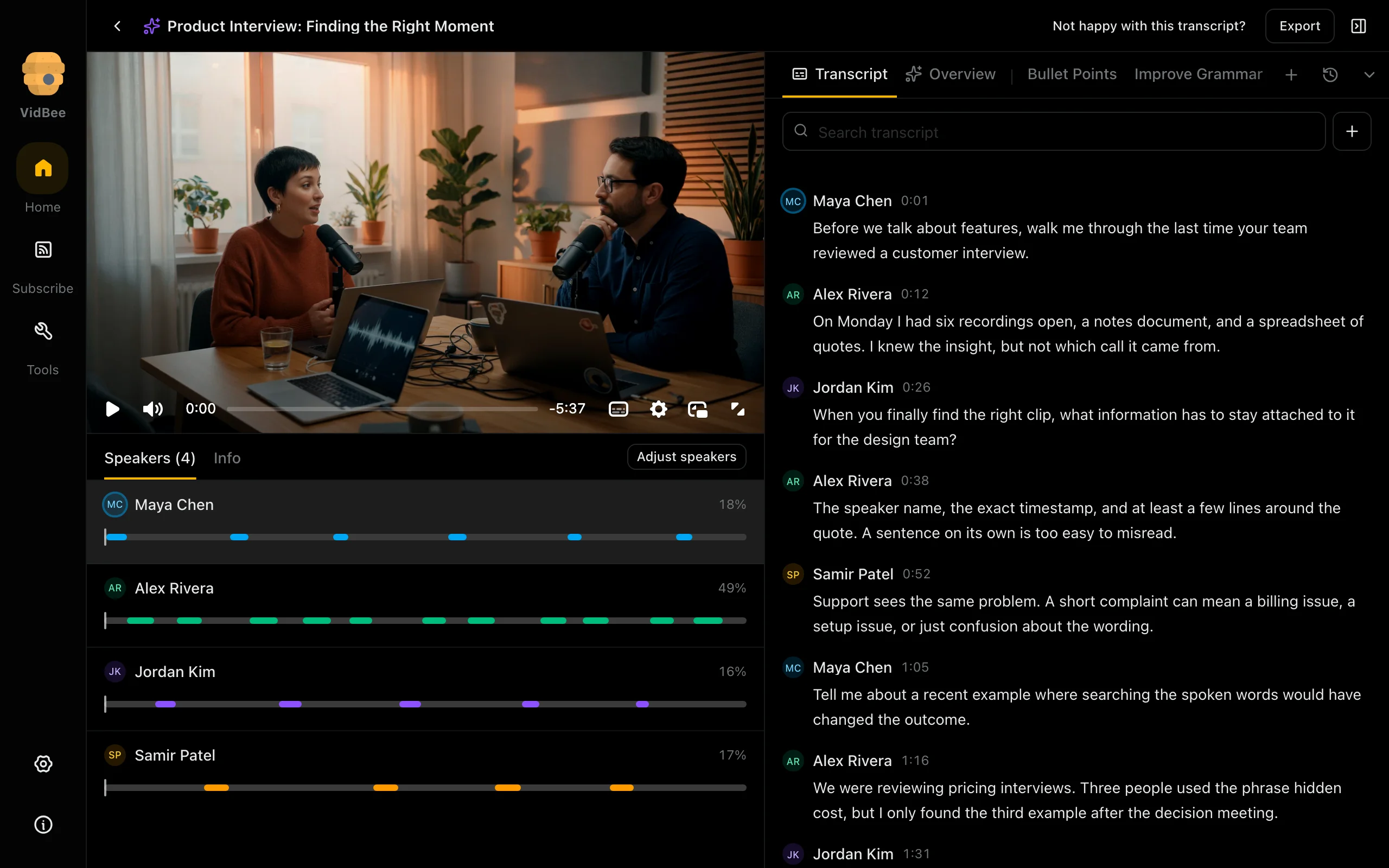
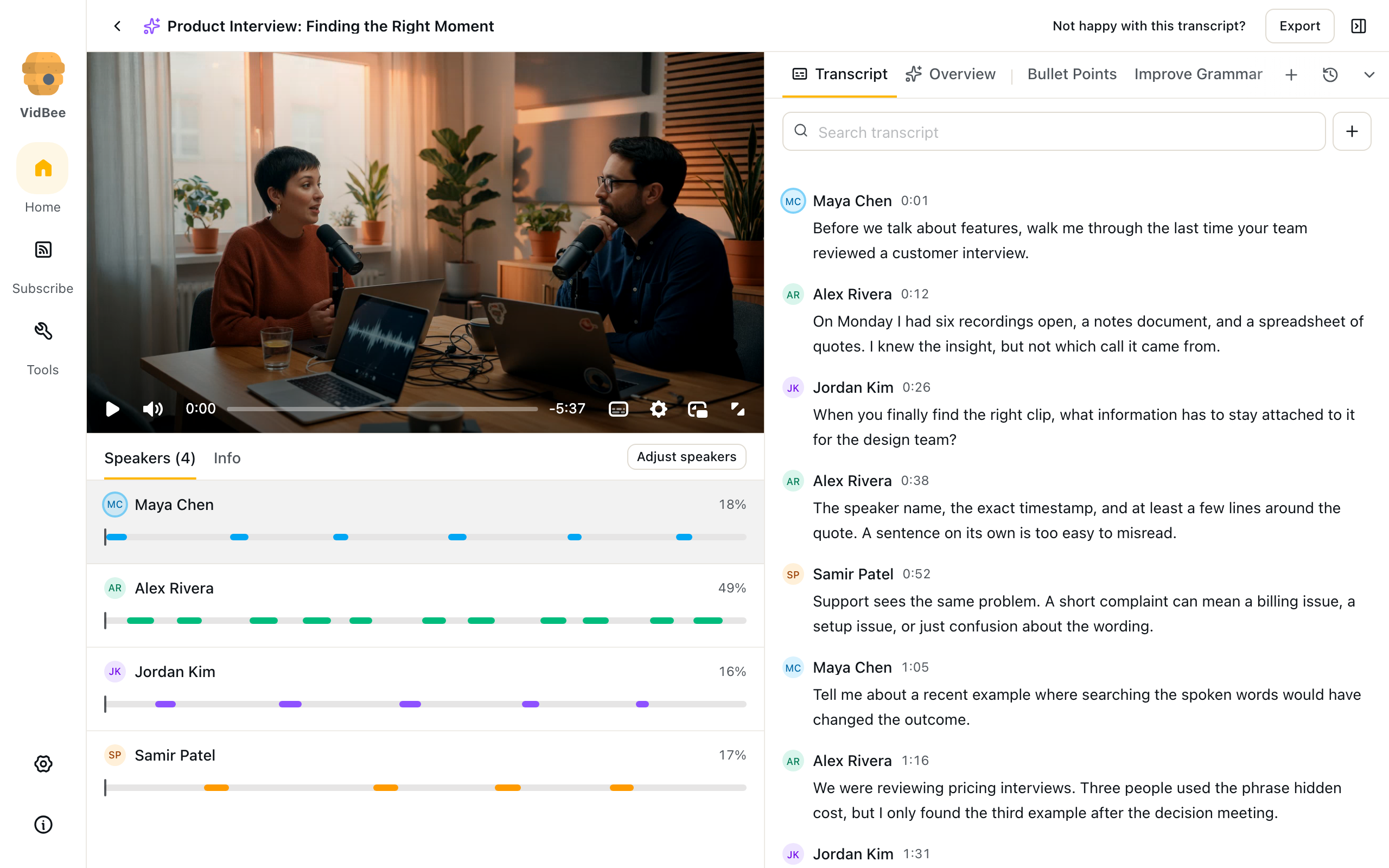
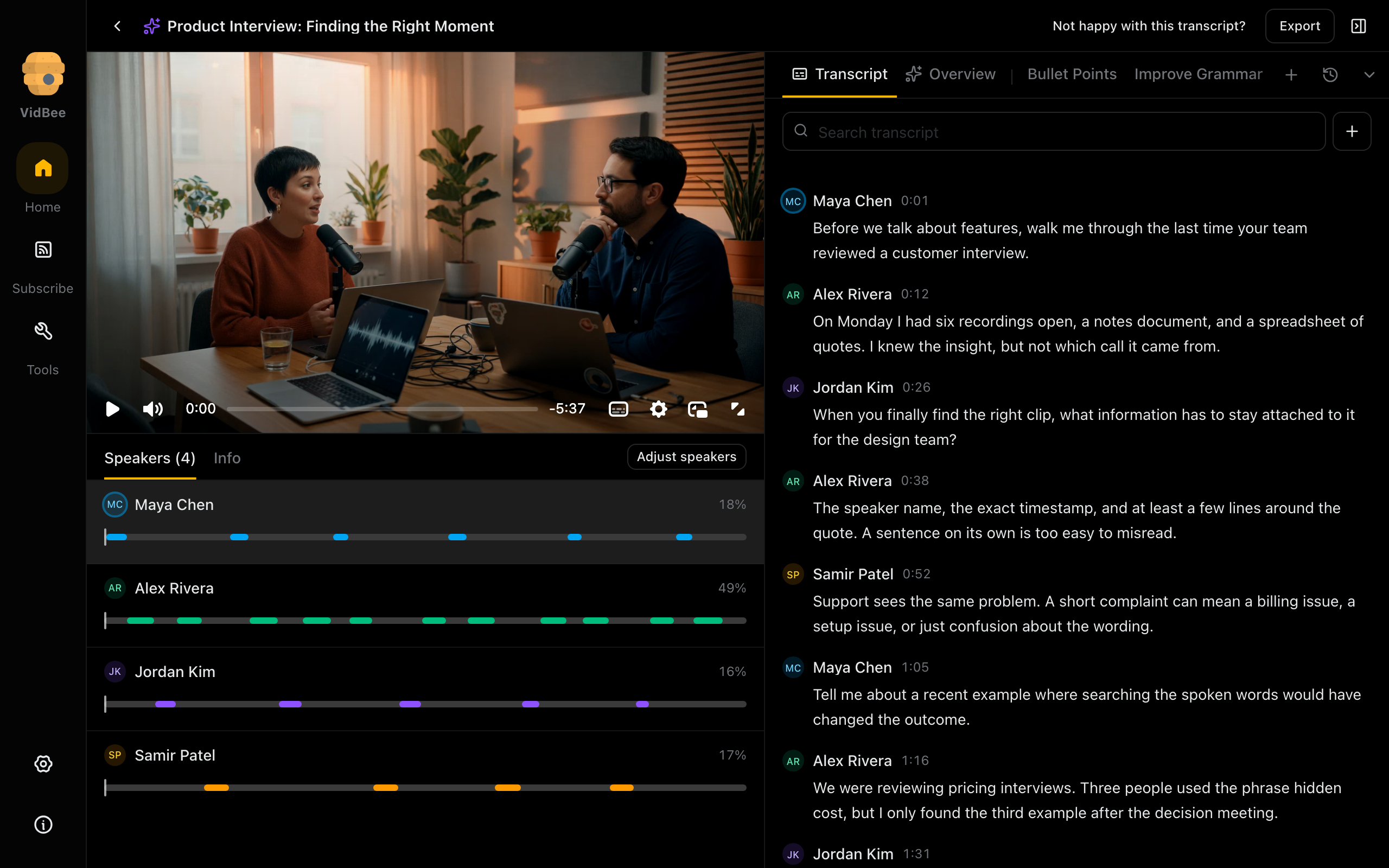
Transcript workspace
Read timestamped speech beside the source player and speaker timeline.
Light mode
2560 × 1600 px
Dark mode
2560 × 1600 px
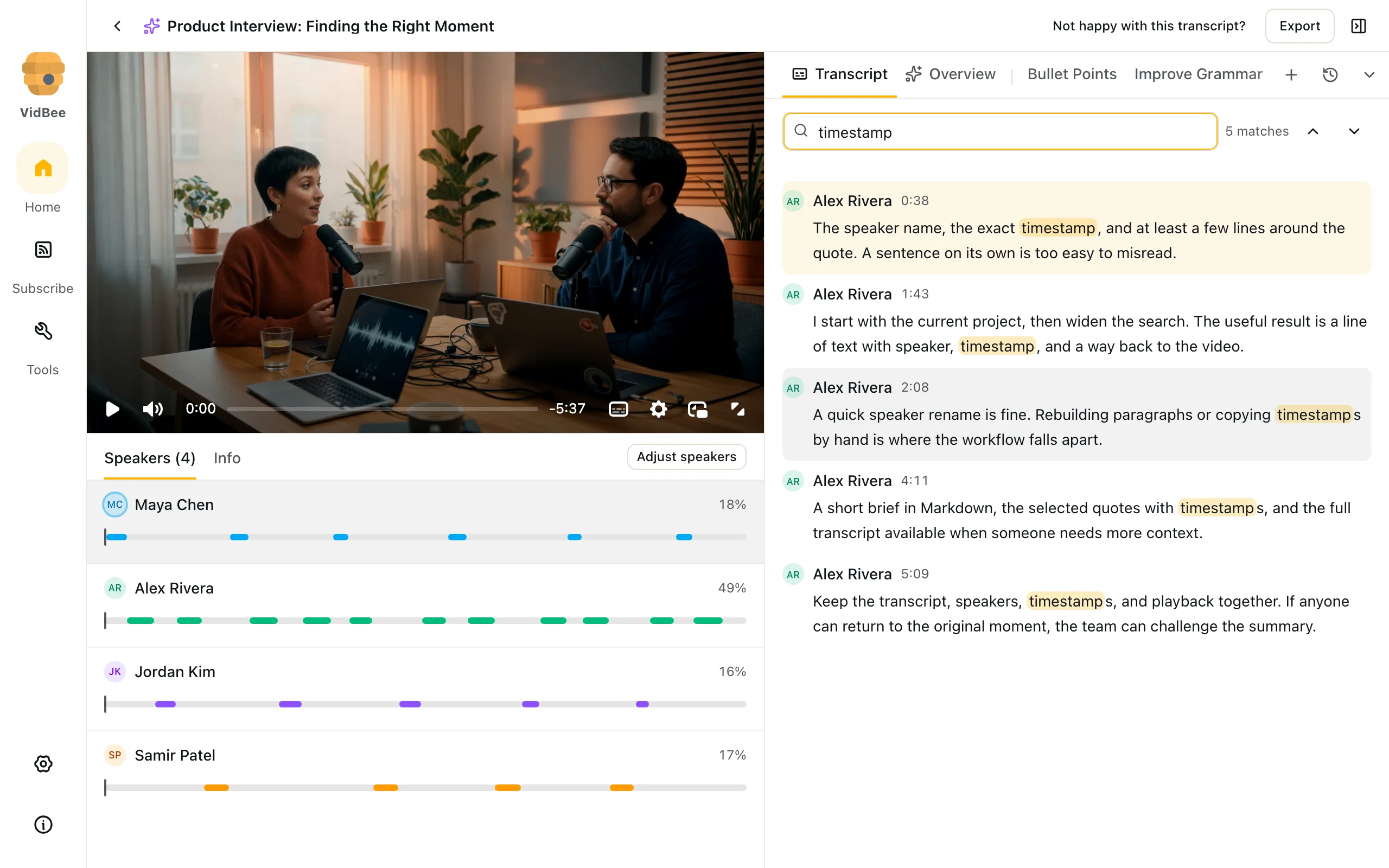
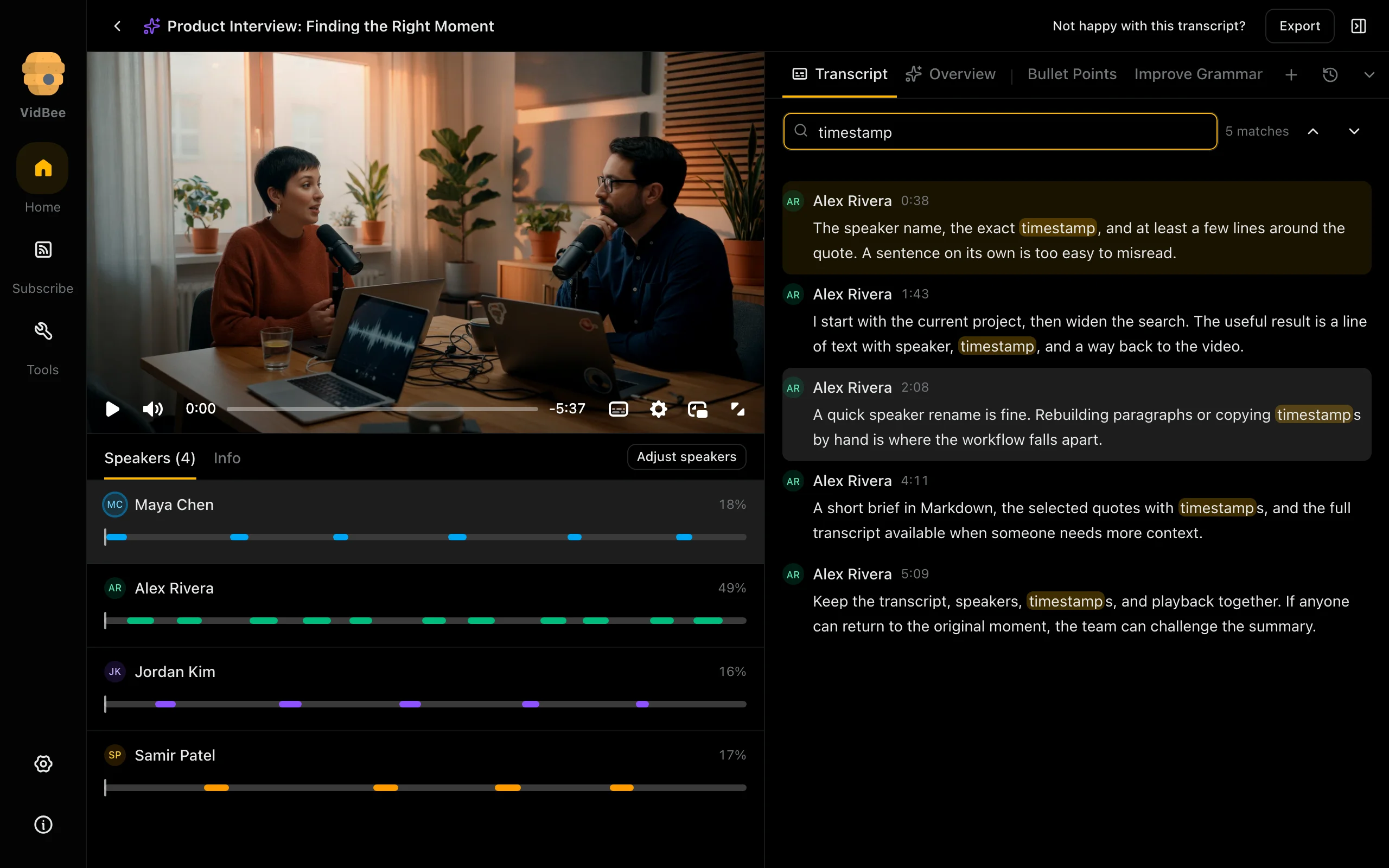
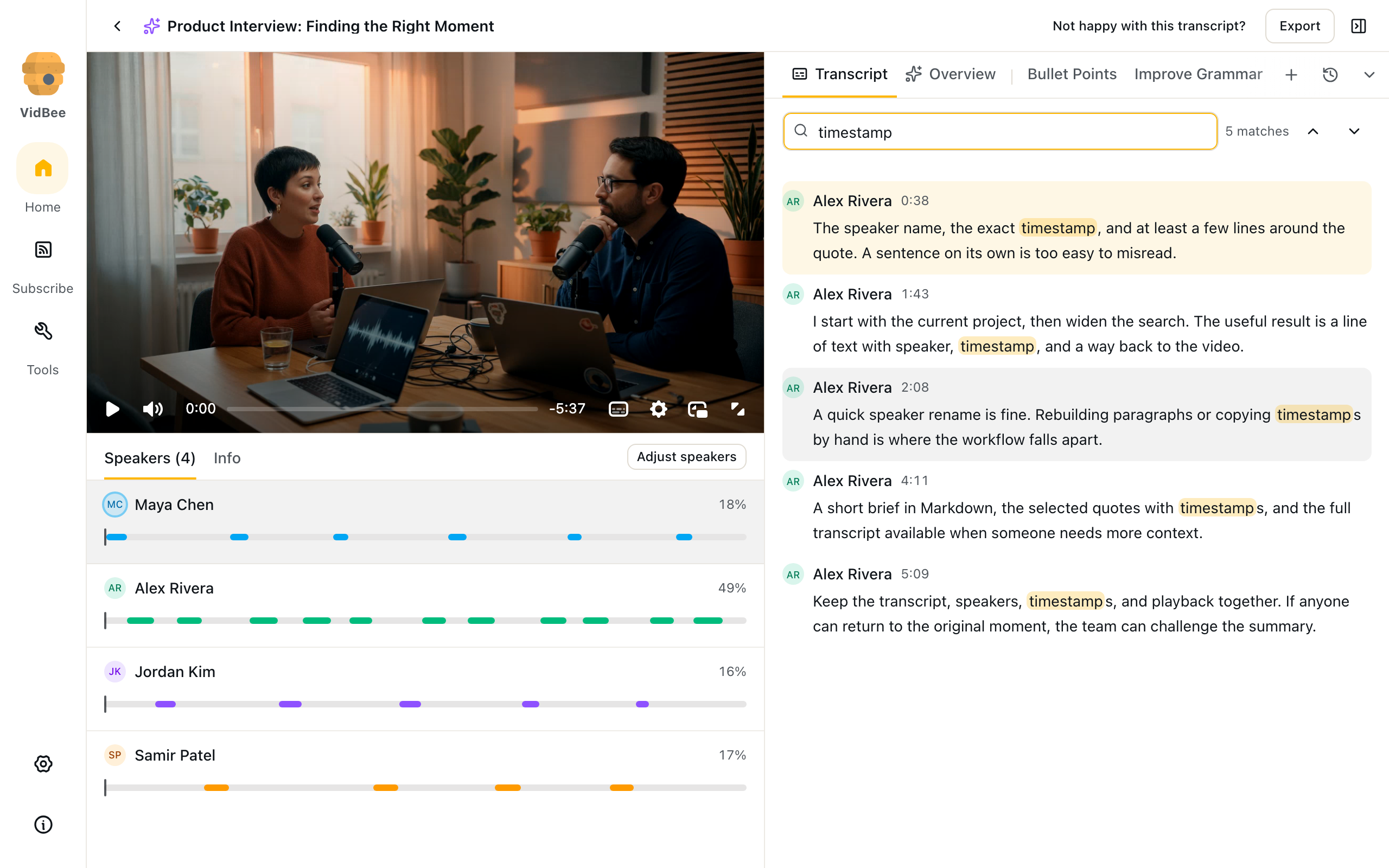
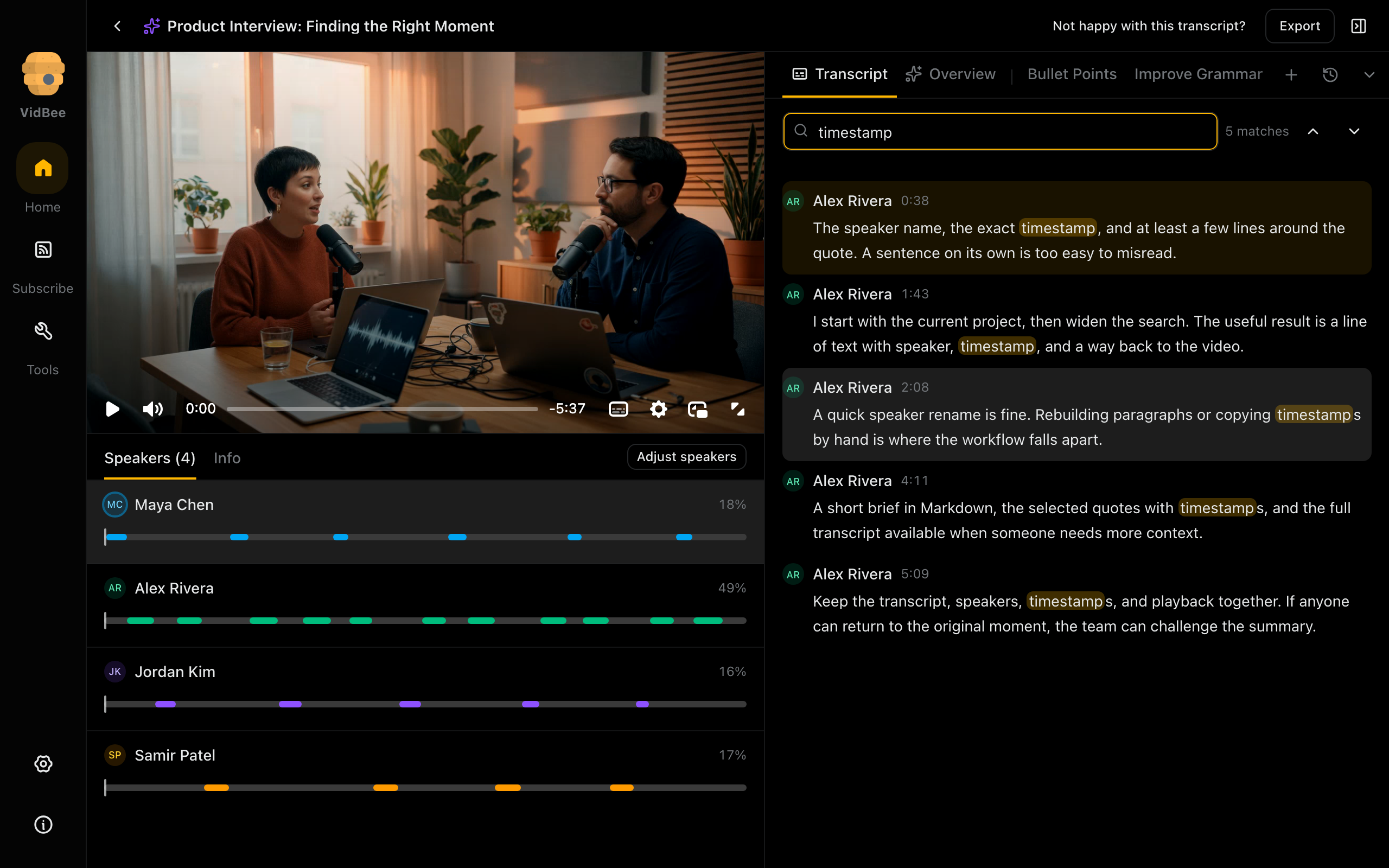
Transcript search
Find spoken phrases while keeping speaker names and source timestamps visible.
Light mode
2560 × 1600 px
Dark mode
2560 × 1600 px
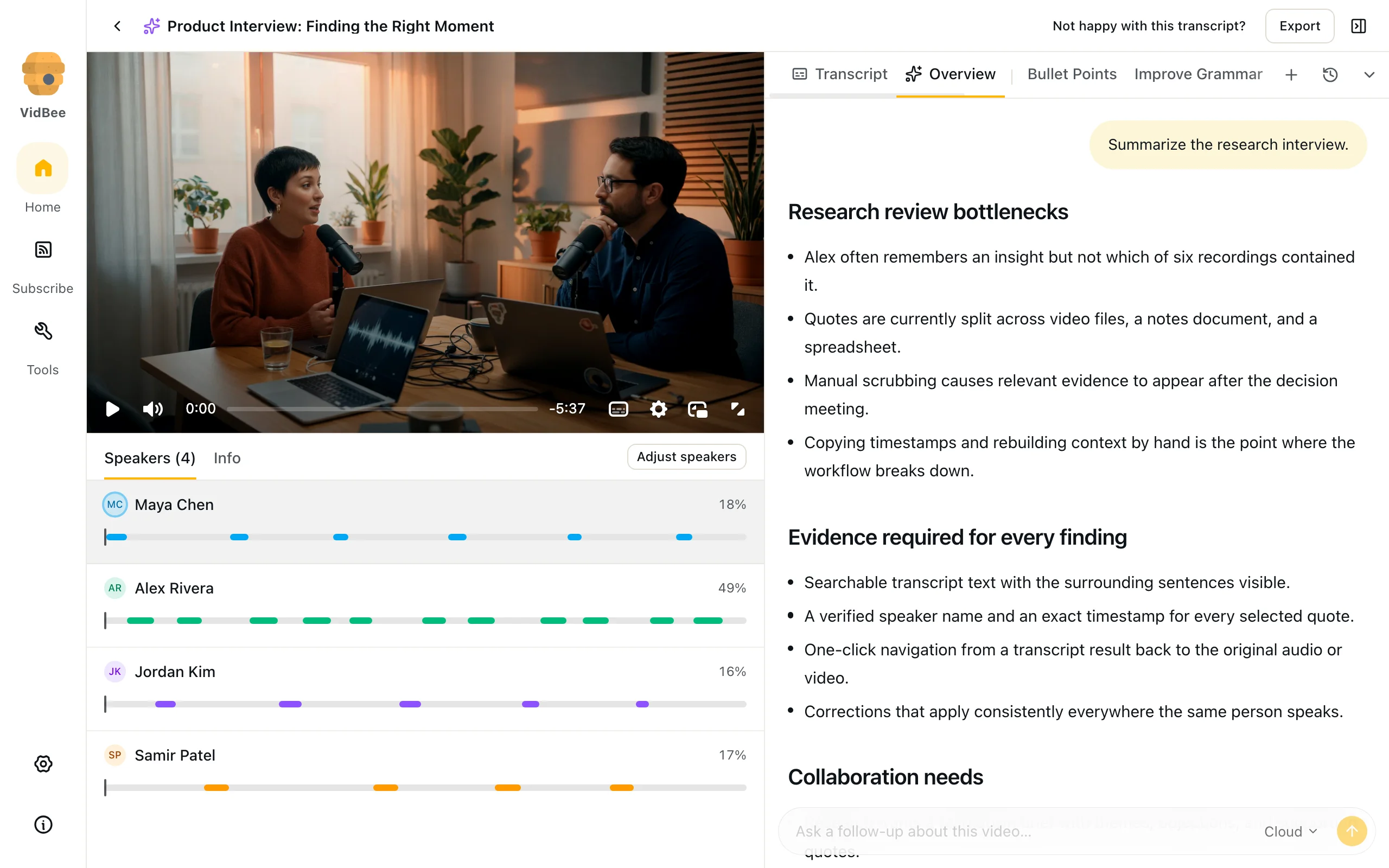
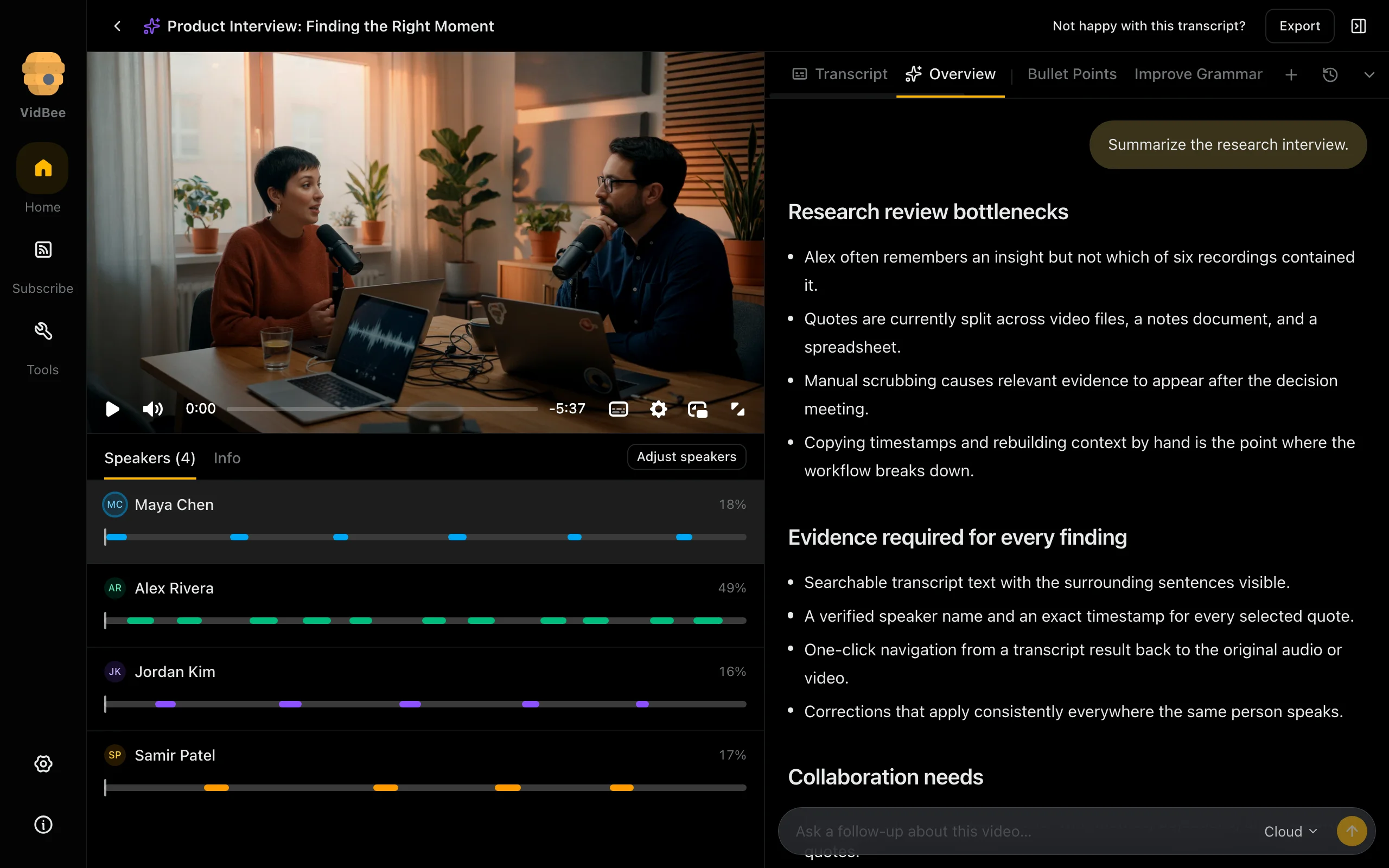
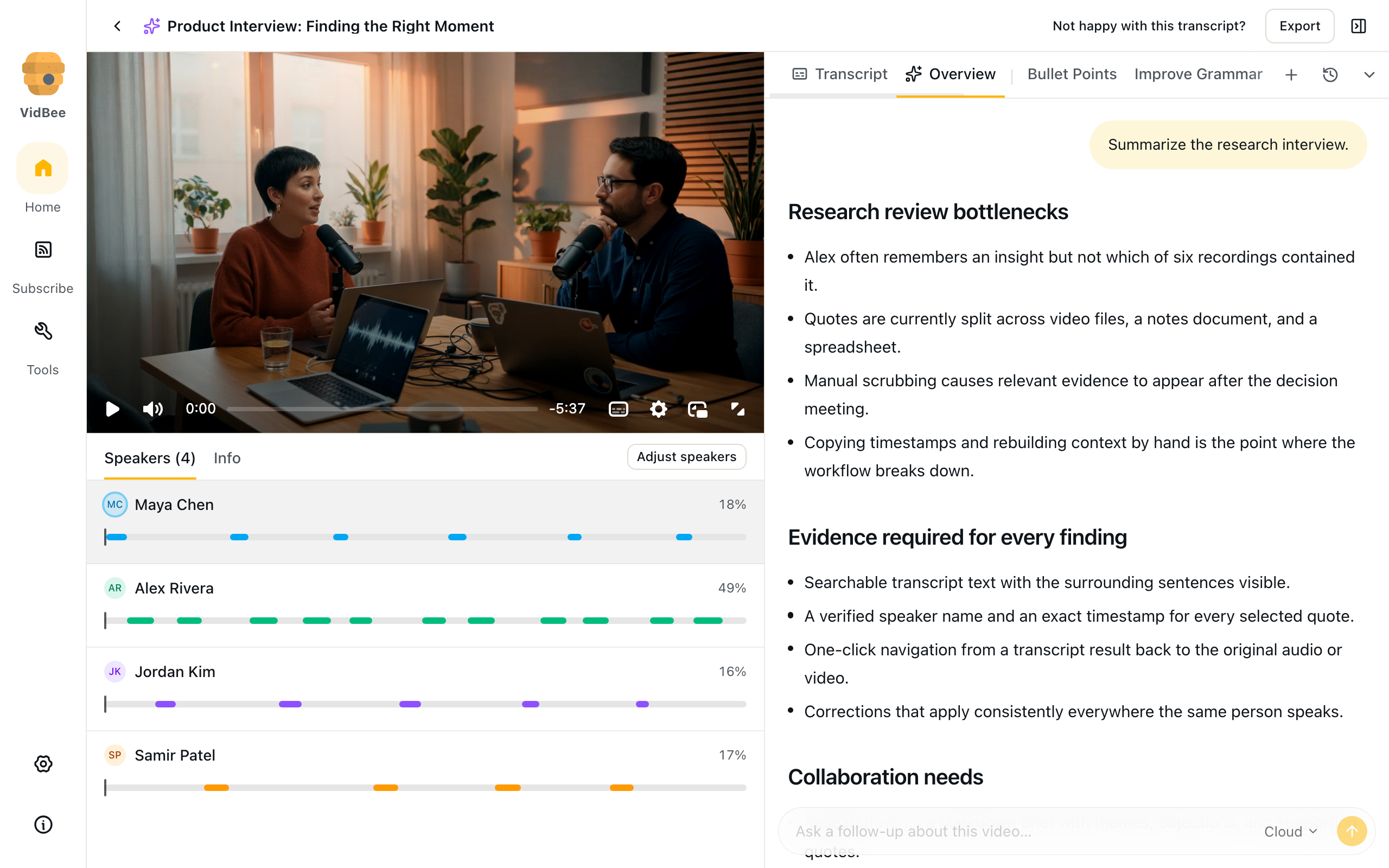
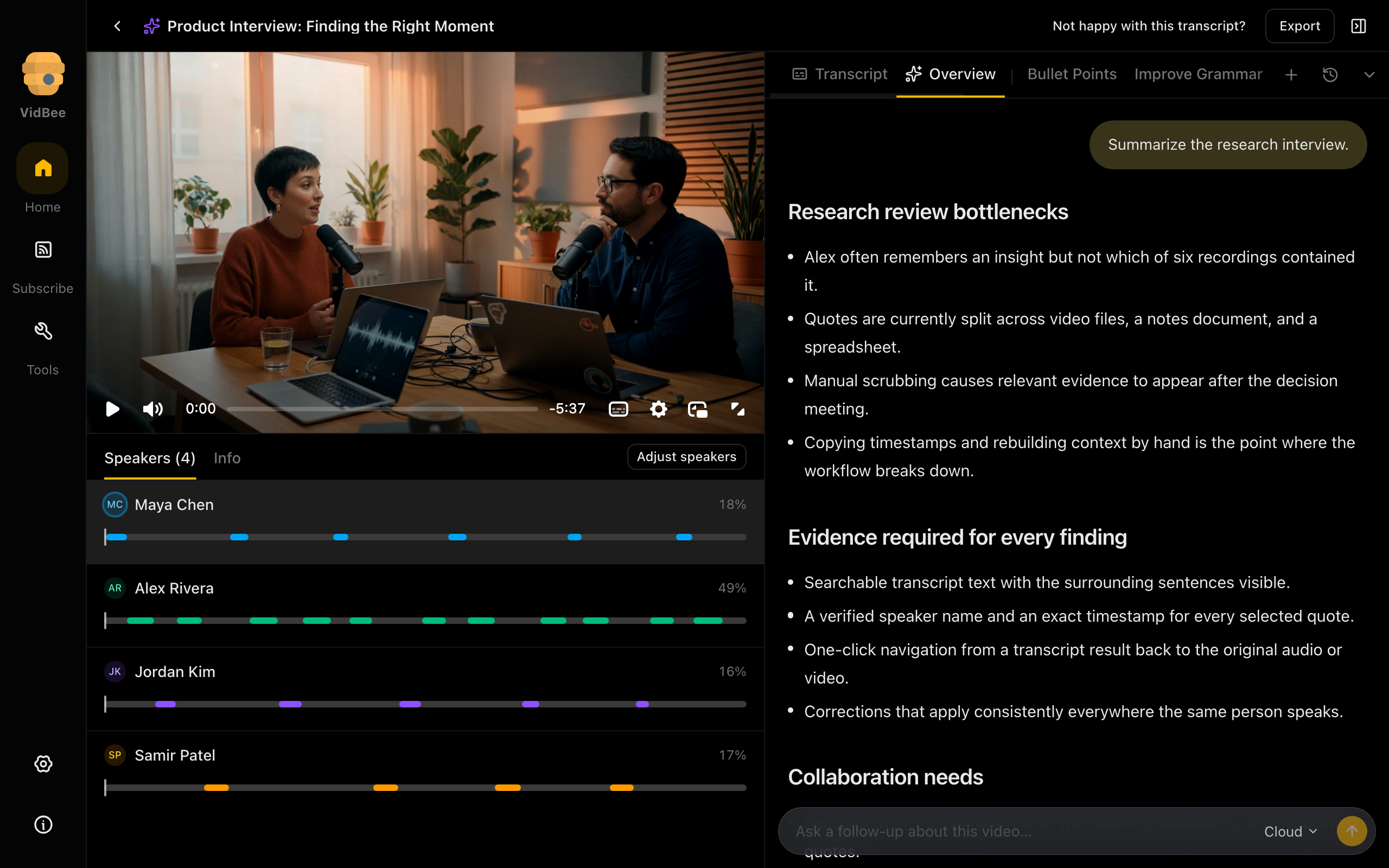
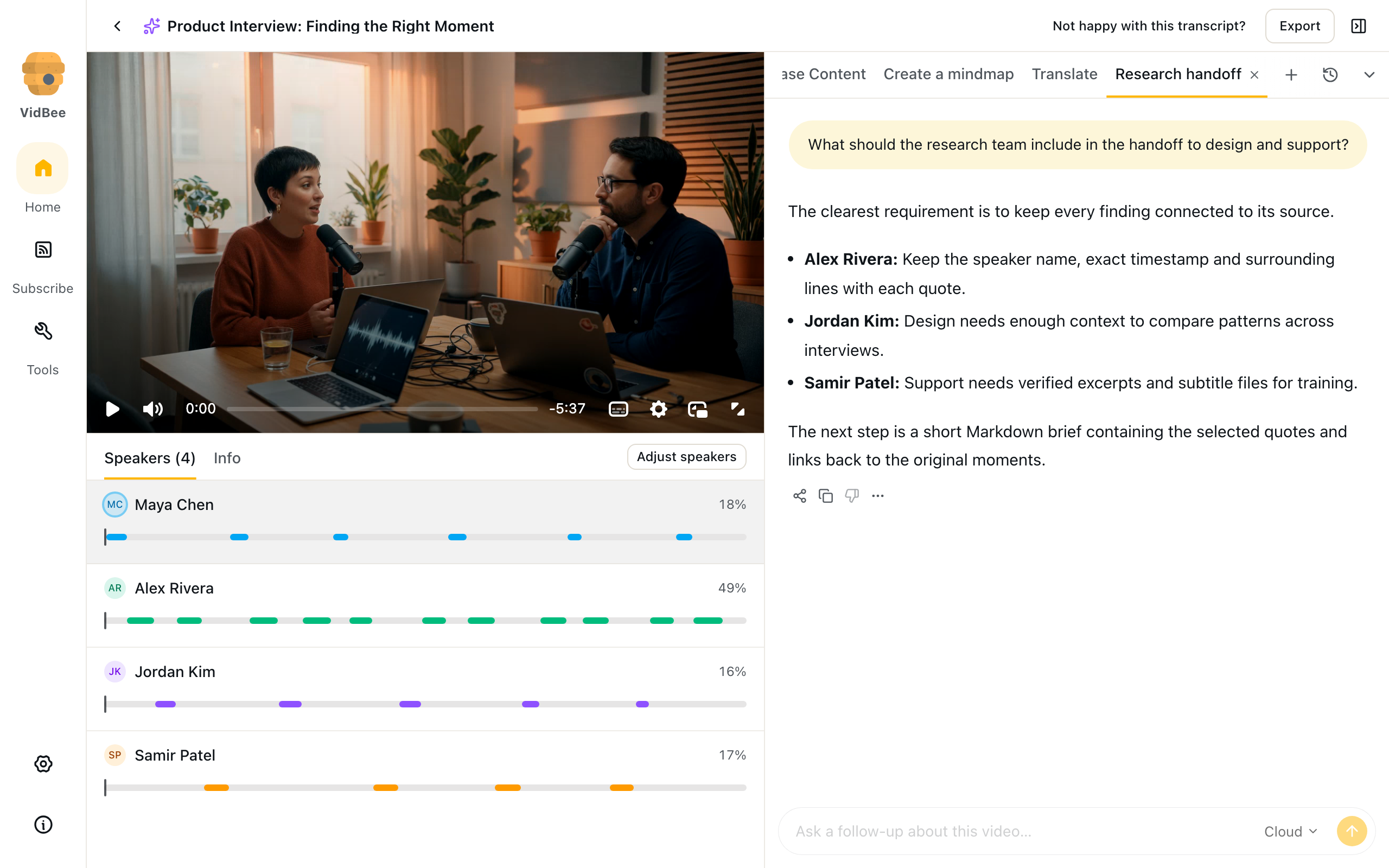
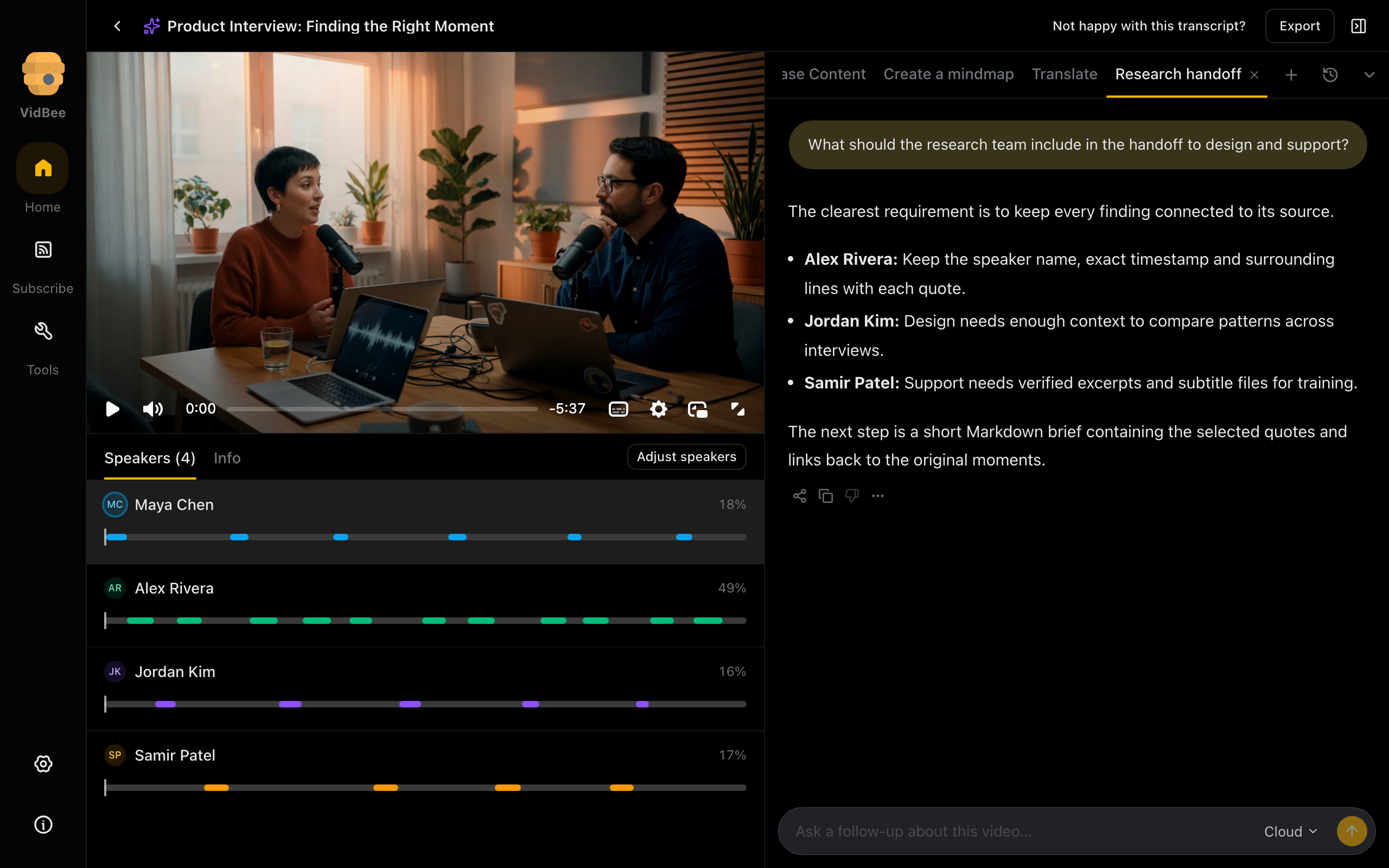
AI overview
Review a saved overview of the interview, its findings and the evidence needed for a handoff.
Light mode
2560 × 1600 px
Dark mode
2560 × 1600 px
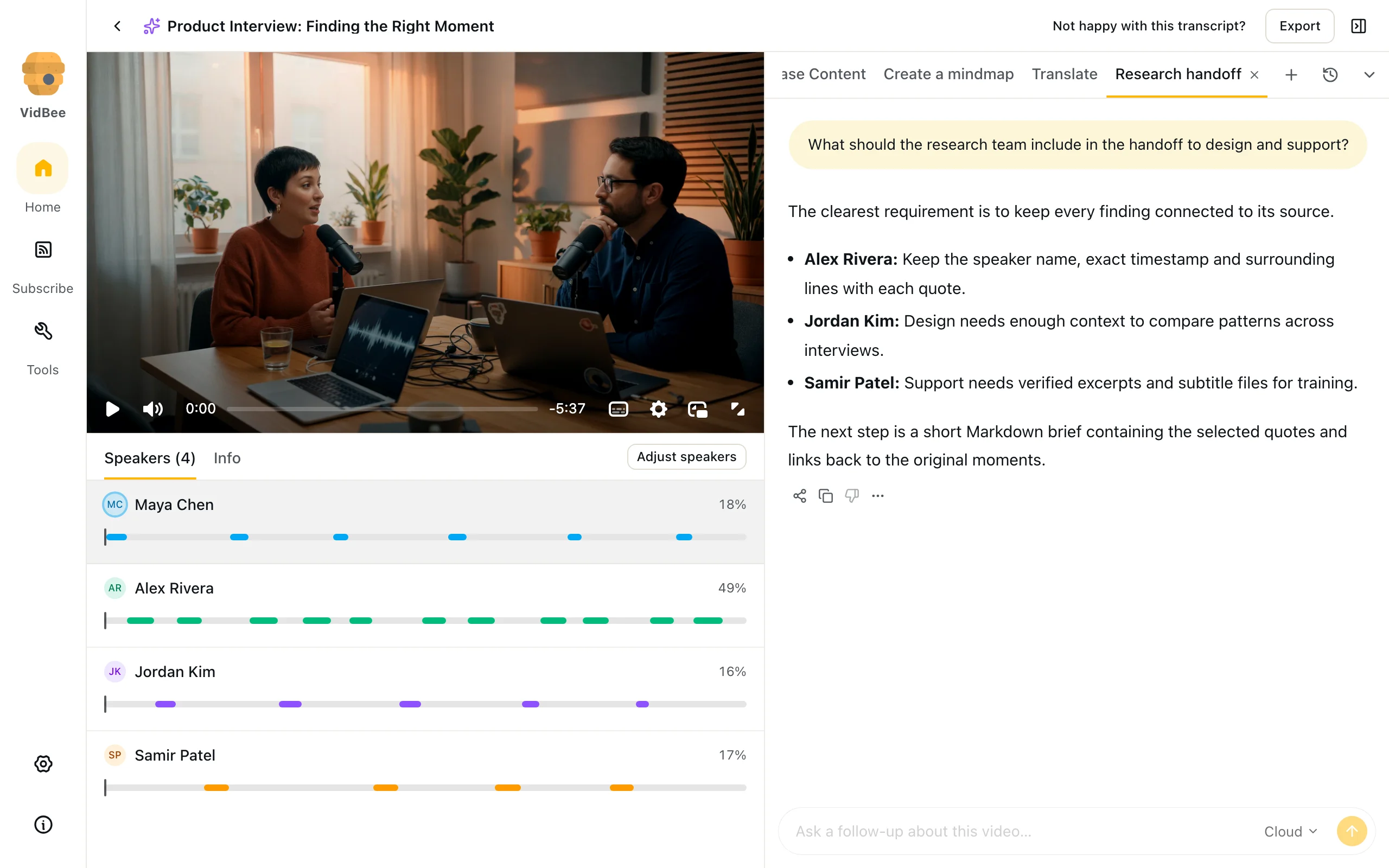
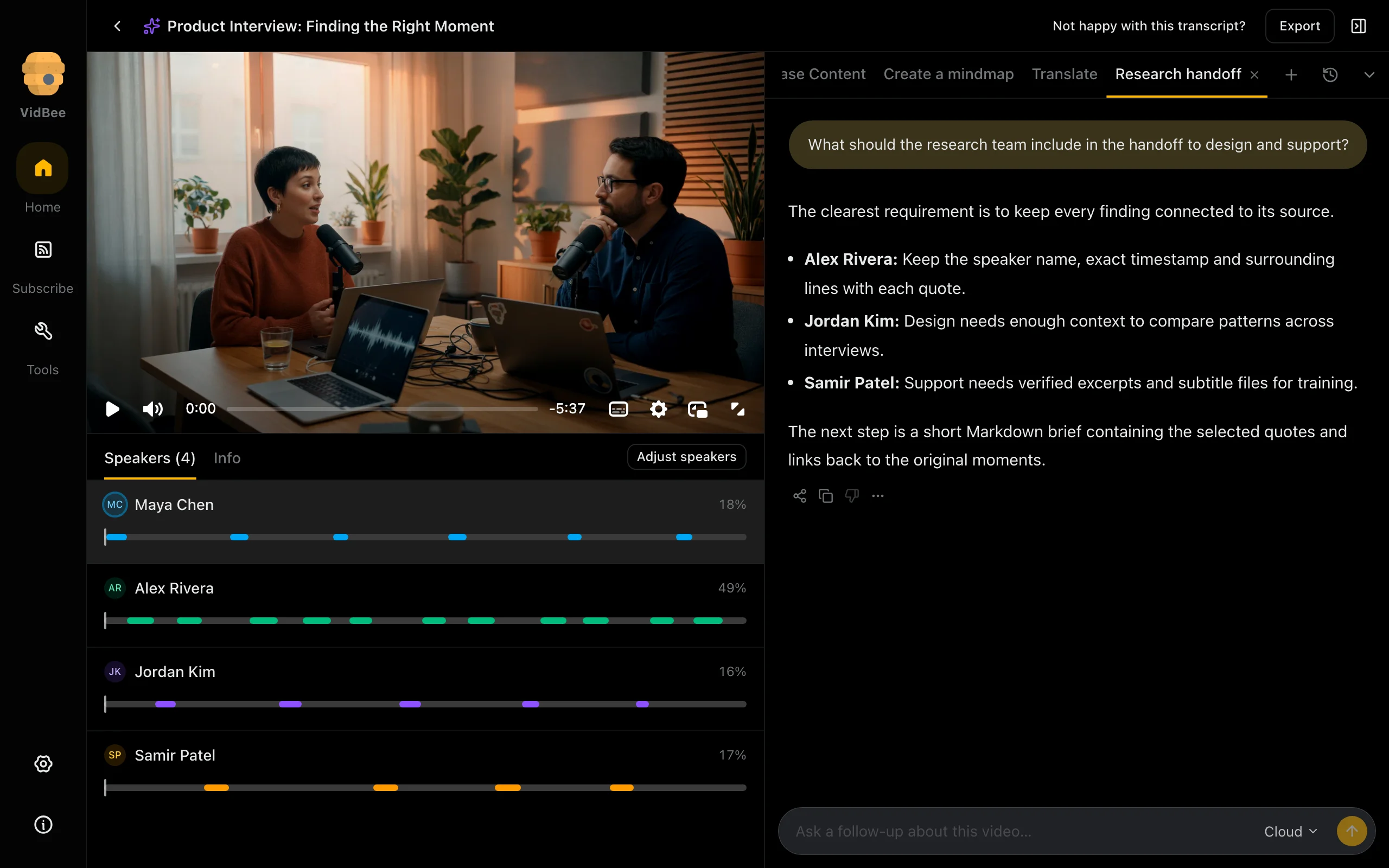
AI conversation
Ask follow-up questions about an interview and review a saved response in context.
Light mode
2560 × 1600 px
Dark mode
2560 × 1600 px
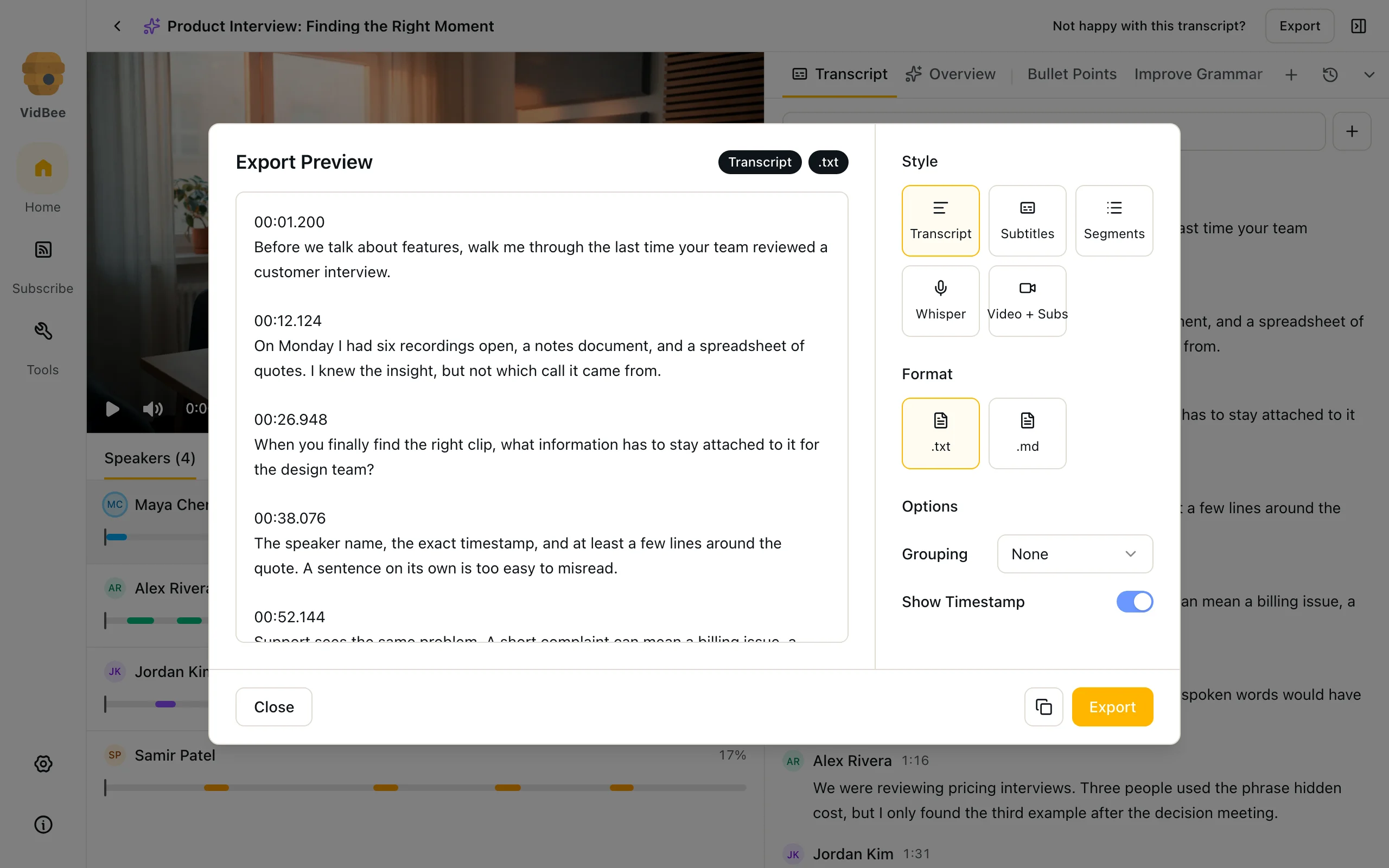
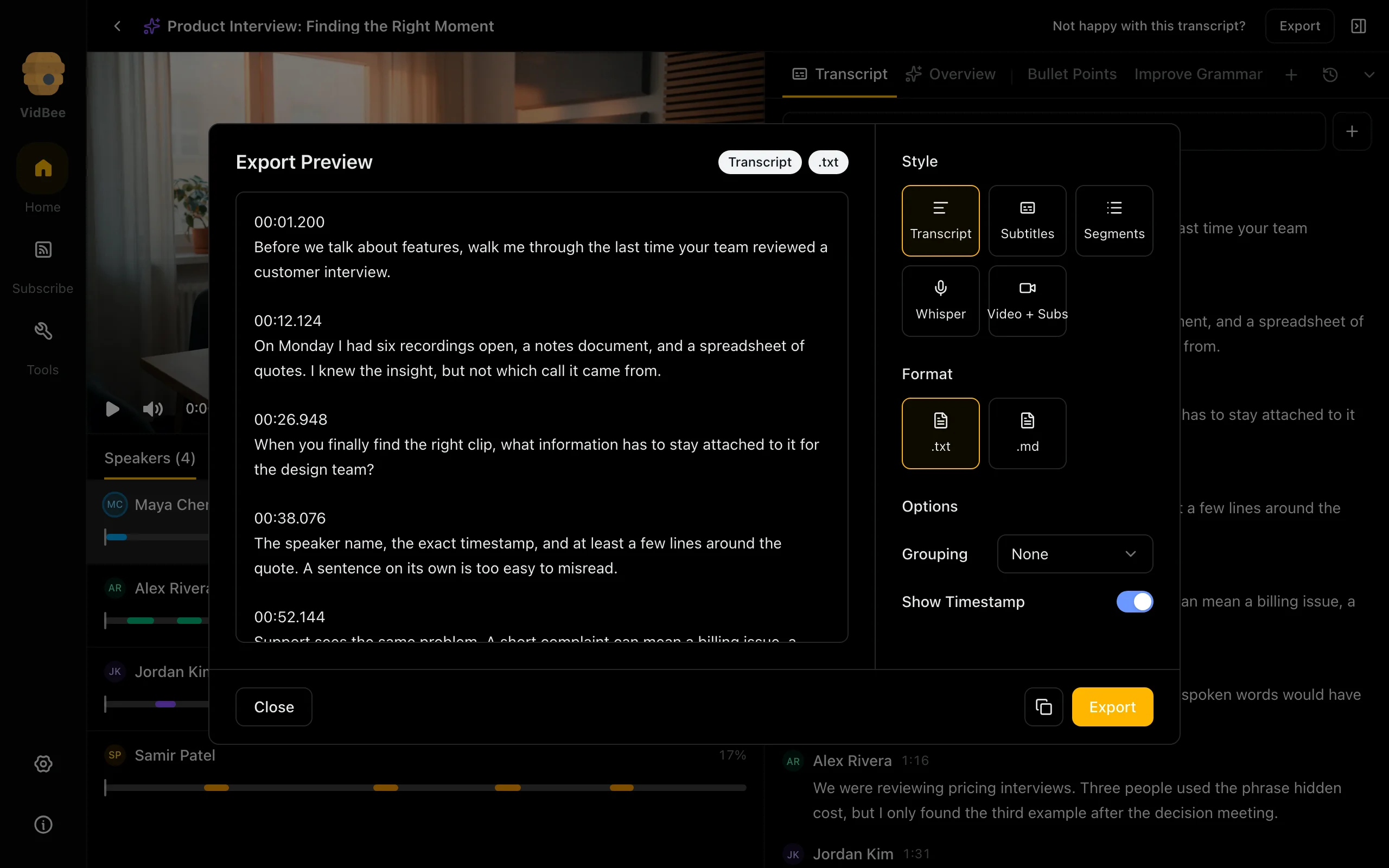
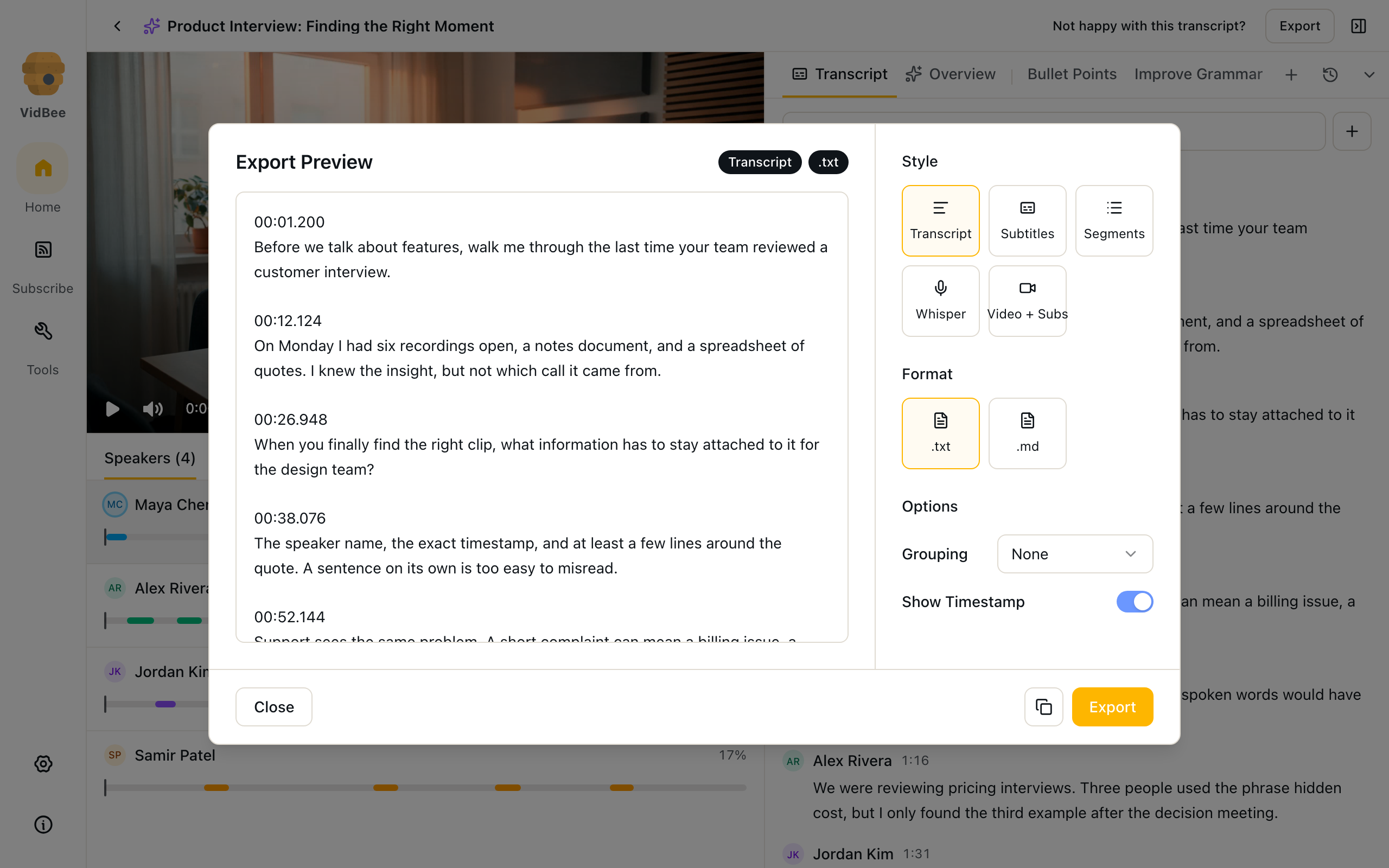
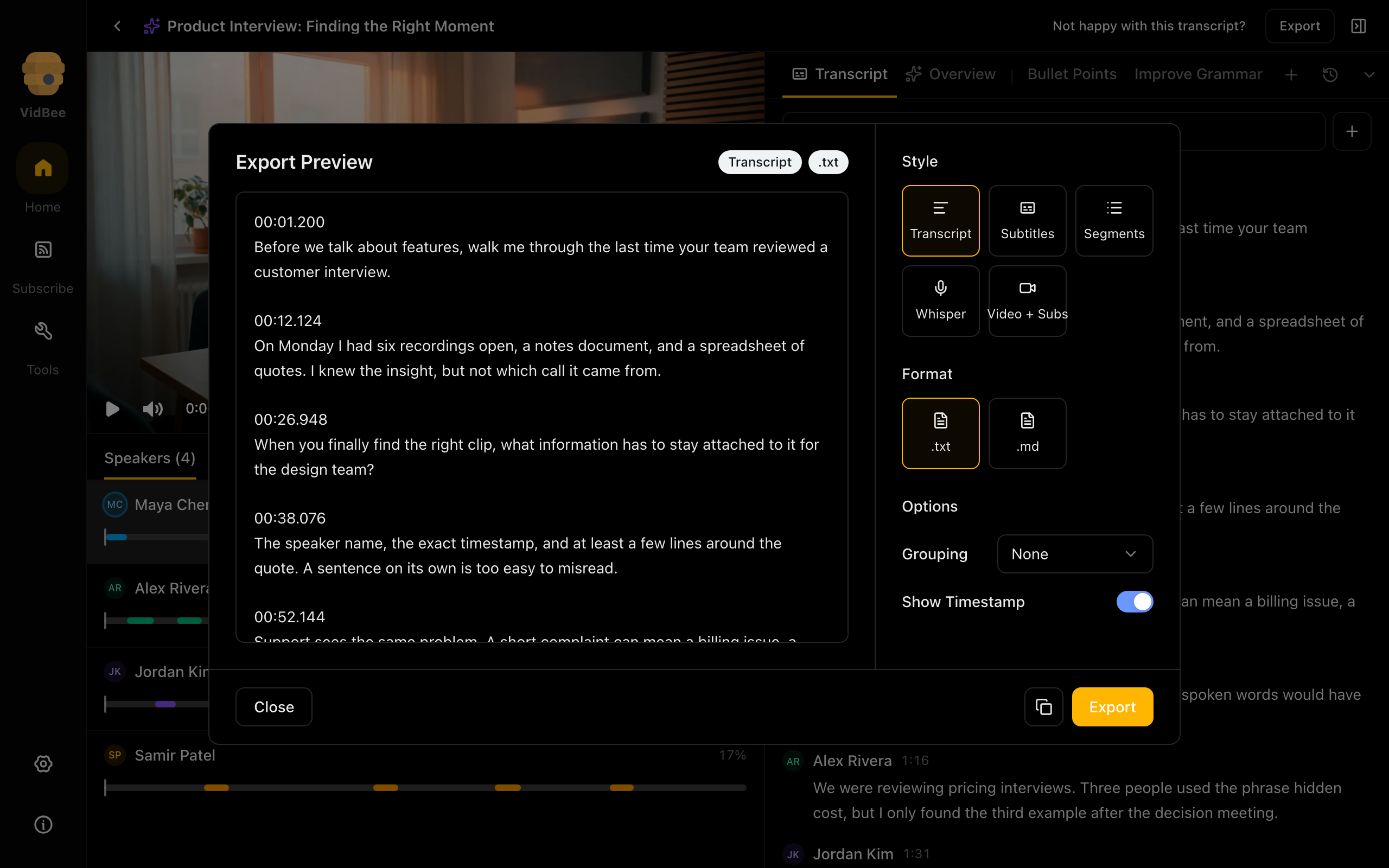
Transcript export
Preview transcript text and choose an export style, format and timestamp options.
Light mode
2560 × 1600 px
Dark mode
2560 × 1600 px
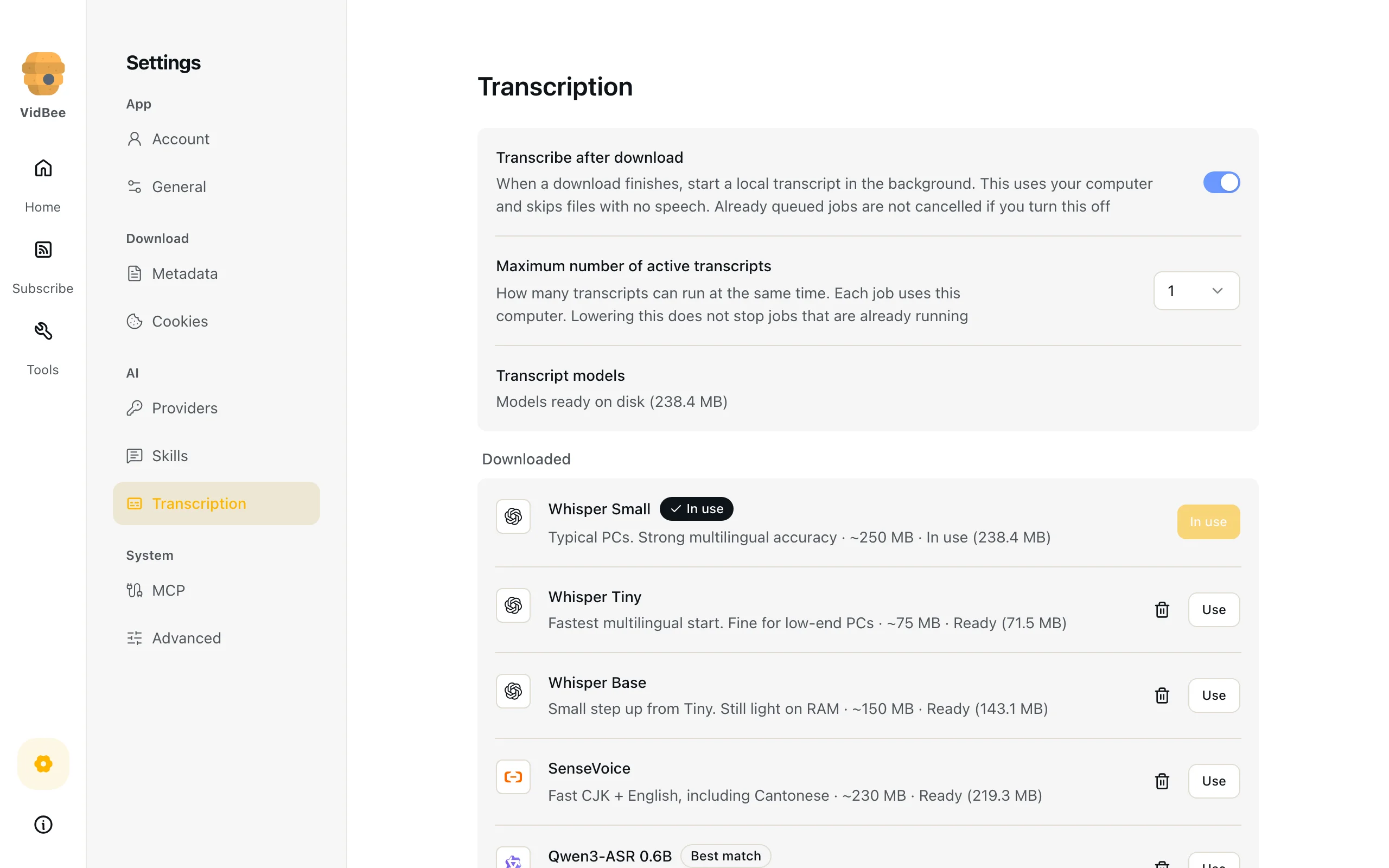
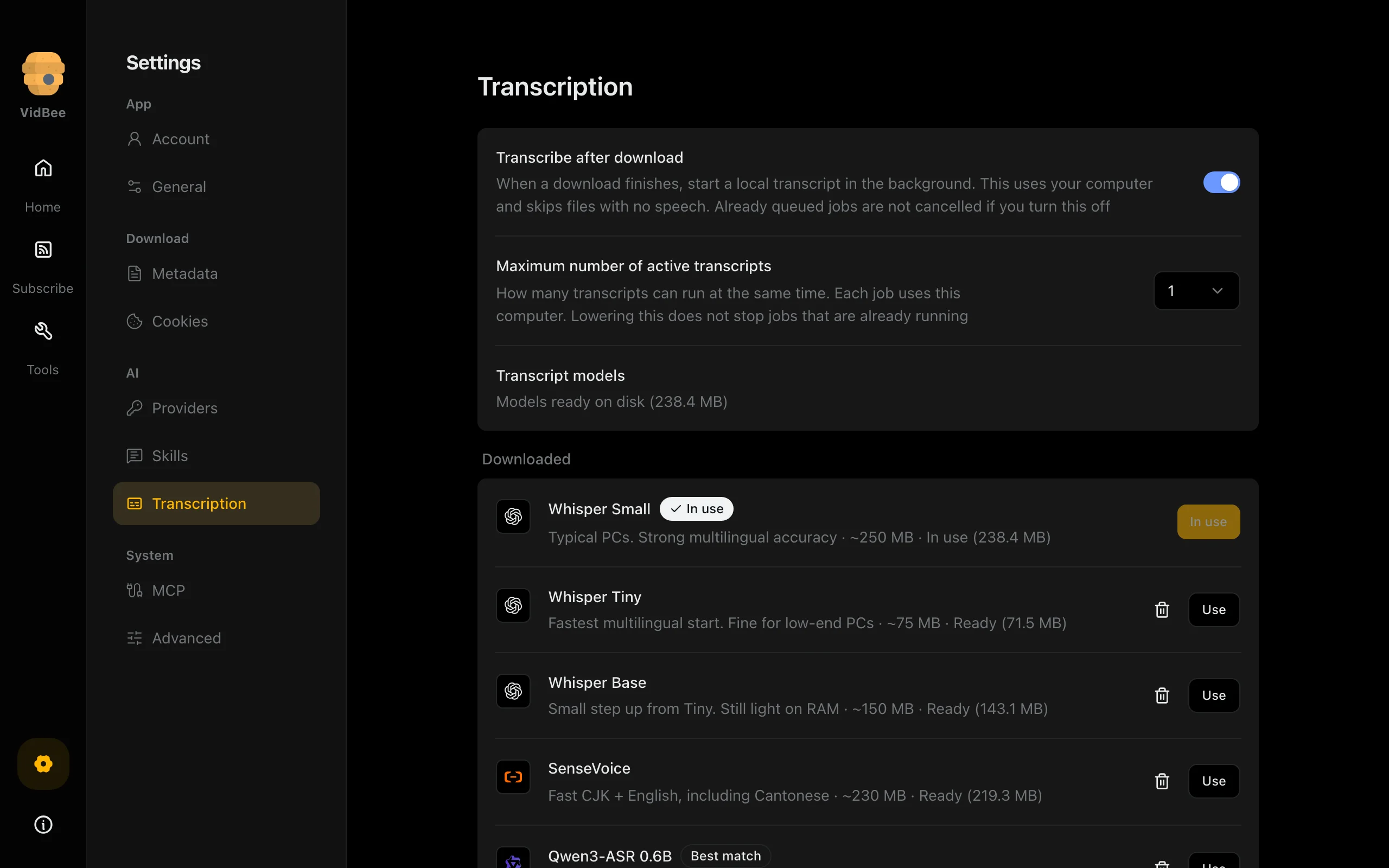
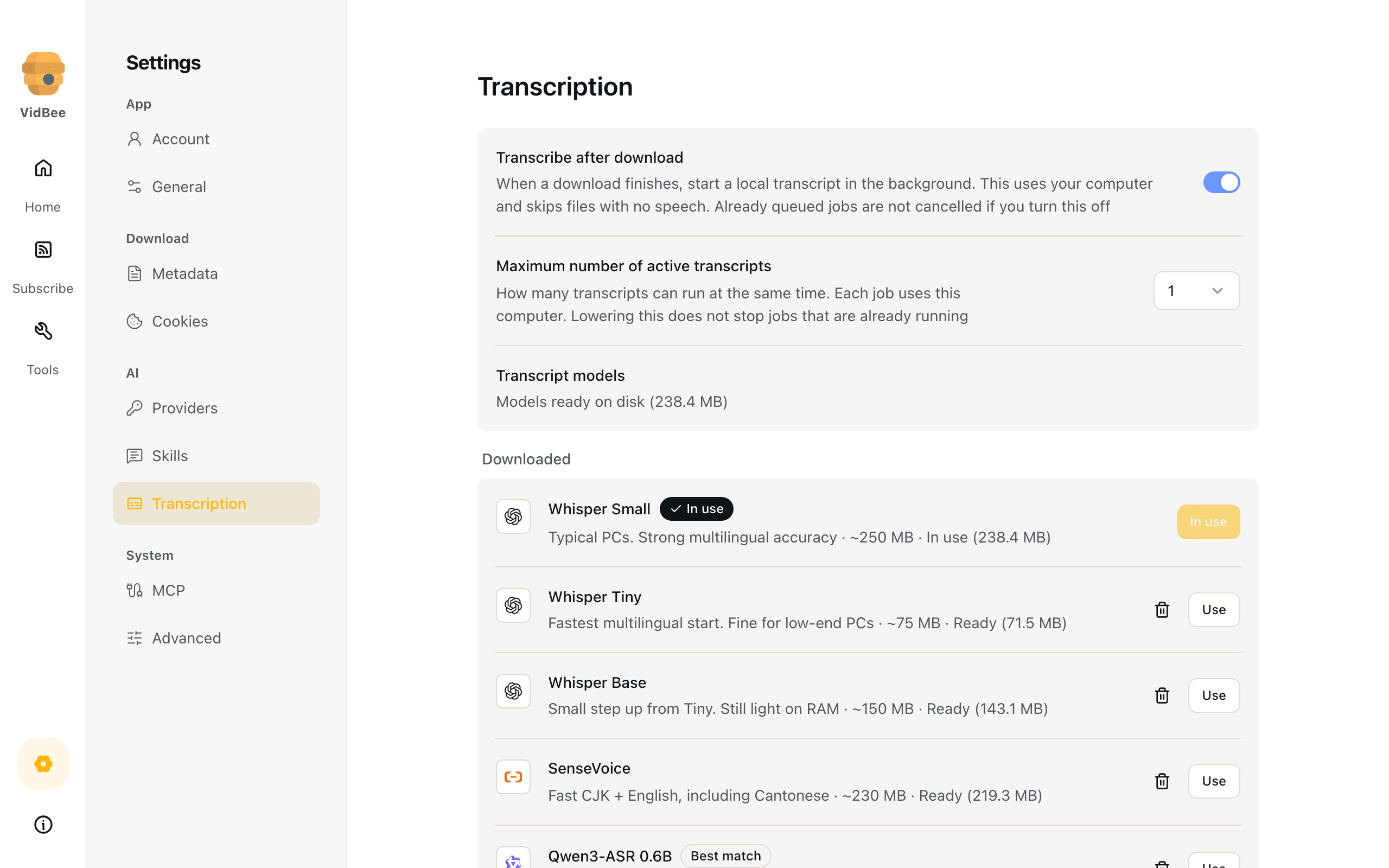
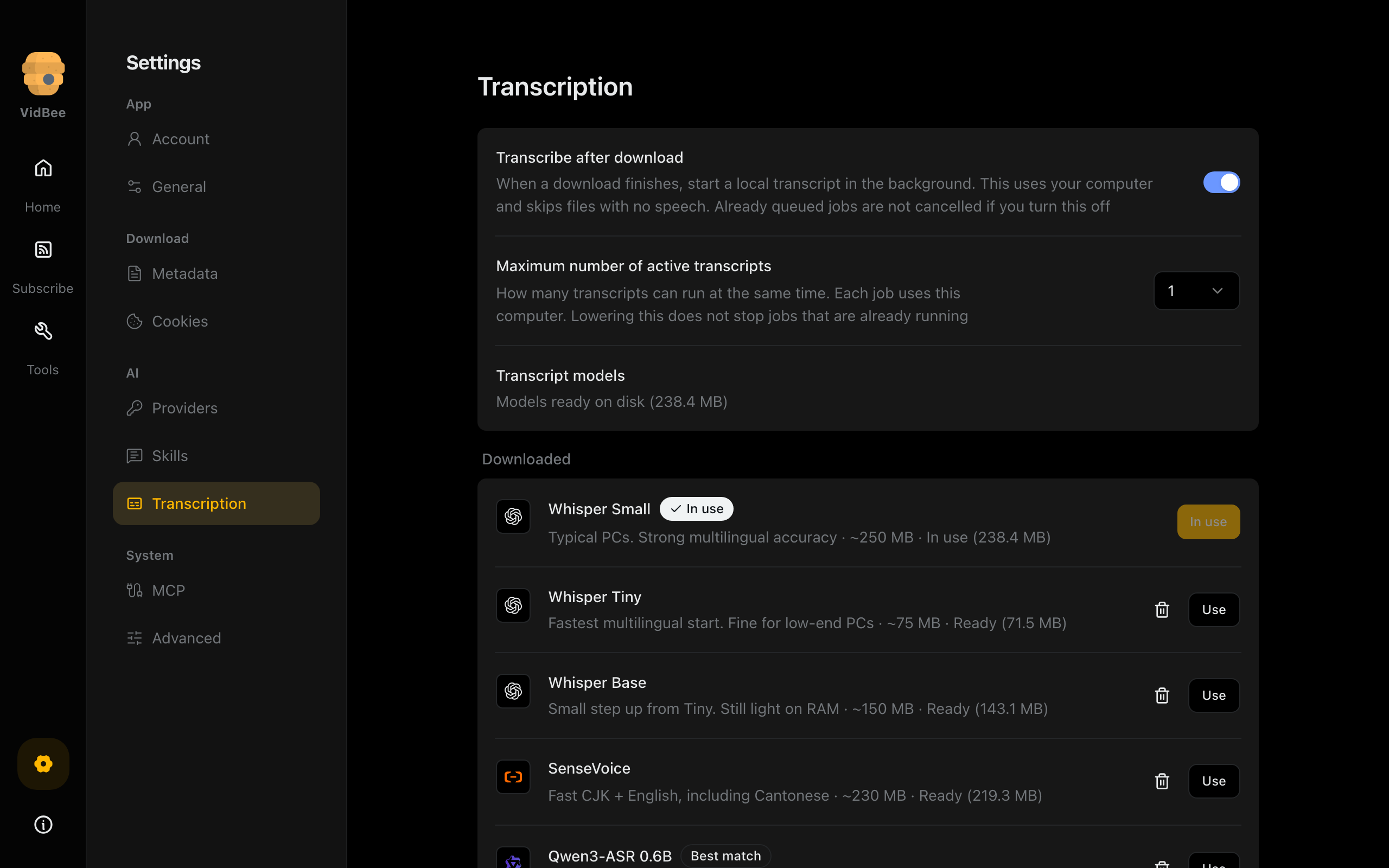
Local transcription
Choose local speech recognition and transcription settings.
Light mode
2560 × 1600 px
Dark mode
2560 × 1600 px
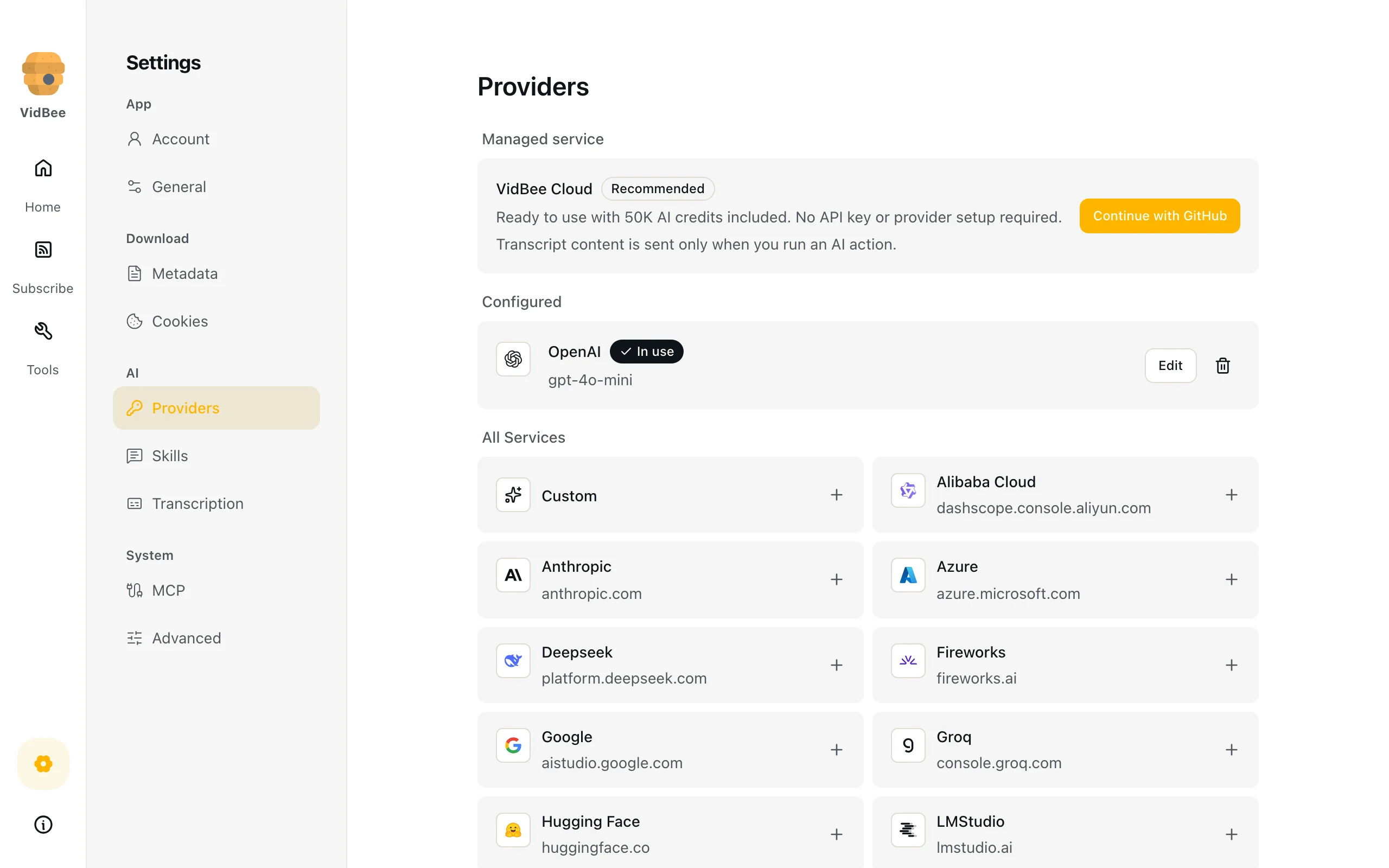
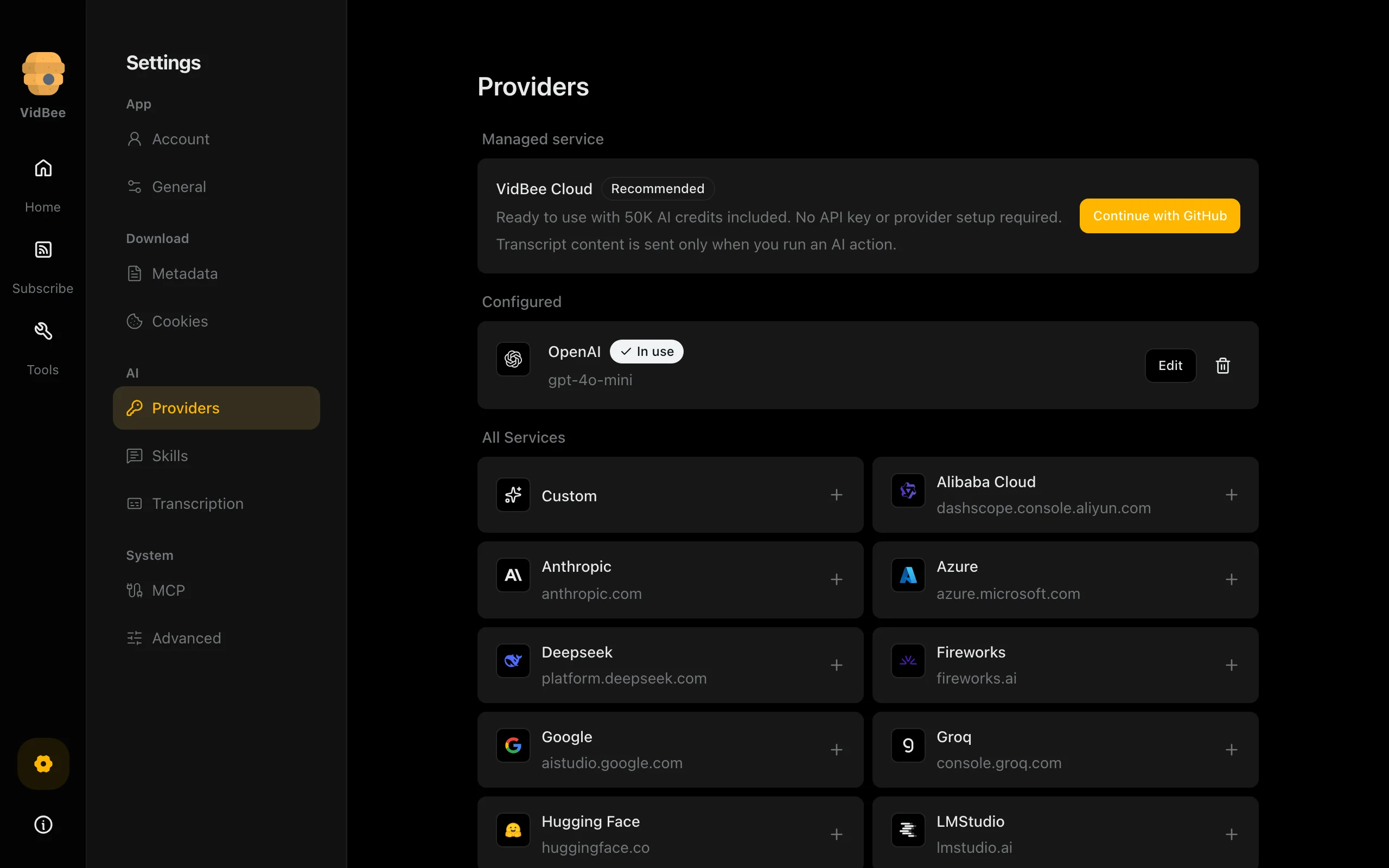
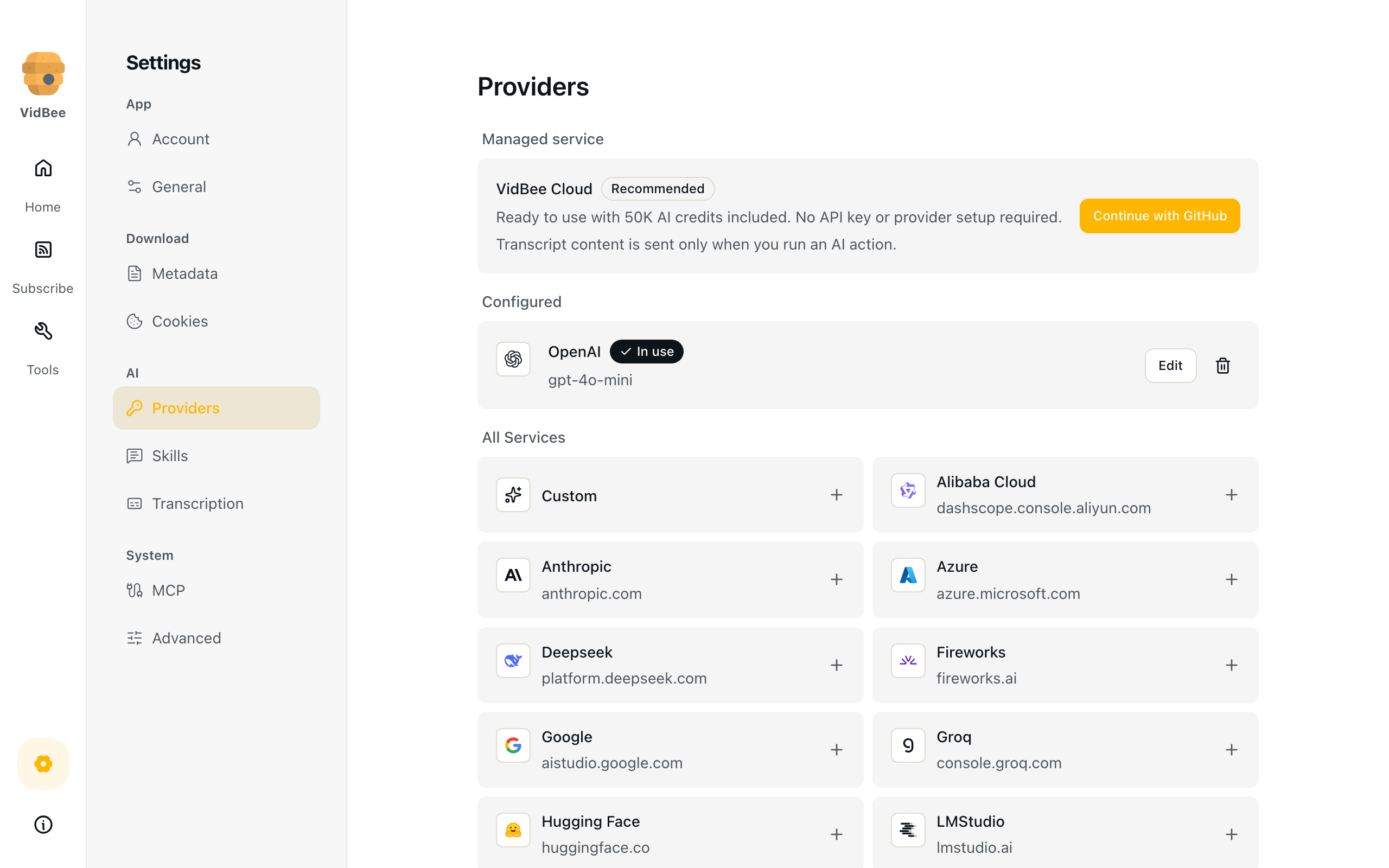
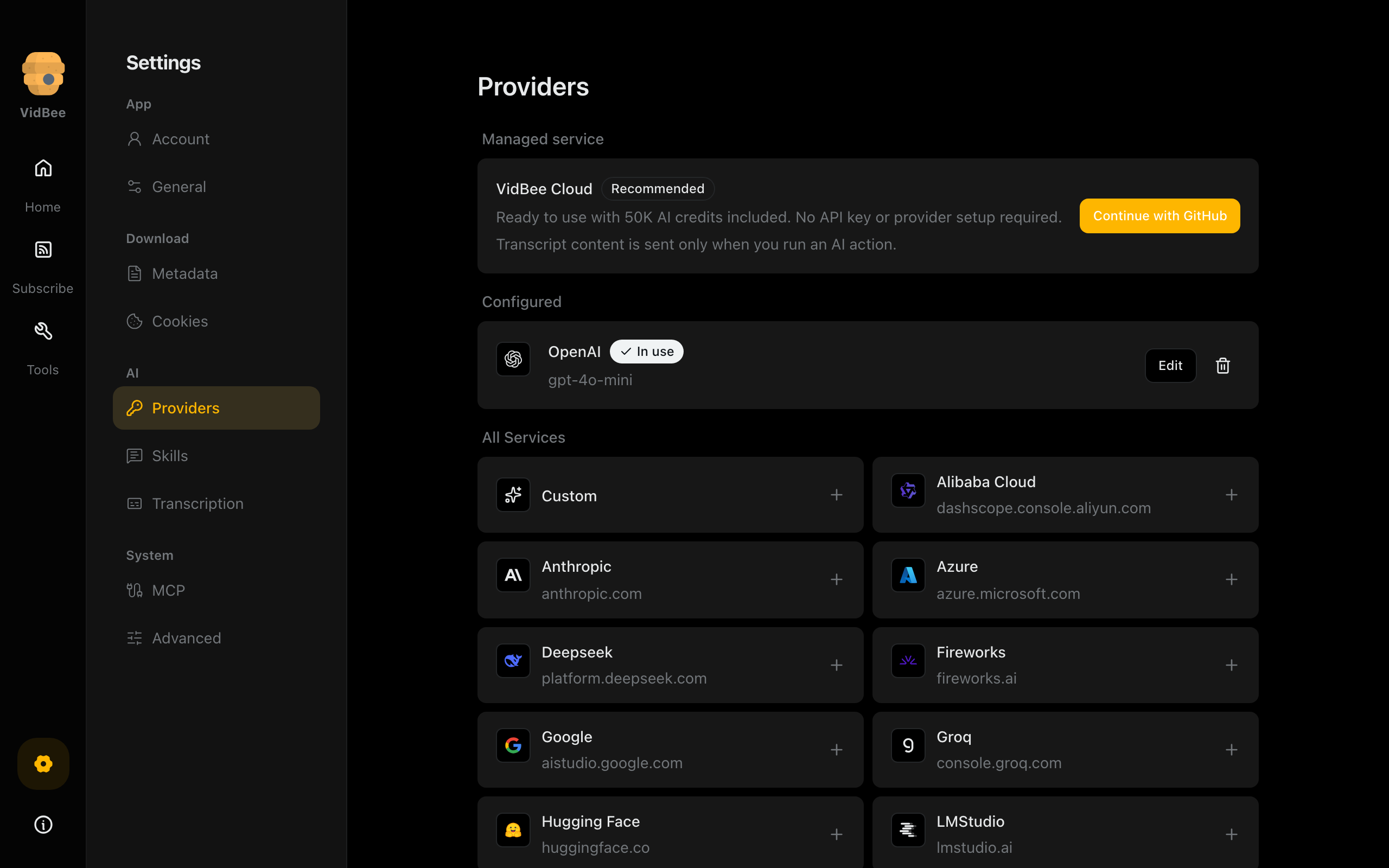
AI providers
Choose a provider and model for optional AI processing of transcript text.
Light mode
2560 × 1600 px
Dark mode
2560 × 1600 px
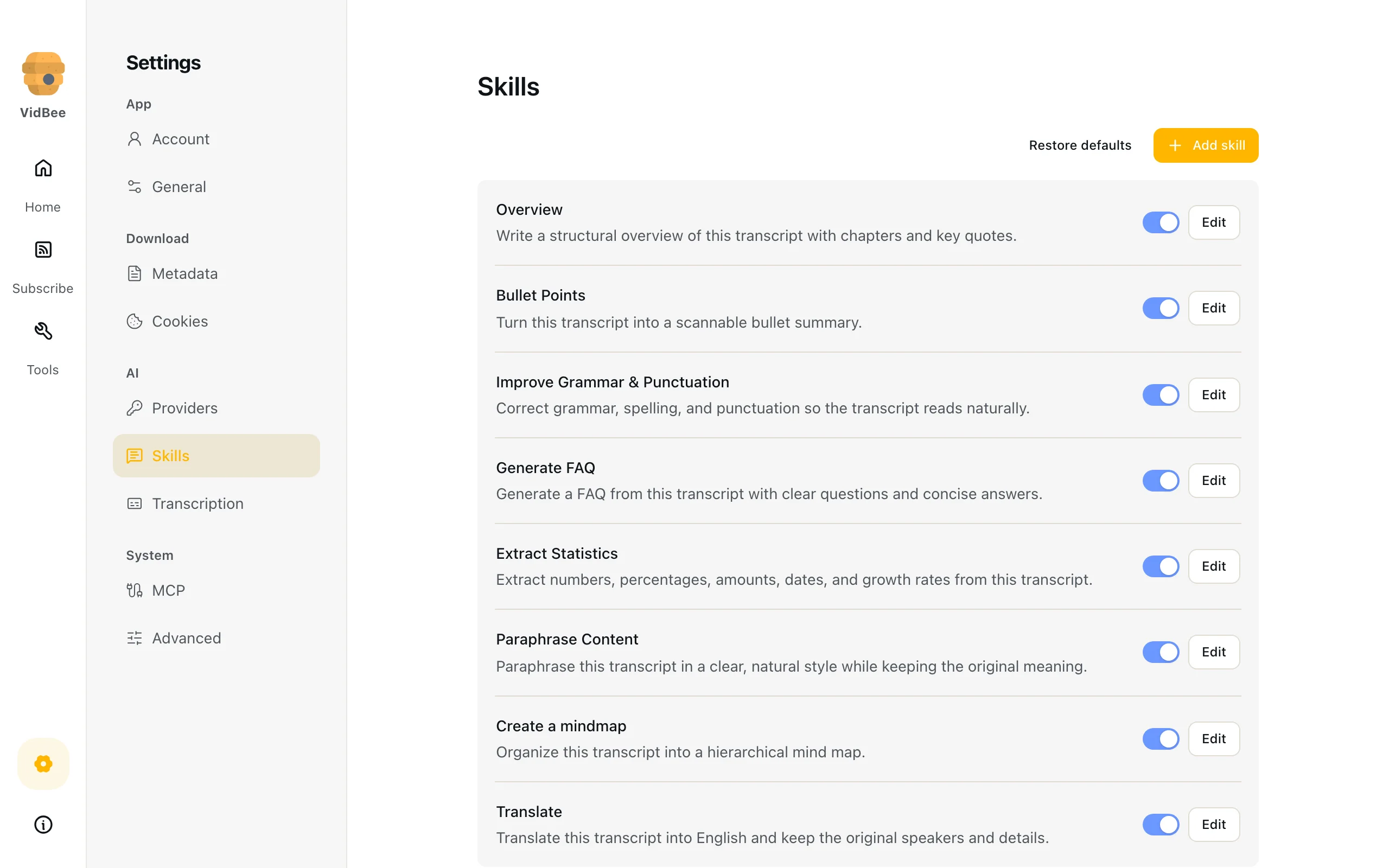
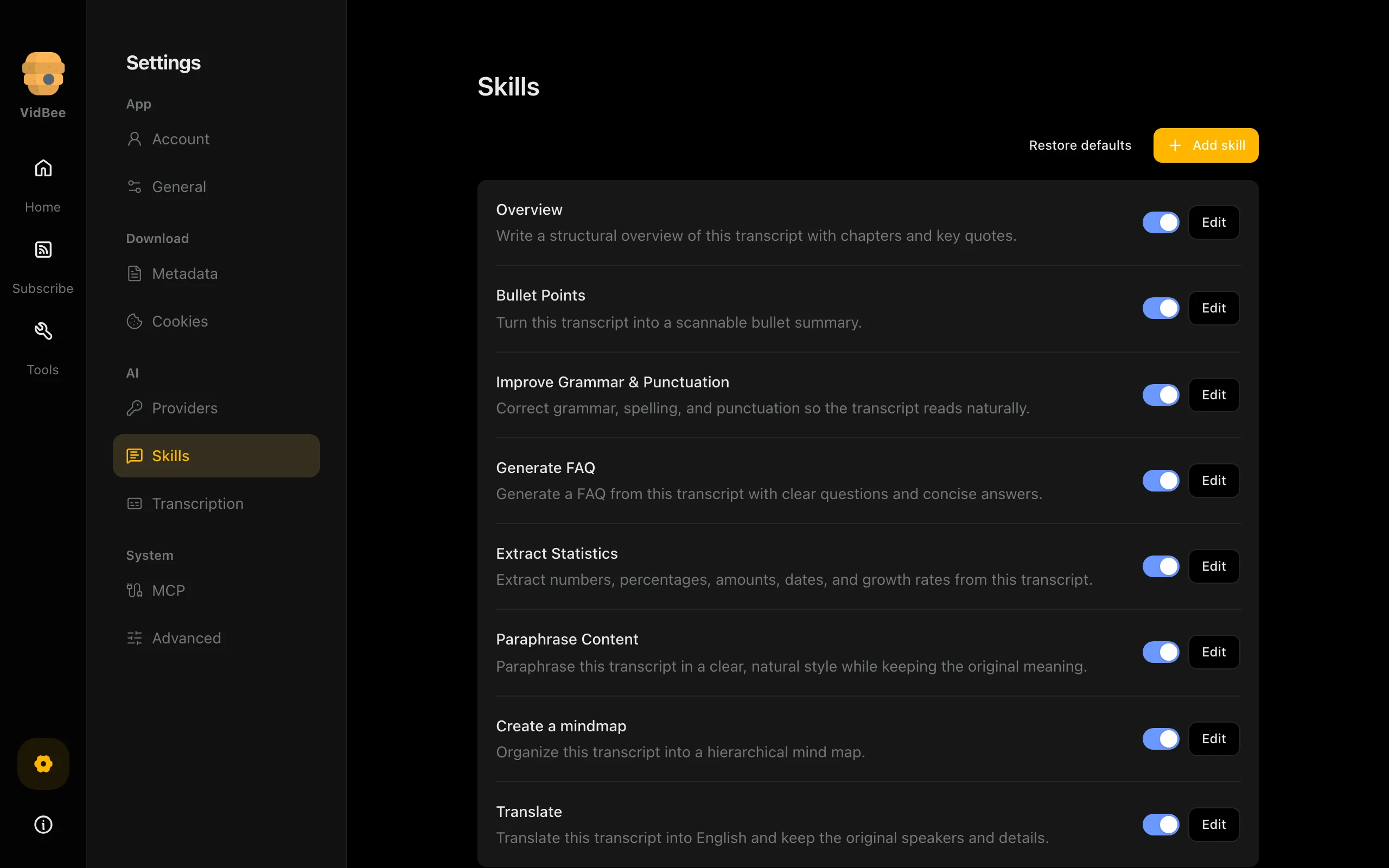
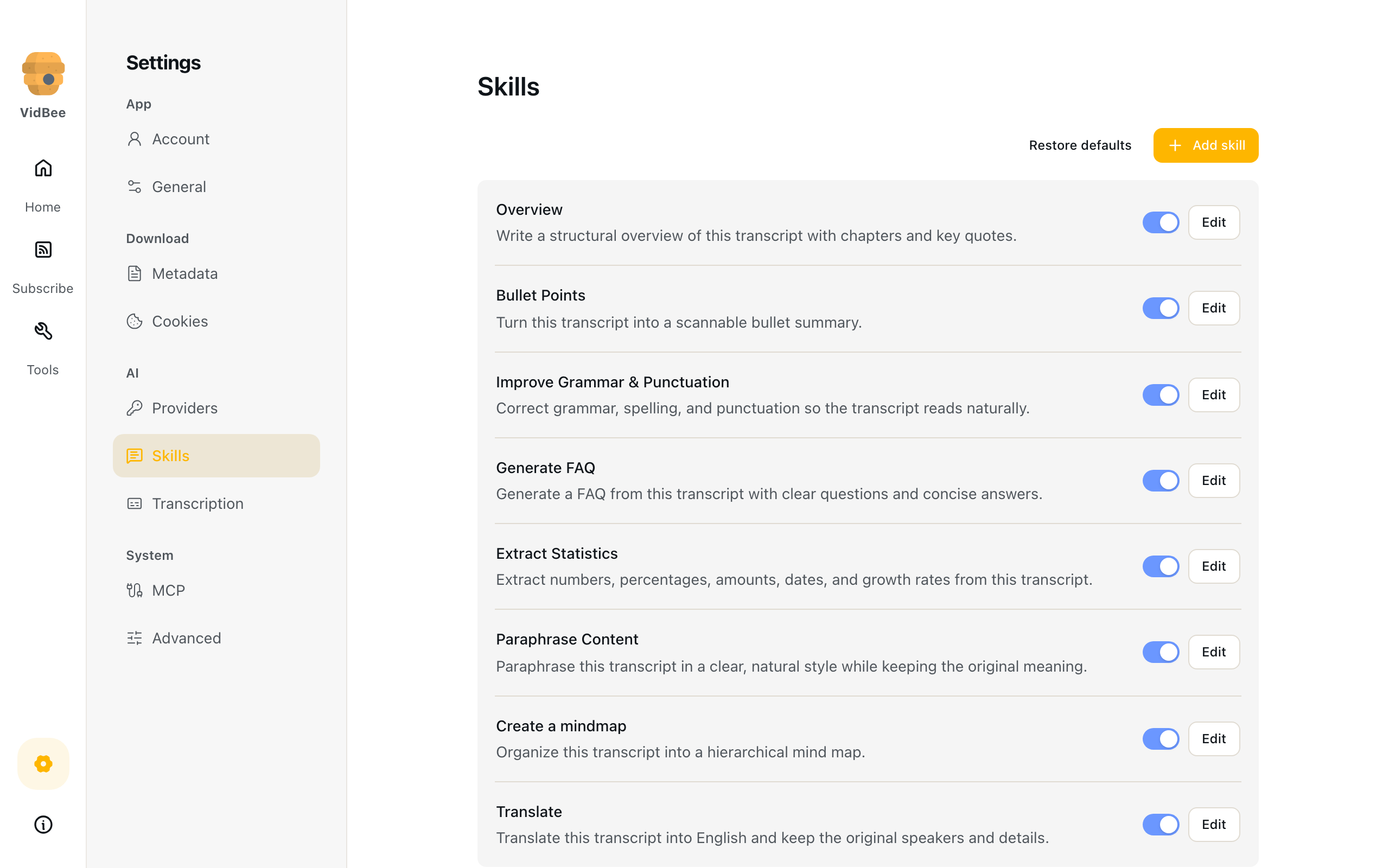
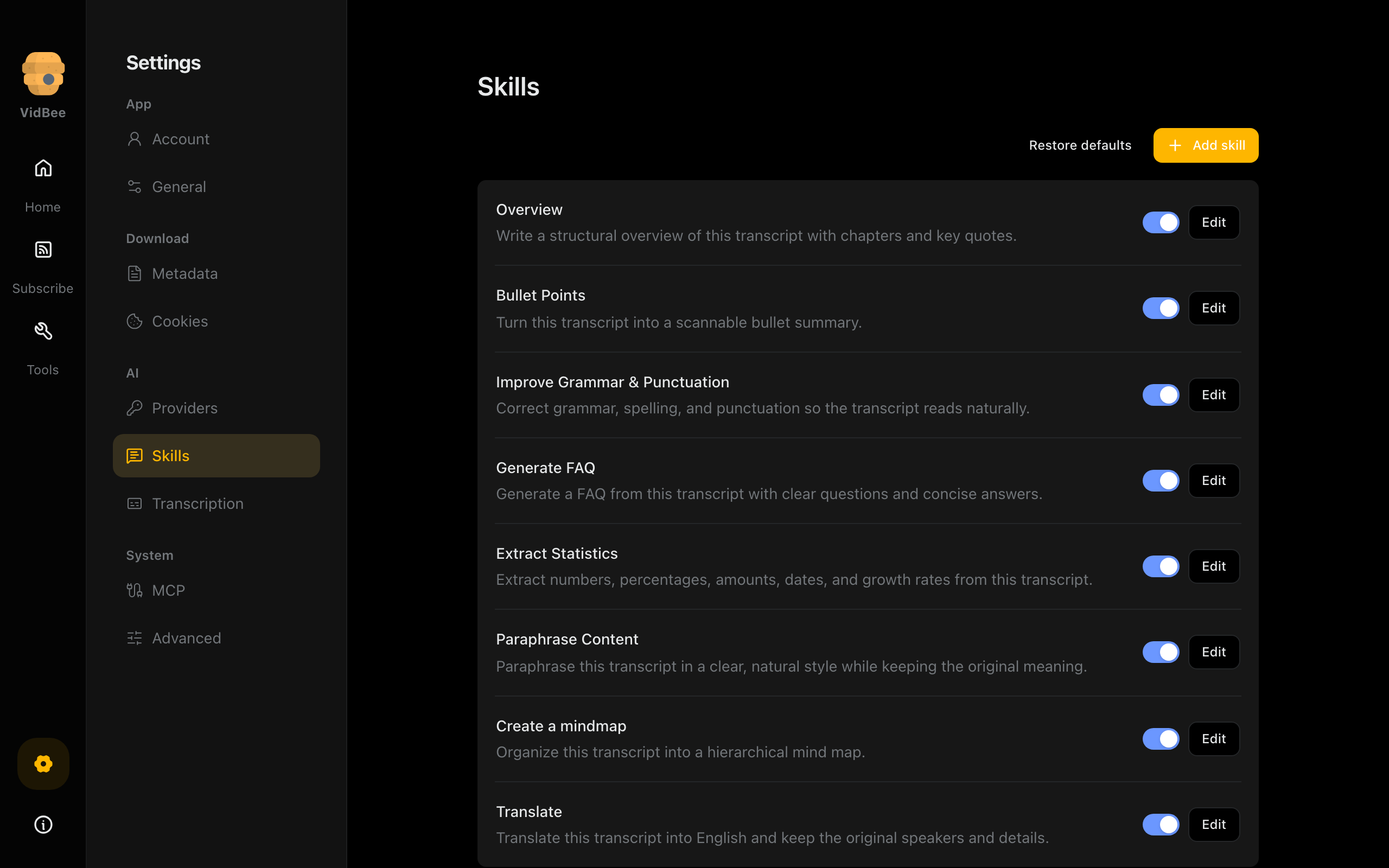
AI skills
Manage reusable instructions for working with transcript text.
Light mode
2560 × 1600 px
Dark mode
2560 × 1600 px
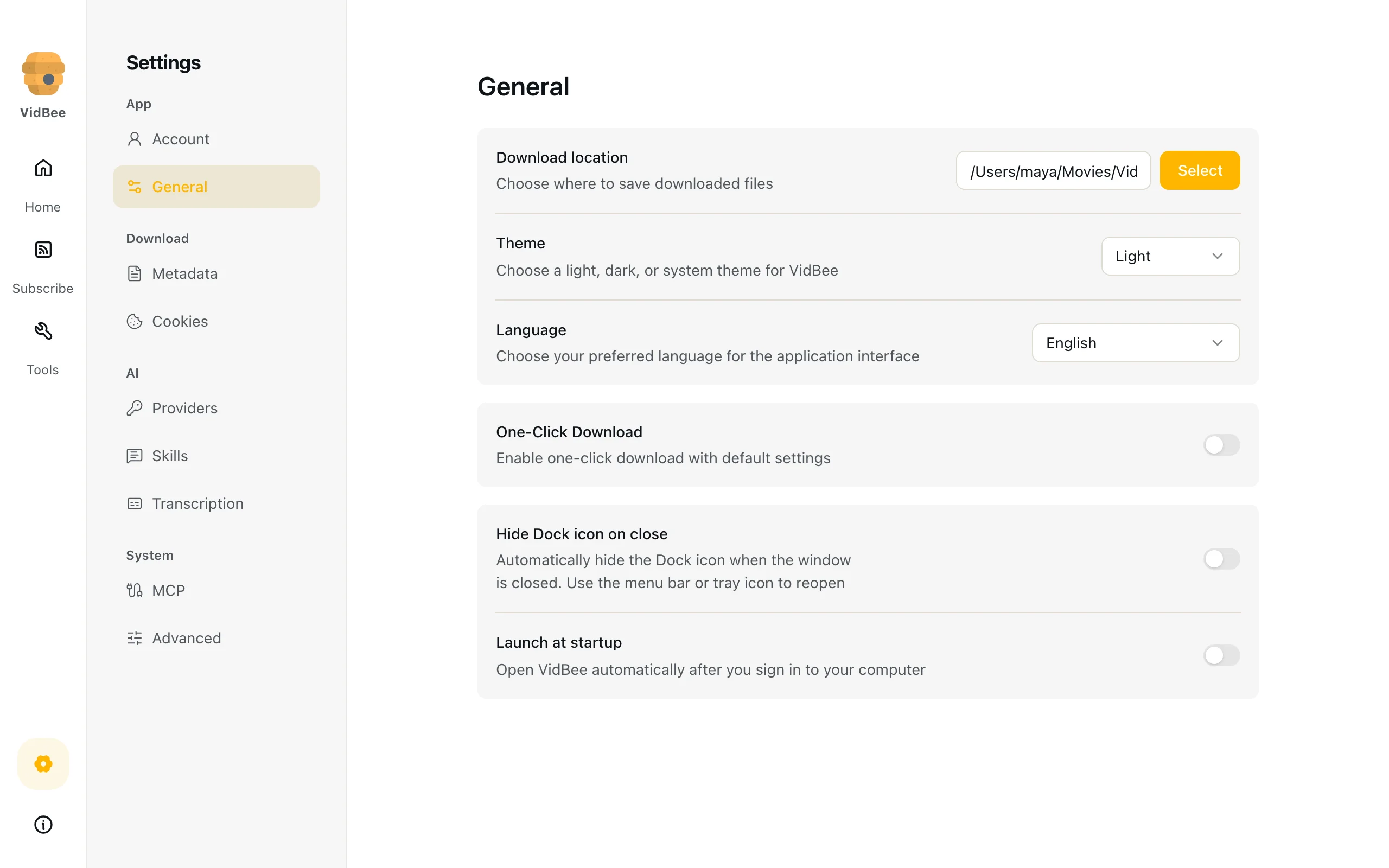
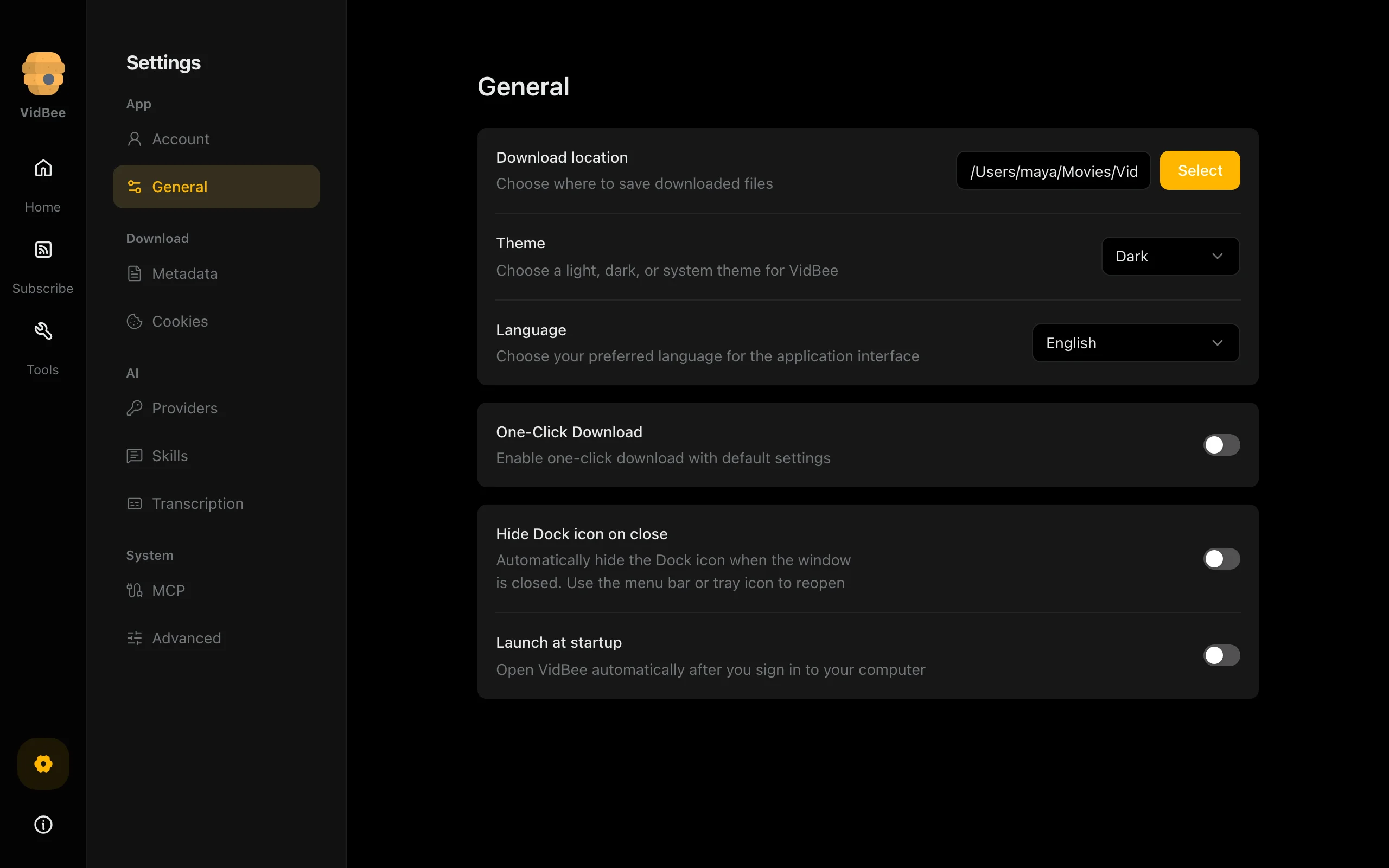
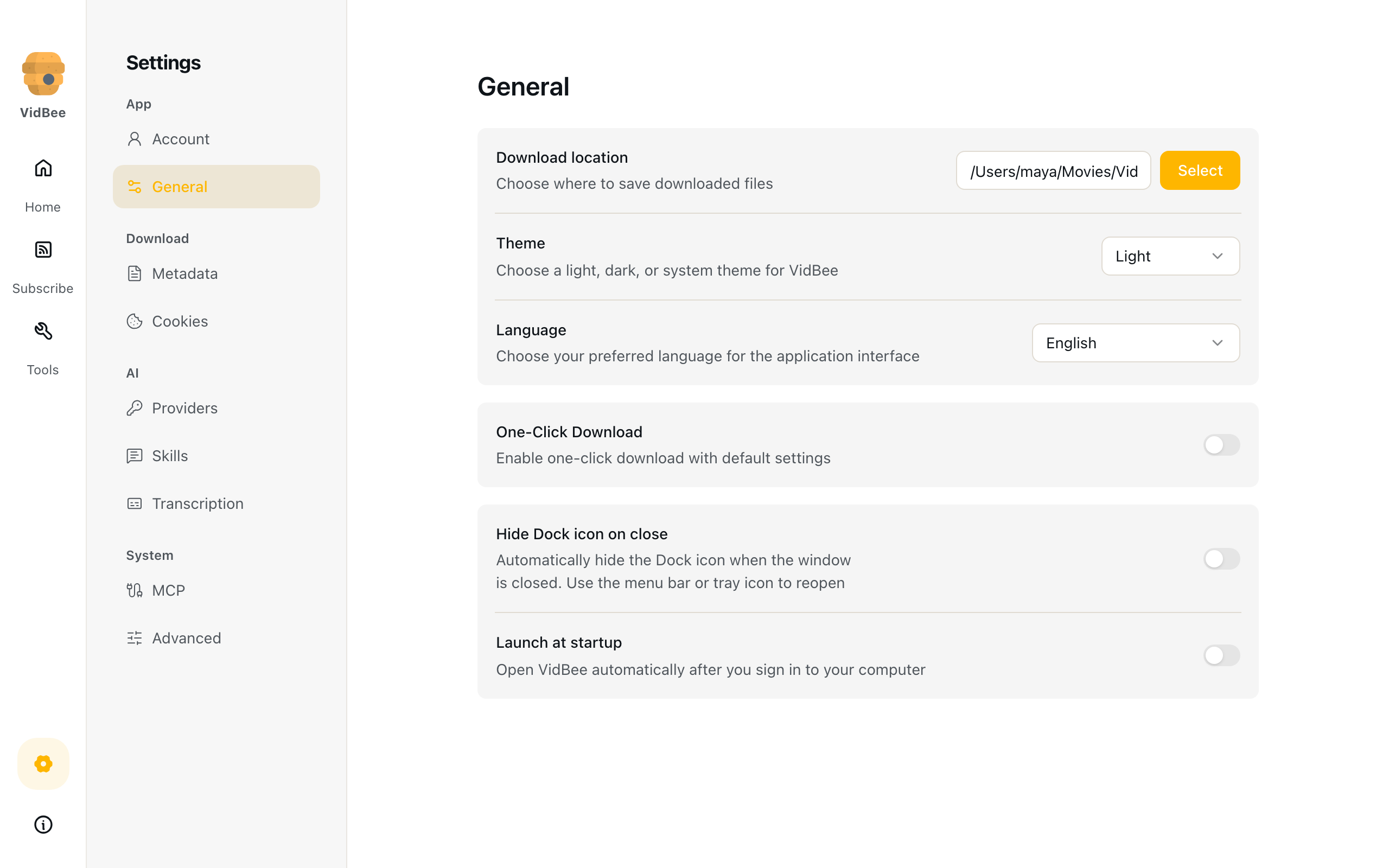
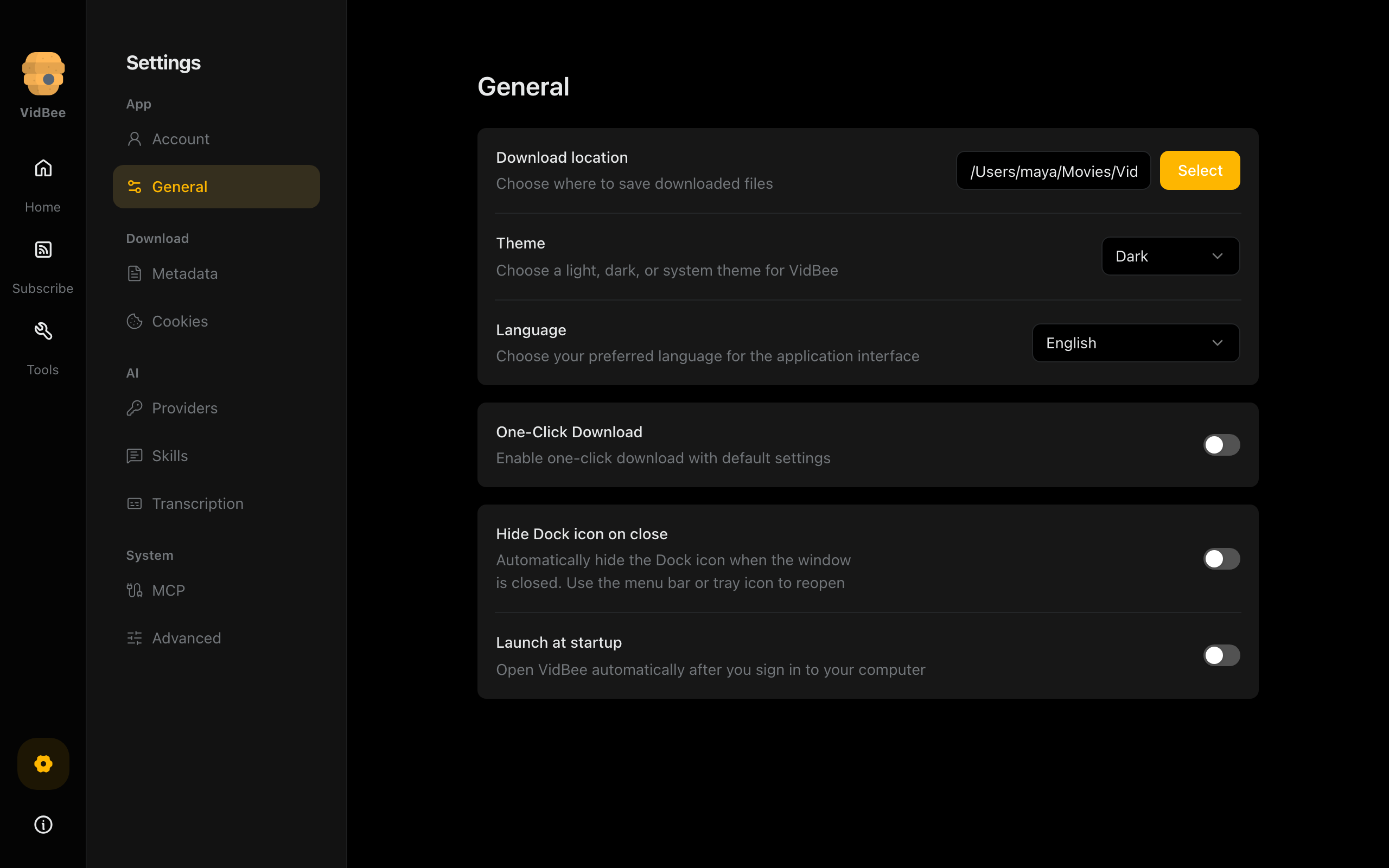
Desktop preferences
General settings for the desktop workspace.
Light mode
2560 × 1600 px
Dark mode
2560 × 1600 px








Press contact
Nexmoe / VidBeeteam@vidbee.org
Full archive
Every logo, screenshot and description on this page in a single download.
Download full press kitZIP