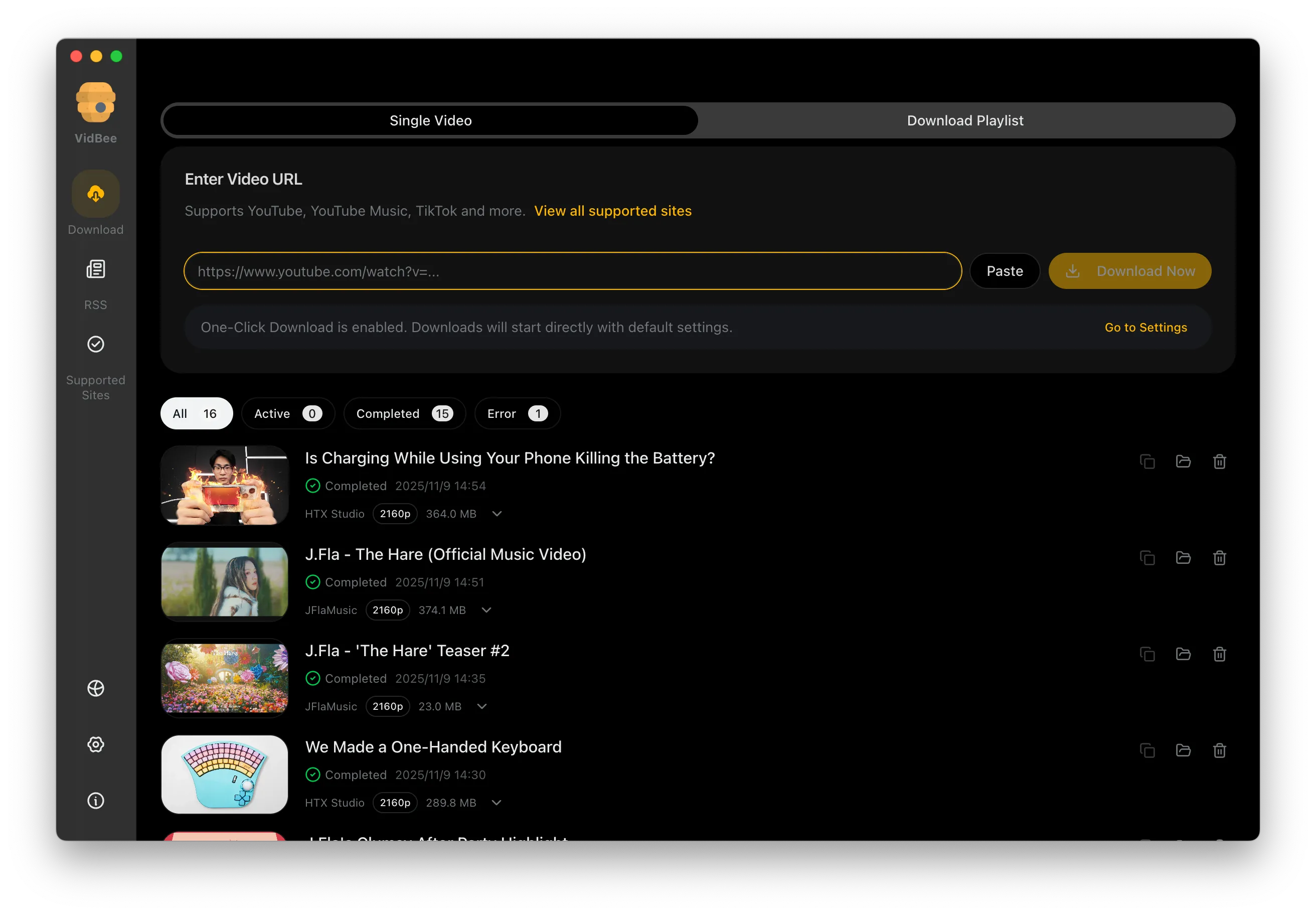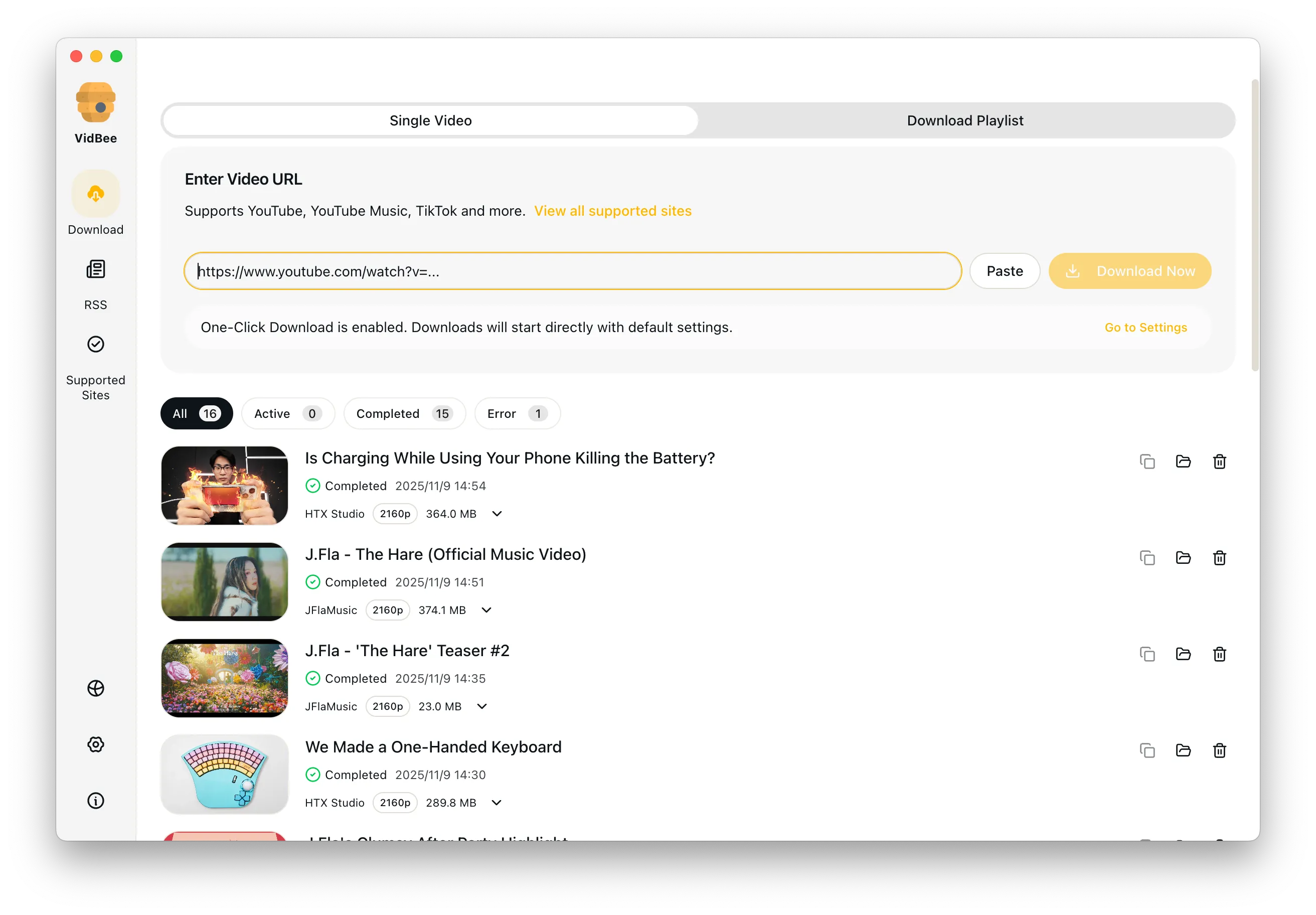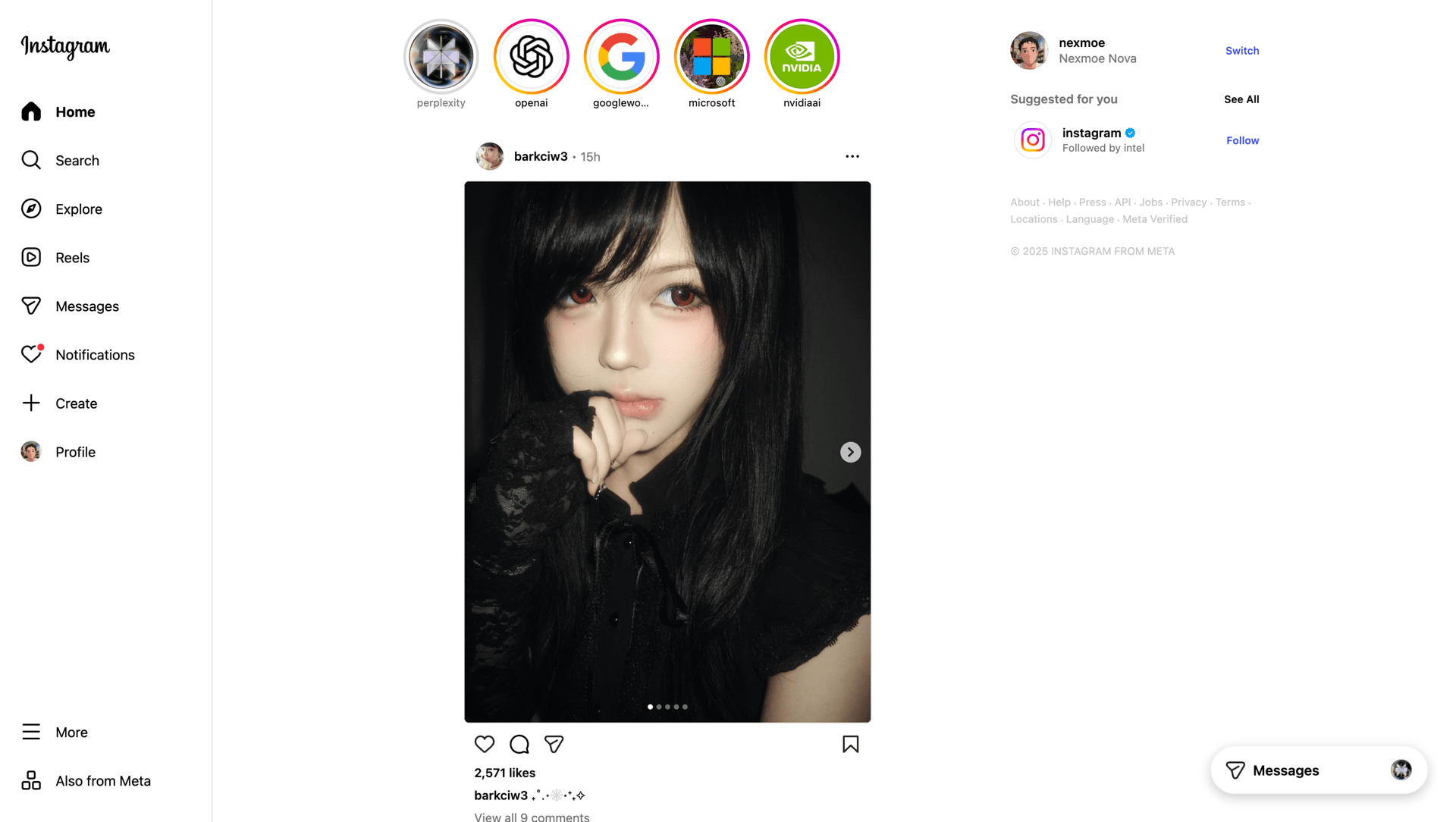
Free Instagram video downloader interface preview

Free Instagram Video Downloader

Batch-save Reels, videos, and public stories in original quality—perfect for social media teams and marketers.

Free Download

Completely free. No registration or account required.

Free Instagram downloads / No registration or account / 4K when available / MP4 / MKV / Supports Windows & macOS

Platform pain points at a glance

Say goodbye to slow speeds, ads, and tedious scripts - VidBee focuses on the key challenges of downloading Instagram videos.

  • Reels and stories cannot be saved natively
  • Expired links or rate limits cause frequent failures
  • Batch workflows are tedious and expensive
  • Mobile re-sharing takes time and loses quality

Download Instagram videos in 3 steps

No scripts or complicated setup required. Follow the steps to capture high-quality videos effortlessly.

  1. 1

    Copy the Reel or story link

    Grab the link for any public Reel, video, or story you want to repurpose.

  2. 2

    Paste into VidBee

    Paste multiple links at once and let the queue process them automatically.

  3. 3

    Choose quality & destination

    Select the resolution and save location, then start downloading.

Saving Reels in bulk? Use the Reels page

Split broad Instagram saves from heavy Reels queues so each workflow gets the right page.

Route Reels-heavy jobs to the dedicated page

Use this page for general Instagram videos, public posts, and stories. When most of your links are Reels and you want a focused batch queue, the dedicated Reels page gives that intent more room. Both pages save only public links you have the right to access.

Trim, convert, or caption a saved Instagram clip

Send saved Reels and videos to the browser tools when you need to edit before posting.

Edit locally with the online tools

After you save an Instagram Reel or video, you may want a shorter cut, a different format, or burned-in captions. The VidBee online tools run in your browser, so the file stays on your device. Trim the clip, convert it to MP4, or add subtitles before you repost it.

Repurpose the same clip across short-form platforms

Route platform-specific searches to the page built for that intent.

Pick the right platform page for each source

Social teams often reuse one short clip across several networks. If your next link is a TikTok video or a YouTube Short, the dedicated platform page explains that workflow better than a generic Instagram page. Each page covers the public link rules for that network.

Keep original quality and pick the format

Know which quality and container options appear after VidBee parses a link.

Choose the format that fits your library

After parsing, VidBee shows the qualities the source provides and keeps the highest by default, so a saved Reel is not re-compressed. If you are not sure which container to keep for editing or playback, the formats guide explains the MP4, MKV, WebM, and Original options in plain steps.

Features

Cinematic Background

Download YouTube Playlists, Channels, and Search Results

Save playlists, channels, and search results from YouTube in high quality. Download YouTube Watch Later, Liked videos, and private YouTube playlists.

RSS Auto Download & Batch Processing
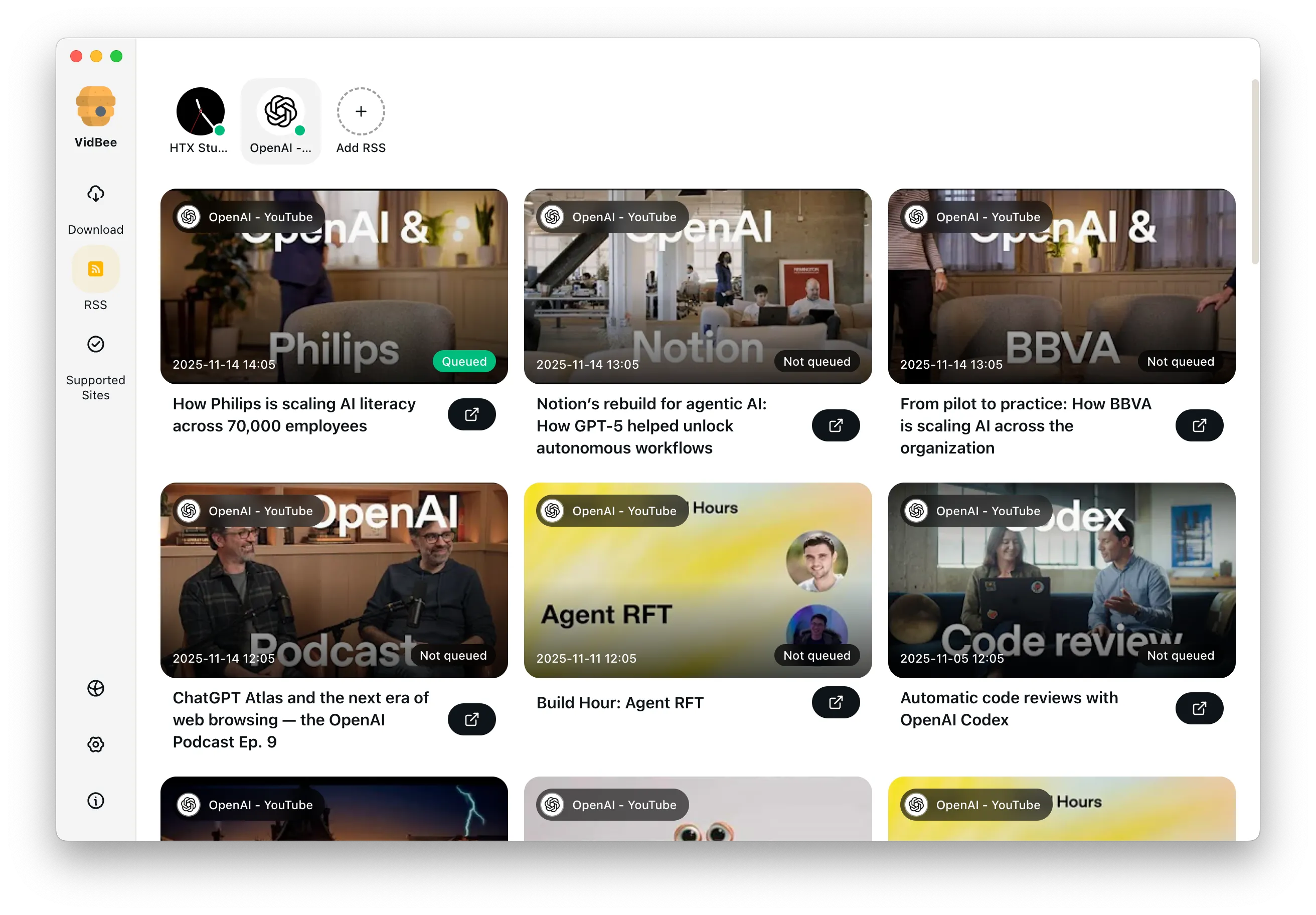
Interface Preview
Landscape Background

Extract YouTube Subtitles

Download annotations and subtitles along with YouTube videos. Save them in SRT format and choose from 50+ languages.

Subtitles Interface
Landscape

Get Videos in 4K & 8K

Download videos in HD 720p, 1080p, 4K, and 8K resolution. Enjoy high definition on any device.

Video Quality Interface

Access Protected Media

Use your authenticated access for private clips and playlists only when you have the right to access and save them.

Seamless Proxy Integration

Configure VidBee with your own proxy when your network requires it, while following laws, platform terms, and access permissions.

Automated Content Sync

Subscribe to favorite creators or playlists and automatically download new videos as soon as they are uploaded.

Frequently asked questions

Answers the common questions about Instagram downloads, quality, permissions, and workflows.

Yes. As long as the story is public and still within its availability window. Private or expired content cannot be accessed.

No. VidBee relies entirely on public links, avoiding account privacy or risk flags.

Yes. Paste multiple URLs and VidBee queues them with pause, retry, and reorder controls.

No. VidBee preserves the highest quality Instagram provides without additional compression.

Start downloading Instagram videos now

Install once to handle video collecting and backups across platforms. Completely free, with no registration or account required.

Only download content that is publicly accessible and that you have the right to use. Respect copyright and each platform's terms of service.

Resources