YouTube Shorts Downloader
Save YouTube Shorts as MP4 or MP3 in a clean desktop app — batch downloads, no watermark, and 1080p output when the source supports it.
Completely free. No registration or account required.
Why Shorts downloaders keep breaking
Browser tools for Shorts disappear, inject watermarks, or block bulk saves. VidBee keeps the whole workflow local in one desktop app.
- Browser-based Shorts downloaders disappear or inject watermarks
- Saving Shorts for research is tedious one link at a time
- Audio-only Shorts (music clips, interviews) need clean MP3 without re-encoding
- Older Shorts become hard to find and archive later
Download YouTube Shorts in 3 steps
Paste the Shorts link, pick MP4 or MP3, and save the clip without jumping through redirect pages.
- 1
Copy a YouTube Shorts URL
Open a Short in the YouTube app or on the web, tap share, and copy the direct link.
- 2
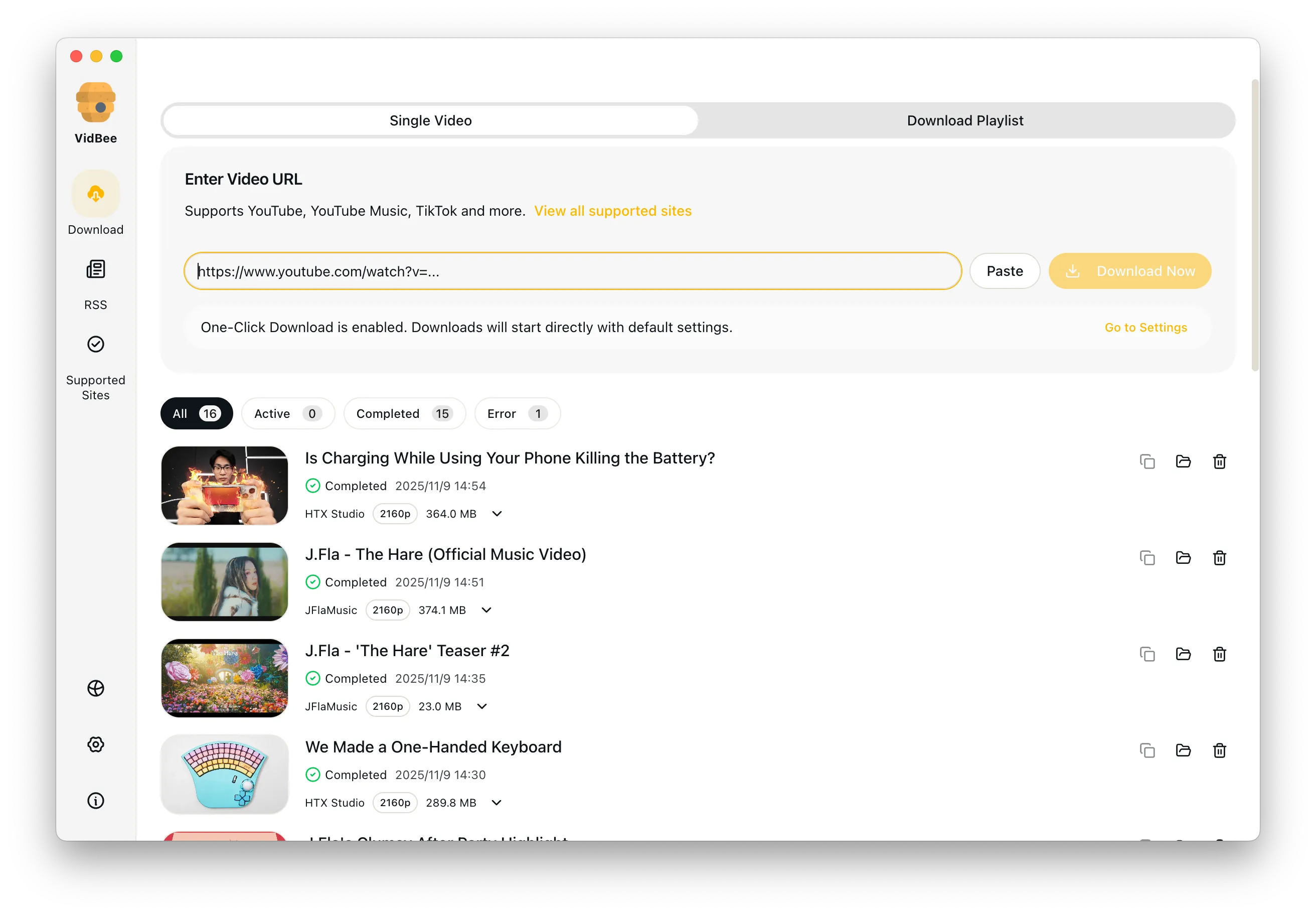
Paste it into VidBee
VidBee parses the Short and shows the video and audio formats available, including 1080p when the source supports it.
- 3
Save as MP4 or MP3
Pick MP4 to keep the clip or MP3/M4A for audio only, then download. Batch more URLs into the queue if you are archiving multiple Shorts.
Download Videos

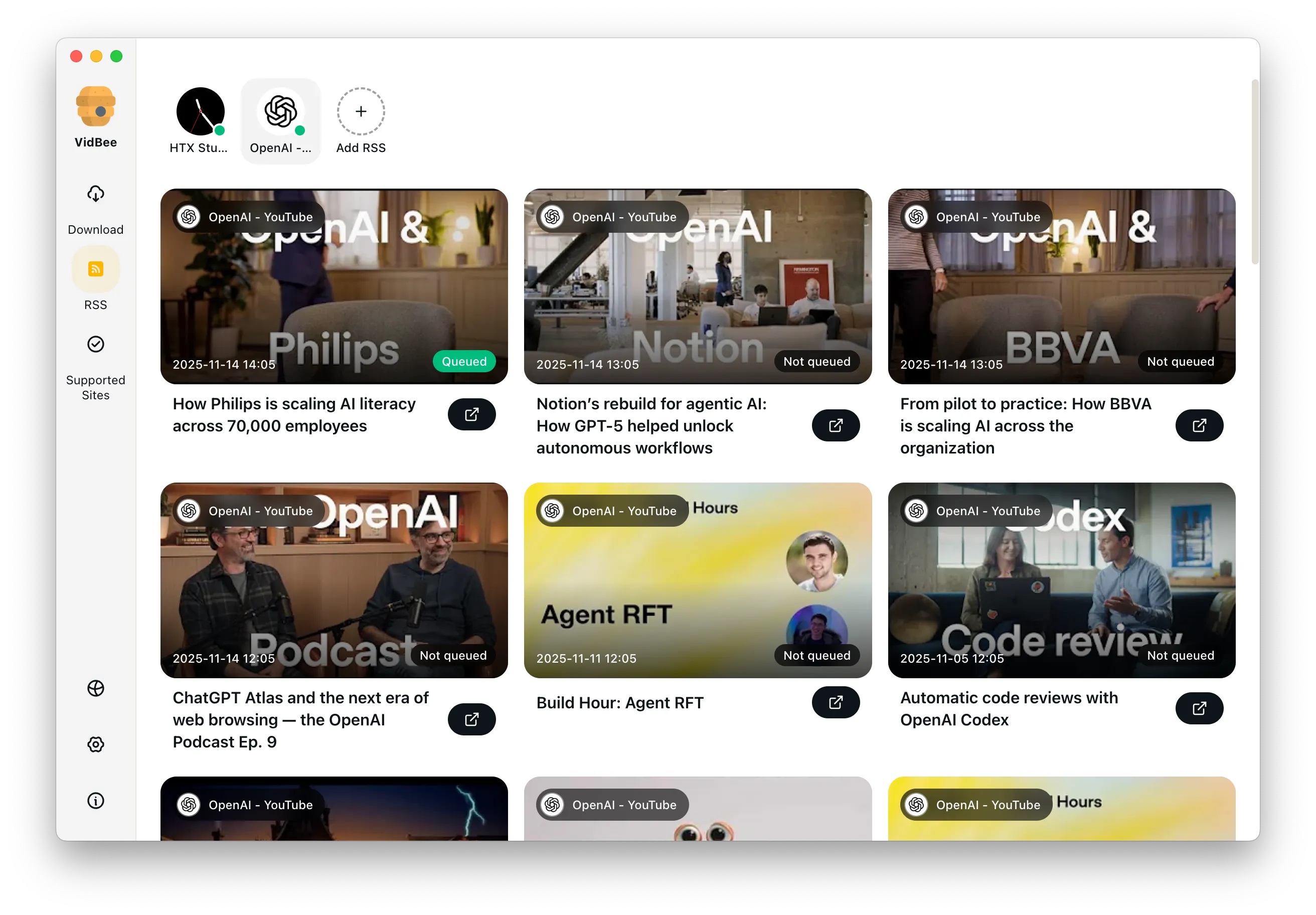
Download YouTube Playlists, Channels, and Search Results
Save playlists, channels, and search results from YouTube in high quality. Download YouTube Watch Later, Liked videos, and private YouTube playlists.
Extract YouTube Subtitles
Download annotations and subtitles along with YouTube videos. Save them in SRT format and choose from 50+ languages.
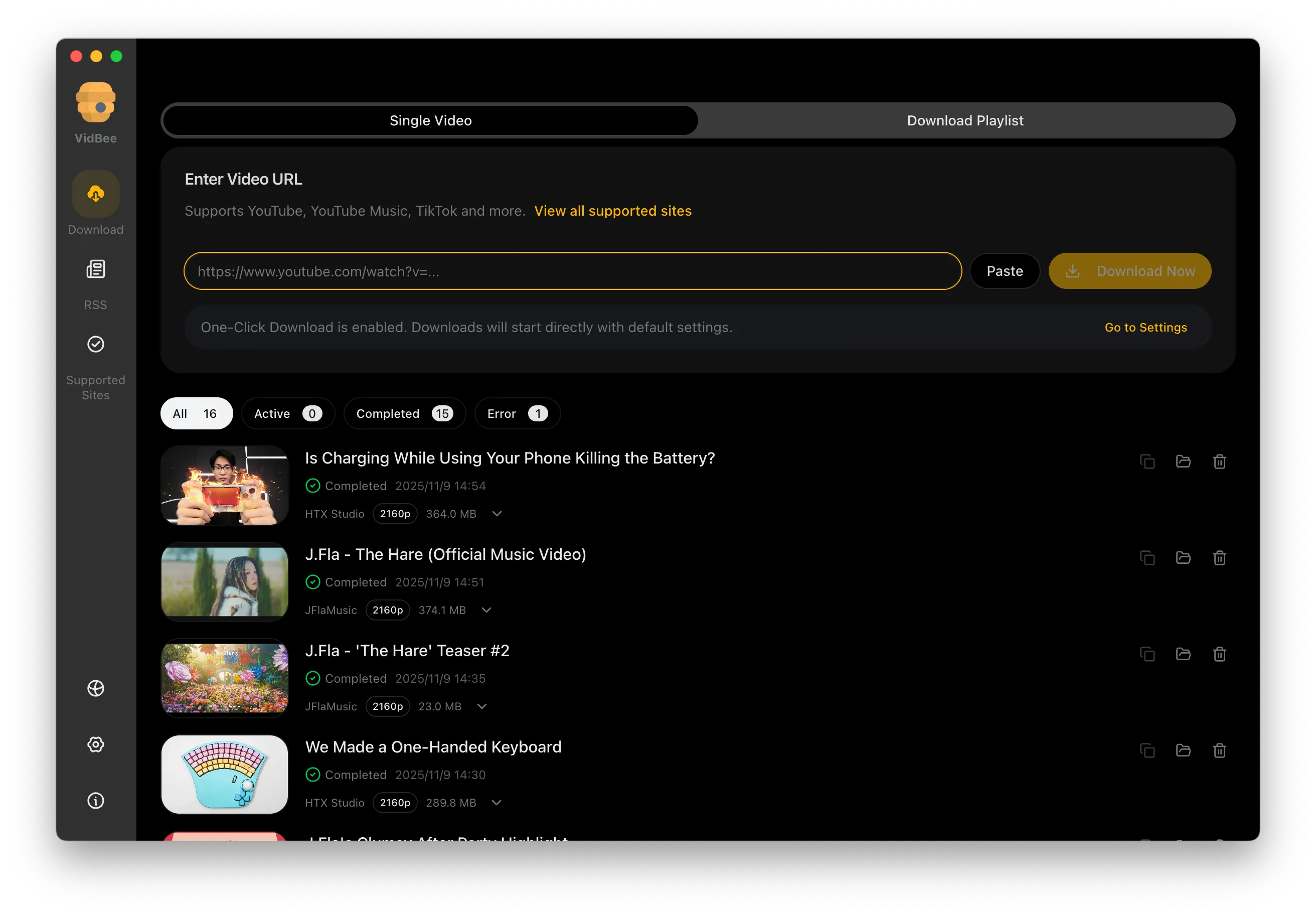

Get Videos in 4K & 8K
Download videos in HD 720p, 1080p, 4K, and 8K resolution. Enjoy high definition on any device.
YouTube Shorts downloader FAQ
Quick answers for MP4/MP3 exports, batch saves, watermarks, and archiving Shorts cleanly.
Paste the Shorts URL into VidBee, pick the MP4 format and resolution (up to 1080p when available), and download. The saved file has no watermark and keeps the original audio.
Save Shorts the easy way
Install VidBee once and turn every YouTube Shorts save into a clean desktop workflow with batch queues and offline archives. Completely free, with no registration or account required.
Only download content that is publicly accessible and that you have the right to use. Respect copyright and each platform's terms of service.