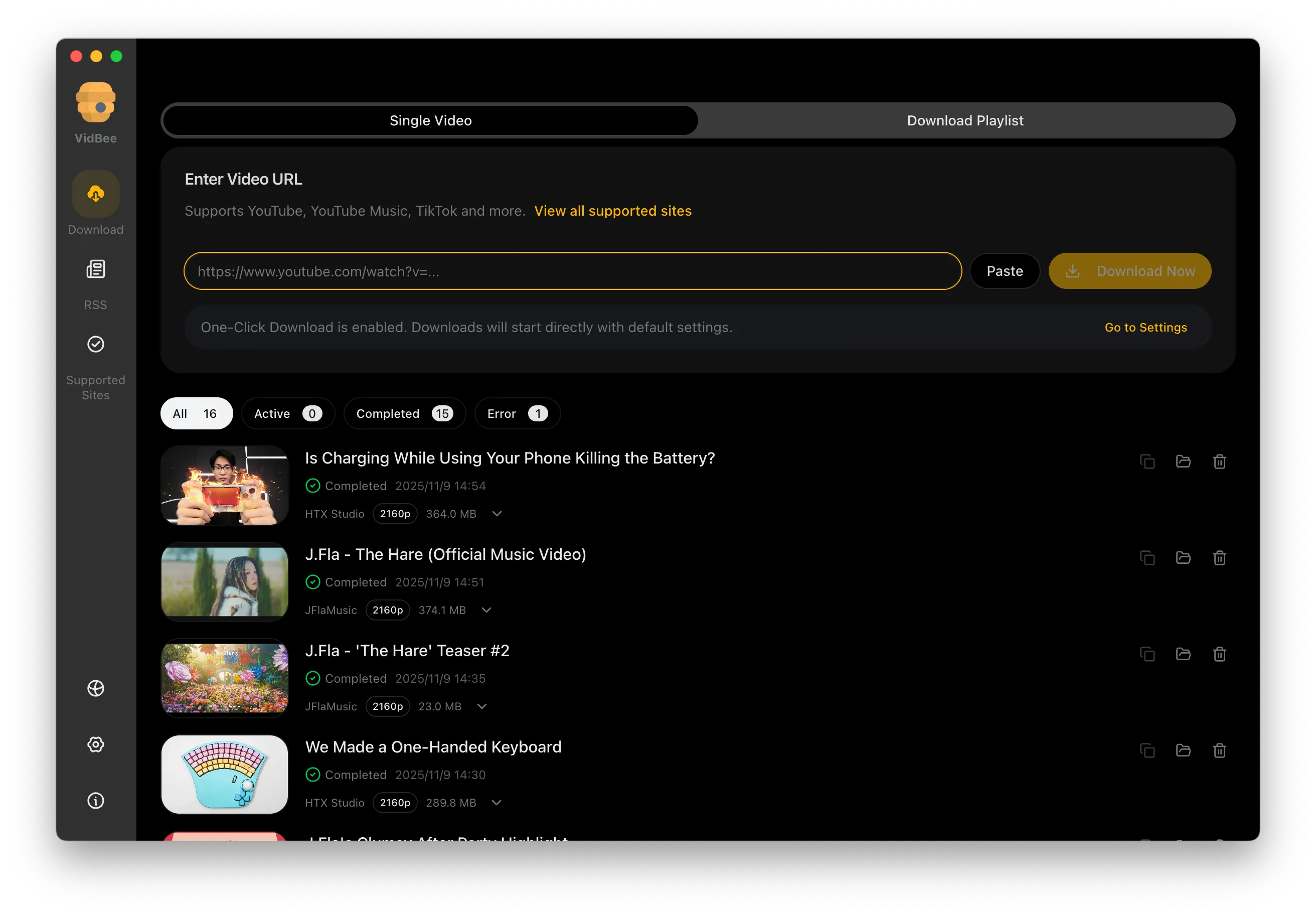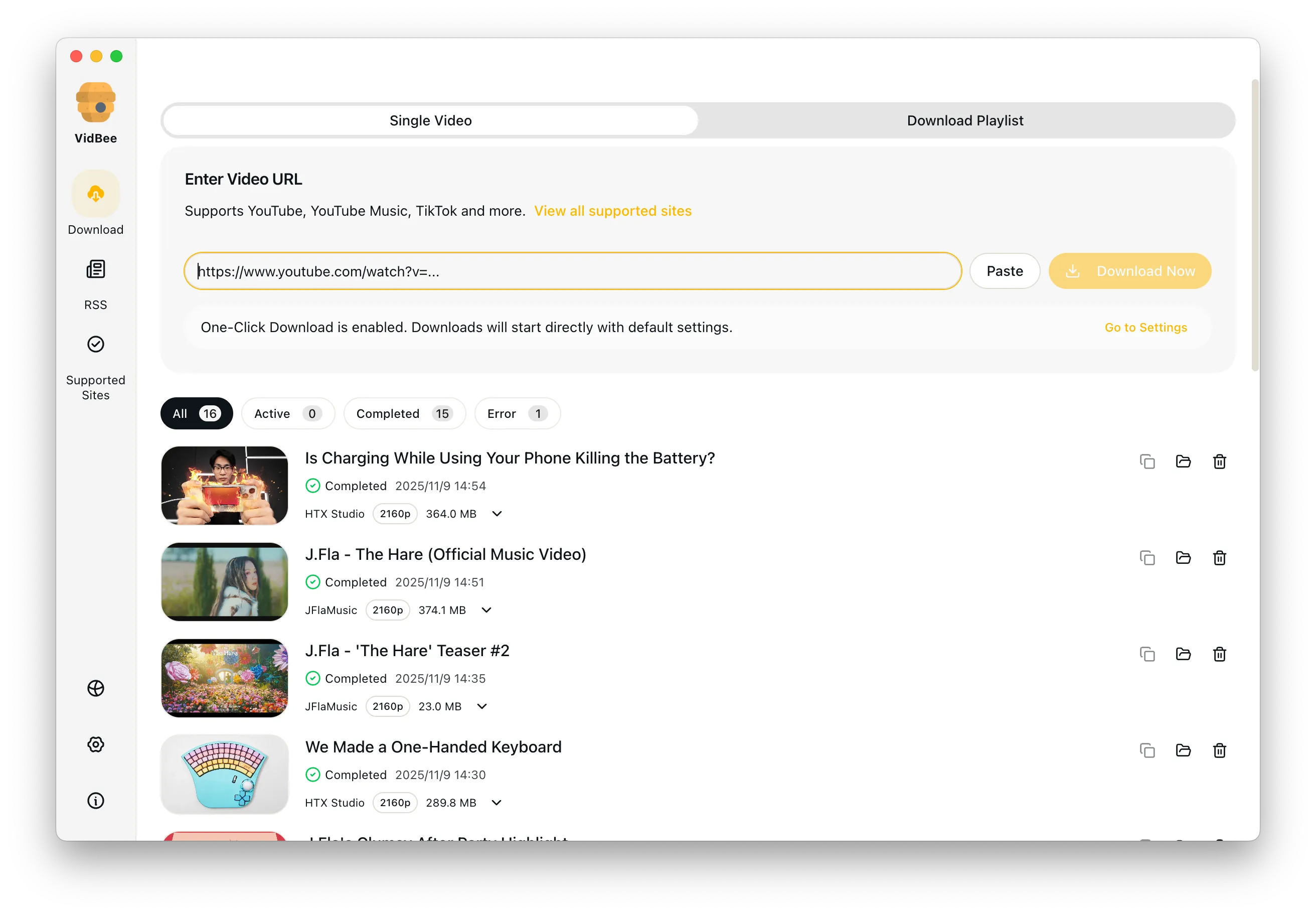
Video downloader for Mac interface preview

Video Downloader for Mac

Use a free Mac desktop app to save videos, playlists, subtitles, and permitted audio without relying on unstable online downloaders.

Free Mac desktop app / 4K-ready downloads / Playlist support / yt-dlp GUI control / Local file control

Why Mac users still end up with weak tools

Too many Mac video download workflows still depend on browser pages or paid apps that do not handle YouTube playlists, format choice, and queues well.

  • Mac users still end up on ad-heavy websites
  • Some desktop apps lock core features behind payment
  • Playlist handling is weak in basic Mac tools
  • Local organization matters when downloads pile up
  • Online tools rarely feel right for repeat YouTube downloads on Mac

Download videos on Mac in 3 steps

Install the app, paste videos or playlists, choose a format, and keep downloads organized from one Mac desktop workflow.

  1. 1

    Install VidBee on macOS

    Set up the desktop app once so your Mac is ready for repeat downloads and larger queues.

  2. 2

    Paste the video or playlist link

    Load one URL or several and review the available formats before saving.

  3. 3

    Download with Mac-friendly control

    Run the task, organize your files locally, and keep the workflow in one desktop app.

Best free YouTube video downloader for Mac

Use a free desktop workflow when browser tools feel too fragile for repeat YouTube downloads on macOS.

Free Mac app with queue control

VidBee is built for people comparing the best free YouTube video downloader for Mac options. It keeps playlist queues, format choices, subtitles, and destination folders visible in one local app instead of spreading the workflow across browser tabs.

Why desktop beats online downloaders on macOS

Keep the convenience of paste-and-download without sending every repeat task through an online form.

Local queues are easier to trust and restart

Online downloaders on macOS can work for a quick one-off, but repeat downloads need visible folders, histories, retries, and format choices. VidBee gives Mac users a friendly yt-dlp GUI and a clearer way to download MP4 with yt-dlp-powered controls.

Mac playlist, subtitle, 4K, and audio workflow

Handle common Mac download tasks without switching between several narrow tools.

One app for playlists and supporting files

Use VidBee as a playlist downloader for Mac, a 4K-ready video saver when the source provides high-resolution streams, and a local workflow for permitted audio. For files you have already saved, route subtitle extraction to the dedicated local-file tool.

Downie, ClipGrab, 4K, and Stacher alternatives

Compare VidBee with common Mac and desktop downloaders before choosing your workflow.

Features

Cinematic Background

Download YouTube Playlists, Channels, and Search Results

Save playlists, channels, and search results from YouTube in high quality. Download YouTube Watch Later, Liked videos, and private YouTube playlists.

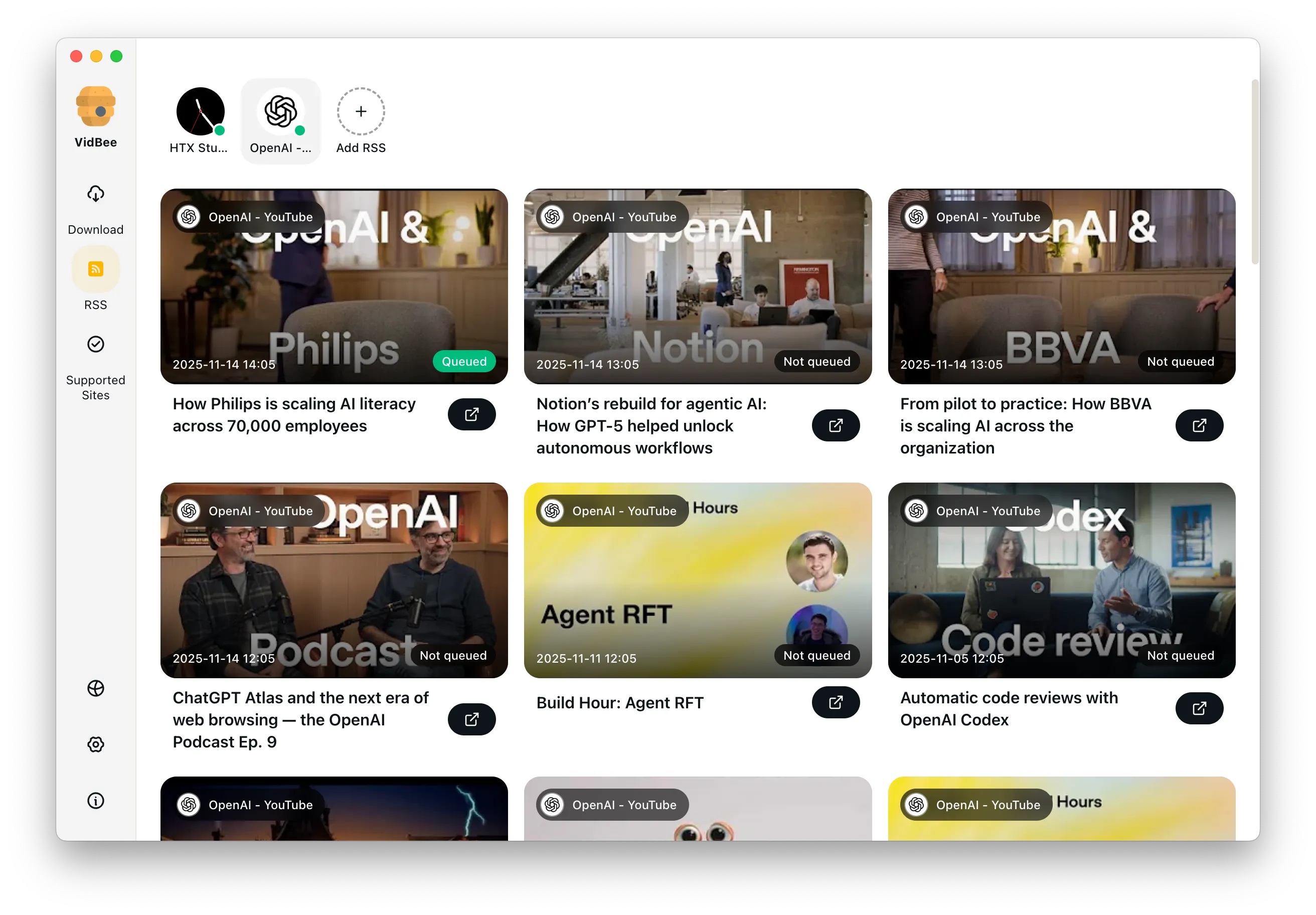
RSS Auto Download & Batch Processing
Interface Preview
Landscape Background

Extract YouTube Subtitles

Download annotations and subtitles along with YouTube videos. Save them in SRT format and choose from 50+ languages.

Subtitles Interface
Landscape

Get Videos in 4K & 8K

Download videos in HD 720p, 1080p, 4K, and 8K resolution. Enjoy high definition on any device.

Video Quality Interface

Video downloader for Mac FAQ

Useful answers for free Mac downloaders, YouTube workflows, 4K files, playlists, permitted audio, and desktop alternatives.

VidBee is a strong fit if you want a free Mac desktop app with playlist queues, visible format choices, subtitles, and local folder control instead of an ad-heavy online downloader.

Yes. VidBee supports macOS and is built for desktop workflows like batch queues, playlists, and local file management.

Yes. VidBee can download high-resolution files when the source makes those formats available.

Yes. It is a better fit than simple one-link tools when you want to queue several videos or a full playlist on your Mac.

VidBee focuses on a free, open-source, cross-platform workflow with playlist queues, RSS automation, yt-dlp-style format control, and bundled FFmpeg. Use competitor pages when you want a detailed side-by-side comparison.

Yes, when you own the content, have permission, or work with licensed or public-domain material. VidBee keeps the workflow local and helps you choose supported audio outputs responsibly.

Use a better video downloader on Mac

VidBee gives Mac users a cleaner way to save videos, playlists, subtitles, and permitted audio without leaning on browser-only tools.

Only download content that is publicly accessible and that you have the right to use. Respect copyright and each platform's terms of service.

Resources