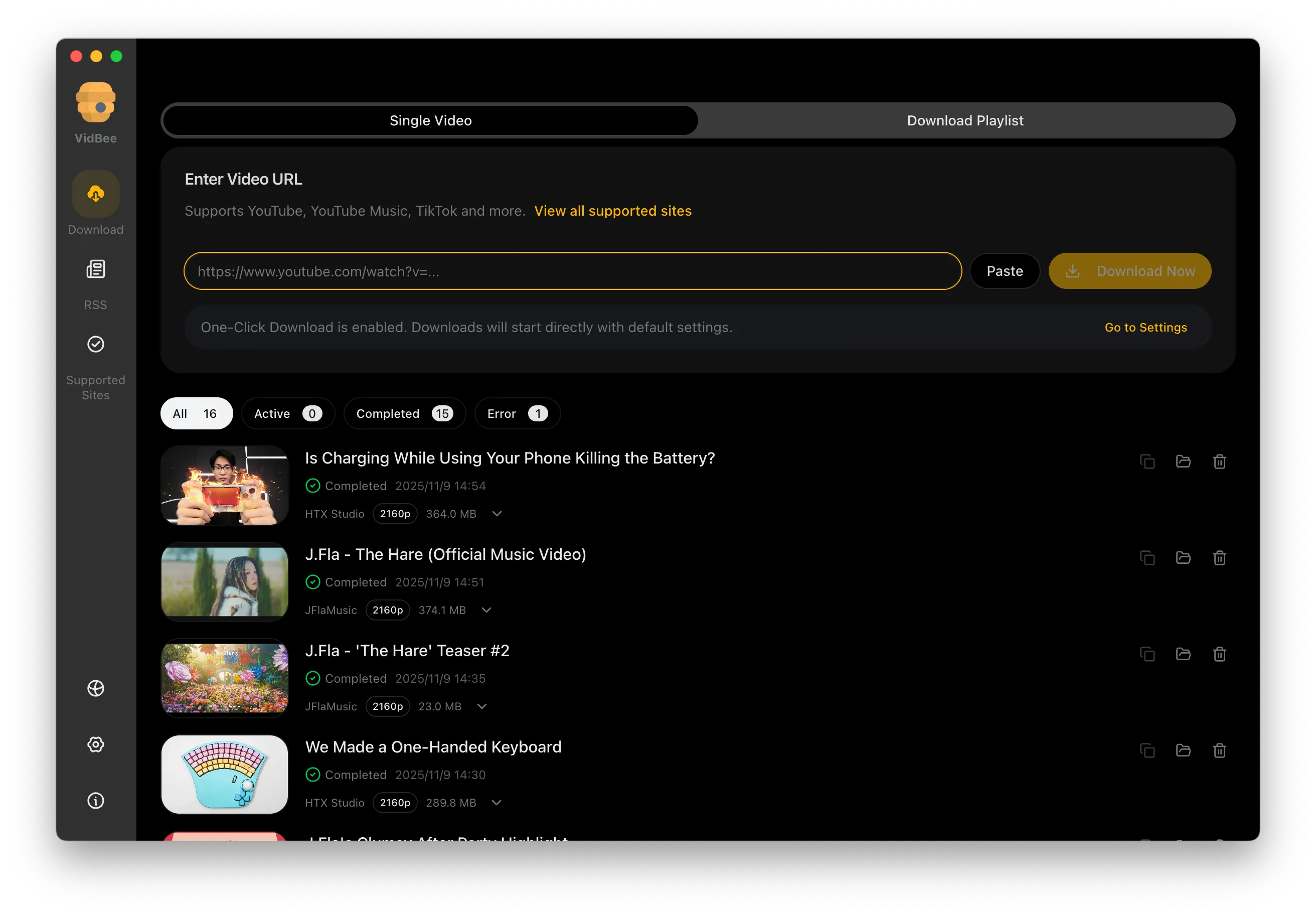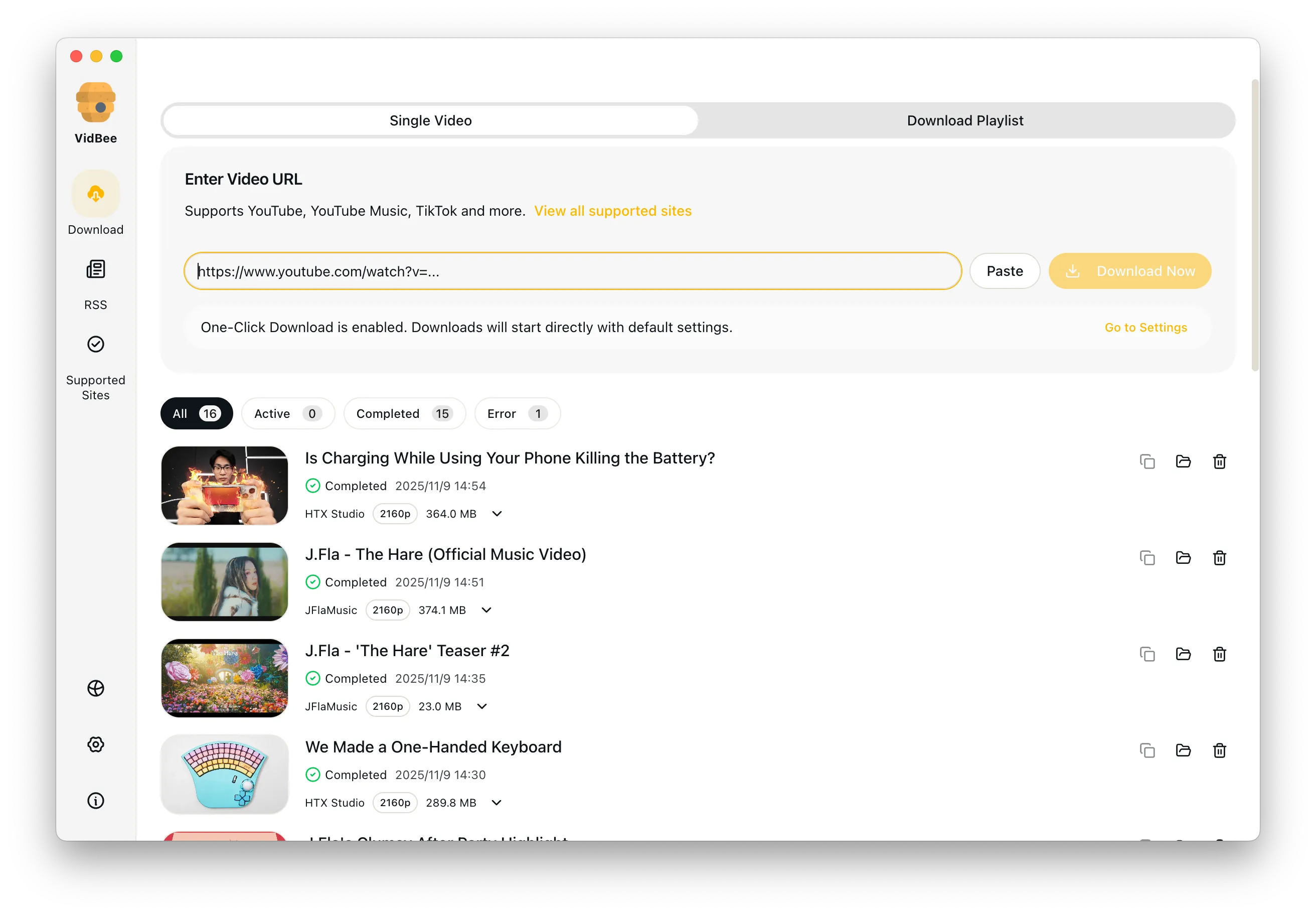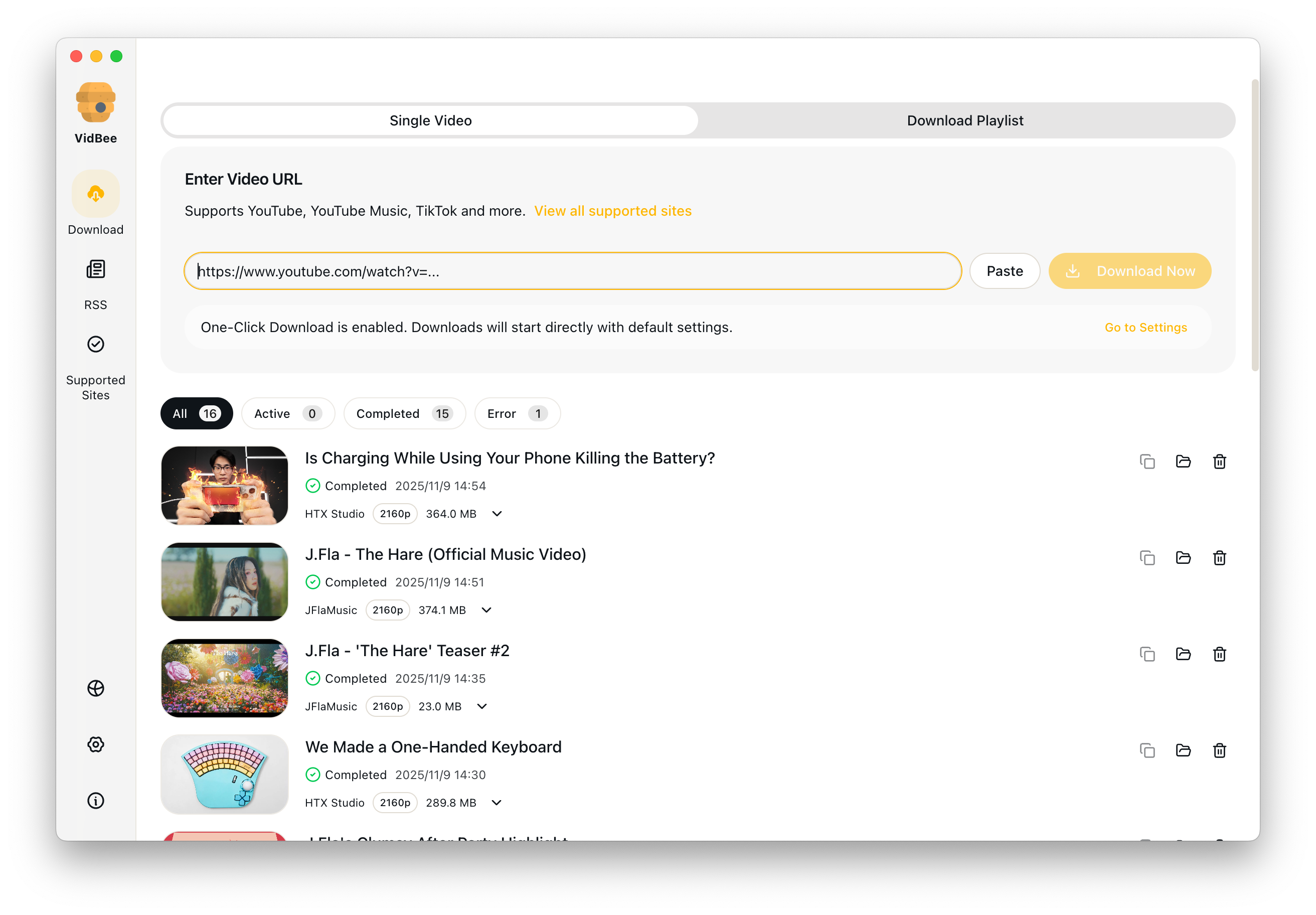
Friendly yt-dlp GUI interface preview

Friendly yt-dlp GUI

Use yt-dlp power without living in a terminal. VidBee gives Mac, Windows, and Linux users a visual queue for formats, playlists, and local folders.

yt-dlp GUI / MP4 and formats / Visible save folder / Playlist queue

Why yt-dlp beginners want a GUI

yt-dlp is powerful, but basic questions like format choice and save location can slow people down. VidBee turns those choices into a visible desktop workflow.

  • Command-line format strings are hard to remember
  • New users cannot tell where yt-dlp saved a file
  • Listing formats in a terminal slows down quick saves
  • Plain wrappers often lack playlist history and retries

Use yt-dlp from a friendly desktop app

Paste a link, choose formats visually, and download to a folder you can see before the queue starts.

  1. 1

    Paste a video or playlist link

    Add one URL or build a larger queue while VidBee checks the formats available from yt-dlp.

  2. 2

    Choose MP4, audio, subtitles, or quality

    Pick a preset instead of memorizing yt-dlp format strings. Advanced users can still keep control over output choices.

  3. 3

    Save to the folder you choose

    If you have ever asked where does yt-dlp download to, VidBee makes the answer visible before the queue starts.

Download MP4 from yt-dlp without commands

Use a desktop preset when you need the result of yt-dlp download as MP4 without memorizing format strings.

Pick MP4 before the queue starts

If you are learning how to download mp4 from yt dlp, VidBee turns the command-line choice into a visible preset. Paste a link, choose an MP4-friendly format when the source offers one, and keep common merge steps local with bundled FFmpeg.

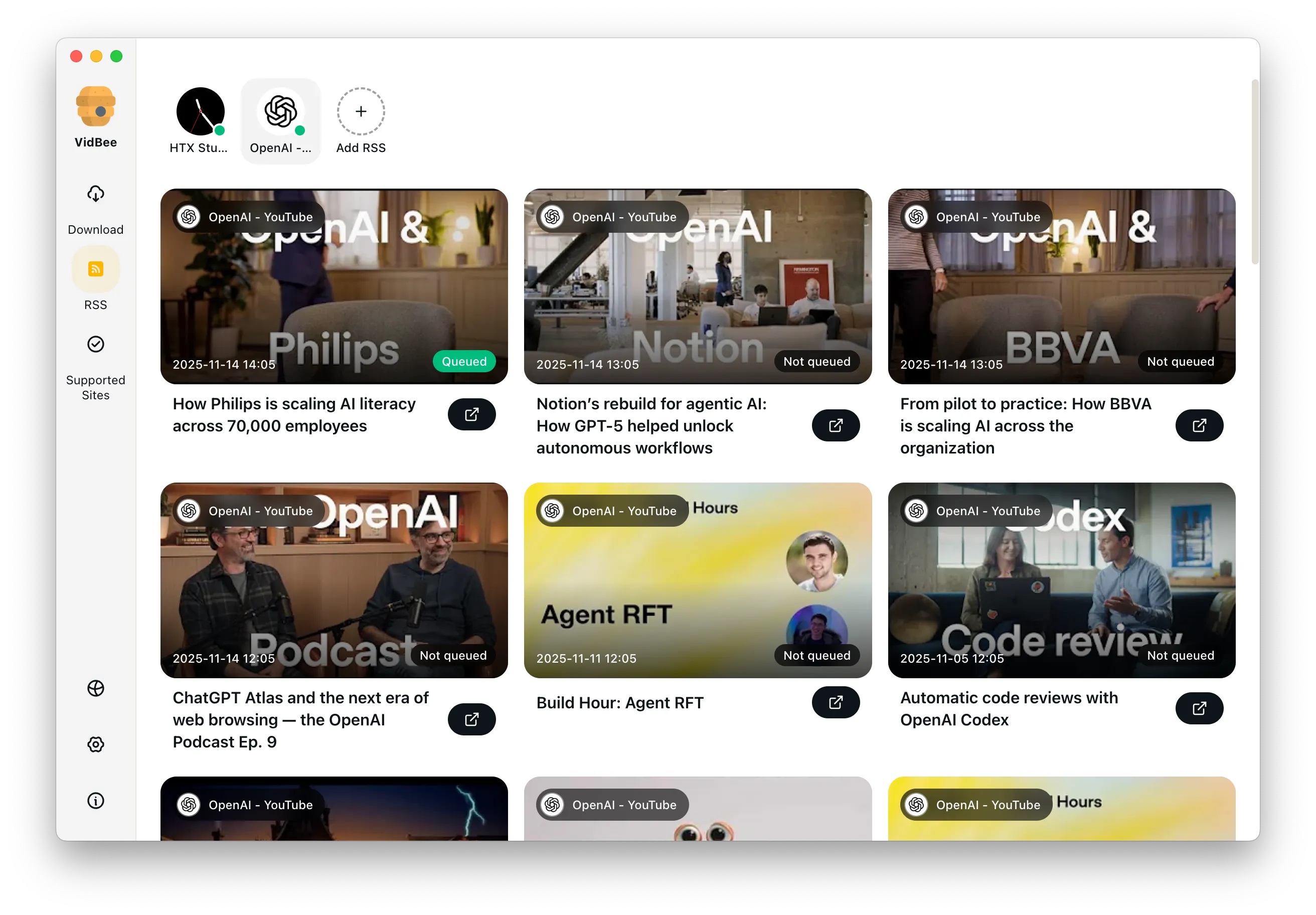
List formats and choose resolution visually

Review available video, audio, subtitle, and quality options before a download starts.

Replace terminal format lists with a visible picker

The yt-dlp list formats command is powerful, and yt dlp list formats answers the same question after a paste. VidBee brings those choices into a visual format list so you can pick resolution, container, audio, and subtitle options with less guesswork.

Find and control the download folder

Make the destination obvious before the queue runs, especially for repeat downloads.

Choose the save location on purpose

People often ask where does yt-dlp download to because command-line defaults are easy to miss. VidBee shows the destination folder in the task flow, lets you change it, and keeps repeat downloads easier to organize.

Supported-site and troubleshooting notes

Set practical expectations for supported sources and format availability.

Check the source and available formats first

VidBee can help with supported yt-dlp sources such as Vimeo and SoundCloud when the content is reachable and allowed by the source. If a format unavailable message appears, try another quality, container, or audio option that the source actually provides.

Features

Cinematic Background

Download YouTube Playlists, Channels, and Search Results

Save playlists, channels, and search results from YouTube in high quality. Download YouTube Watch Later, Liked videos, and private YouTube playlists.

RSS Auto Download & Batch Processing
Interface Preview
Landscape Background

Extract YouTube Subtitles

Download annotations and subtitles along with YouTube videos. Save them in SRT format and choose from 50+ languages.

Subtitles Interface
Landscape

Get Videos in 4K & 8K

Download videos in HD 720p, 1080p, 4K, and 8K resolution. Enjoy high definition on any device.

Video Quality Interface

yt-dlp GUI FAQ

Answers for best GUI comparisons, download folders, listing formats, MP4 output, and when a desktop UI is easier than the command line.

The best yt-dlp GUI should make common tasks simple without hiding useful controls. VidBee focuses on paste-and-queue downloads, visible format choices, playlist handling, subtitles, and local folder control.

VidBee shows the destination folder before you start downloading, so you do not have to guess where yt-dlp saved the file. You can choose a folder for each task or keep a default location.

Paste the URL into VidBee and review the available video, audio, subtitle, and quality options in the app. It gives you the practical result of yt-dlp list formats without typing the command.

Yes. When the source provides compatible formats, choose MP4 or an MP4-friendly preset before starting the queue. VidBee also bundles FFmpeg for common merge and media workflows.

No. Beginners get a clear interface, while experienced yt-dlp users still get queues, subtitles, playlists, RSS automation, and local control without repeating terminal commands.

VidBee supports many sources that yt-dlp supports, including Vimeo and SoundCloud when the media is publicly reachable or available through your permitted access. Always follow the source platform rules and copyright law.

Choose another listed quality, container, or audio option. A format unavailable message usually means the source did not provide that exact stream for the current video.

VidBee is a desktop GUI, not a hosted web UI. Your queue, folders, history, and common media workflow stay on your computer instead of inside a browser-only page.

Try a friendlier yt-dlp workflow

Install VidBee and keep yt-dlp power in a desktop app built for queues, folders, formats, and repeat downloads.

Only download content that is publicly accessible and that you have the right to use. Respect copyright and each platform's terms of service.

Resources