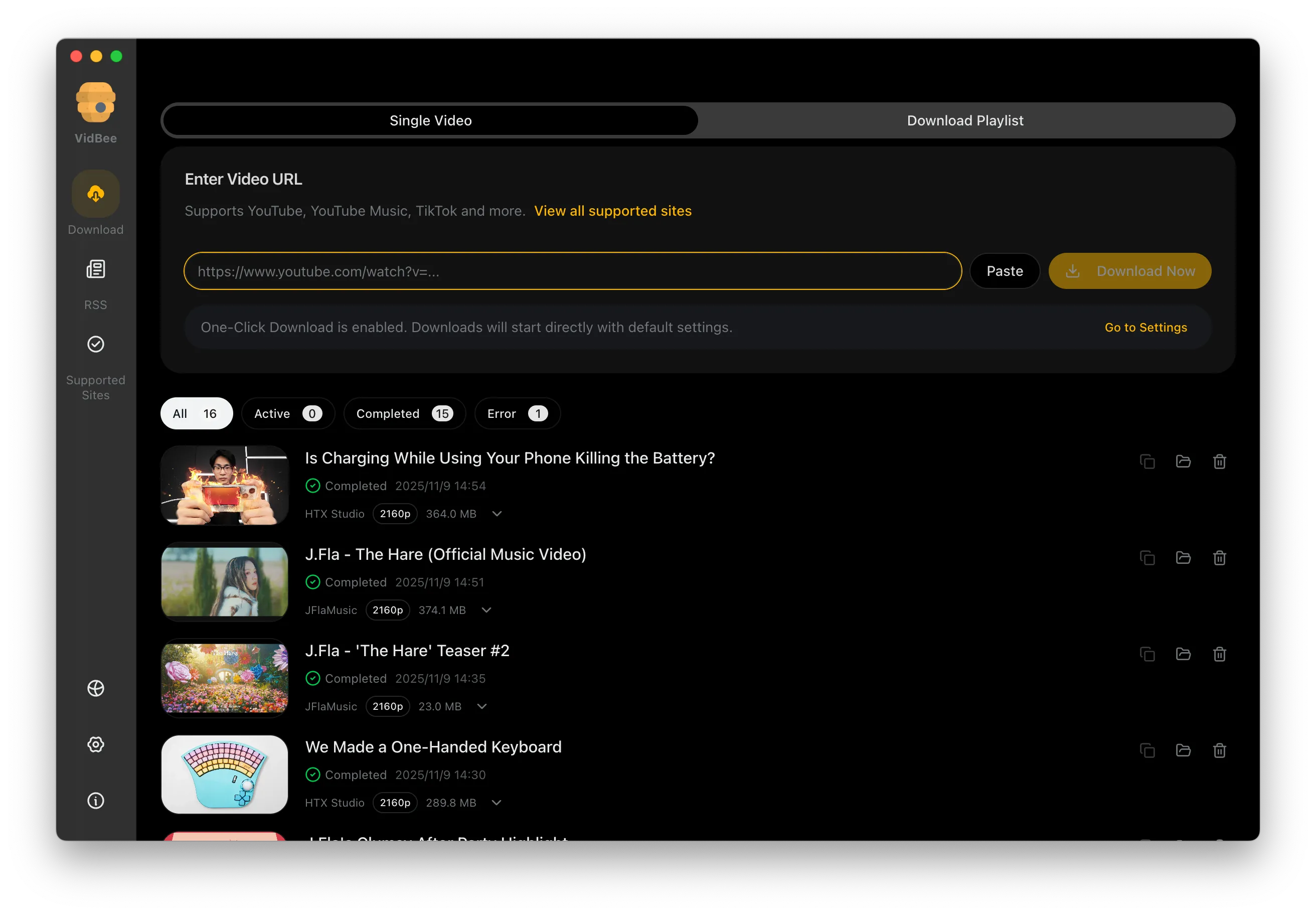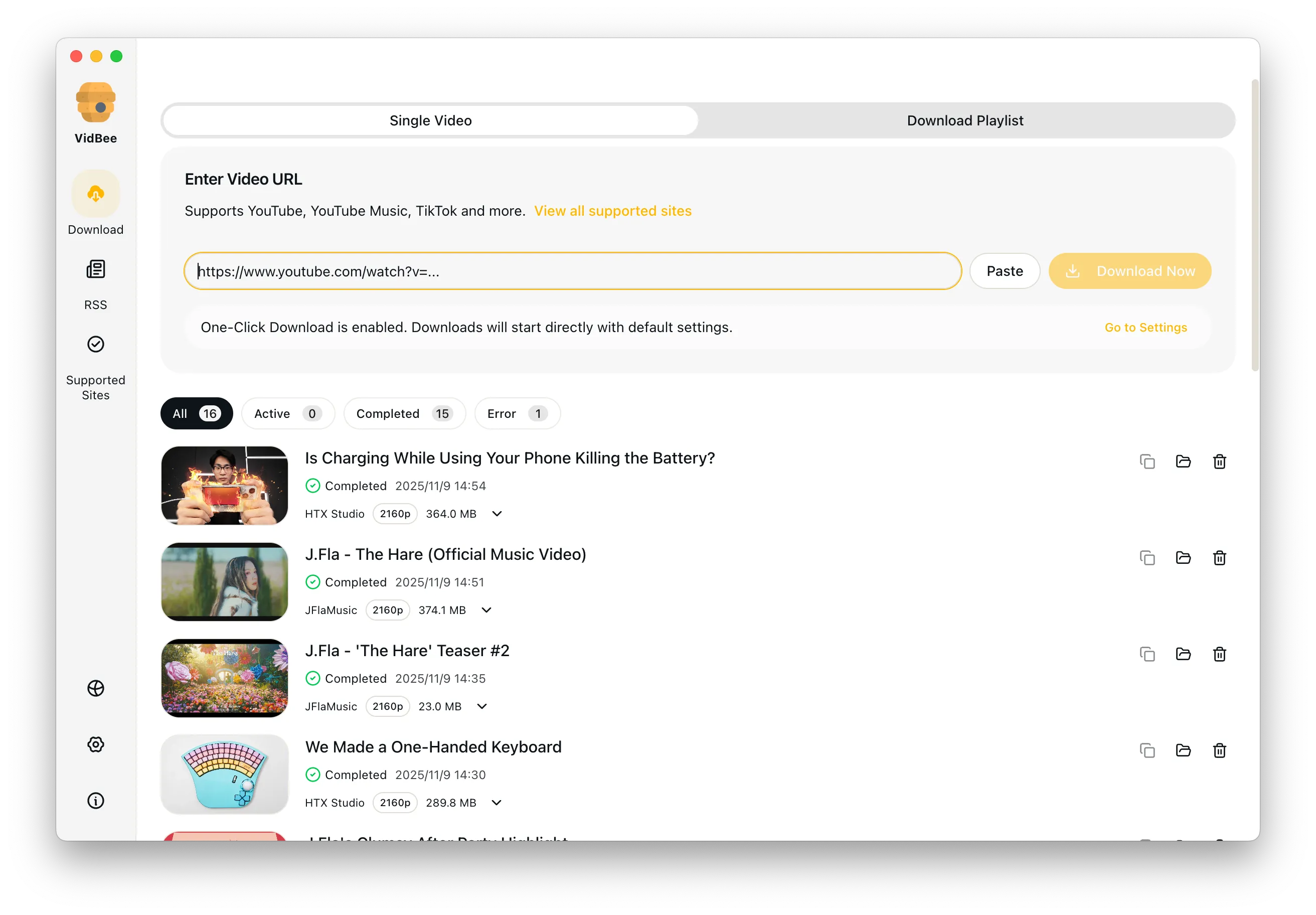
Free LinkedIn video downloader interface preview

Free LinkedIn Video Downloader

Save public LinkedIn videos for research, learning, or training with quick, ad-free downloads on Windows or macOS.

Free Download

Completely free. No registration or account required.

Free LinkedIn downloads / No registration or account / 4K when available / MP4 / MKV / Supports Windows & macOS

Platform pain points at a glance

Say goodbye to slow speeds, ads, and tedious scripts - VidBee focuses on the key challenges of downloading LinkedIn videos.

  • LinkedIn does not always offer a reliable download option
  • Videos are compressed and quality is limited
  • Batch-saving multiple posts is slow
  • Organizing videos across devices is tedious

Download LinkedIn videos in 3 steps

No scripts or complicated setup required. Follow the steps to capture high-quality videos effortlessly.

  1. 1

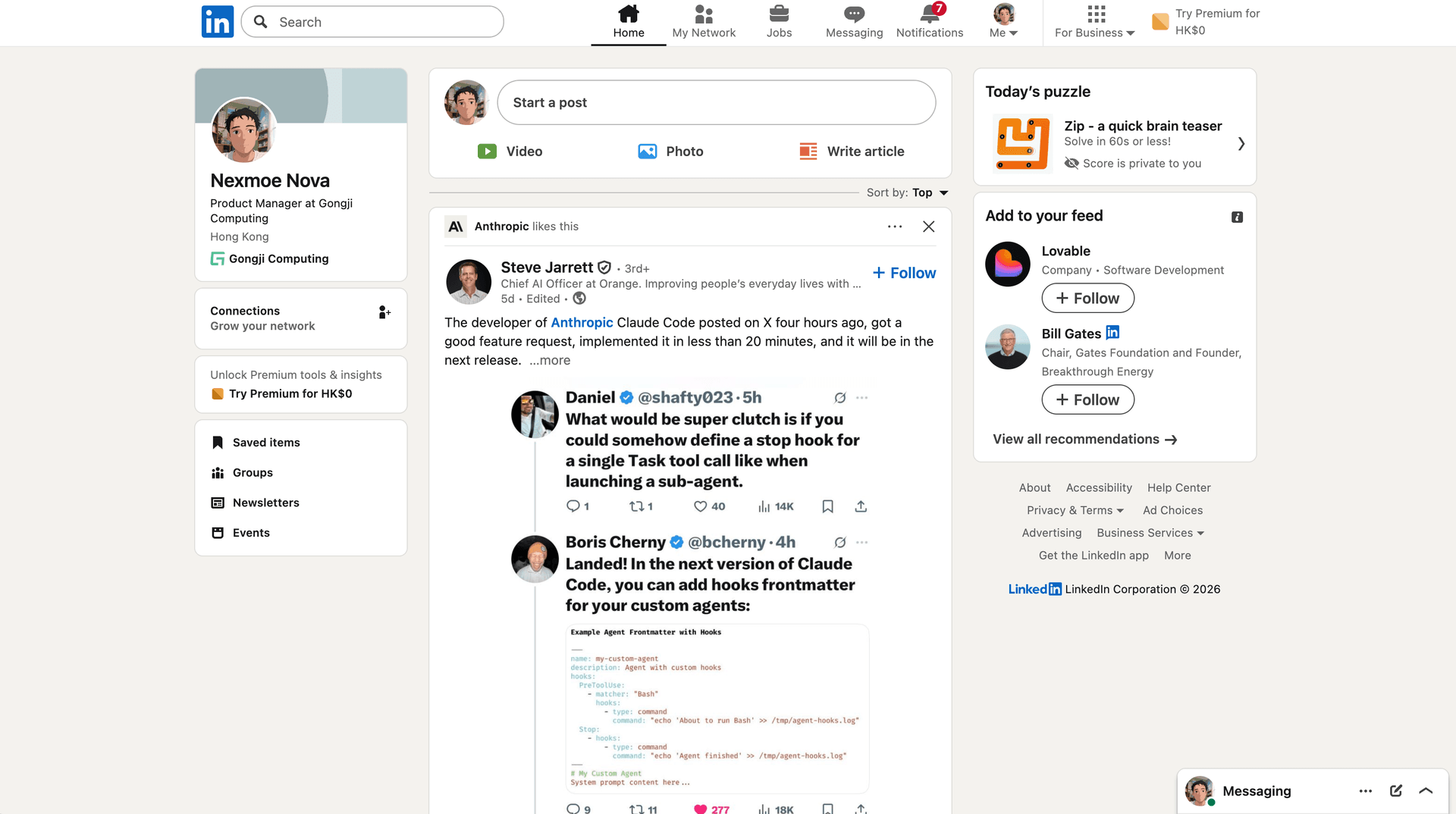
    Copy the post link

    Open the LinkedIn post with the video and copy the URL.

  2. 2

    Paste into VidBee

    Paste the link into VidBee to parse the video.

  3. 3

    Choose quality & download

    Pick the resolution or audio-only output and start downloading.

Build an offline training and research archive

Teams often want public talks, demos, and how to clips saved in one place for learning, not scattered across browser tabs.

Save public post videos for offline study

Paste a public LinkedIn post link into VidBee and it parses the video so you can save it for offline training, research notes, or an internal knowledge library. The desktop app keeps each file in the folder you choose, so a course or onboarding set stays organized. VidBee focuses on public posts, so private or members only content needs the right access. Use this only for content you have permission to keep, and check which links are covered on the supported sites page.

Batch save many LinkedIn posts in one queue

Saving talks one by one is slow, so a desktop queue with retry keeps a set of posts moving on its own.

Queue several public links and let retry handle failures

Paste several public LinkedIn video links into VidBee at once and they line up in one desktop queue. Each task shows progress and history, and automatic retry recovers a download when the network drops or a request times out. This is steadier than reloading a web page for every clip. Some posts may not parse if they are private, members only, or limited by LinkedIn, since support depends on the source.

Keep just the audio from a talk or interview

Sometimes you only need the sound from a public post, such as a talk, a panel, or an interview.

Choose audio only after parsing

VidBee runs on the yt-dlp engine, which covers many video and audio sources. After you paste a public LinkedIn link and it parses, pick an audio only format such as MP3 or M4A to skip the video track. This is useful for saving a spoken session for offline listening or notes. If you need a different audio format later, the browser audio converter changes it locally. Save only public audio you have the right to keep.

A desktop alternative to ad heavy web downloaders

Web based LinkedIn tools break often and bury you in ads, so a local desktop queue is steadier for regular saves.

Keep a local queue instead of one off web grabs

Many LinkedIn downloads start on a web page that is slow, full of ads, or broken after a platform change. VidBee is an open source desktop app, so your links go into a queue with progress, history, and automatic retry. If you are weighing a browser tool against a desktop app, the comparison page lays out the trade offs in plain terms. You can install VidBee on macOS, Windows, or Linux.

Features

Cinematic Background

Download YouTube Playlists, Channels, and Search Results

Save playlists, channels, and search results from YouTube in high quality. Download YouTube Watch Later, Liked videos, and private YouTube playlists.

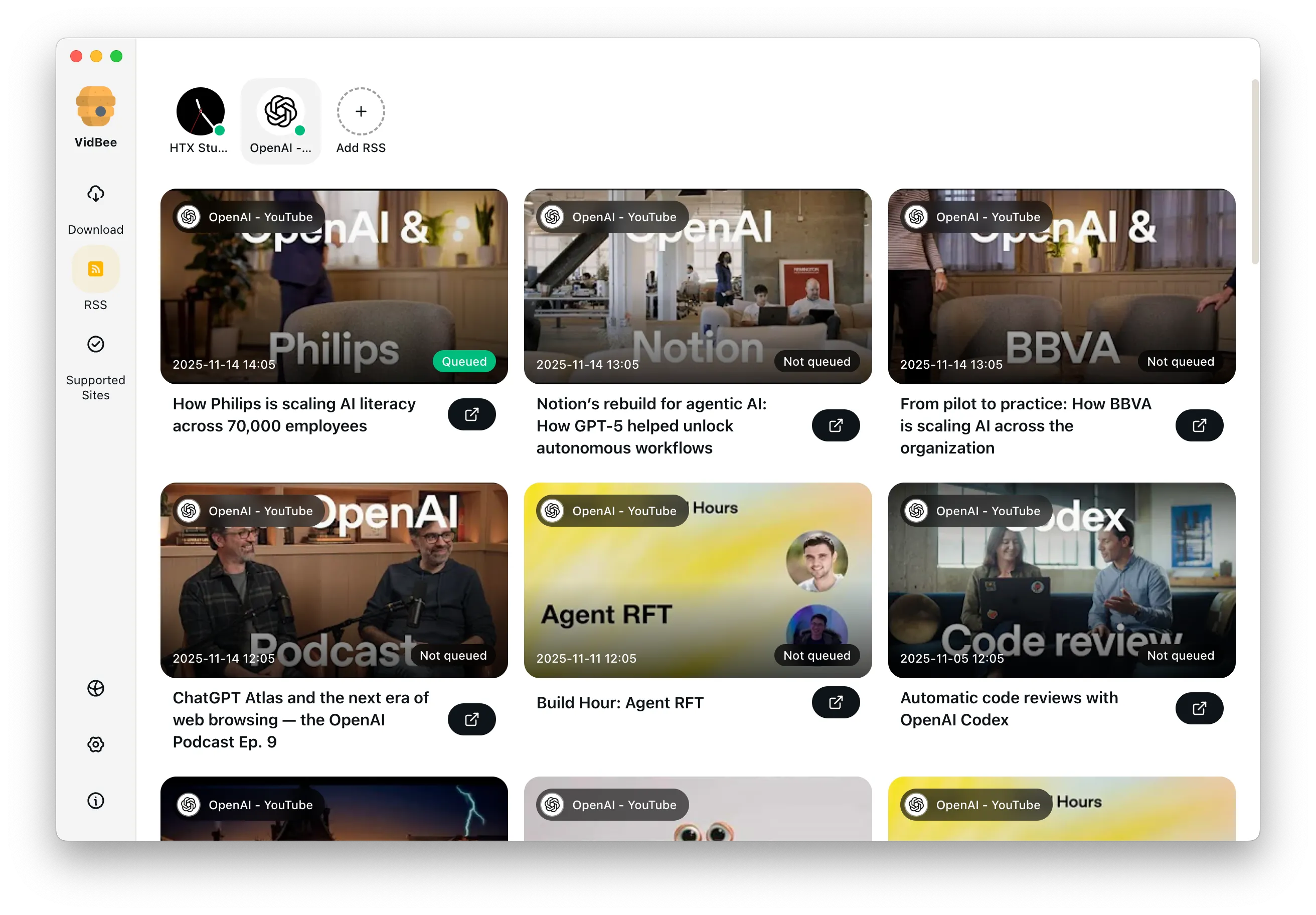
RSS Auto Download & Batch Processing
Interface Preview
Landscape Background

Extract YouTube Subtitles

Download annotations and subtitles along with YouTube videos. Save them in SRT format and choose from 50+ languages.

Subtitles Interface
Landscape

Get Videos in 4K & 8K

Download videos in HD 720p, 1080p, 4K, and 8K resolution. Enjoy high definition on any device.

Video Quality Interface

Access Protected Media

Use your authenticated access for private clips and playlists only when you have the right to access and save them.

Seamless Proxy Integration

Configure VidBee with your own proxy when your network requires it, while following laws, platform terms, and access permissions.

Automated Content Sync

Subscribe to favorite creators or playlists and automatically download new videos as soon as they are uploaded.

Frequently asked questions

Answers the common questions about LinkedIn downloads, quality, permissions, and workflows.

VidBee focuses on public LinkedIn posts. Private or members only content requires the right access permissions.

Yes. Downloaded public videos can be saved for offline training and internal knowledge libraries when you have permission to keep them.

Yes. Paste several public links and they line up in one desktop queue with progress, history, and automatic retry on failed tasks.

No. VidBee uses public links and does not ask for account access.

Yes. After parsing, choose an audio only format like MP3 or M4A to save talks or interviews.

Yes. VidBee includes configurable retry logic to recover tasks when the network is unstable.

Start downloading LinkedIn videos now

Install once to handle video collecting and backups across platforms. Completely free, with no registration or account required.

Only download content that is publicly accessible and that you have the right to use. Respect copyright and each platform's terms of service.

Resources