VidBee vs. Stacher
Compare the key features of VidBee and Stacher.
Free and open source.
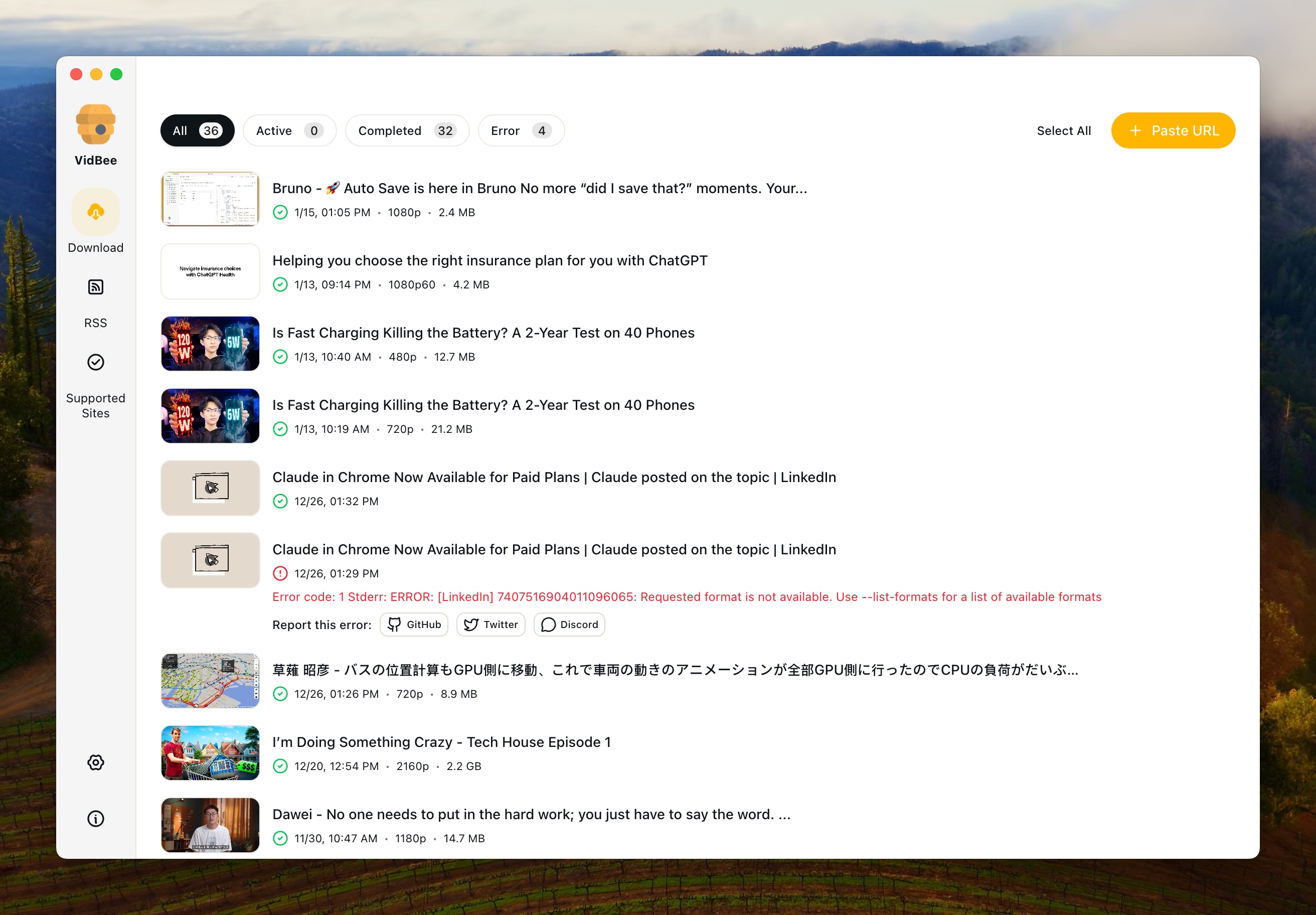
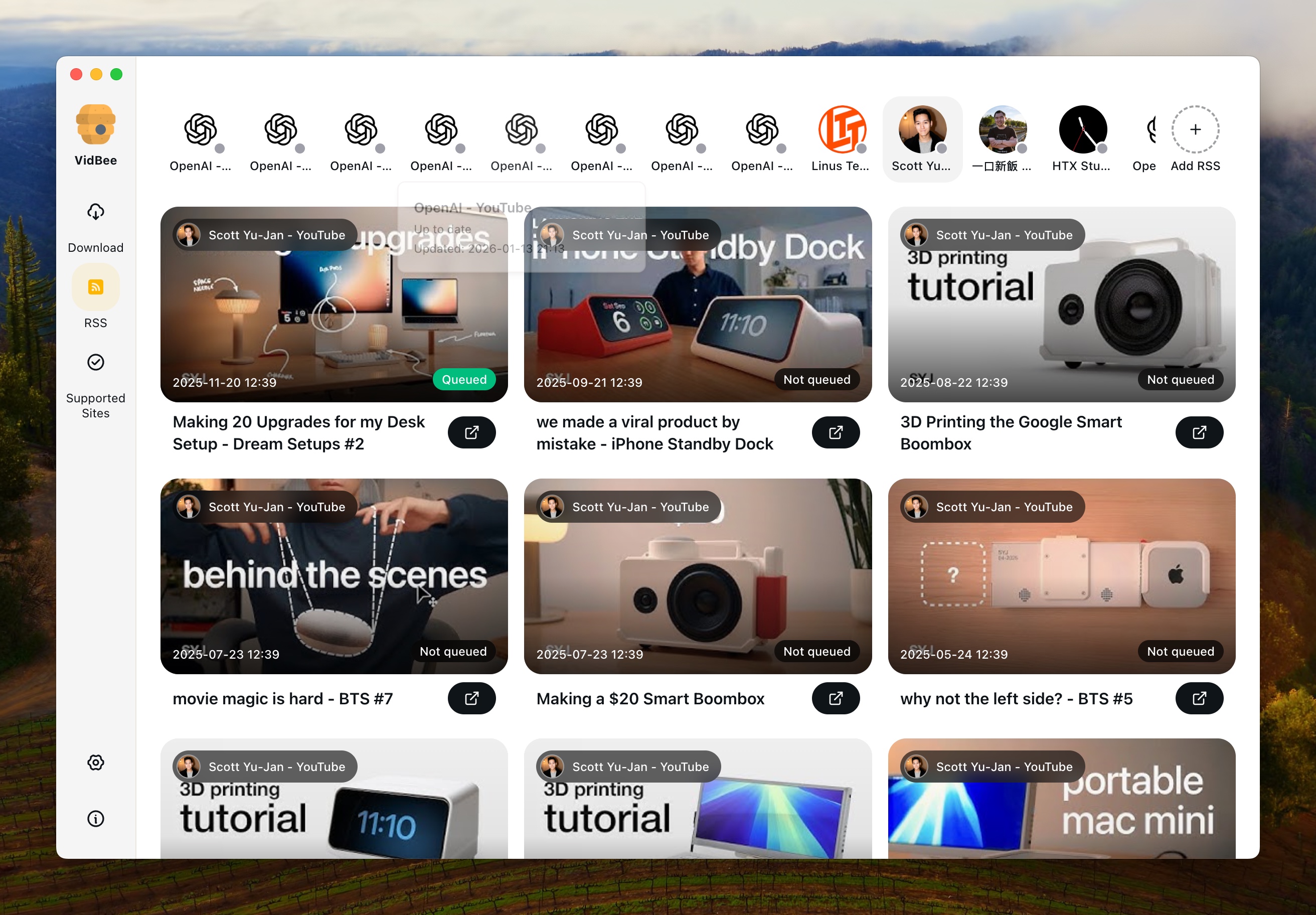
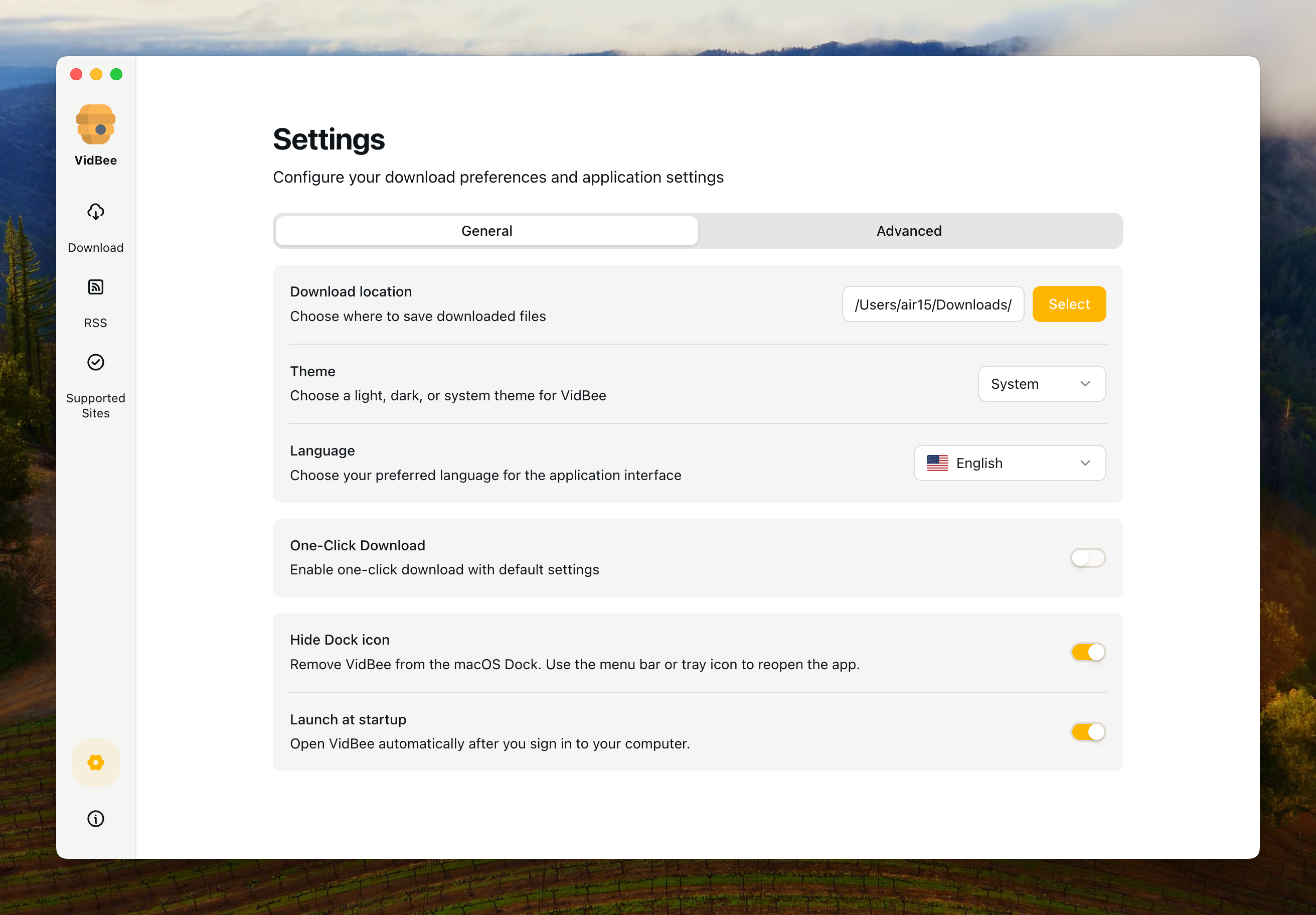
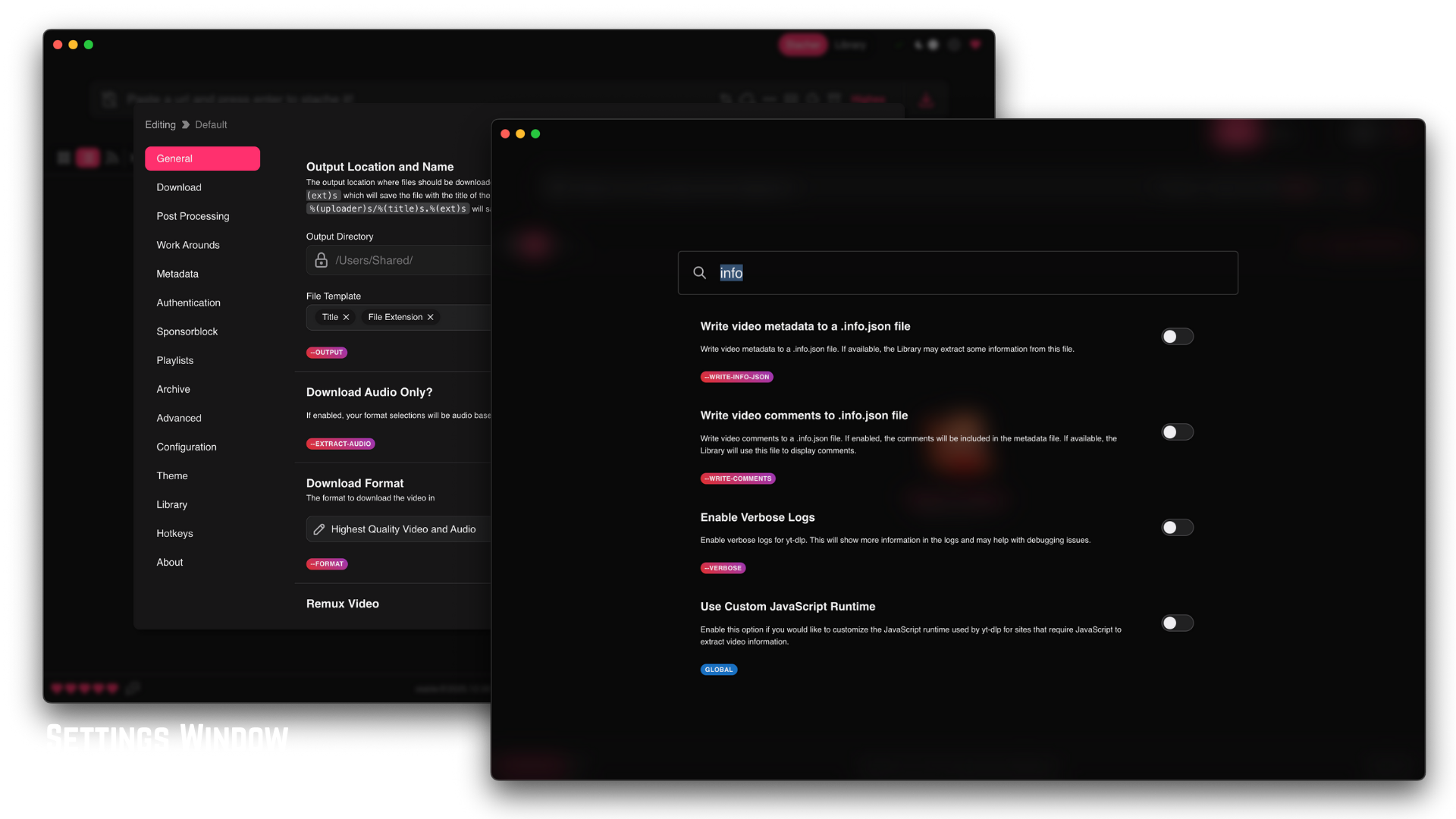
Interface Preview
VidBee
Stacher

Why choose VidBee over Stacher?
| VidBee | Stacher | |
|---|---|---|
| Platform & Setup | ||
| Windows Support | ✓ | ✓ |
| macOS Support | ✓ | ✓ |
| Linux Support | ✓ | — |
| Setup Style | Bundled desktop app with yt-dlp and FFmpeg ready for local downloads | Lightweight GUI that may require manual FFmpeg install for certain workflows |
| yt-dlp Engine & Updates | ||
| yt-dlp Version Management | Auto-update yt-dlp with safety checks | Manual yt-dlp updates in most releases |
| Format Probe Reliability | Falls back across available formats to avoid 'format not available' errors | Can fail with 'requested format is not available' when a preset does not exist |
| FFmpeg Bundled | ✓ | — |
| Download Workflow | ||
| Single Video Downloads | ✓ | ✓ |
| Playlist & Channel Queue | Full playlist, channel, and batch URL queue with per-item control | Basic playlist support in a simpler UI |
| Queue Management | Pause, resume, retry, review, and persistent download history | Simpler queue focused on one-off downloads with limited retry control |
| RSS Auto-download | ✓ | — |
| Quality & Formats | ||
| 4K and 8K Video | ✓ | ✓ |
| Format Selector | Visual presets plus yt-dlp level format strings and custom templates | Simple selector with fewer advanced controls |
| Audio-only Extraction | ✓ | ✓ |
| Subtitles & Metadata | ||
| Automatic Subtitle Download | Multi-language subtitles with embed or SRT export | Basic subtitle toggle, fewer language controls |
| SRT Export | ✓ | ✓ |
| Metadata & Thumbnails | NFO, thumbnails, chapters, and description saved locally | Minimal metadata sidecars |
| Troubleshooting & Reliability | ||
| Handles 'Format Not Available' | ✓ | — |
| Handles 'FFmpeg Not Installed' | FFmpeg bundled — no setup required | Known community reports of 'ffmpeg not installed' errors |
| Download Retry on Failure | ✓ | Partial retry, usually manual |
| Site Coverage | ||
| yt-dlp Supported Sites | 1,000+ sites via yt-dlp, updated with the engine | Same yt-dlp base, tied to each release |
| Subtitle-heavy Sites | Bilibili, YouTube, Twitch subtitle presets included | Depends on yt-dlp defaults |
| Ownership & Cost | ||
| License Model | Open source desktop app | Free, closed-source desktop software |
| Pricing | Free | Free |
| Privacy | Local processing, no accounts, no telemetry | Local processing |
Understanding the Key Differences
Is VidBee a good Stacher alternative in 2026?
Yes. VidBee is an open-source desktop app built on yt-dlp with a bundled FFmpeg, Linux support, an RSS auto-download queue, and retry-on-failure — features where Stacher is narrower. If you want a Stacher alternative that handles playlists, subtitles, and long-running download queues without manual setup, VidBee covers more of the workflow in one app across Windows, macOS, and Linux.
Why does Stacher say 'requested format is not available'?
The 'requested format is not available' error happens when a yt-dlp format preset does not match any stream the source actually offers — for example if a YouTube video lacks a specific height or codec. Stacher surfaces the error directly. VidBee falls back through compatible formats automatically, so the same URL typically completes on the next-best available resolution without manual tweaking.
Does Stacher work with FFmpeg?
Stacher can use FFmpeg for merging video and audio streams and for conversions, but it does not bundle FFmpeg on every build, which is why 'ffmpeg not installed' errors appear in user reports. VidBee ships FFmpeg inside the installer, so merging 1080p+ streams, extracting audio, and embedding subtitles all work out of the box with no extra install step.
How do you add subtitles in Stacher?
In Stacher, subtitles depend on yt-dlp flags — you toggle subtitle download and select a language in the settings, then choose whether to embed or save as SRT. VidBee exposes the same yt-dlp subtitle options in a clearer UI, adds multi-language batch subtitle pulls, and can auto-generate translations for supported platforms like YouTube and Bilibili.
Why won't Stacher downloads start?
'Stacher download could not start' is usually caused by an outdated yt-dlp binary, a missing FFmpeg, or a format string that no longer matches the source. The fix is to update yt-dlp, install FFmpeg system-wide, or loosen the format selector. VidBee avoids these failure modes by auto-updating yt-dlp, bundling FFmpeg, and retrying failed downloads with a fallback format so the queue keeps moving.
Is there a Stacher build for Linux?
Stacher officially ships Windows and macOS builds, so Linux users often search for a Stacher alternative. VidBee runs on Linux alongside Windows and macOS with the same yt-dlp workflow, making it a direct replacement if you need a desktop yt-dlp GUI on all three platforms.
What software is like Stacher but with more features?
People looking for software like Stacher usually want a cleaner GUI for yt-dlp plus something extra: Linux builds, RSS automation, batch queue retries, or bundled FFmpeg. VidBee sits in that slot — Stacher-style simplicity for casual downloads, plus playlist and channel queues, persistent history, and RSS-triggered auto-downloads for long-term archiving.
Is VidBee or Stacher the best yt-dlp GUI on Mac?
Both are strong free yt-dlp GUIs on macOS. Stacher is lighter when you mainly download single videos. VidBee is the better pick when you care about queue reliability, subtitle export, RSS feeds for channels, or cross-platform parity with Windows and Linux. For most users comparing 'best yt-dlp GUI for Mac' in 2026, VidBee is the broader choice and still free.
How do VidBee and Stacher handle playlists and batch downloads?
Stacher supports standard playlist URLs but leans toward one-at-a-time downloads. VidBee treats playlists, channels, and pasted URL batches as first-class queue inputs with per-item format override, retry, and a persistent history. If you regularly archive full YouTube playlists or Bilibili series, VidBee's queue is noticeably easier to manage.
Are Stacher and VidBee free?
Both are free to download and use. Stacher is free but closed-source. VidBee is open source, free of ads and paywalls, and funded without a subscription — the code and yt-dlp/FFmpeg dependencies are visible on GitHub so you can audit what the app does with your downloads.