VidBee vs. 4K Video Downloader
Compare the key features of VidBee and 4K Video Downloader.
Free and open source.
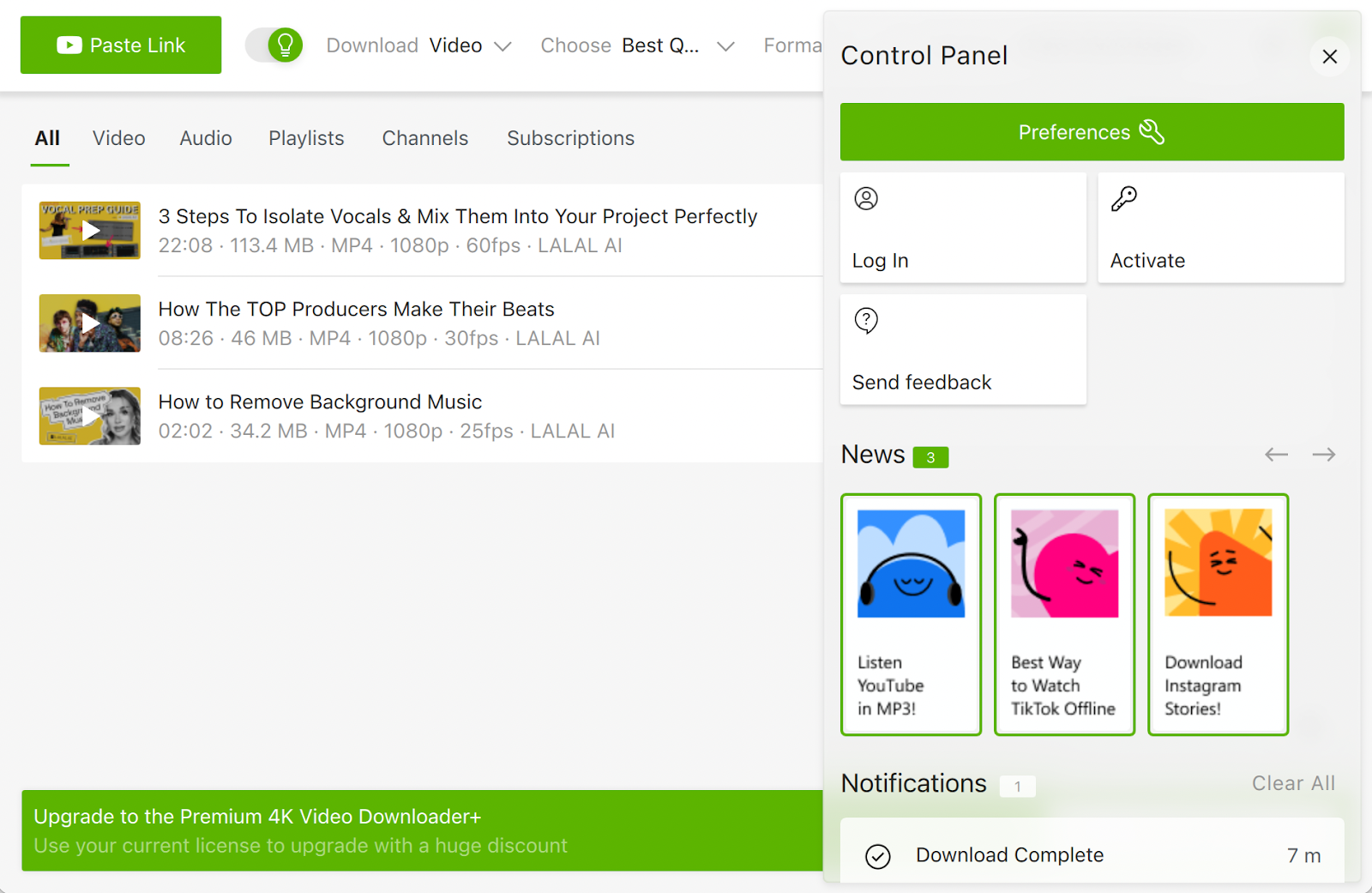
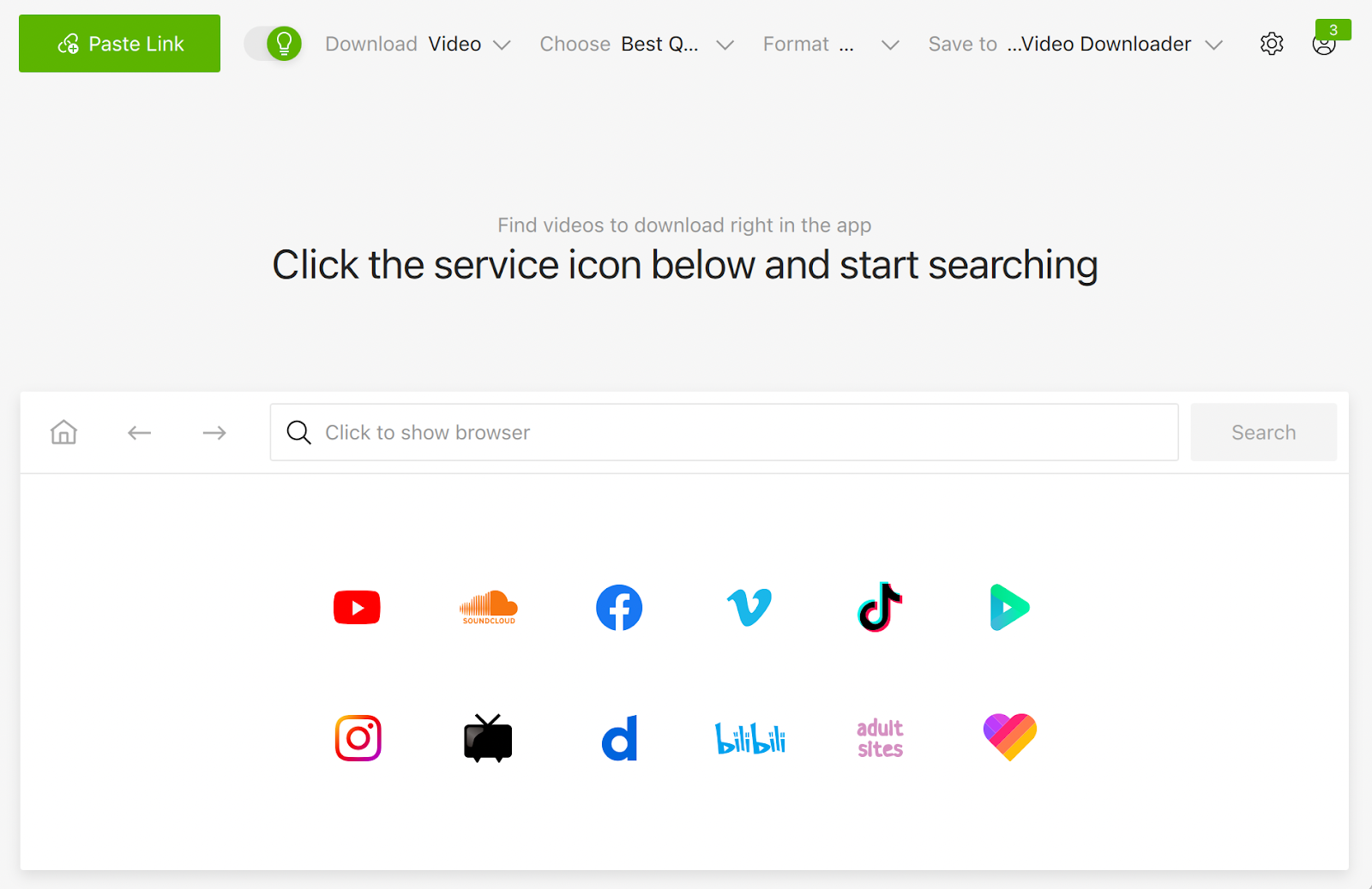
Interface Preview
VidBee
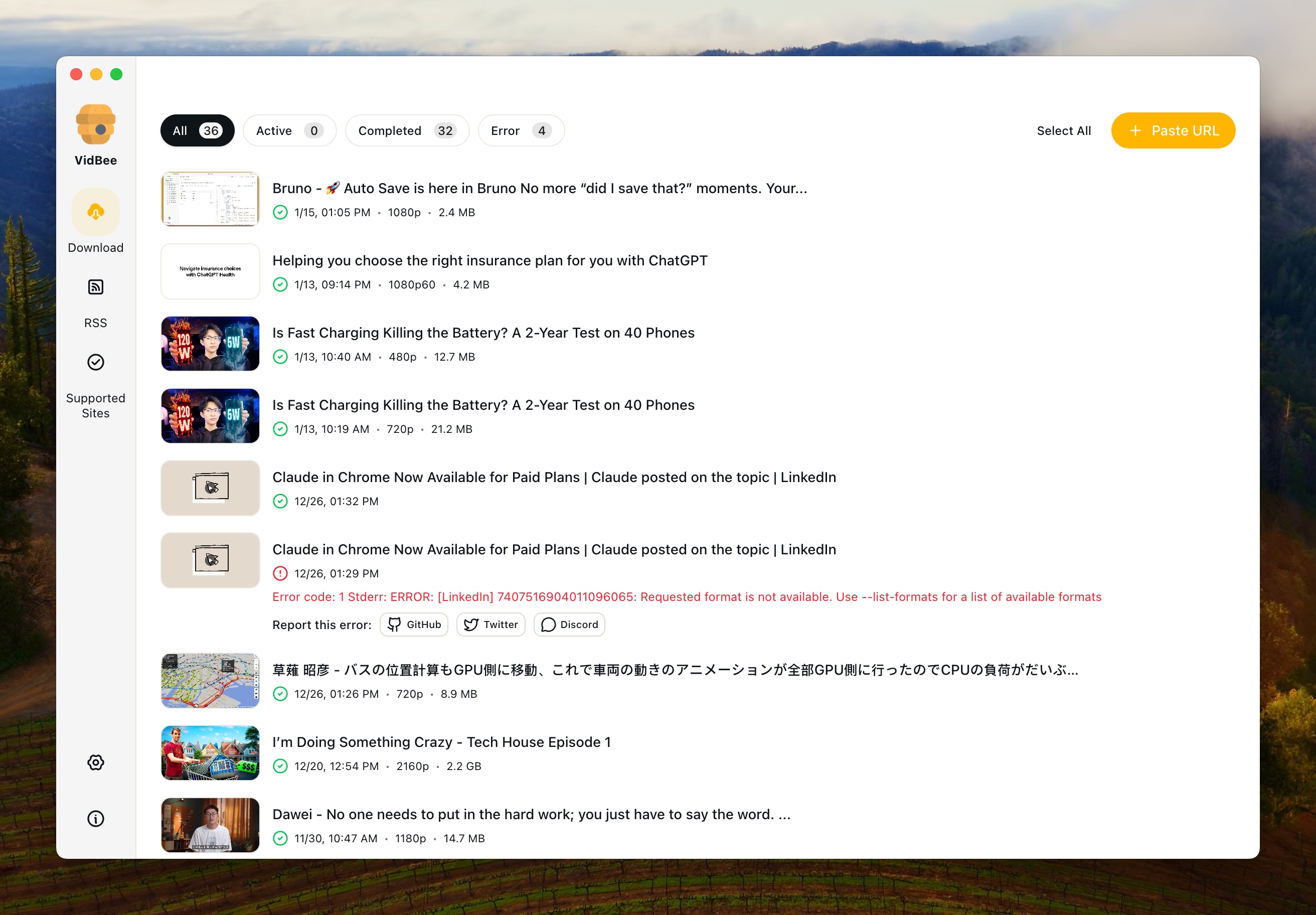
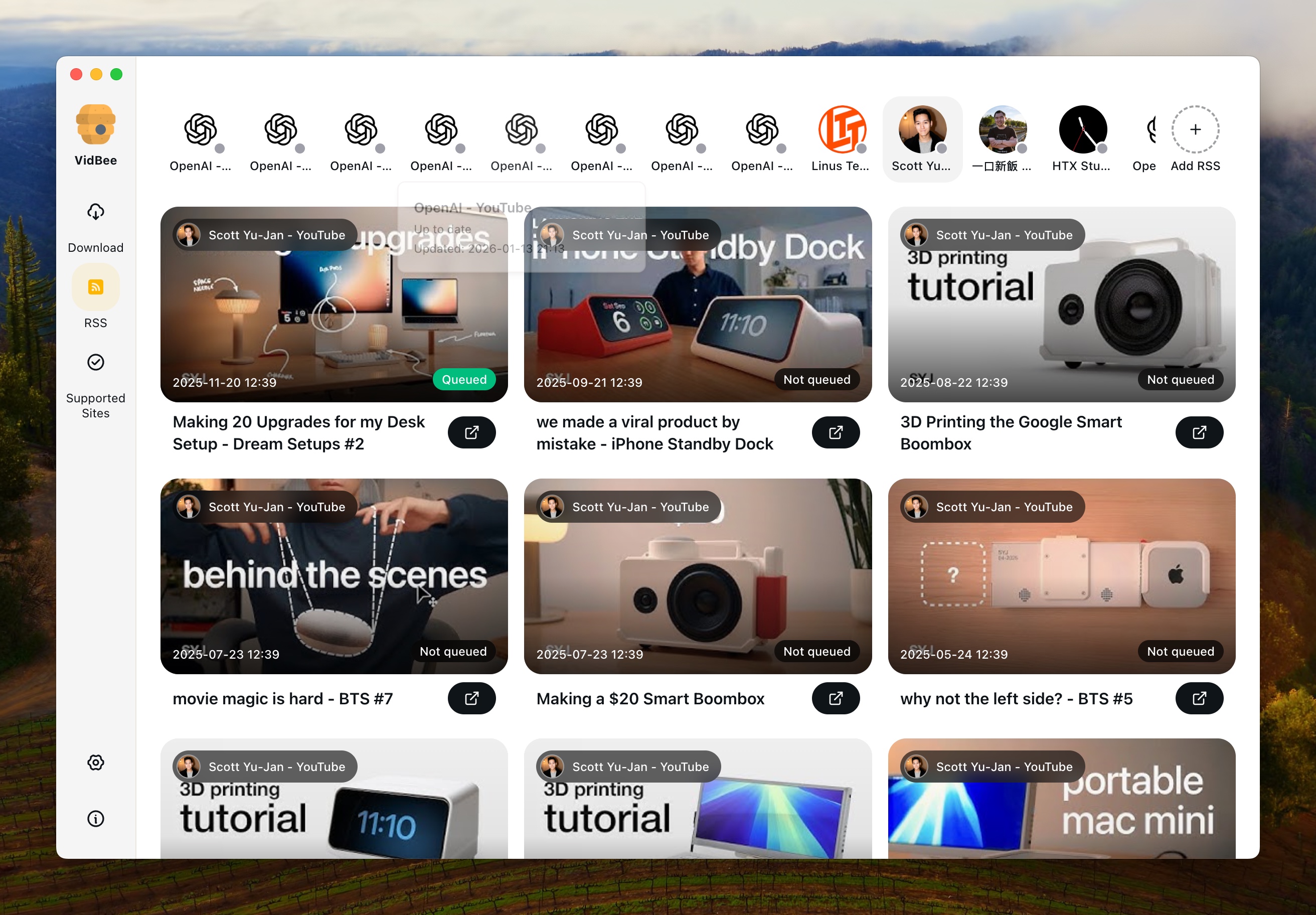
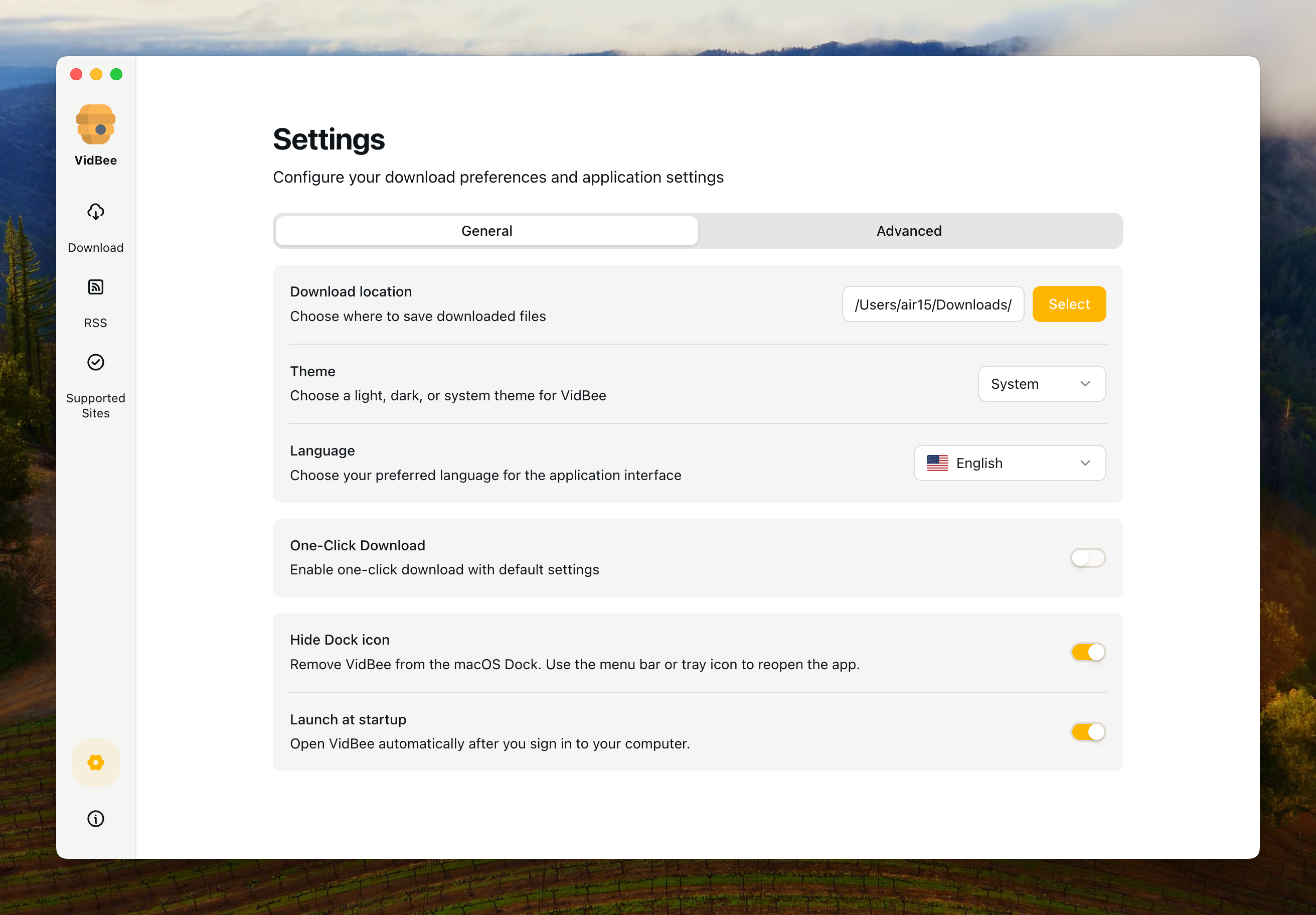
4K Video Downloader
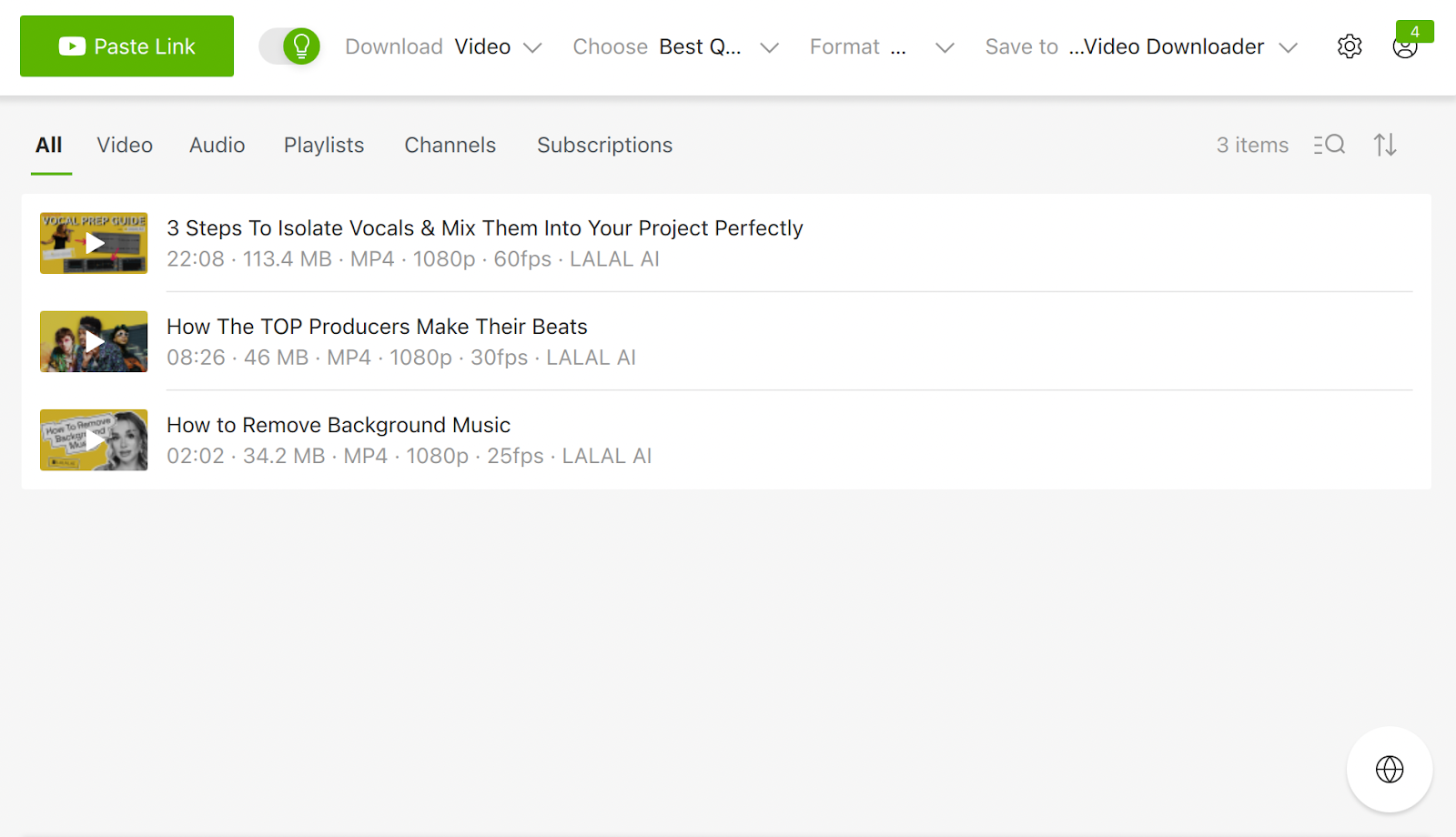
Why choose VidBee over 4K Video Downloader?
| VidBee | 4K Video Downloader | |
|---|---|---|
| Platform & Setup | ||
| Windows Support | ✓ | ✓ |
| macOS Support | ✓ | ✓ |
| Linux Support | ✓ | ✓ |
| Setup Style | Bundled desktop app with yt-dlp and FFmpeg ready for local downloads | a polished desktop downloader focused on quick YouTube-style saves |
| Download Workflow | ||
| Single Video Downloads | ✓ | ✓ |
| Playlist or Batch Workflow | ✓ | quick single-video and playlist downloads in a polished desktop app |
| Queue Management | Desktop queue with pause, resume, review, and history tracking | Good for straightforward saves, but less focused on RSS automation and broader queue workflows |
| RSS Auto-download | ✓ | No built-in RSS monitoring workflow |
| Quality & Formats | ||
| Format and Quality Control | 4K/8K formats, subtitle export, and yt-dlp level format control | a simpler desktop format selector with fewer automation-oriented workflow controls |
| Subtitle Export | ✓ | Depends on the source and the downloader workflow |
| Site Coverage | Powered by yt-dlp for broad video and audio site support | Strong on mainstream sites, with a more product-led workflow than a general yt-dlp desktop client |
| Ownership & Cost | ||
| License Model | Open source desktop app | commercial desktop software |
| Pricing | Free | freemium desktop software |
Understanding the Key Differences
Why compare VidBee and 4K Video Downloader?
People usually compare VidBee with 4K Video Downloader when they want a desktop downloader instead of an ad-filled website. VidBee focuses on a local queue-based workflow powered by yt-dlp, while 4K Video Downloader is often chosen for quick single-video and playlist downloads in a polished desktop app. The right fit depends on whether you want a broader all-in-one workflow or a tool tuned for a narrower style of downloading.
Platform coverage and setup experience
VidBee runs across Windows, macOS, and Linux with bundled download tooling, which keeps the first-run setup straightforward. 4K Video Downloader is positioned as a polished desktop downloader focused on quick youtube-style saves. If you want one downloader workflow across several operating systems, VidBee is easier to standardize around.
Queues, batches, and automation
VidBee is stronger when you need larger queues, playlists, repeat downloads, or RSS-driven automation. 4K Video Downloader is better described as quick single-video and playlist downloads in a polished desktop app, and its workflow tradeoffs show up when downloads become larger, more repetitive, or more automated. If you want to set rules once and keep processing in the background, VidBee offers the wider workflow.
Formats, quality, and metadata
VidBee gives you yt-dlp style format control in a desktop UI, including higher-resolution downloads, subtitle exports, and metadata-aware saves. 4K Video Downloader handles formats as a simpler desktop format selector with fewer automation-oriented workflow controls. That means the comparison often comes down to whether you prefer a simpler downloader flow or more control over final output.
Cost and long-term ownership
VidBee is open source and free to run locally. 4K Video Downloader uses a commercial desktop software model and is priced as freemium desktop software. If transparency, local ownership, and zero paywalls matter, VidBee is usually the stronger value.
Which downloader fits better?
Choose VidBee if you want broader site support, stronger queue management, RSS automation, and one cross-platform desktop workflow. Choose 4K Video Downloader if quick single-video and playlist downloads in a polished desktop app matters more than broader automation and workflow control. For most people comparing long-term desktop download tools, VidBee covers more of the workflow in one place.