
Bilibili Batch Downloader
Pull down multiple Bilibili videos in one queue instead of rebuilding the same manual workflow for every episode or clip.
Why larger Bilibili downloads slow down
When the archive grows beyond one or two links, you need queue visibility and local organization more than another browser tab.
- Single-link workflows are too slow for episode batches
- Subtitles and metadata are easy to miss
- Repeated downloads are hard to track
- Bilibili archives need better local organization
Run a Bilibili batch in 3 steps
Collect the links, paste them once, and handle the full batch from one desktop queue.
- 1
Copy the Bilibili links you need
Collect episode, post, or playlist-style links that you want to save locally.
- 2
Build one desktop queue
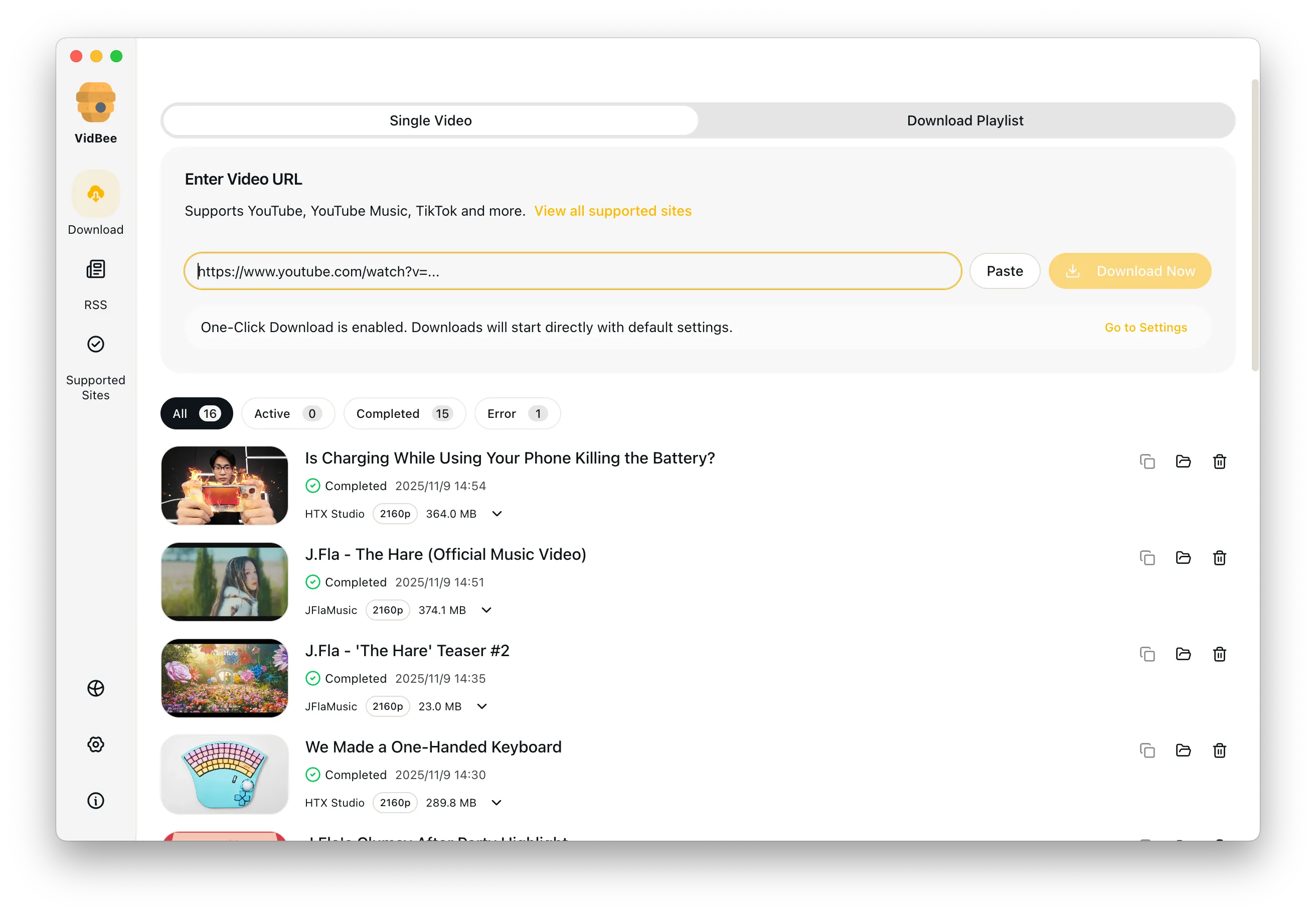
Paste the links into VidBee and review the list before downloading.
- 3
Save everything together
Pick the quality you want and run the full Bilibili batch from one place.
Features

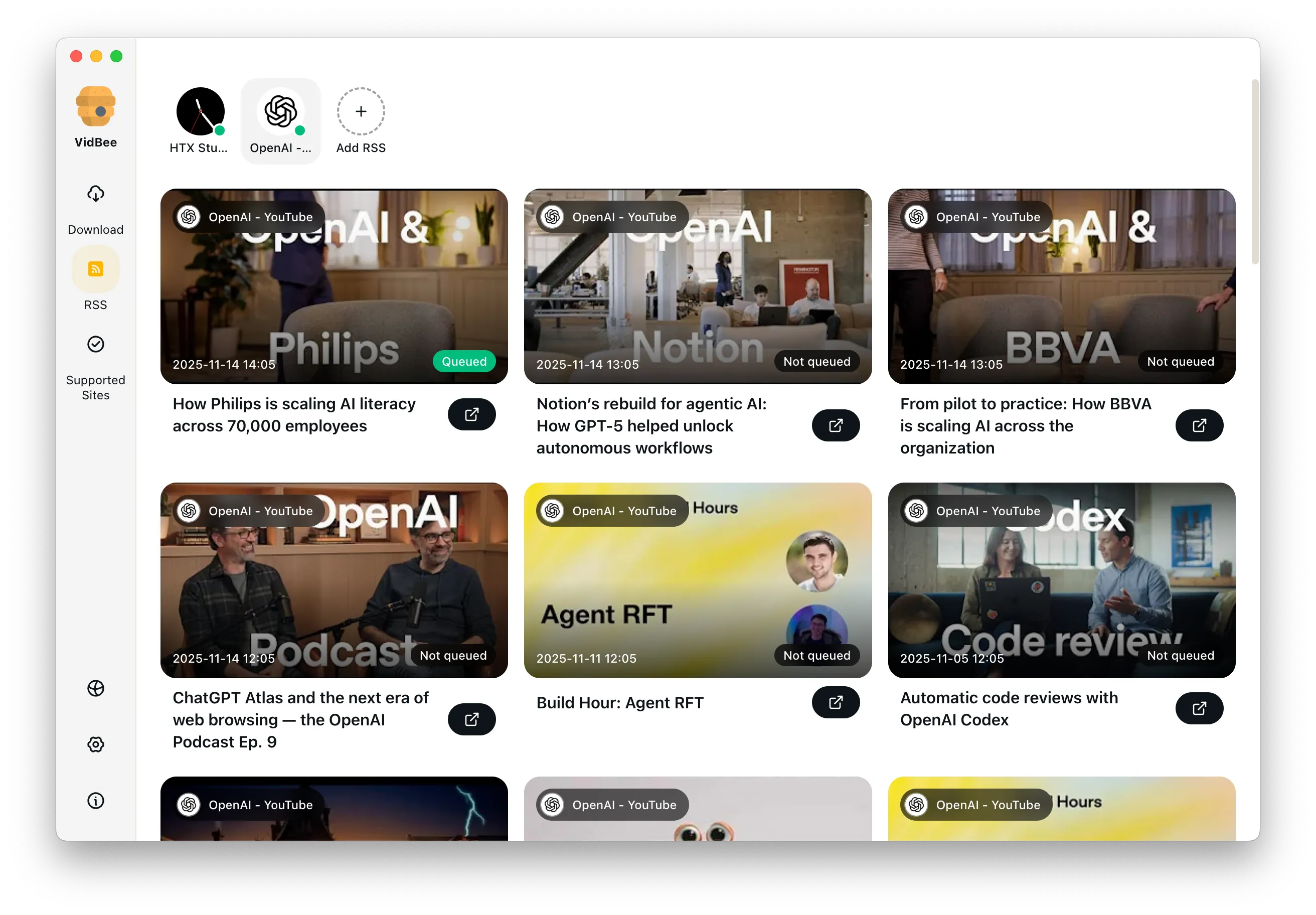
Download YouTube Playlists, Channels, and Search Results
Save playlists, channels, and search results from YouTube in high quality. Download YouTube Watch Later, Liked videos, and private YouTube playlists.
Extract YouTube Subtitles
Download annotations and subtitles along with YouTube videos. Save them in SRT format and choose from 50+ languages.
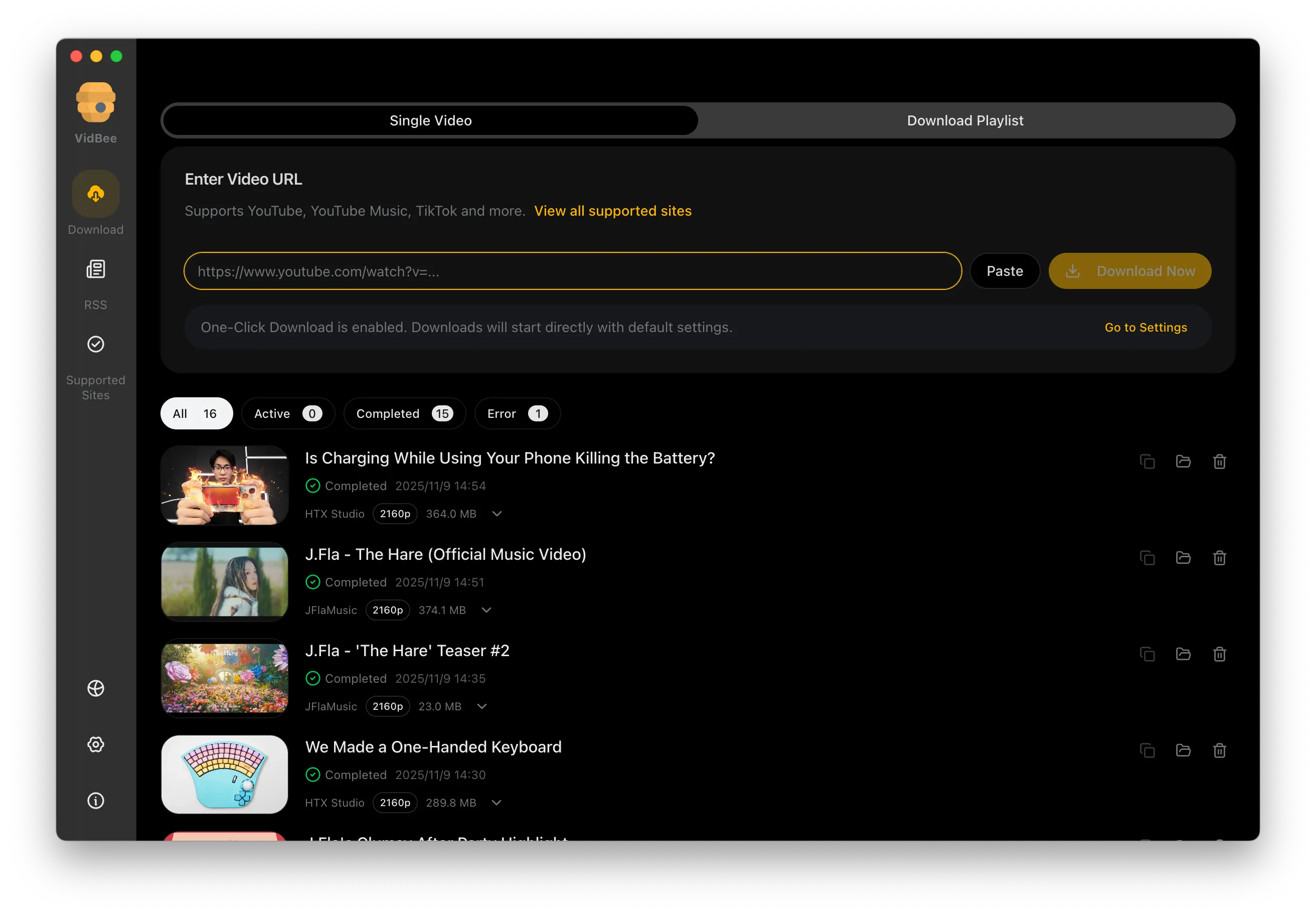

Get Videos in 4K & 8K
Download videos in HD 720p, 1080p, 4K, and 8K resolution. Enjoy high definition on any device.
Bilibili batch downloader FAQ
Helpful answers for episode queues, larger archives, subtitle export, and Bilibili batch workflows.
Handle bigger Bilibili batches cleanly
VidBee gives you one queue for larger Bilibili jobs instead of repeating the same manual steps over and over.
Only download content that is publicly accessible and that you have the right to use. Respect copyright and each platform's terms of service.