Free YouTube Video Downloader
Ad-free and simple. Batch save YouTube videos, playlists, and subtitles on Windows or macOS without hassle.
Platform pain points at a glance
Say goodbye to slow speeds, ads, and tedious scripts - VidBee focuses on the key challenges of downloading YouTube videos.
- Most sites throttle speeds and bombard you with ads
- Playlist or channel downloads require tedious setup
- High resolutions often cap out at 720p
- Subtitles and chapter data are hard to grab accurately
Download YouTube videos in 3 steps
No scripts or complicated setup required. Follow the steps to capture high-quality videos effortlessly.
- 1
Copy the link
Copy the video or playlist URL directly from YouTube.
- 2
Paste into VidBee
Open VidBee and paste one or multiple links into the input box.
- 3
Pick quality & subtitles
Choose the resolution, format, and subtitle language you need, then start downloading.
Features

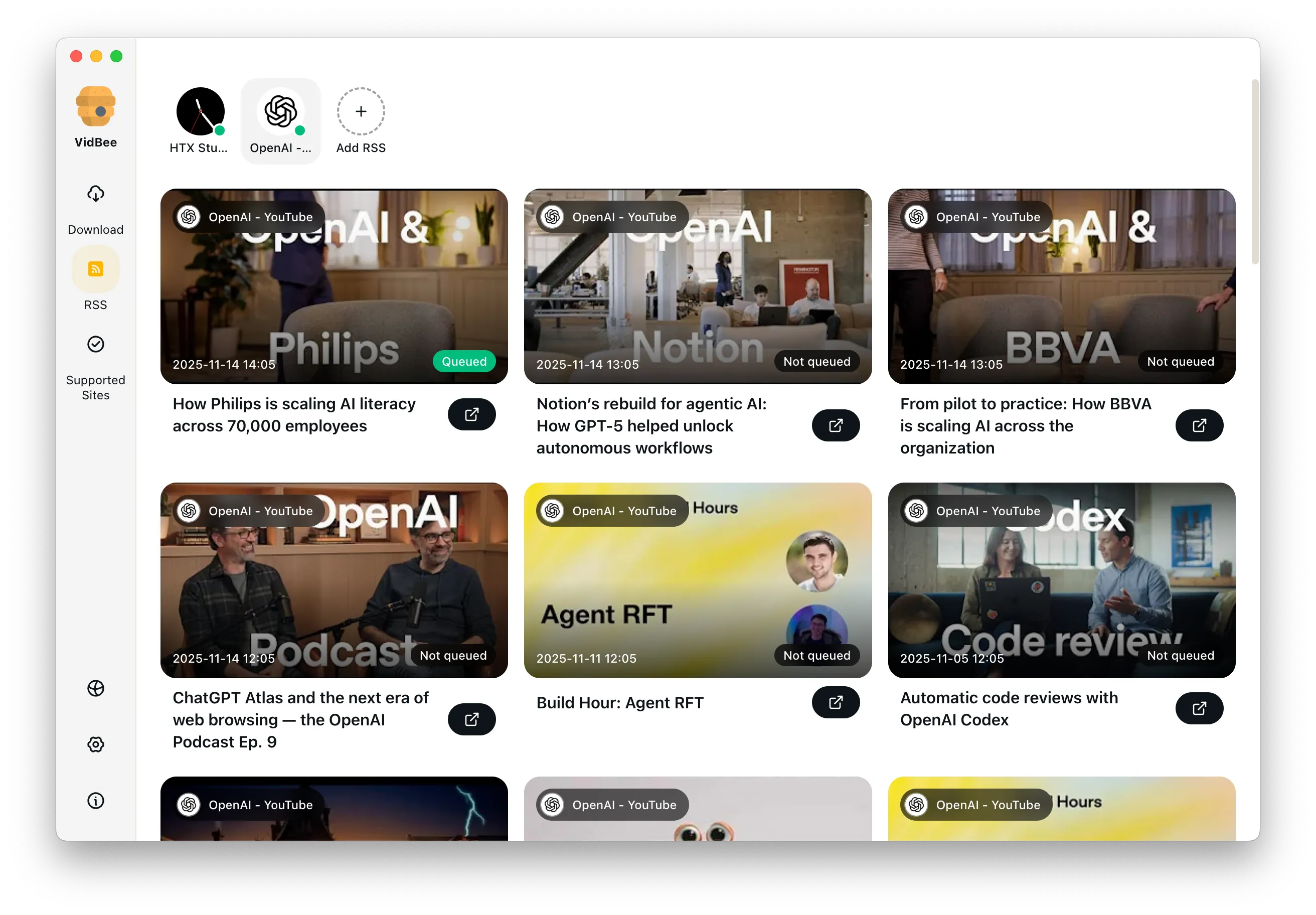
Download YouTube Playlists, Channels, and Search Results
Save playlists, channels, and search results from YouTube in high quality. Download YouTube Watch Later, Liked videos, and private YouTube playlists.

Extract YouTube Subtitles
Download annotations and subtitles along with YouTube videos. Save them in SRT format and choose from 50+ languages.
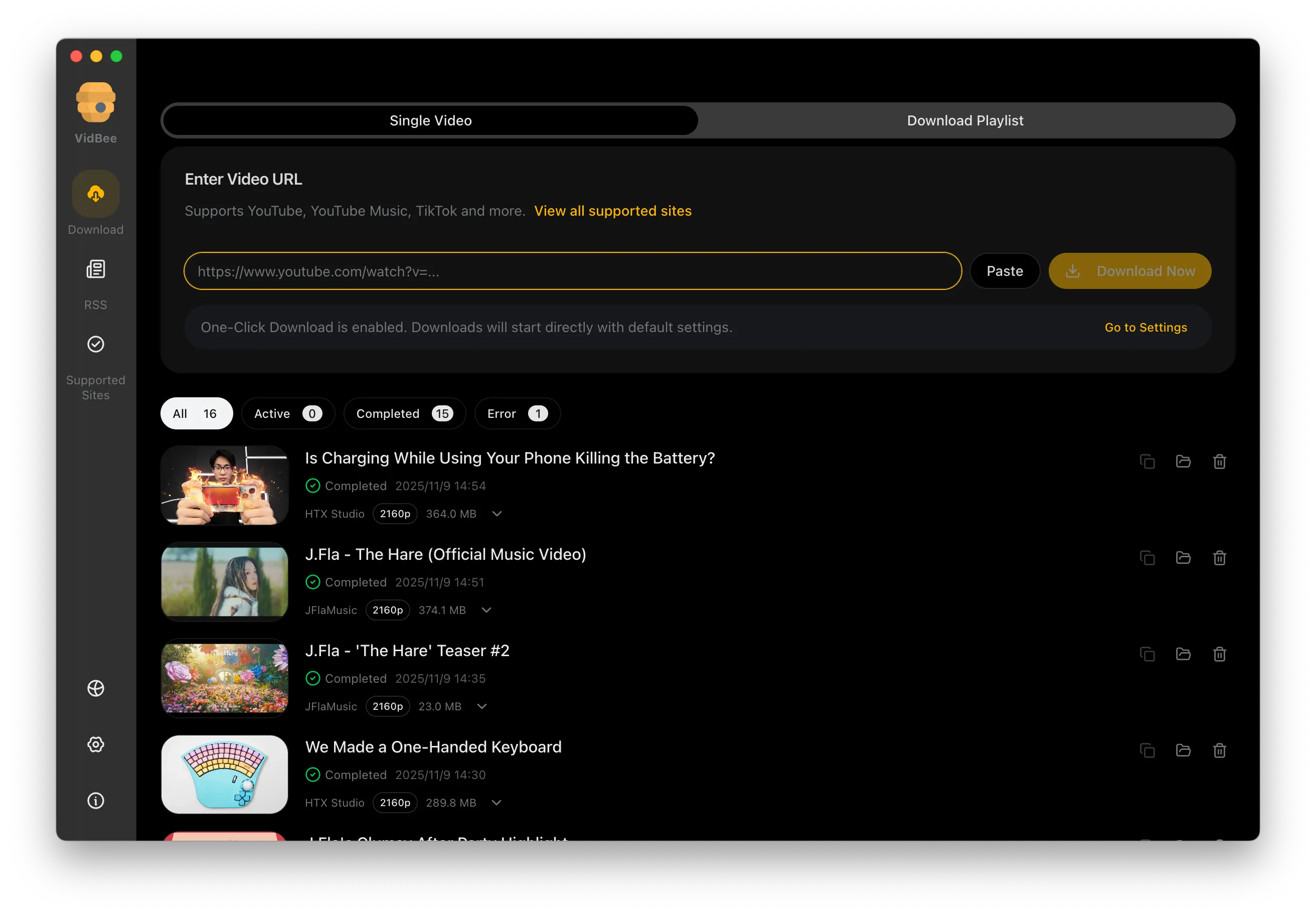

Get Videos in 4K & 8K
Download videos in HD 720p, 1080p, 4K, and 8K resolution. Enjoy high definition on any device.
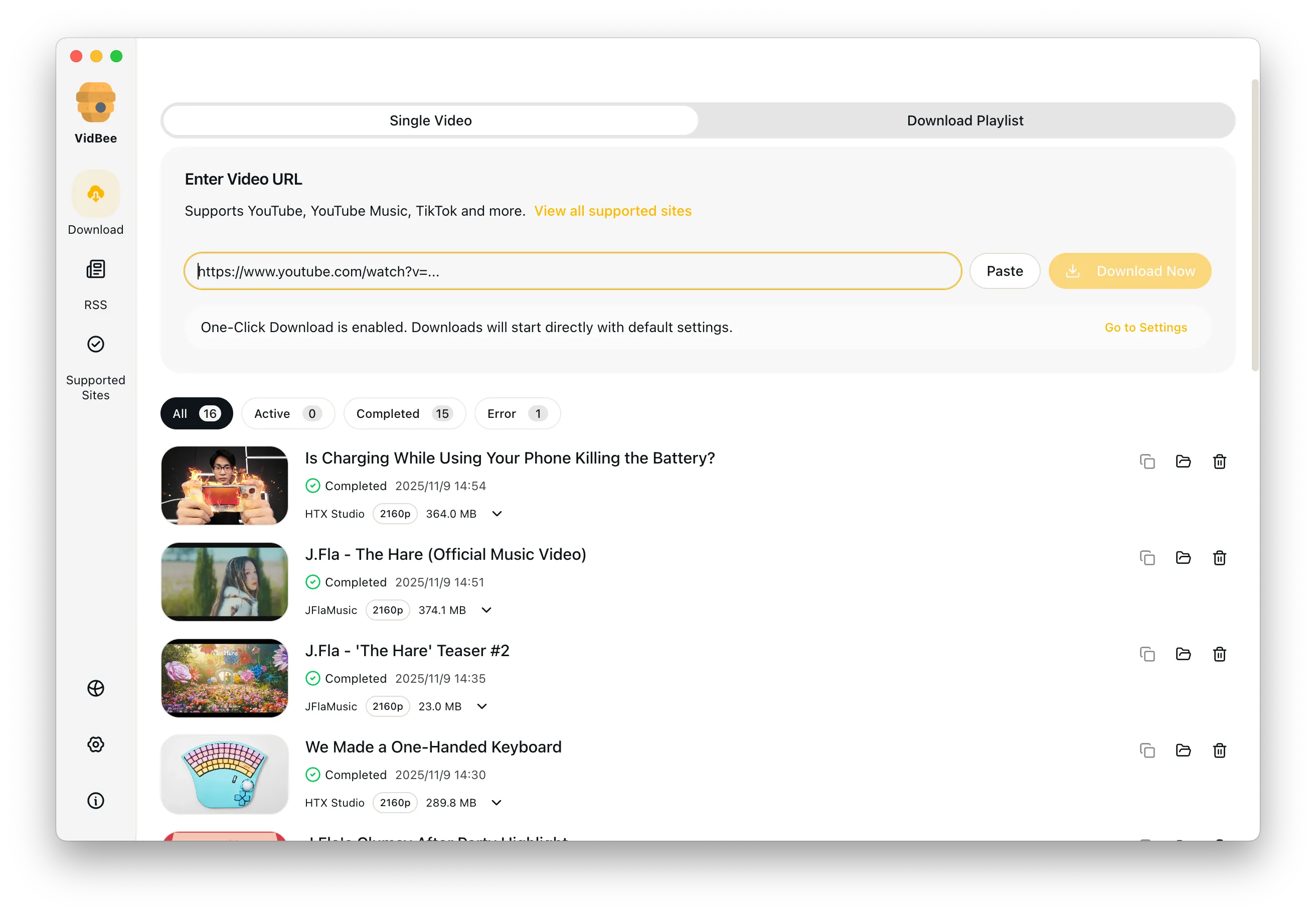
Frequently asked questions
Answers the common questions about YouTube downloads, quality, permissions, and workflows.
Start downloading YouTube videos now
Install once and immediately handle video collecting and backups across platforms.
Only download content that is publicly accessible and that you have the right to use. Respect copyright and each platform's terms of service.