YouTube Subtitle Downloader
Save captions in clean desktop workflows for translation, note taking, search indexing, or video editing.
Why subtitle extraction wastes time
Subtitle workflows fall apart when captions live in one tool and the source video lives in another. VidBee keeps them together.
- Web tools rarely expose all subtitle tracks
- Captions and video files end up split across tools
- Manual extraction makes translation work slower
- Batch subtitle export is hard to manage cleanly
Export YouTube subtitles in 3 steps
Load the video, choose the subtitle tracks you need, and save clean text files without extra converter steps.
- 1
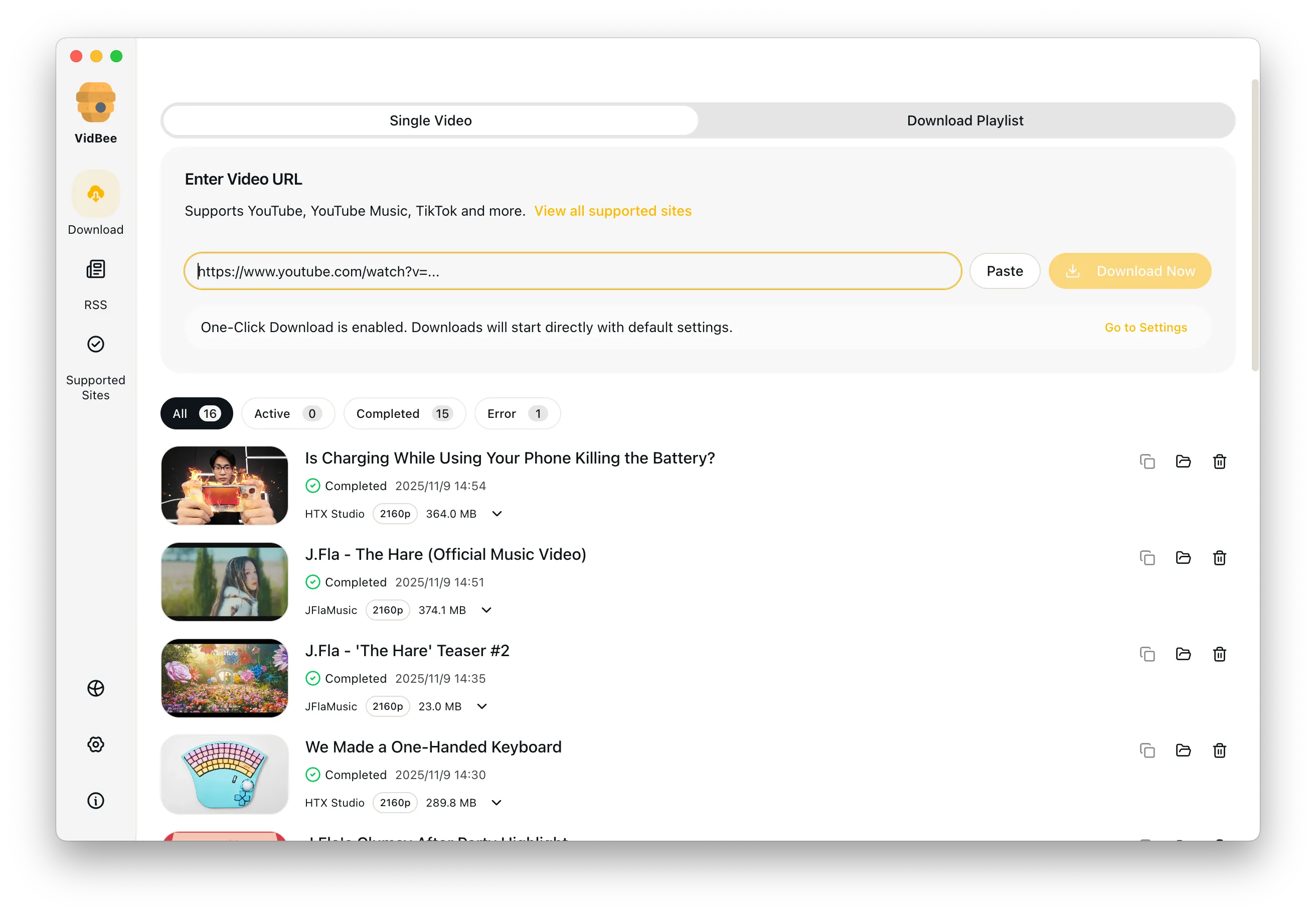
Paste a YouTube link
Load a single video, playlist item, or channel upload into VidBee.
- 2
Choose subtitle languages
Select the caption tracks you want and decide whether to save SRT, VTT, or the full video too.
- 3
Export everything together
Start the task and keep subtitles, metadata, and the video in one organized download.
Features

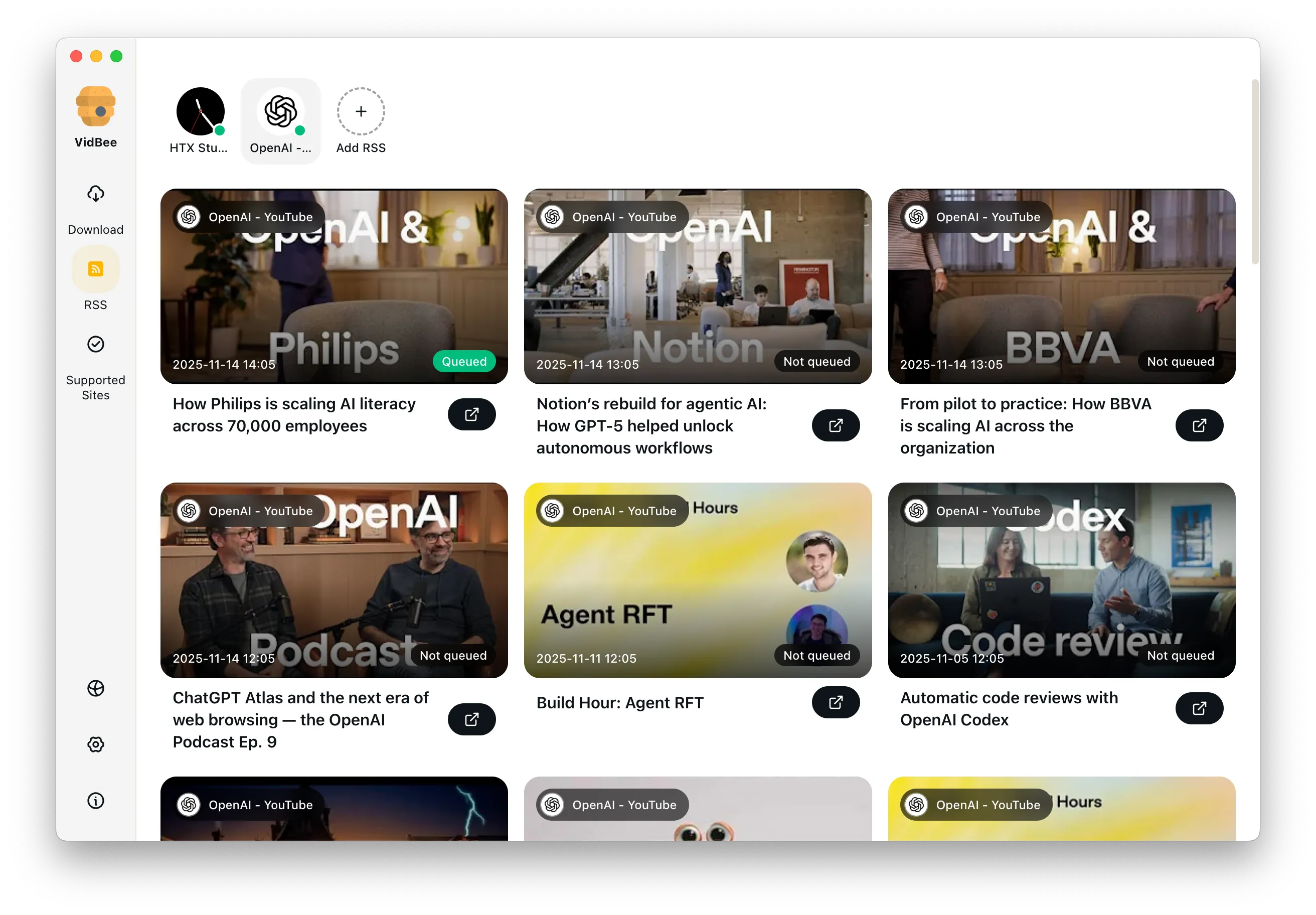
Download YouTube Playlists, Channels, and Search Results
Save playlists, channels, and search results from YouTube in high quality. Download YouTube Watch Later, Liked videos, and private YouTube playlists.

Extract YouTube Subtitles
Download annotations and subtitles along with YouTube videos. Save them in SRT format and choose from 50+ languages.
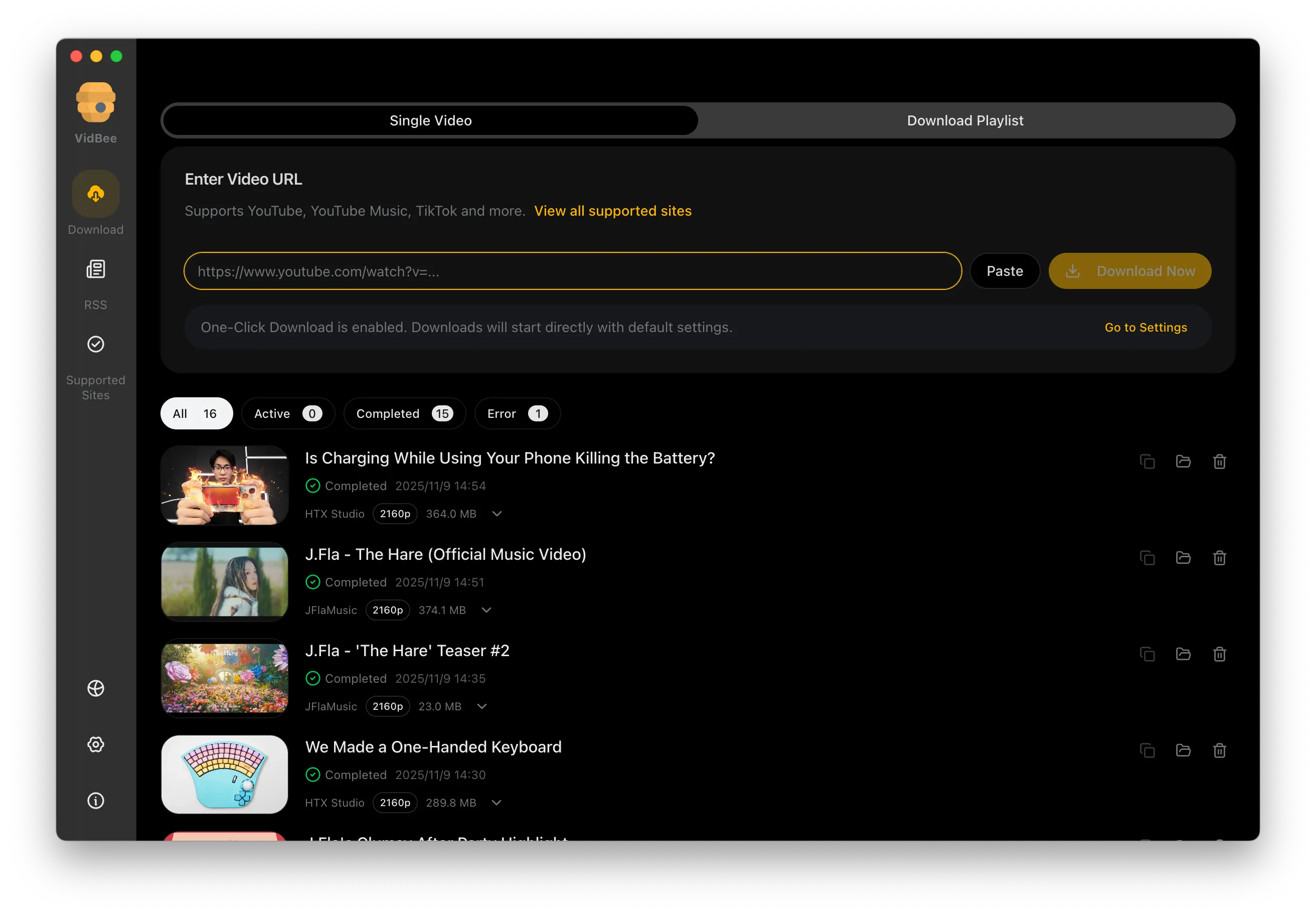

Get Videos in 4K & 8K
Download videos in HD 720p, 1080p, 4K, and 8K resolution. Enjoy high definition on any device.
YouTube subtitle downloader FAQ
Quick answers for caption formats, language tracks, and subtitle-only export workflows.
Keep captions and video in one workflow
Use VidBee when you need subtitle exports that stay organized alongside the source video files.
Only download content that is publicly accessible and that you have the right to use. Respect copyright and each platform's terms of service.