VidBee vs. Downie
Compare the key features of VidBee and Downie.
Free and open source.
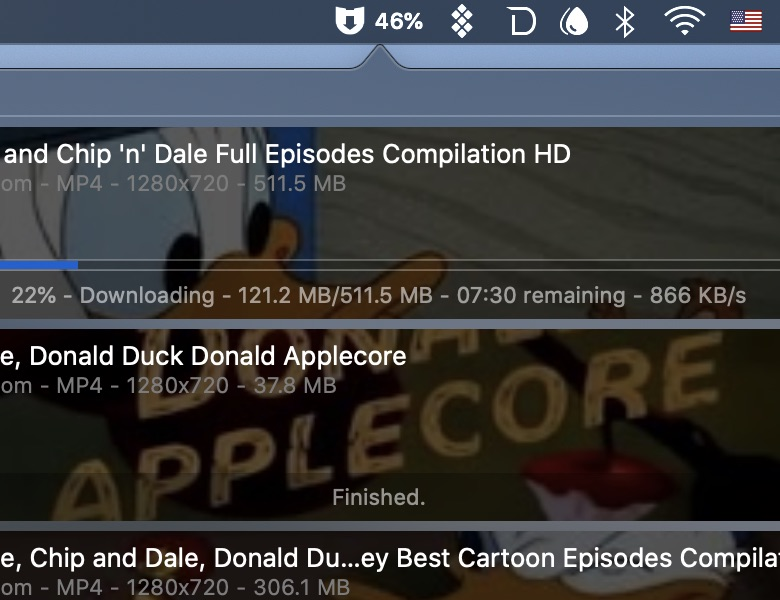
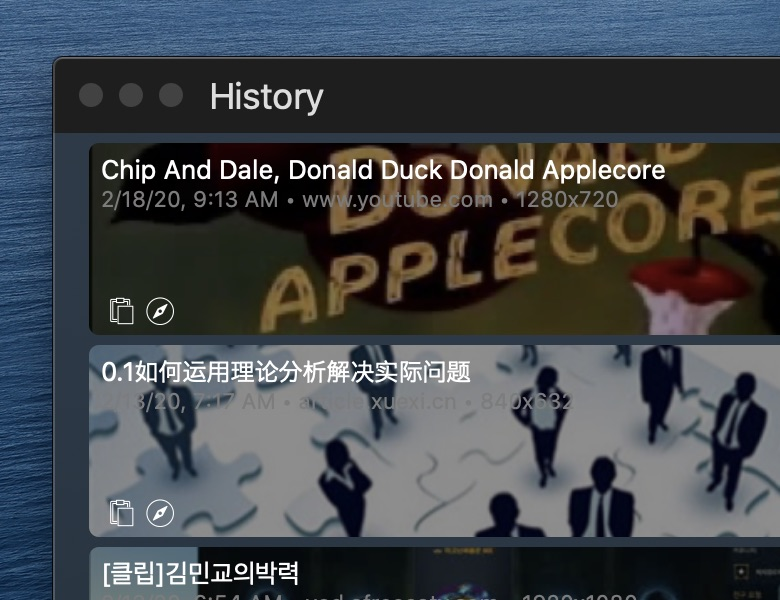
Interface Preview
VidBee
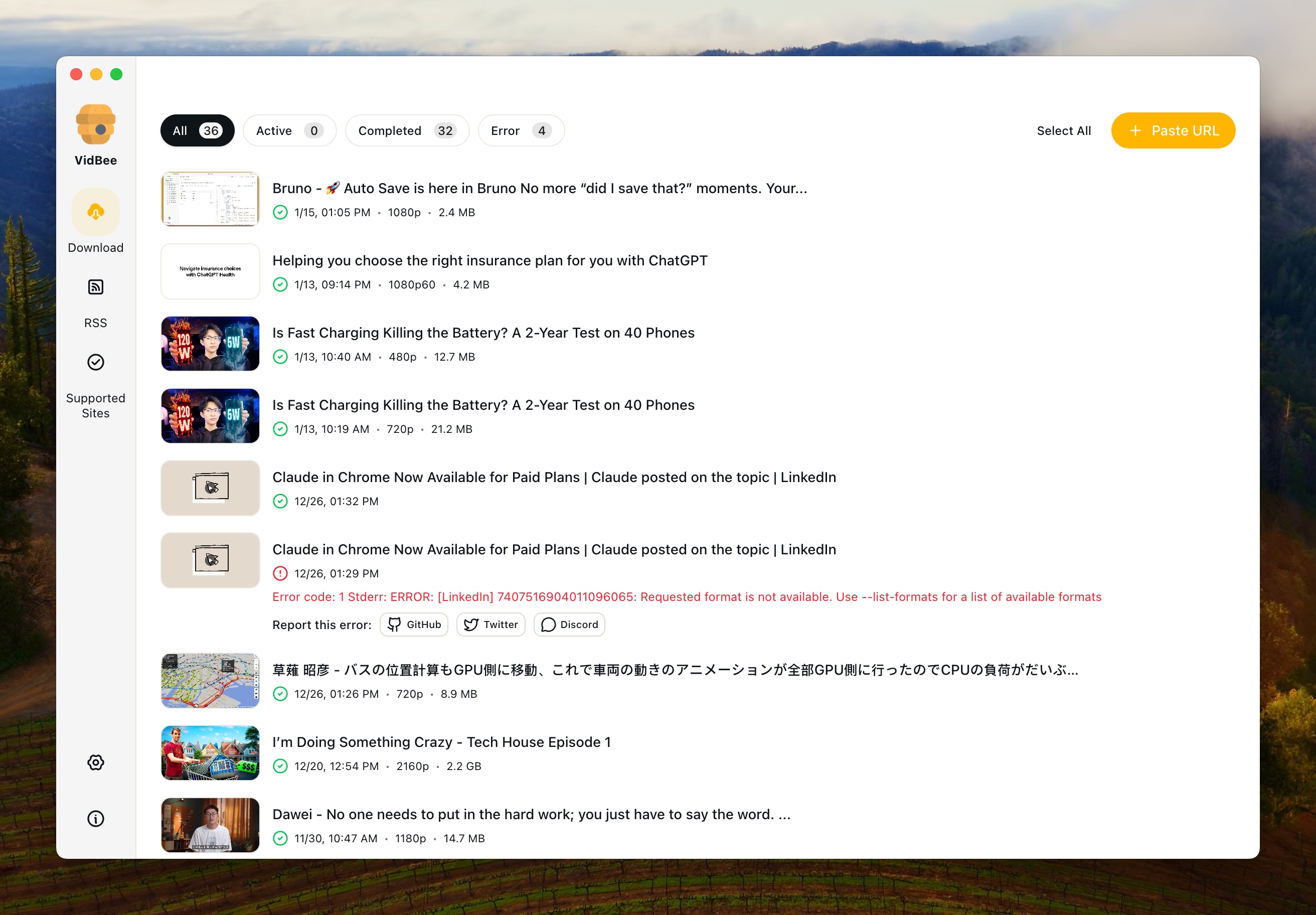
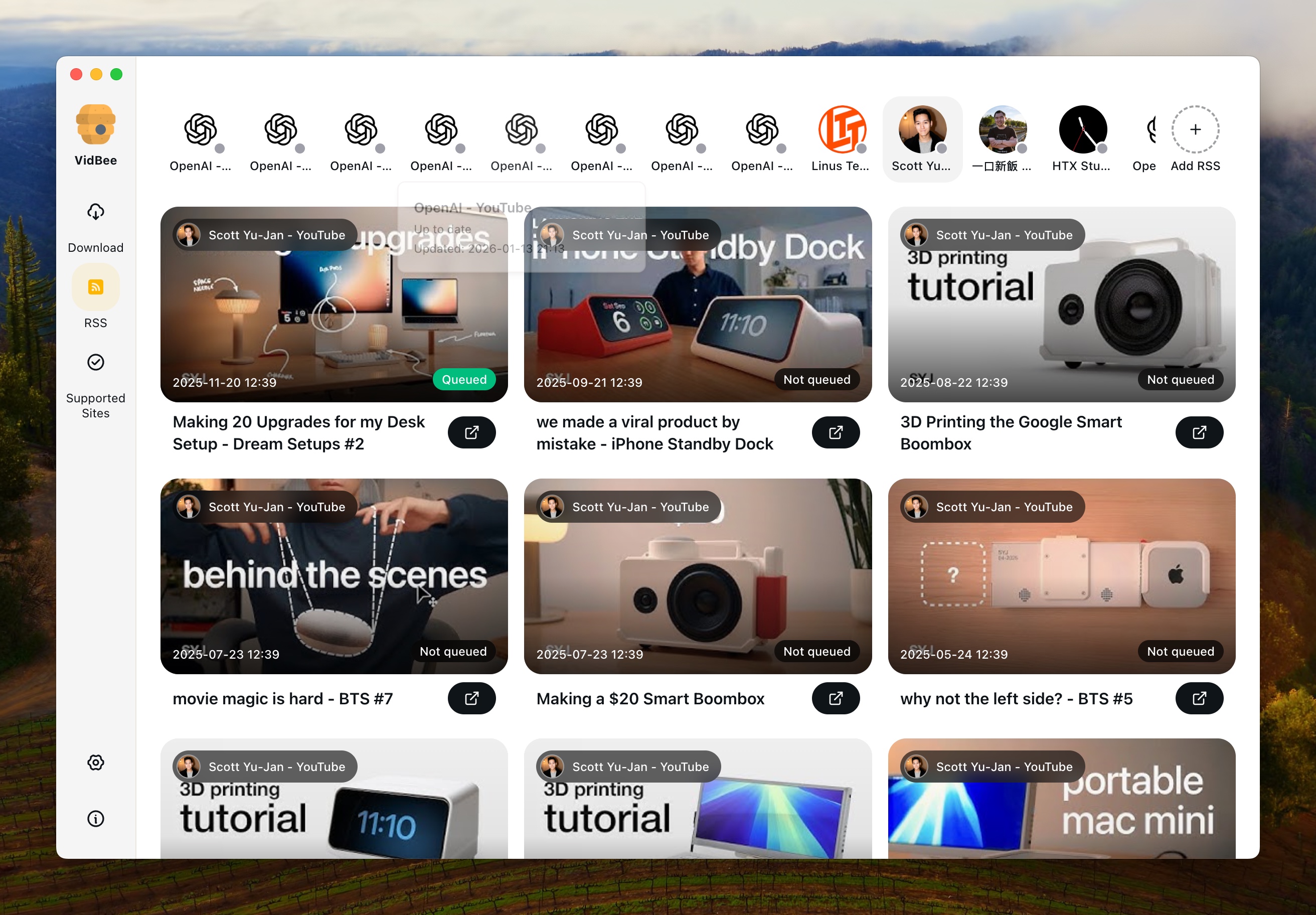
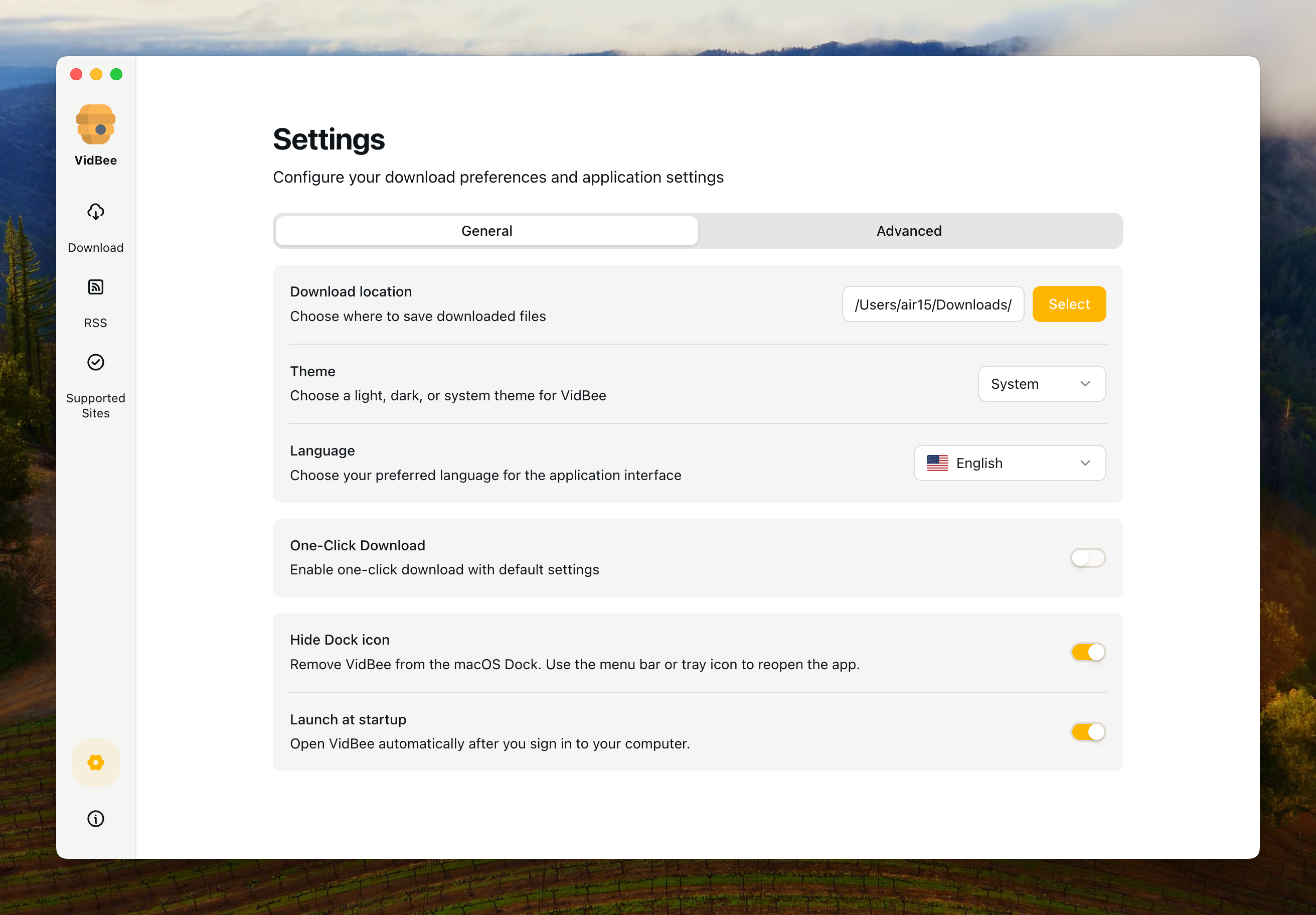
Downie
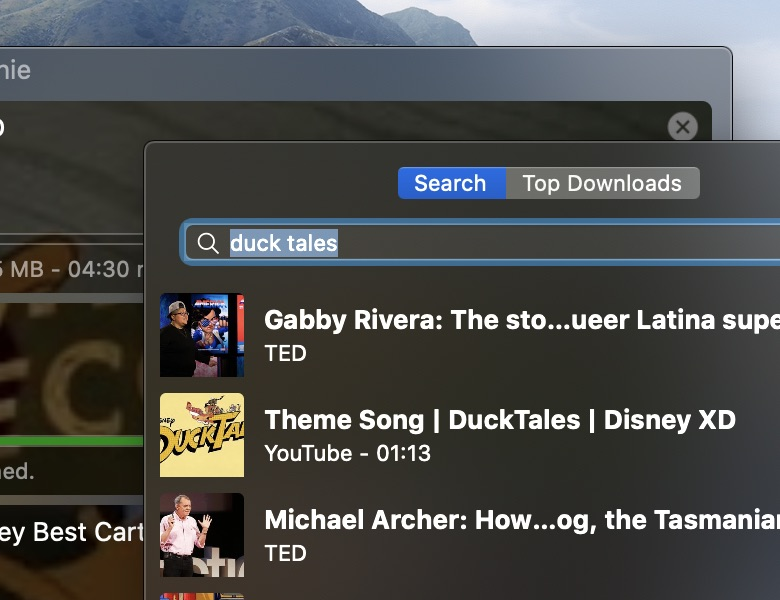
Why choose VidBee over Downie?
| VidBee | Downie | |
|---|---|---|
| Installation & Distribution | ||
| Windows Support | ✓ | — |
| macOS Support | ✓ | ✓ |
| Linux Support | ✓ | — |
| Package Size | Larger package size (due to pre-bundled yt-dlp + ffmpeg) | Moderate package size, optimized for macOS |
| Platform & Site Support | ||
| Supported Sites & Range | 1000+ video/audio platforms including YouTube, TikTok, Instagram, Twitter, Facebook, Bilibili, etc. | 1000+ video/audio platforms including YouTube, TikTok, Instagram, Twitter, Facebook, etc. |
| Core Features | ||
| Single Video Download | ✓ | ✓ |
| Playlist Download | ✓ | ✓ |
| Channel Download | ✓ | ✓ |
| Download Queue Management & History | Modern queue management with download history tracking | — |
| Format & Quality Selection | Built-in yt-dlp + ffmpeg, supports advanced options and multiple formats | Format/quality selection with built-in conversion, MP4 output |
| Automatically Embed Subtitles | ✓ | ✓ |
| Automatically Embed Audio Tracks in Alternative Languages | ✓ | ✓ |
| Automatically Inject Media Tags | ✓ | ✓ |
| Drag & Drop URLs | — | ✓ |
| Auto-start on Boot | ✓ | — |
| Background Auto-download | ✓ | — |
| One-click Download | One-click download without selecting video parameters | Requires manual selection of video parameters |
| RSS Subscription & Auto-download | ||
| Automatic RSS Monitoring | Automatically monitors RSS feeds and detects new content | — |
| Automatic Download from RSS | Automatically downloads new videos when detected in RSS feeds | — |
| RSS Subscription Management | Manage multiple RSS subscriptions, set download preferences per subscription | — |
| Background RSS Processing | RSS monitoring and downloading works in background, even when app is minimized | — |
| Interface & User Experience | ||
| Interface Design | Modern UI built with Electron + React + Tailwind, intuitive desktop client experience | Native macOS interface, beautiful design, smooth interaction |
| Multi-language Interface | ✓ | — |
| License & Community | ||
| Open Source / License | Open Source (MIT License) | Closed Source Commercial Software |
| Community & Updates | Open source community updates, transparent code on GitHub | Official developer updates (1-2 times per week), closed source |
| Pricing | Free | Paid (one-time purchase or Setapp subscription) |
Understanding the Key Differences
Platform Coverage: Universal Cross-Platform vs. macOS Exclusive
VidBee supports 1000+ video and audio platforms across Windows, macOS, and Linux, making it a universal solution for downloading content from almost any website including YouTube, TikTok, Instagram, Twitter, Facebook, Bilibili, and many more. Downie also supports 1000+ platforms but is exclusively available on macOS. If you need cross-platform support or want to use the same tool across different operating systems, VidBee is the clear choice. If you only use macOS and prefer a native macOS application, Downie offers a beautiful, polished experience.
RSS Subscription & Auto-download: The Game Changer
VidBee's RSS subscription feature is a powerful automation tool that sets it apart from Downie. With RSS support, you can subscribe to any video channel's RSS feed and VidBee will automatically monitor it in the background. Whenever new content is published, VidBee detects it and automatically downloads it according to your preferences. This is perfect for users who want to keep up with their favorite channels without manual intervention, create regular backups of channel content, or build a personal media library automatically. Downie does not support RSS feeds at all, meaning you must manually check for new content and download each video individually. If you value automation and want to "set it and forget it" for your video downloads, VidBee's RSS functionality provides a significant advantage.
RSS Subscription Management
VidBee allows you to manage multiple RSS subscriptions simultaneously. Each subscription can have its own download settings, including preferred quality, format, and storage location. You can pause, resume, or remove subscriptions at any time. The RSS monitoring works continuously in the background, even when the application is minimized, ensuring you never miss new content from your subscribed channels. This level of automation and management is simply not available in Downie, which requires manual operation for every download.
Download Queue Management & History
VidBee features a modern download queue management system with an intuitive UI, allowing you to easily monitor, pause, resume, and organize multiple downloads. Additionally, VidBee maintains a complete download history, enabling you to track all your past downloads and easily re-download content when needed. Downie focuses on individual download tasks but may not offer the same level of queue management sophistication or download history tracking. If you frequently download multiple videos and need better control over your downloads with historical tracking, VidBee's queue management and history features provide a superior experience.
Advanced Features & Metadata
Downie excels in advanced features such as automatic subtitle embedding, automatic audio track embedding in alternative languages, and automatic media tag injection. VidBee now supports these metadata features as well, so you can get polished outputs on any platform without extra tools. If you prefer a native macOS-only experience and a paid, polished workflow, Downie still stands out; if you want the same metadata features with cross-platform support and open-source transparency, VidBee is a strong choice.
Interface & Usability
VidBee is built with modern web technologies (Electron + React + Tailwind), providing a contemporary, intuitive interface that focuses on desktop client experience across all platforms. Downie offers a beautiful native macOS interface with smooth interactions and polished design, but is limited to macOS only. VidBee also supports multi-language interfaces, making it accessible to users worldwide. If you prefer a modern, streamlined interface with cross-platform consistency and internationalization, VidBee offers a more versatile user experience. If you value native macOS aesthetics and only use macOS, Downie provides an excellent native experience.
Open Source vs. Closed Source
VidBee and Downie differ fundamentally in their licensing models: VidBee uses the MIT open-source license, completely free and transparent; Downie is closed-source commercial software that requires payment. Open source means you can freely use, modify, and distribute, and participate in community contributions. If you value code transparency, community collaboration, and want to avoid vendor lock-in, VidBee is the ideal choice. If you only need to use it on macOS and don't mind paying for a polished commercial product, Downie is also a reliable option.
Automation & Background Processing
VidBee offers advanced automation features including auto-start on boot, background auto-download, and RSS-based automatic monitoring. These features allow VidBee to work continuously in the background, automatically downloading content without requiring manual intervention. Downie focuses on manual downloads with a beautiful interface but lacks these automation capabilities. If you need automated workflows, background processing, or want to set up unattended downloads, VidBee provides significant advantages.
Pricing & Value Proposition
VidBee is completely free with no hidden costs, open source, and available across all platforms. Downie requires payment (one-time purchase or Setapp subscription) and is limited to macOS. If you have a limited budget, need cross-platform support, or prefer open-source solutions, VidBee is the obvious choice. If you're willing to pay for a beautiful native macOS experience with advanced metadata features and only use macOS, Downie is also worth considering.
Use Case Recommendations
Choose VidBee if you need a universal video downloader that works across Windows, macOS, and Linux, want RSS auto-download capabilities, prefer modern UI with queue management and download history, need automation features like auto-start and background processing, and want an open-source, free solution that now includes subtitle embedding, alternative audio tracks, and media tags. Choose Downie if you exclusively use macOS, prefer native macOS aesthetics, and want a polished commercial product.