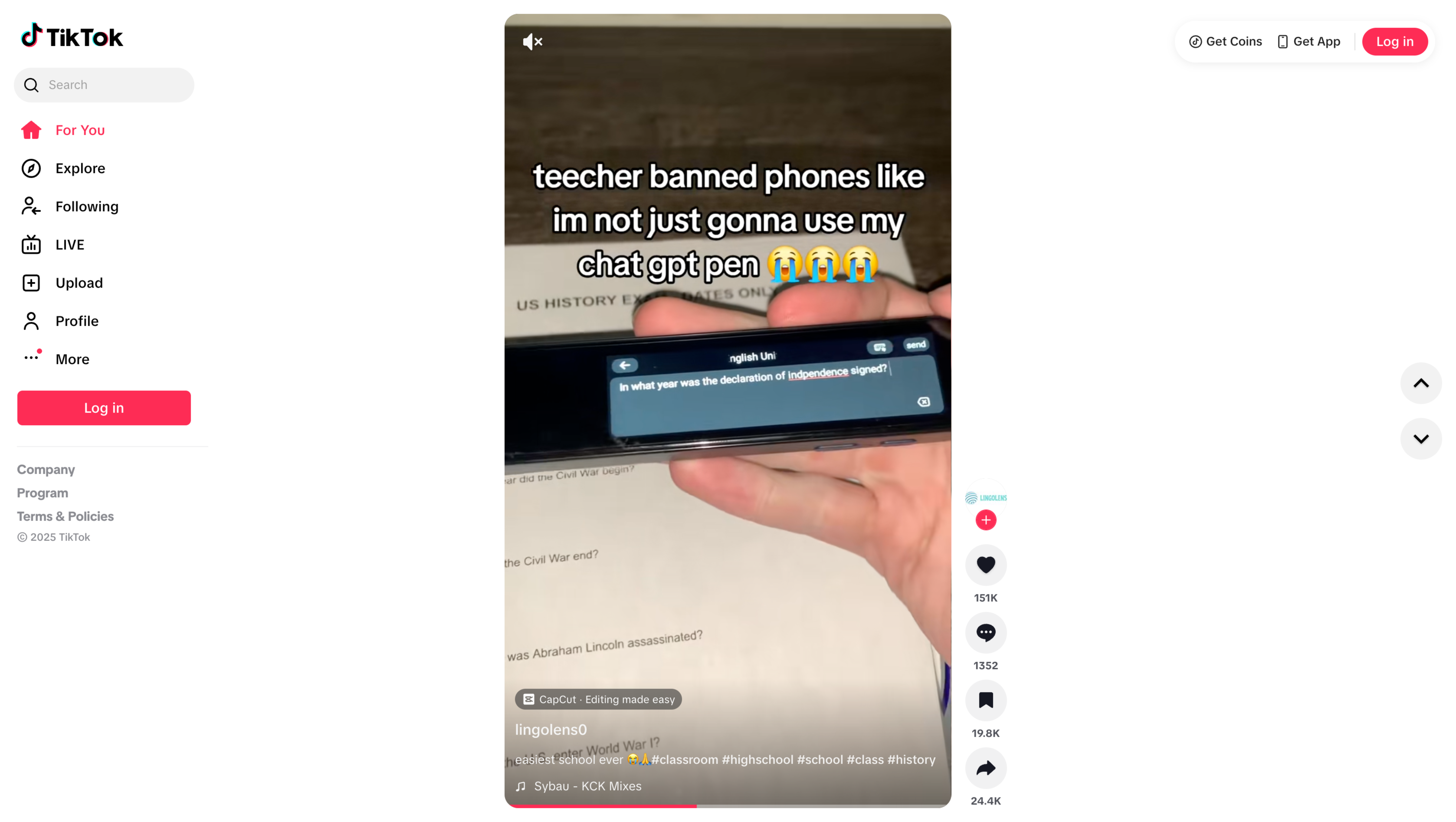
TikTok No Watermark Downloader
Save cleaner TikTok clips for analysis, moodboards, references, or offline watching without relying on risky web tools.
Why TikTok download sites feel risky
Most no-watermark tools are disposable pages full of redirects. VidBee gives you a cleaner desktop process with visible queue control.
- Websites vanish or break after a few days
- Download pages are packed with misleading buttons
- Bulk saving TikTok references is painfully manual
- Clean clips are harder to organize at scale
Save TikTok clips in 3 steps
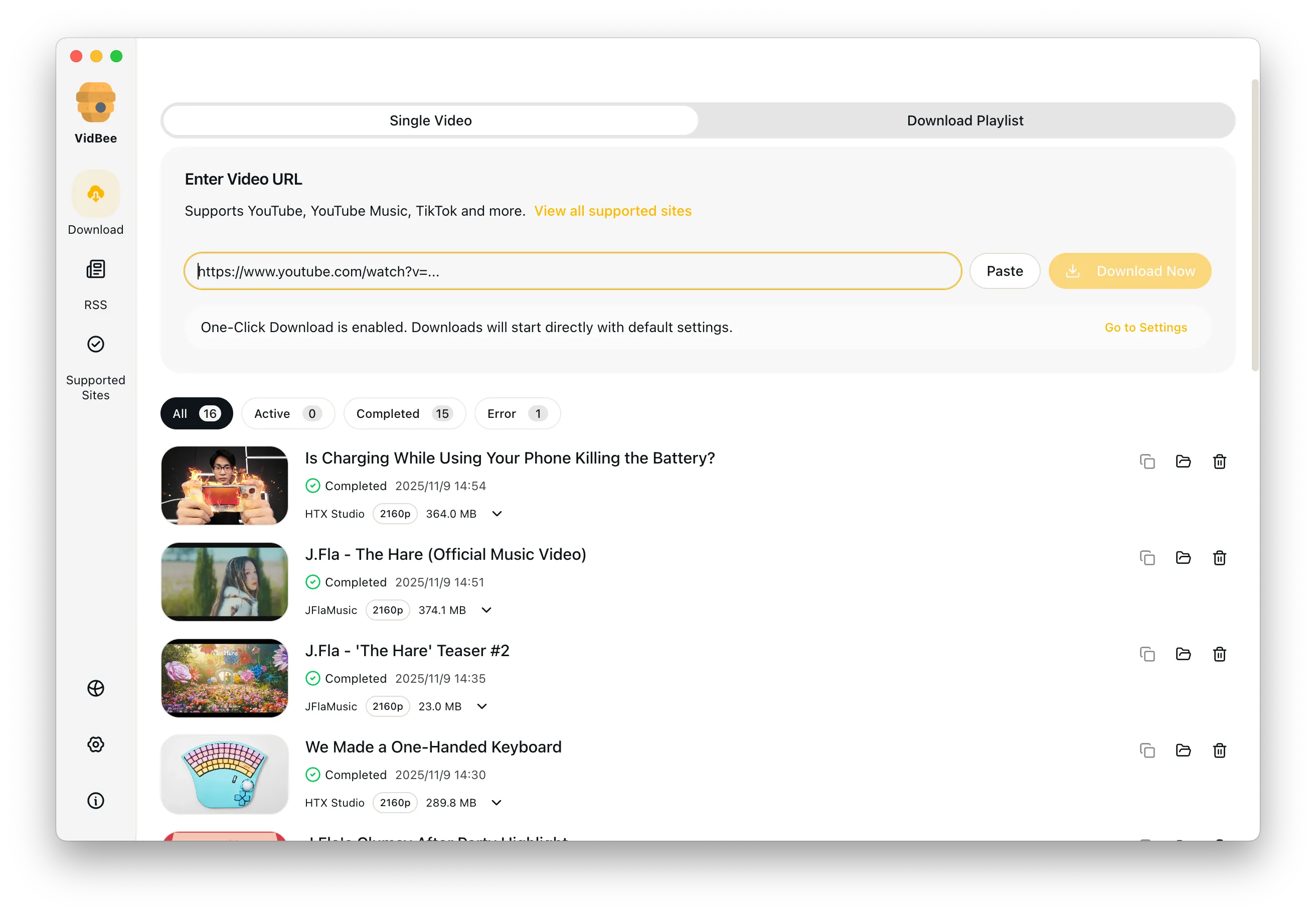
Paste the link, add more posts if needed, and download clean reference files from one desktop queue.
- 1
Copy the TikTok link
Open the post you want and copy the share link from TikTok.
- 2
Paste it into VidBee
Load one clip or build a larger queue if you need to save multiple references at once.
- 3
Download the clean file
Start the task and keep the saved clip ready for editing, research, or offline review.
Features

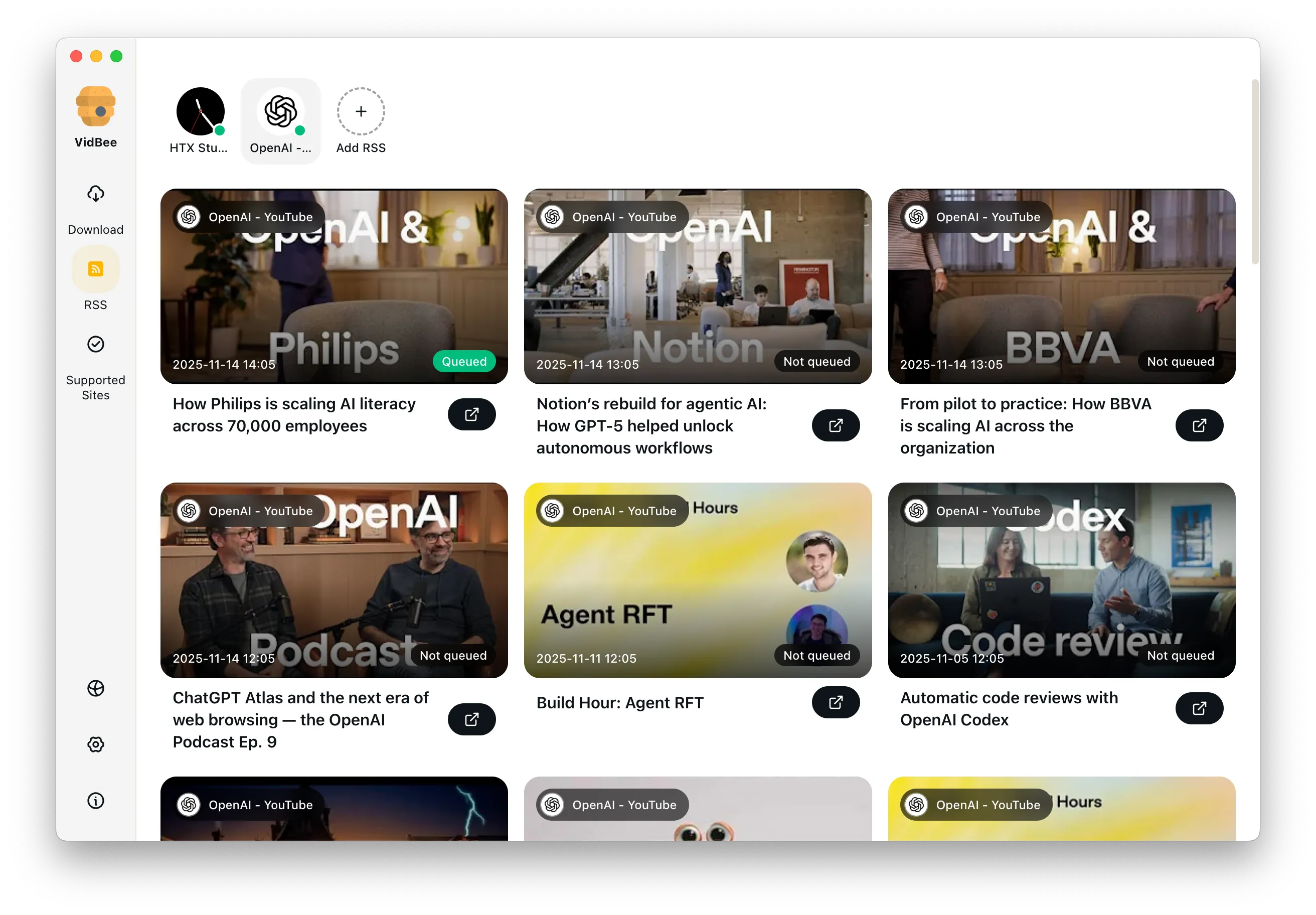
Download YouTube Playlists, Channels, and Search Results
Save playlists, channels, and search results from YouTube in high quality. Download YouTube Watch Later, Liked videos, and private YouTube playlists.
Extract YouTube Subtitles
Download annotations and subtitles along with YouTube videos. Save them in SRT format and choose from 50+ languages.
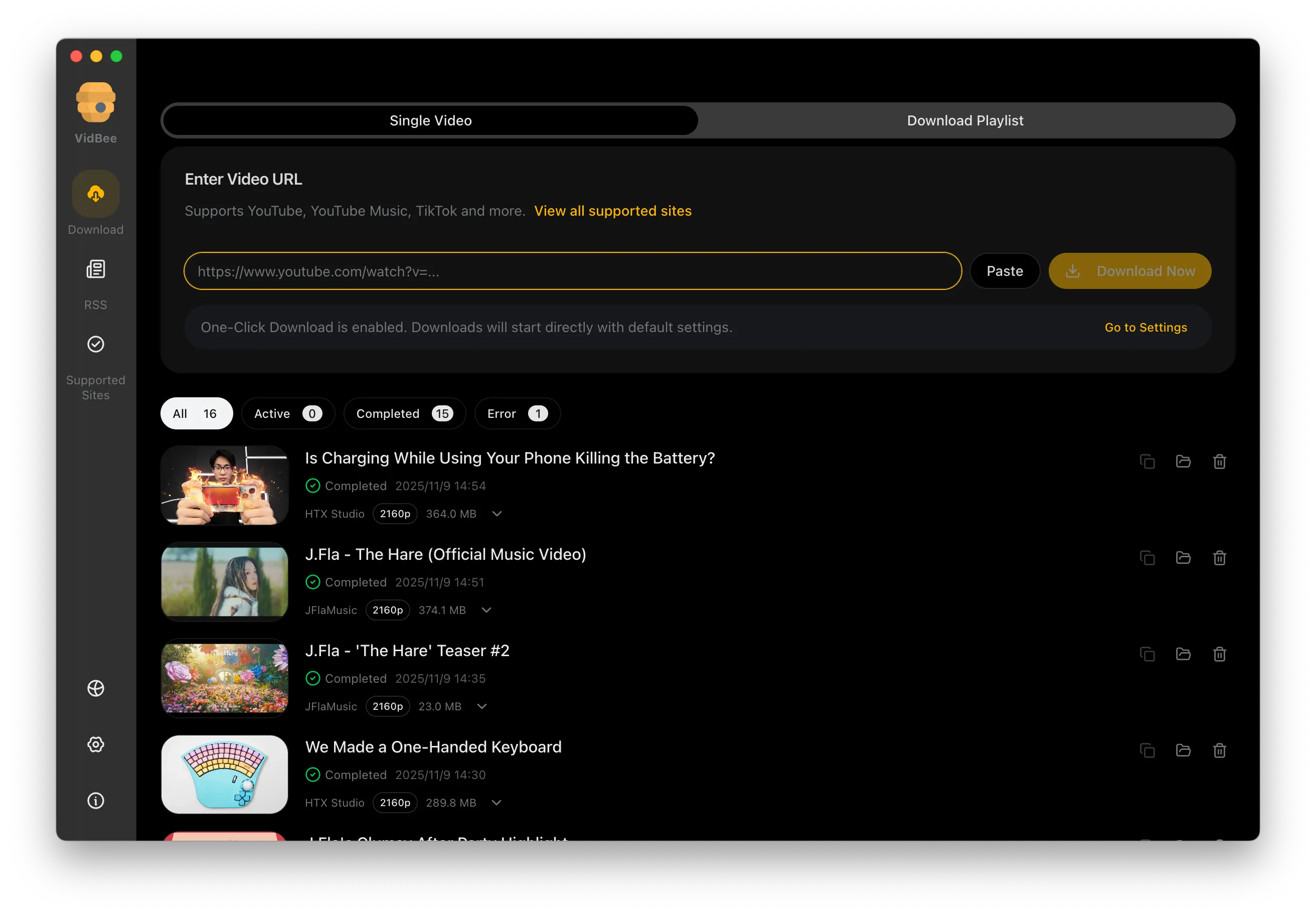

Get Videos in 4K & 8K
Download videos in HD 720p, 1080p, 4K, and 8K resolution. Enjoy high definition on any device.
TikTok no watermark downloader FAQ
Common answers for batch saves, desktop workflows, and keeping local TikTok references organized.
Use a desktop TikTok downloader instead
VidBee replaces ad-filled TikTok sites with a queue you can actually review and trust.
Only download content that is publicly accessible and that you have the right to use. Respect copyright and each platform's terms of service.