Everything you need to download videos
Powerful video downloading without the complexity. Download, manage, and organize videos from 1000+ platforms with privacy-friendly tools that just work.
Free and open source
Key Features

Download Features
Get videos and audio from any platform. Make content management easy with comprehensive tools designed for clarity.
Video download
Support for 1000+ platforms including YouTube, TikTok, Facebook, Instagram, Twitter, Bilibili, and more.
Multiple quality options
Choose from various resolutions from 360P to 4K to meet different needs.
Flexible formats
MP4, WebM and other video formats with support for custom codecs.
Smart merge
Select the best video and audio tracks separately to get the best picture and sound quality.
Audio extraction
Extract high-quality audio files from videos.
Multiple audio formats
MP3, AAC, OPUS, FLAC and other mainstream formats.
Lossless audio
Support for highest quality audio output.
Playlist download
Get entire playlists or selected ranges with one click.
Progress monitoring
View batch processing progress in real-time.
One-click download
Simply paste a link to start after enabling this feature.
Preset quality
Choose your preferred default quality settings.
Quick start
No complex configuration needed, start immediately.
Realtime monitoring
Display progress, speed, remaining time, and queue status.
Download history
Save all records and quickly retry failed tasks.
Status tracking
Clearly understand the current status of each task.
Subscription Features
Subscribe to content sources and get new releases in the background.
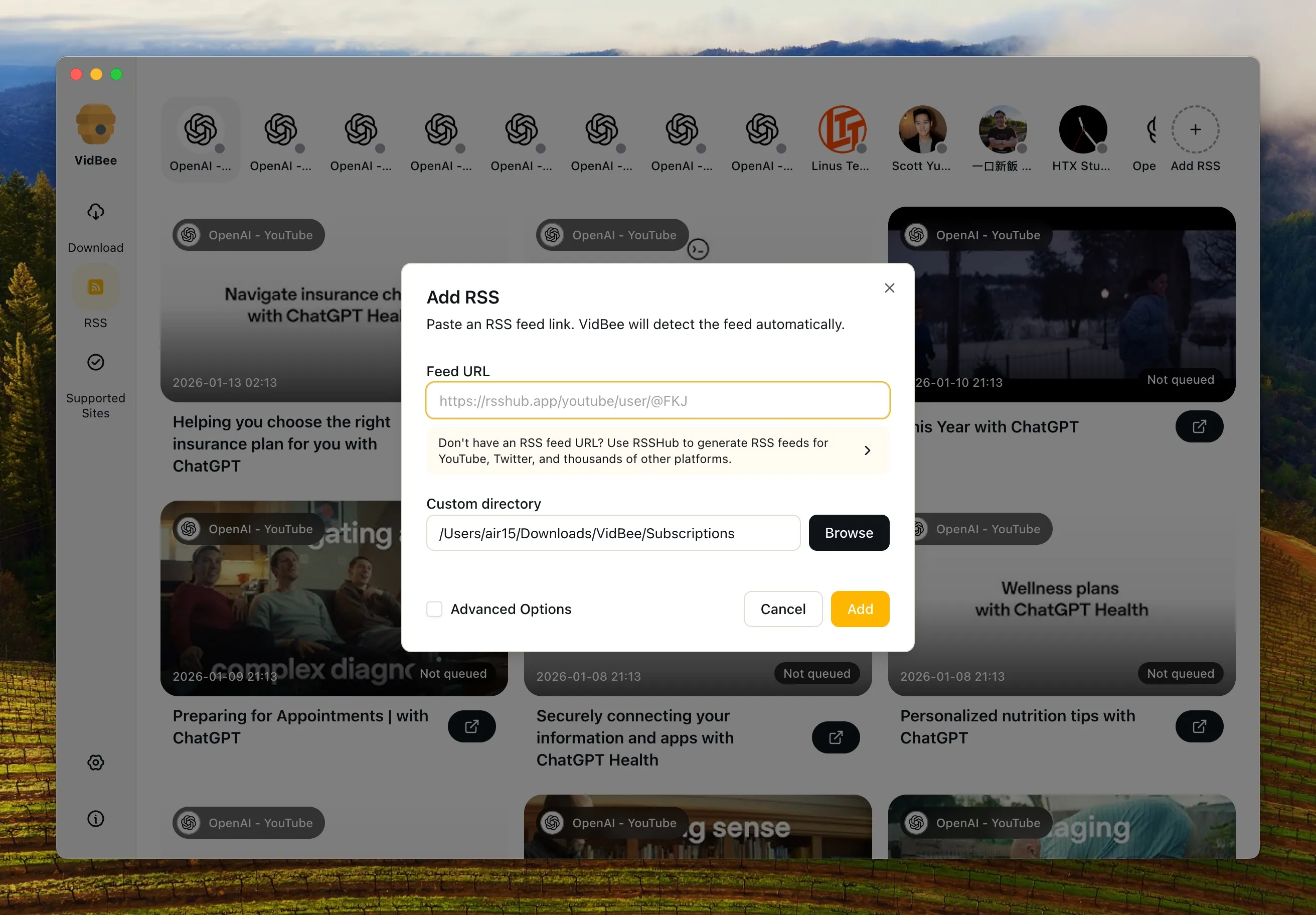
RSS subscription
Follow YouTube channels, Bilibili users, and other content sources.
Auto update
Get newly published content after setup without manual intervention.
Smart filtering
Filter content of interest through keywords and tags.
Personalized settings
Set independent rules and filename templates for different subscriptions.
Channel subscription
Follow your favorite YouTube channels or Bilibili users.
Smart discovery
Discover newly published videos without manual checking.
Batch management
Manage all subscription sources in one place.
Scheduled check
Check for updated content on a regular basis.
Personalization
Customize your experience with modern interface, themes, and convenient features.
Modern interface
Clean and intuitive design that makes everything simple.
Theme switching
Support for dark/light theme modes to protect your eyes.
Multilingual support
Chinese, English and 12 other languages.
Responsive layout
Adapt to different screen sizes.
Clipboard support
Paste links with one click, no manual input needed.
Tray management
Minimize to tray and continue working in the background.
Download preferences
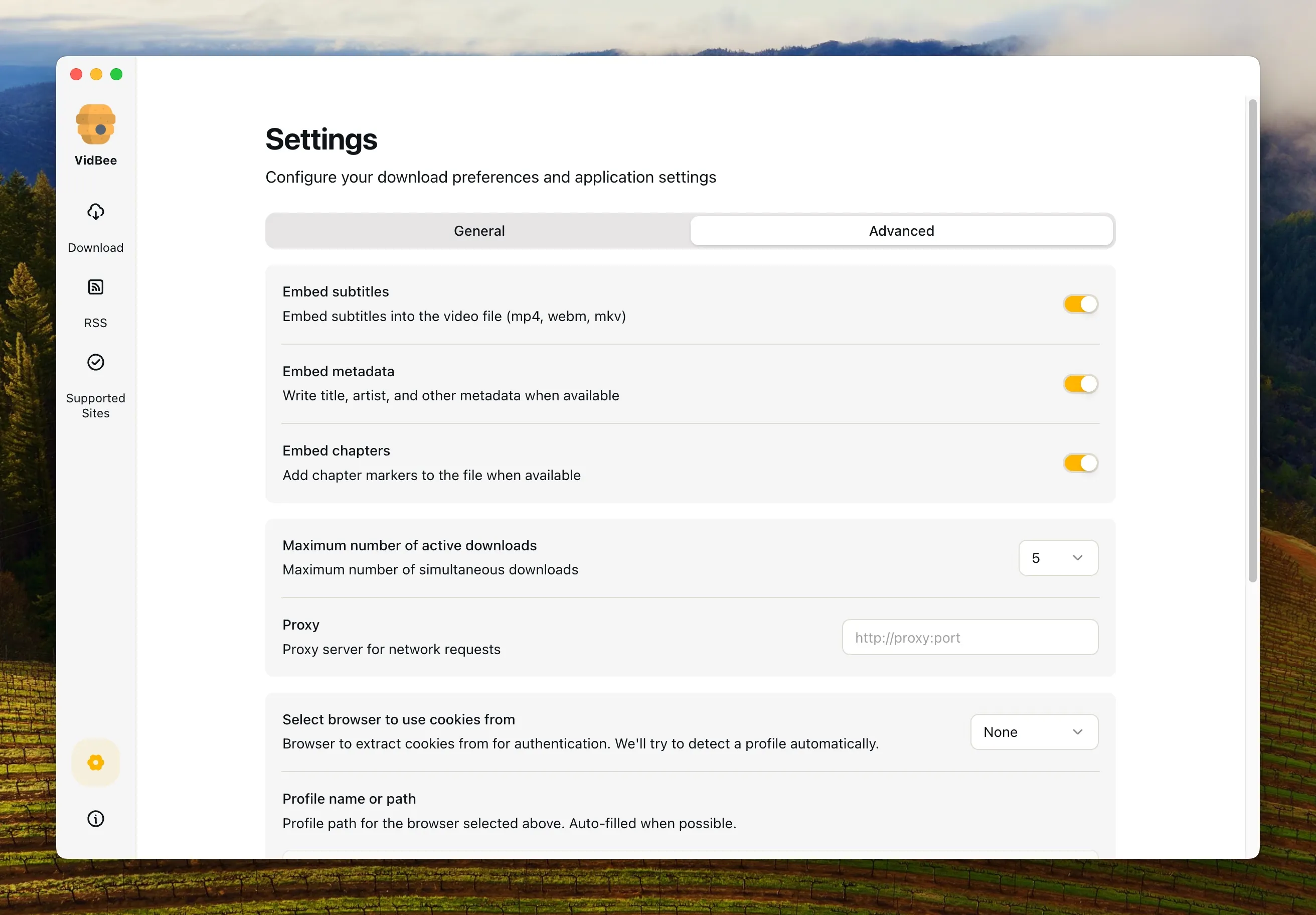
Set default save path, concurrent count, and filename templates.
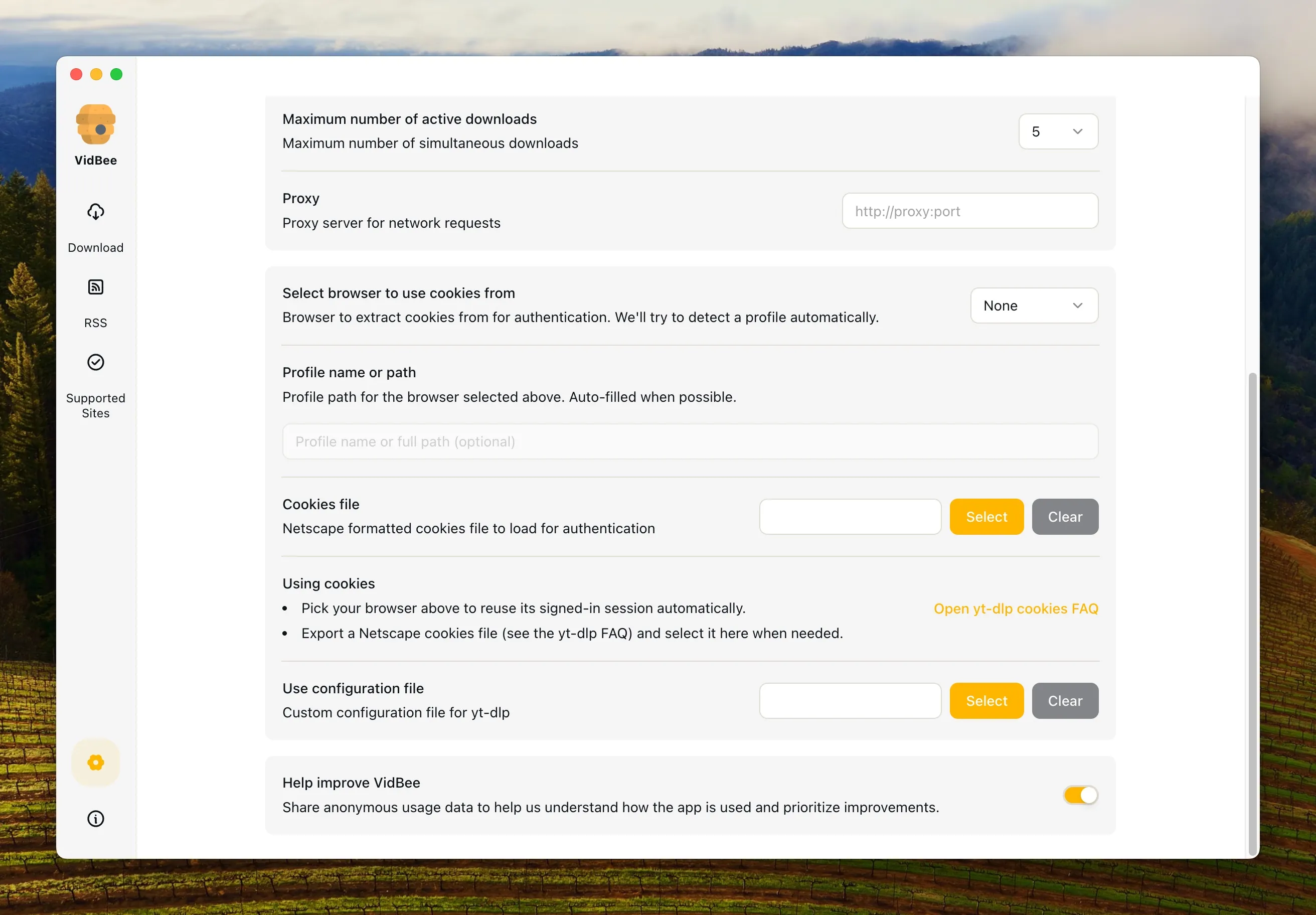
Advanced options
Time trimming, subtitle extraction, proxy settings, and cookie import.
System integration
Start on boot, system notifications, and tray shortcuts.
Auto update
Check and get new versions automatically.
Background update
One-click installation after update download completes.
Why choose VidBee?
Built for users who value privacy, simplicity, and powerful features
Set up in minutes
Install VidBee and start immediately. No complex configuration required.
Privacy-focused
All content stays local. Only limited anonymous analytics are performed, and you can opt out anytime.
Crystal clear interface
No confusing options or overwhelming settings. See exactly what matters with clean, intuitive visualizations.
Grow with confidence
From personal use to professional workflows, VidBee scales with you. Start free and use forever.
Open source
100% open source. Self-host or use the official build. Your choice, your data.
First to support RSS subscription download
Pioneering RSS subscription feature for automatic video downloads from your favorite channels.